


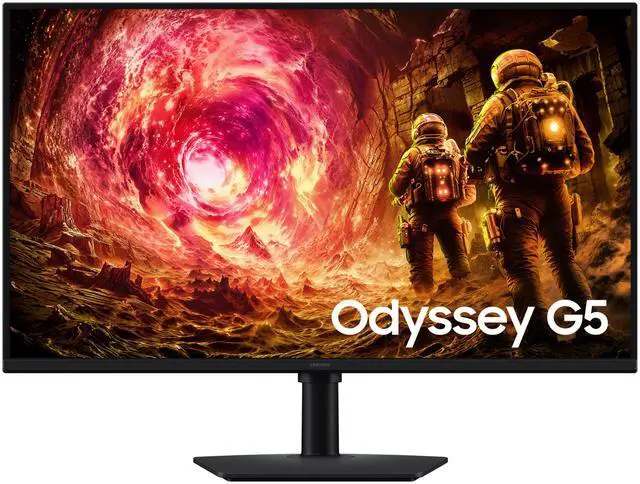
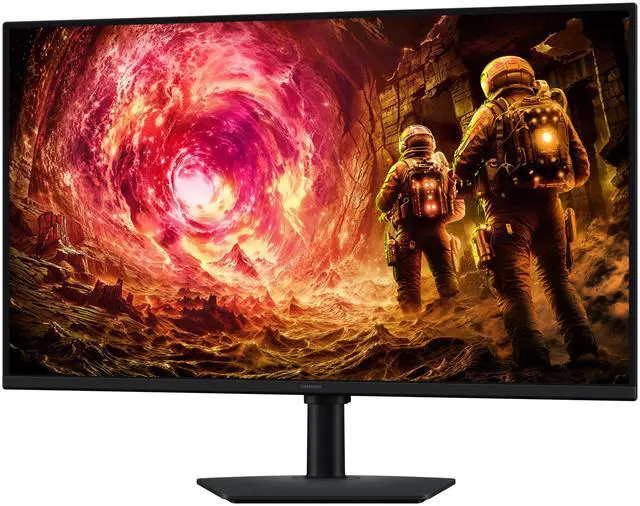
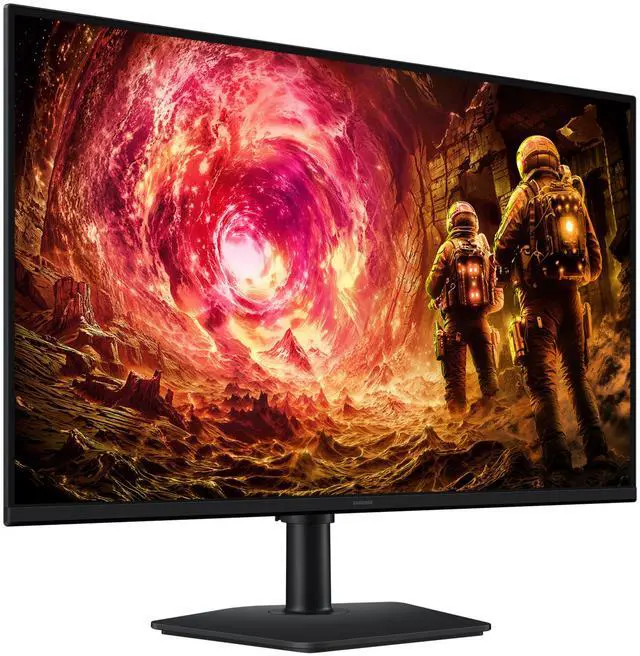
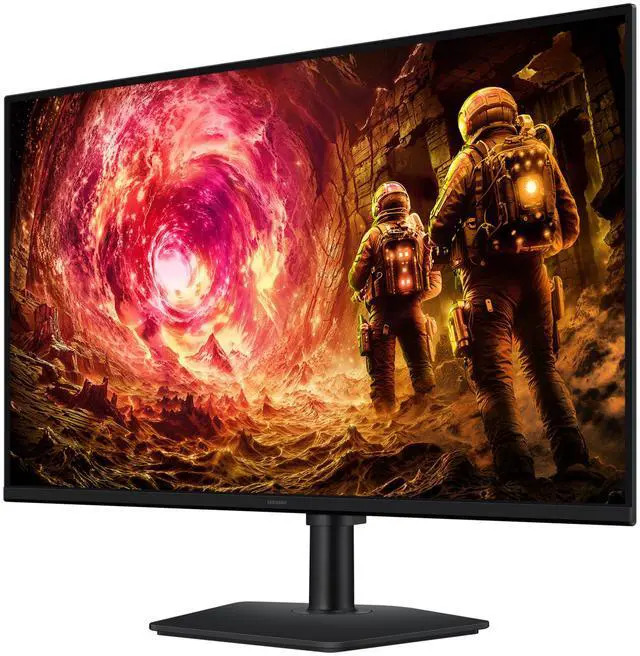
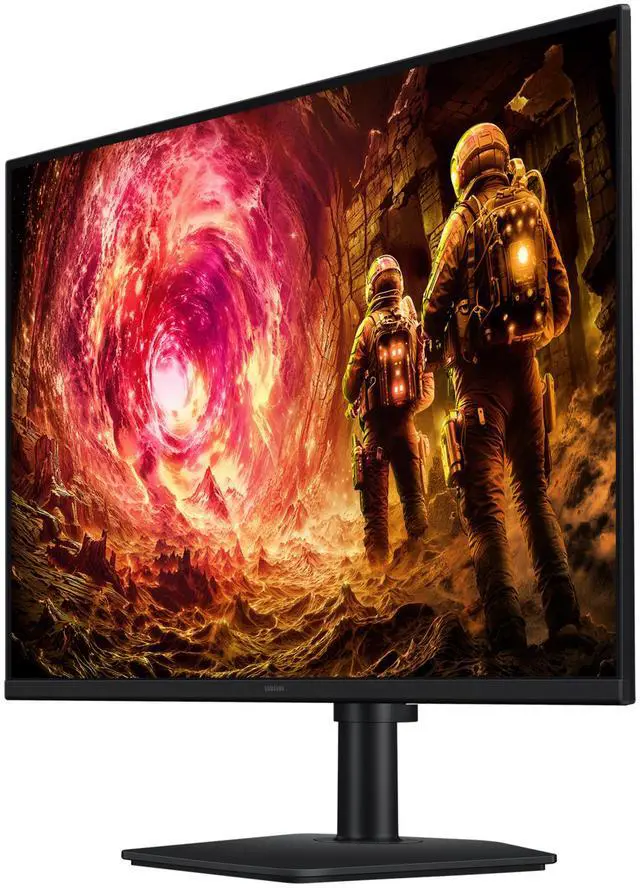
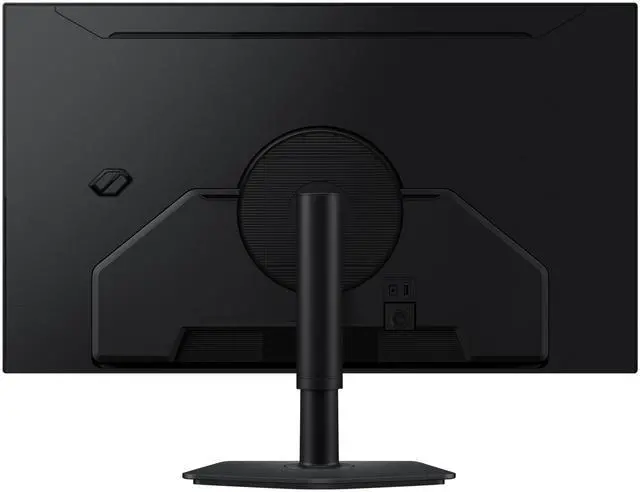
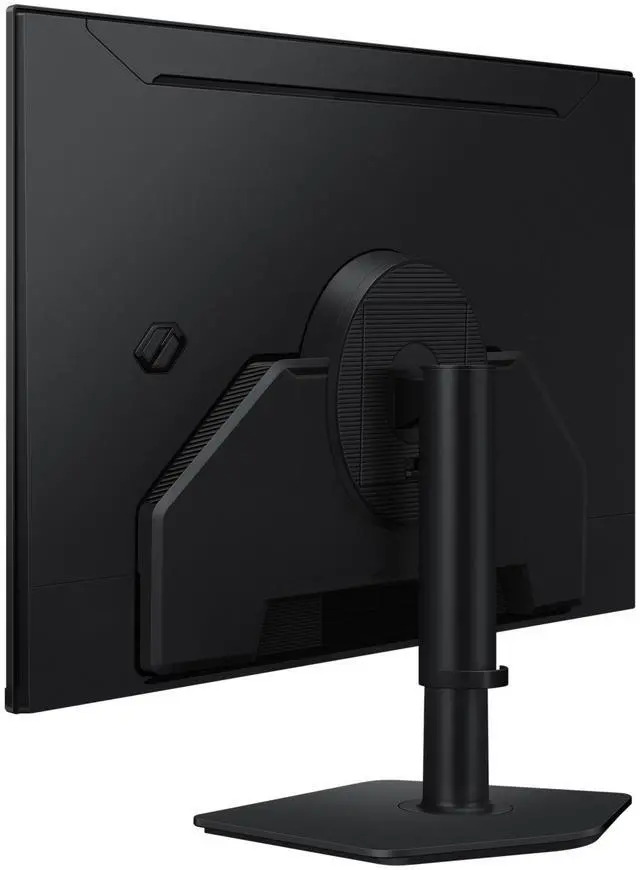
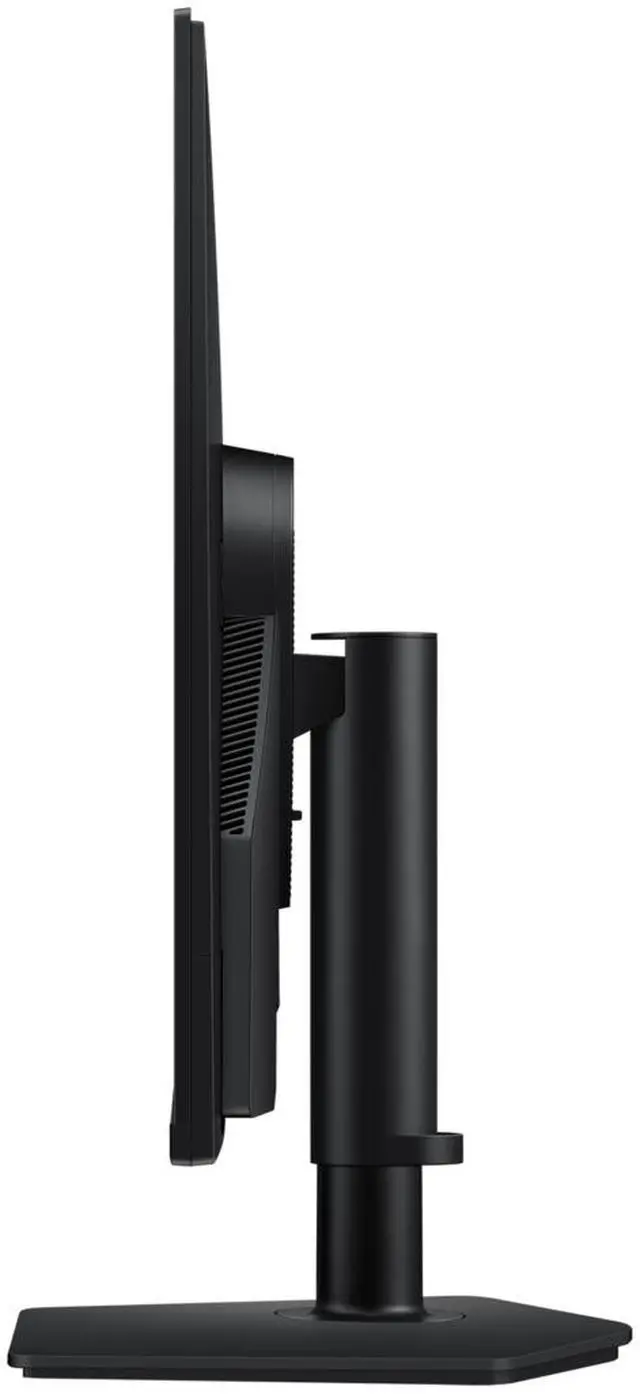
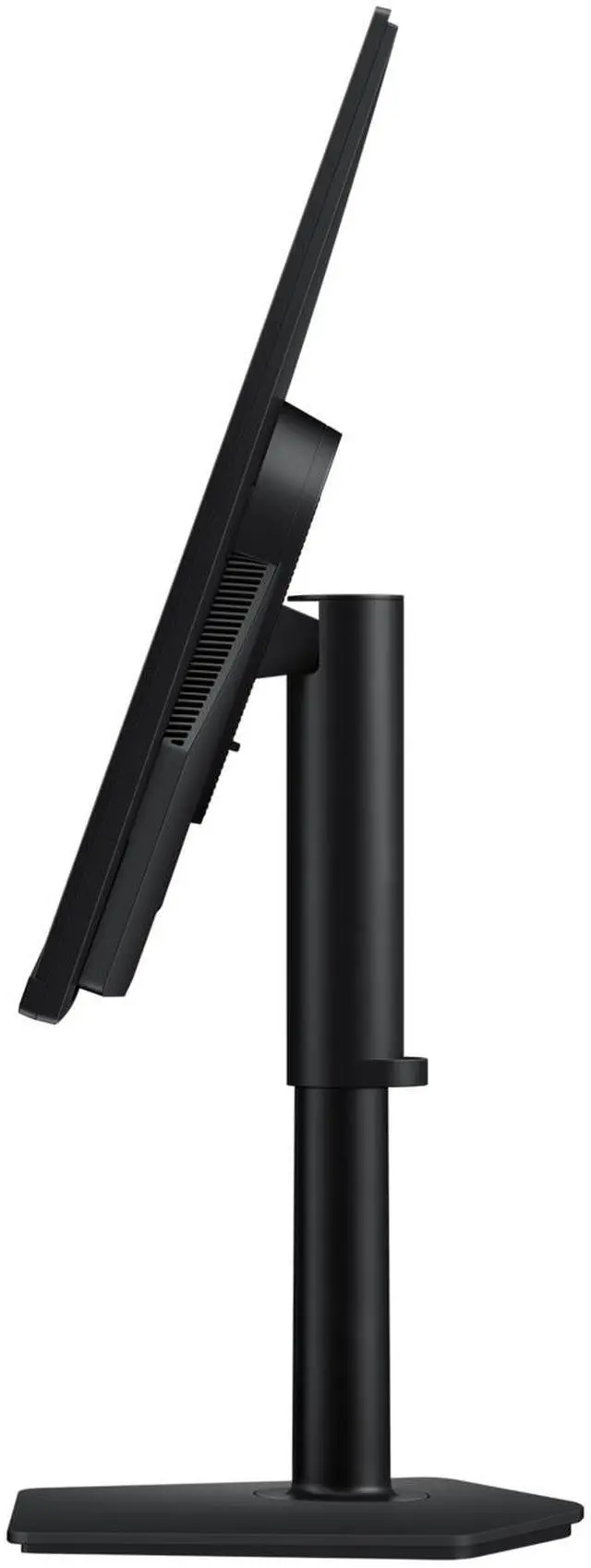
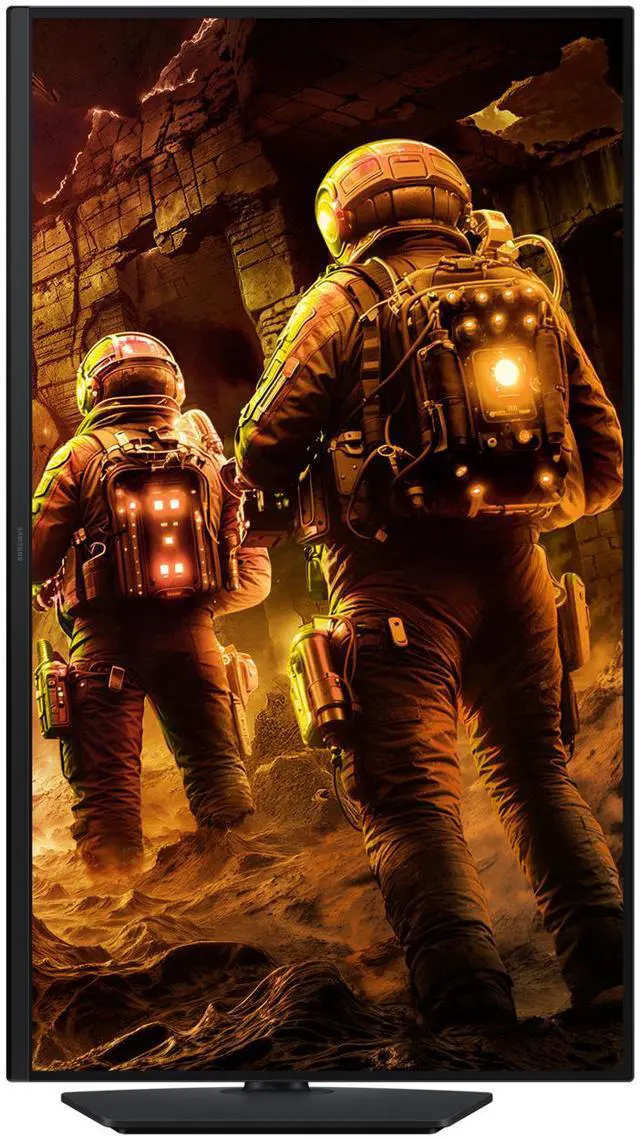
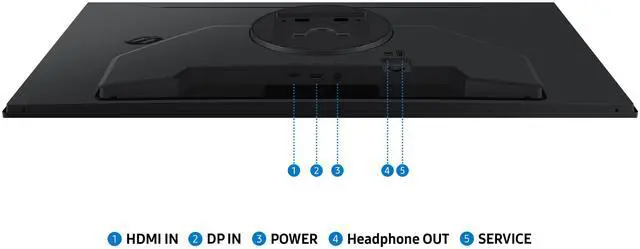
The Samsung Odyssey G5 G50F is a 32-inch QHD IPS gaming monitor with a 180Hz refresh rate, 1ms GTG response time, and FreeSync and G-Sync compatibility, suited to gamers seeking smooth, responsive play at 2560 × 1440.
Recommended For
- PC gamers who want a large, flat 32-inch screen for fast-paced games and value smooth 1440p play over 4K resolution; its 180Hz refresh rate and adaptive-sync support are aimed at gaming.
- Players who want one monitor for gaming and everyday desktop tasks, such as browsing, documents, and streaming, and prefer an IPS panel and a height-, tilt-, swivel-, and pivot-adjustable stand.
- Sim-racing or other game players who want a broad 32-inch flat display and are building a single-screen setup rather than choosing a curved panel for an enveloping view.
- PC users who want high-refresh gaming on a compatible AMD or NVIDIA setup and prefer adaptive sync to help reduce screen tearing.
Real-World Use Scenarios
- Playing fast-paced PC games, such as shooters or racing games: the high-refresh display can make movement look smoother, while FreeSync and G-Sync Compatible support can help reduce tearing when the frame rate varies.
- Playing visually detailed single-player games at a desk: the 32-inch screen gives the game a larger viewing area, and QHD resolution provides more detail than a standard 1080p display.
- Switching between gaming and everyday computer tasks: the large QHD screen offers room for a game, browser, or work windows, so it can serve as a shared desk display rather than a gaming-only screen.
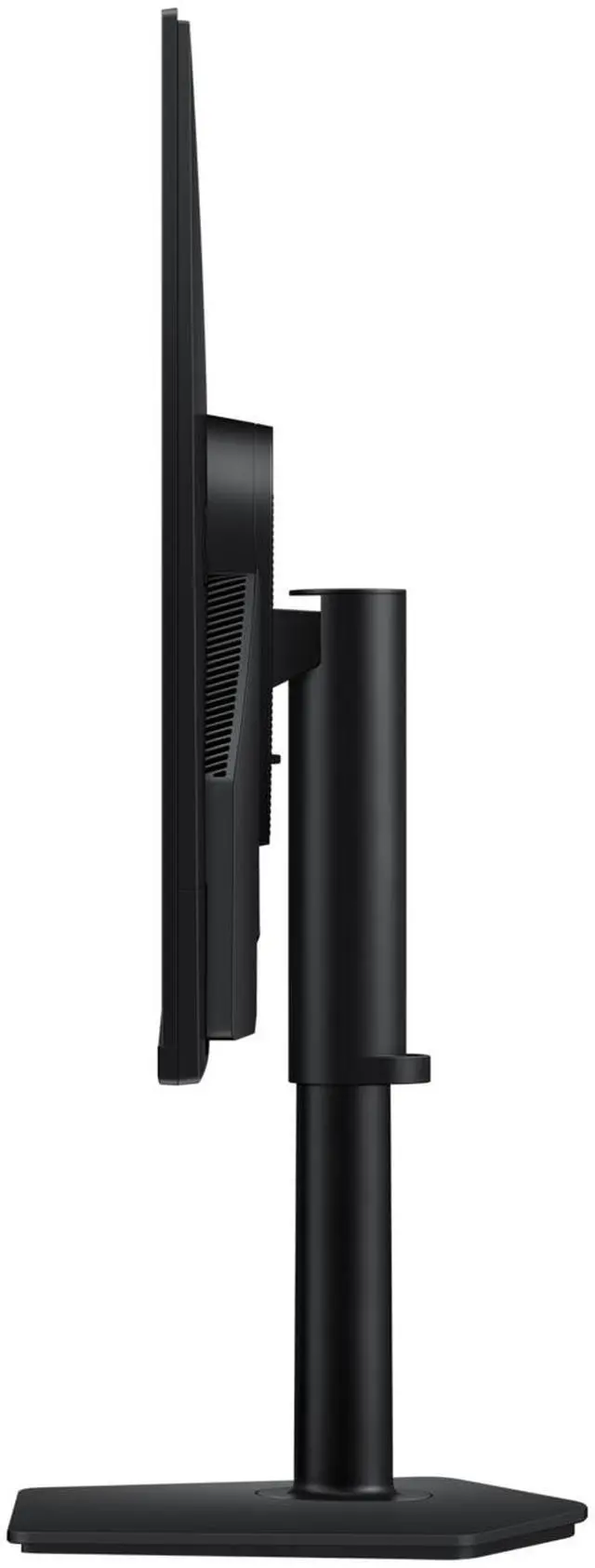
- Adjusting a desk setup for different tasks or posture: the stand can be raised, tilted, swiveled, or pivoted, making it easier to position the screen for seated use or rotate it for portrait-oriented documents.
- Using the monitor for console or PC gaming with headphones or separate speakers: it provides a large display for play, but users should plan external audio because the monitor has no built-in speakers.
Spec Summary
| Attribute | Value |
|---|
| Best For | QHD gaming on a 32-inch flat IPS display, with a 180Hz refresh rate and FreeSync and G-Sync Compatible adaptive sync |
|---|
| Panel And Resolution | 32-inch flat IPS panel with 2560 × 1440 QHD resolution, 16:9 aspect ratio, 178° horizontal and vertical viewing angles, 300 cd/m² brightness, 1,000:1 contrast, sRGB 99% coverage, 16.7 million colors, and HDR10 |
|---|
| Refresh Rate And Response | 180Hz refresh rate, 1ms GTG response time, and FreeSync and G-Sync Compatible adaptive sync |
|---|
| Ports And Connectivity | 1 × DisplayPort 1.2 and 1 × HDMI 2.0, with HDCP support |
|---|
| Stand And Ergonomics | Height, pivot, swivel, and tilt adjustments; VESA-compatible 100 × 100mm mounting |
|---|
| Physical Design | Black cabinet; dimensions are 24.64 × 28.13 × 9.85 inches with stand and 16.47 × 28.13 × 1.80 inches without stand; weight is 10.80 lb with stand and 7.94 lb without stand |
|---|
| Power Requirements | External adapter; 100–240 VAC, 50/60Hz input and up to 59W power consumption |
|---|
| Built-In Features | No built-in speakers or webcam |
|---|
| Environmental Conditions | Operating temperature range of 10–40 °C and humidity range of 10–80% non-condensing |
|---|
| Model Identifiers | Samsung Odyssey G5 G50F, model LS32FG500ENXZA |
|---|
Reference Q&A
Q: Samsung Odyssey G5 G50F vs LG UltraGear 32GS75Q-B: which should I buy?
A: Both are 32-inch QHD IPS monitors rated for 180Hz with adaptive sync. Choose the Samsung G50F if you want its flat-screen setup and it is the better-priced option. Choose the LG if its listed VESA DisplayHDR 400 certification or three-side borderless design is important to you; Samsung lists HDR10 for the G50F. Compare current prices and features rather than expecting a major difference in their core resolution and refresh-rate specs.
Q: Samsung Odyssey G5 G50F vs G55C: flat IPS or curved VA?
A: Choose the G50F for a flat 32-inch IPS display rated at 180Hz and a height-, pivot-, swivel-, and tilt-adjustable stand. Choose the curved G55C if you prefer a 1000R screen and VA’s higher listed static contrast ratio: 2,500:1 versus the G50F’s 1,000:1. The G55C is rated at 165Hz and its listed stand adjustments are more limited, so the G50F fits better if refresh rate and stand positioning matter more.
Q: Is the Samsung Odyssey G5 G50F a meaningful upgrade over the G50D?
A: Not necessarily for core gaming specifications: Samsung lists both 32-inch models as QHD, flat IPS monitors with a 180Hz refresh rate and G-Sync compatibility. If the G50D is substantially cheaper, its listed core specs make it a reasonable alternative. Pick the G50F when pricing, availability, or a specific feature on the exact listing favors it; available sources do not establish a clear real-world performance upgrade from the G50D.
Q: Who is this monitor best suited for?
A: It is best suited for PC gamers who want a large, flat 32-inch QHD display with a high refresh rate and adaptive sync. Its IPS panel and adjustable stand can also suit general desk work, but it has no built-in speakers or webcam.
Q: Does it have built-in speakers?
A: No. This monitor has no built-in speakers, so plan to use headphones or separate speakers connected to your computer or console.
Q: Can I use it with a gaming console at 1440p and 120Hz?
A: It has a QHD resolution and an HDMI 2.0 input, but the provided specifications do not confirm which refresh rates it supports over HDMI. The console, game, cable, and monitor input can affect the available resolution and refresh rate, so verify the monitor’s supported HDMI modes before buying if 1440p at 120Hz is essential.
Q: Can I adjust the stand or mount it on an arm?
A: Yes. The included stand supports height, pivot, swivel, and tilt adjustments. The monitor also has a 100 × 100 mm VESA mounting pattern for a compatible arm or wall mount.
Q: Is this 32-inch G50F a good fit for both schoolwork and gaming?
A: It may suit someone who wants one large screen for study and gaming: the listed model combines a 32-inch QHD display, 180Hz refresh rate, and an adjustable stand. A Reddit buyer specifically considered the 32-inch G50F for schoolwork and gaming, but whether its size suits your desk and viewing distance is personal.
Q: Is the flat 32-inch G50F suitable for a triple-monitor sim-racing setup?
A: It is a possible option if you prefer flat screens: this model is flat, QHD, and 180Hz. Reddit discussion shows mixed preferences between flat and curved displays for triple setups, so screen shape is a personal choice; check that your rig can accommodate three 32-inch monitors.
Q: What should I check before mounting the G50F on a monitor arm or sim rig?
A: Check that the mount supports a 100 × 100 mm VESA pattern and that its screws and any needed spacers fit the monitor’s recessed mounting area. A Reddit post about mounting this 32-inch G50F discusses bracket fit and hardware, so confirm the mount’s instructions before installation.
Q: Should I choose the 32-inch G50F over a 27-inch monitor?
A: Choose the 32-inch version if you want a physically larger display; choose 27 inches if desk space or a smaller screen is more important. A Reddit discussion comparing the sizes describes the preference as personal, so consider your desk and viewing distance before deciding.