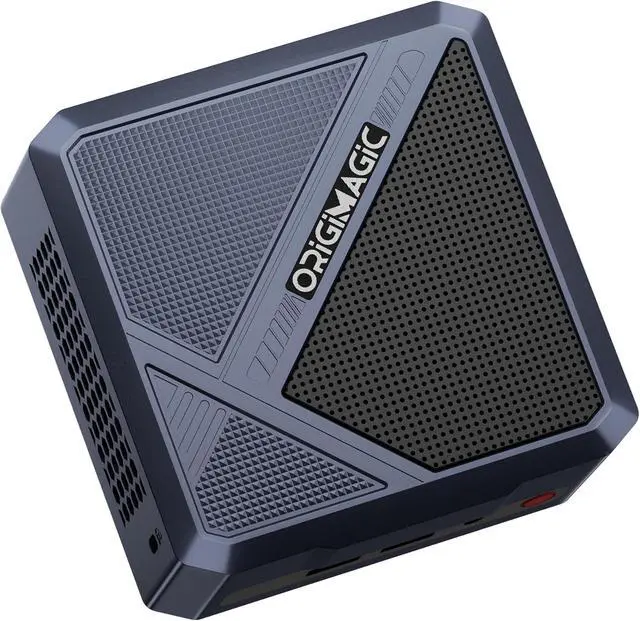
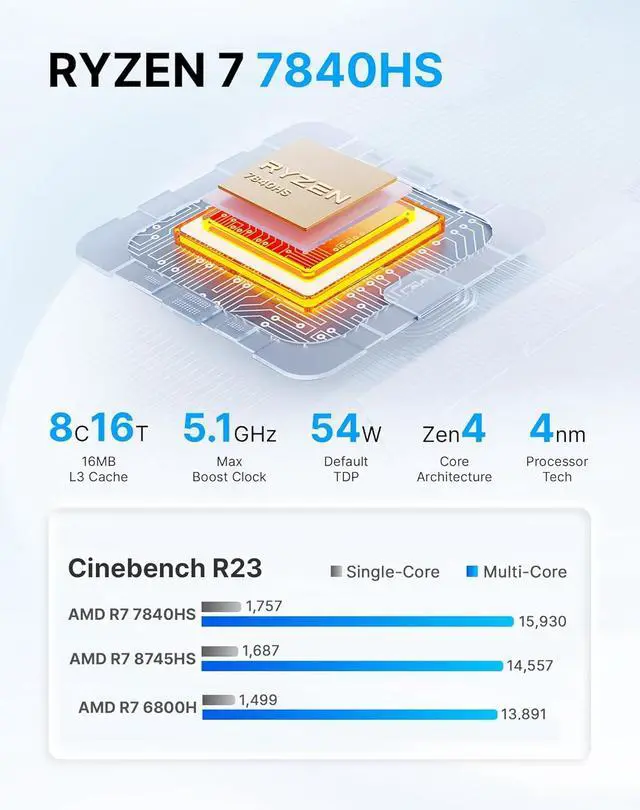
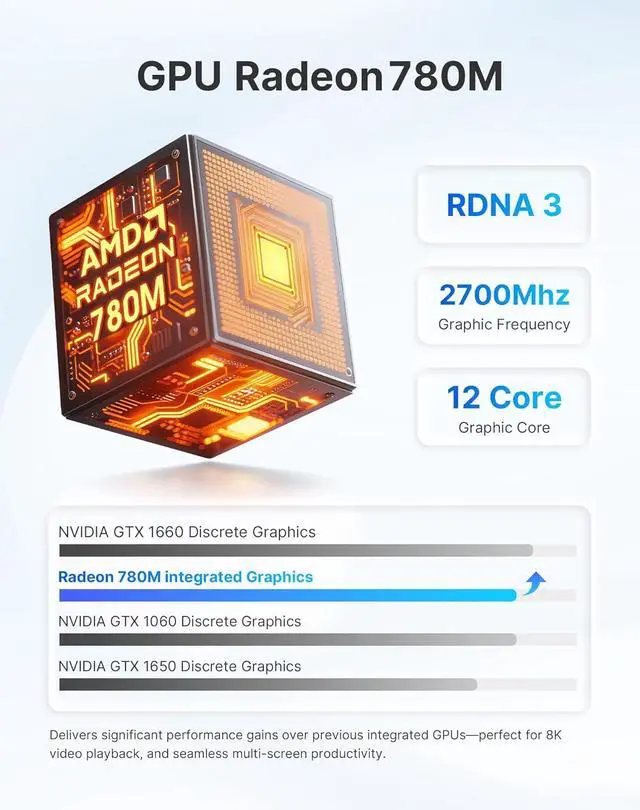
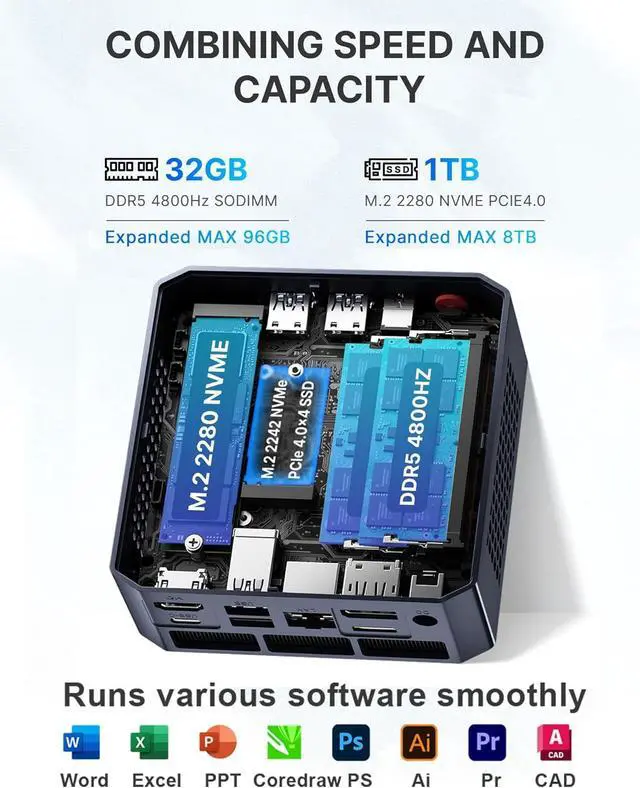
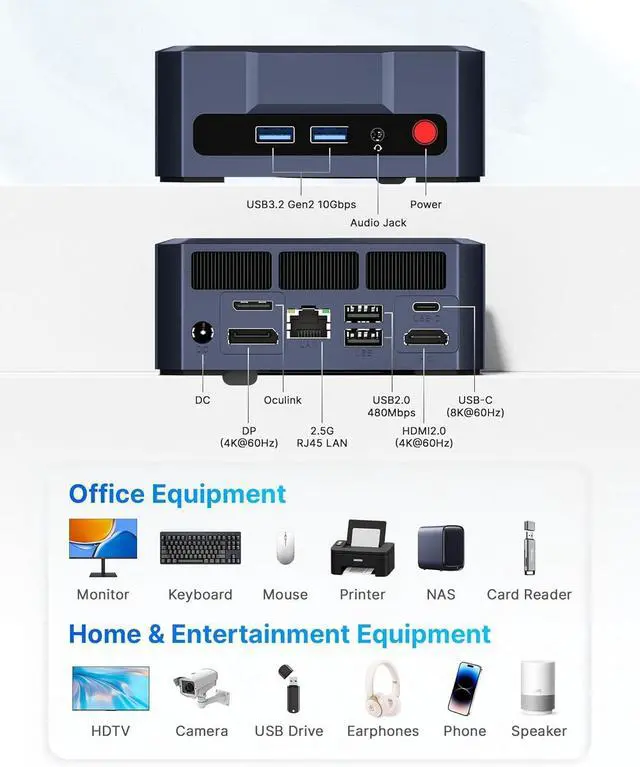
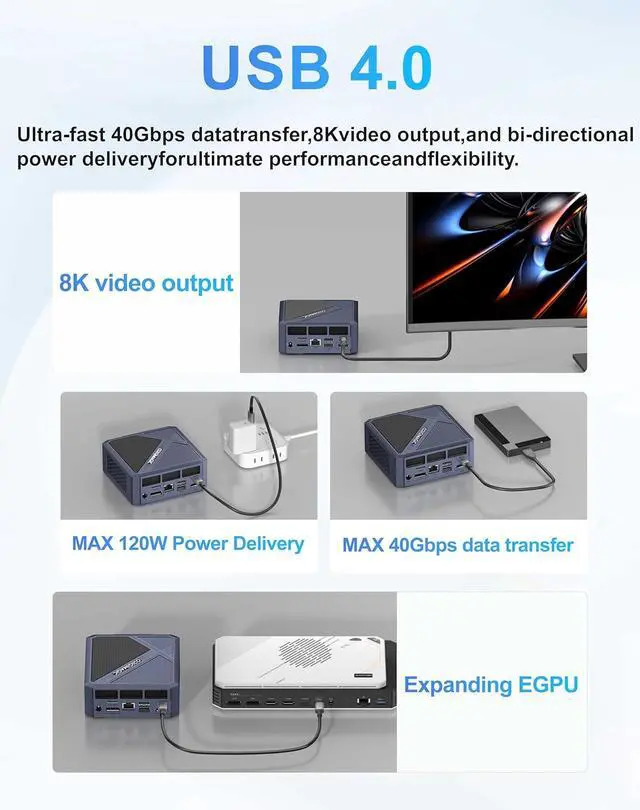
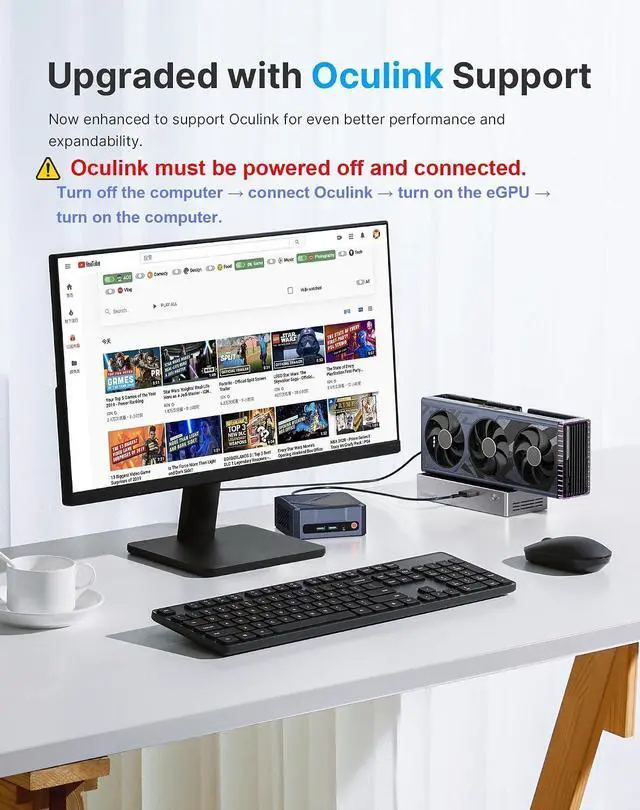
17840HS Mini PC27840HS Beat 8745HS3Radeon 780M GPU432GB RAM 1TB SSD5Advanced Heat Dissipation13 Adjustable Modes2Triple Display3Multifunctional USB 4.04Silent Operation5Install VESA CPU AMD Ryzen 7 7840HS (8C/16T, Up to 5.1GHz, L2 8MB L3 16MB Cache) GPU AMD Radeon 780M 2700MHz RAM 32GB DDR5 4800Mhz(Dual Channel, 16GB*2) Memory Expansion Dual SODIMM Slots. Expanded MAX 96GB SSD 1TB M.2 NVME PCIe 4.0x4 2280 SSD Storage Expansion 1*M.2 NVME PCIe 4.0x4 2280 SSD(include), 1*M.2 NVME PCIe 4.0 x4 2242 SSD, Expanded MAX 8TB Wireless LAN Intel AX210 WiFi 6E (802.11 a/b/g/n/ac/ax), Bluetooth 5.2, 2.5G RJ45 LAN Size and weight 4.33 x 4.33 x 1.57 inches, 2.62 pounds Cooling Method VC Vapor Chamber (Balanced heat dissipation exceeds thermal copper tube) Video output USB4.0*1(8K@60Hz) + HDMI2.0*1(4K@60Hz) + DP*1(4K@60Hz) Audio Output 3.5mm Combo Jack (CTIA specifications, supports TRRS headphones) BIOS Mode Switching / Wake On LAN / Auto Power On / RTC / TPM 2.0 Power Adapter DC 19V 6.3A (Adapter Included,AC100~240V, 50/60Hz) Interface 1x USB4(8K@60Hz), 1x Oculink, 1x DP(4K@60Hz), 1x HDMI 2.0, 2x USB 3.2 Gen2, 2x USB 2.0, 1x 2.5G RJ45 LAN, 1xCombo Jack, and 1x DC Jack. Package Contents 1xHDMI cable, 1xORIGIMAGIC A1 Mini PC, 1xPower adapter, 1xUser manual, 1xVESA mount with screws A1 Mini PC R7 7840HS 32GB RAM 1TB SSD A1 mini pc Hey guys! Enjoy the videos of 14 games running on the A1 Mini PC & EGPU. A1 gaming video Discover how easy it is to set up and customize the Origimagic A1 Mini PC. Connect Monitor & Keyboard in Seconds Connect Monitor & Keyboard in Seconds Initial Setup and Checking Performance Initial Setup and Checking Performance BIOS Switch Mode and WOL Settings BIOS Switch Mode and WOL Settings Origimagic A1 Mini PC Benchmarks origimagic Gaming Mini PC Replace and Expand RAM and SSD origimagic Gaming Mini PC with AMD Ryzen 7 7840HS Monitor Mount VESA Monitor Mount VESA Origimagic A1 Ryzen 7 7840HS Specification