
Your Browsing History
- Free 15-day Returns
$43.78
Ships from China.


Meet Your Seller

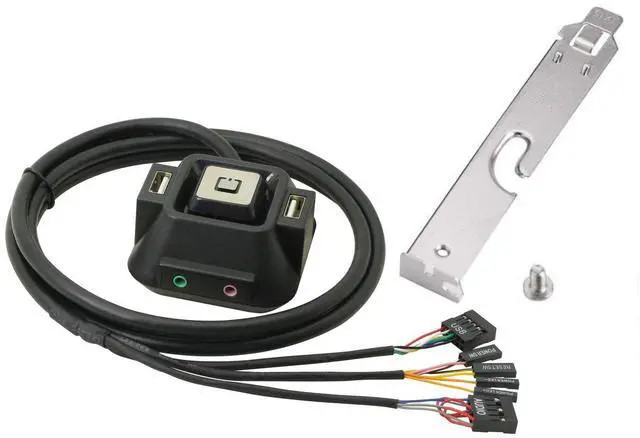
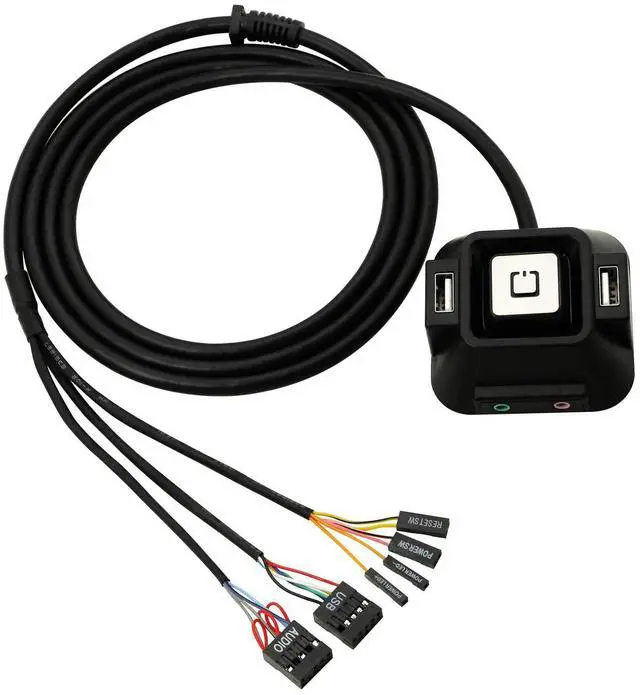
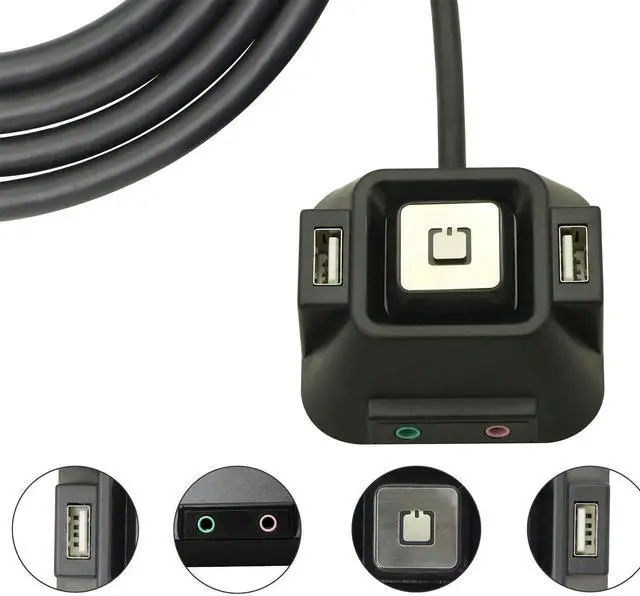
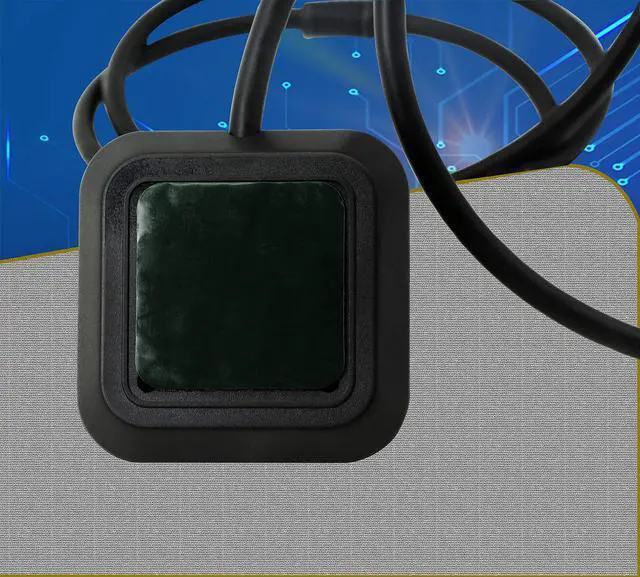


BUCIER Desktop Computer Case Switch,Reset HDD Button Switch with Dual USB Ports,Power Button,Audio Ports for Desktop PC Case
- Reset HDD Button Switch with Dual USB Ports,Power Button, Audio Ports for Desktop Computer Case,Making Power Computer much easier. Located computer in a hard to reach area , this is a convenient switch on the desk and hitting it rather than bend down to turn the computer on.
- External power button for pc Works Fine as A Replacement for Broken Case Switch and Unresponsive Touchscreen on the Host.Saving money and energy to repair the host switch
- Remote PC Power Switch,it is a better a choice if you need to hide a computer and need to get to the button on an extension cord.3 Functions in One Switch. There Are 2 Buttons, 2 USB and audio sockets on the Switch.
- The Desktop Computer Case Switch is More convenience and more easy to power on your PC if it's not located in an easy-to-reach place or your Desktop Computer Case does not work anymore.
+
+
Overview
Specs
Reviews
The Desktop Computer Case Switch is More convenience and more easy to power on your PC if it's not located in an easy-to-reach place or your Desktop Computer Case does not work anymore.Works Fine as A Replacement for Broken Case Switch and Unresponsive Touchscreen on the Host.Saving money and energy to repair the host switch.
1. Making Power Computer much easier.
2. A good replacement for broken computer host switch.
3. Dual USB Ports + Power button + Reset Button + Audio Ports.
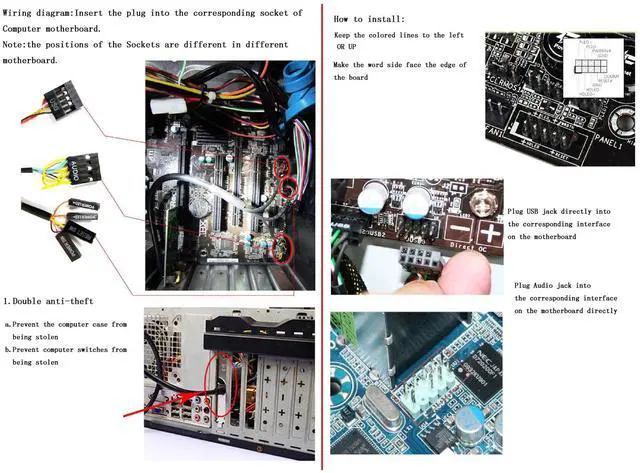
4. Simple to install.
Desktop Computer Host Power Switch
Design : USB,Power LED+,Power LED-,Reset SW,Power SW, AUDIO
Cable Length : 60 inch
Material (External) : Plastic, Metal
Switch Weight : 14 ounce
Shipping Weight : 15 ounce
Package Content : 1 Set,1 mental sleeve and 1 screw
Package included
1 X Switch
1 X Block
1 X Screw
Additional Features
- Simple to install, just check your motherboard's website for a manual on where to connect it, or simply remove the front panel connectors one by one, replacing them with those provided by the switch is great with adhesive sticky pads on the bottom, a hard drive activity light and 2 USB ports.
Warranty & Returns
Warranty, Returns, And Additional Information
Warranty
- Please contact the Seller directly for warranty information. Warranty information may also be found on the Manufacturer's website.
- CONTACT
Return Policies
- Return for refund within: 15 days
- Return for replacement within: 30 days
- This item is covered by Electronics store Return Policy
Manufacturer Contact Info
- For a directory of all our manufacturers, please click below.
- Manufacturers Directory
LOADING...