
Your Browsing History
- Free 30-day Returns
$38.99
Ships from China.


Meet Your Seller

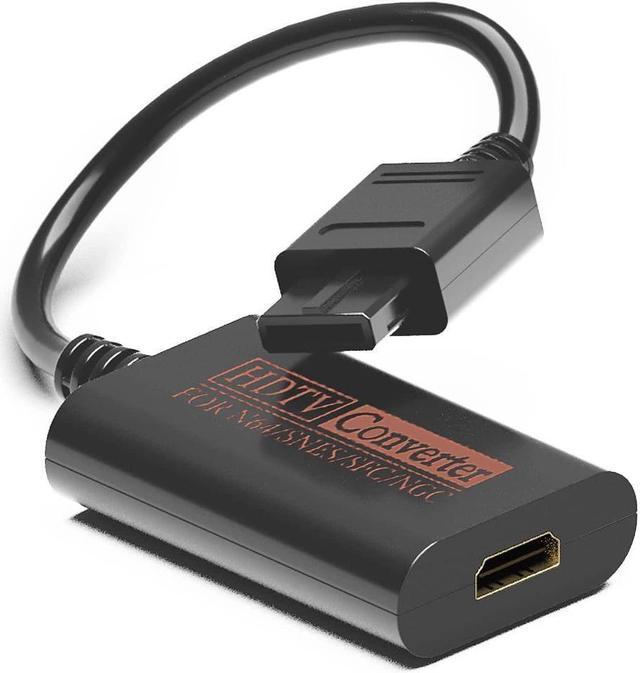
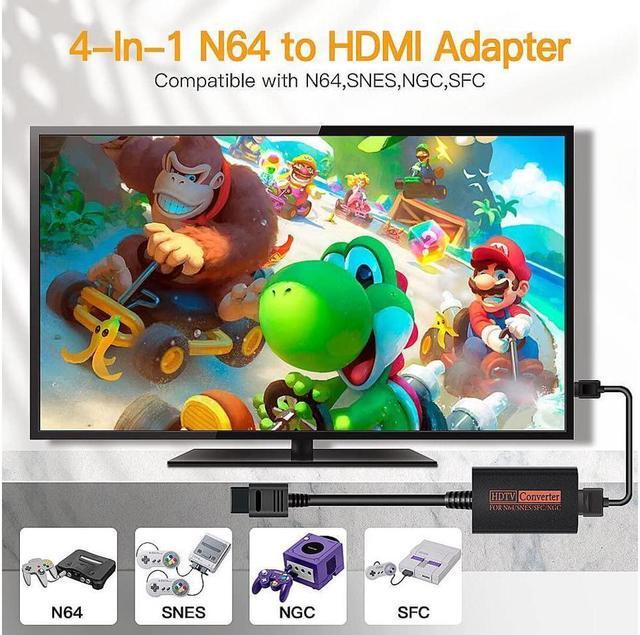
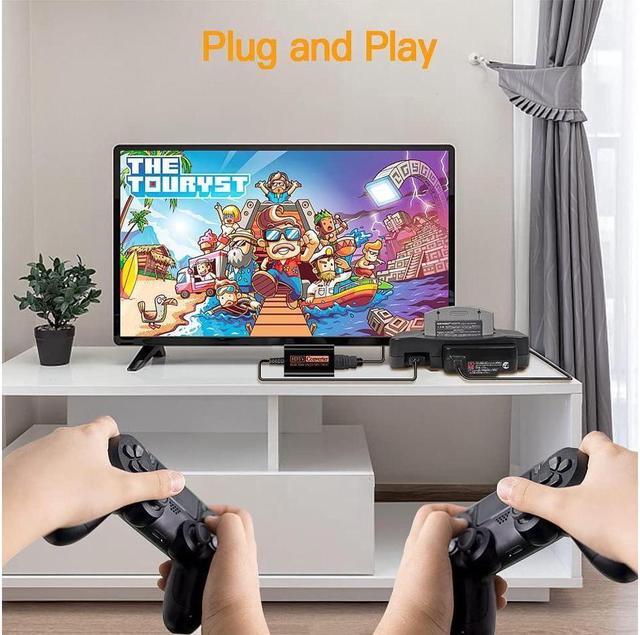


KEHIPI N64 to HDMI, Nintendo 64 HDMI Adapter, N64 HDMI Converter for N64, Game Cube to HDTV, S-Video Signal Output, No Additional Power Supply, Plug and Play
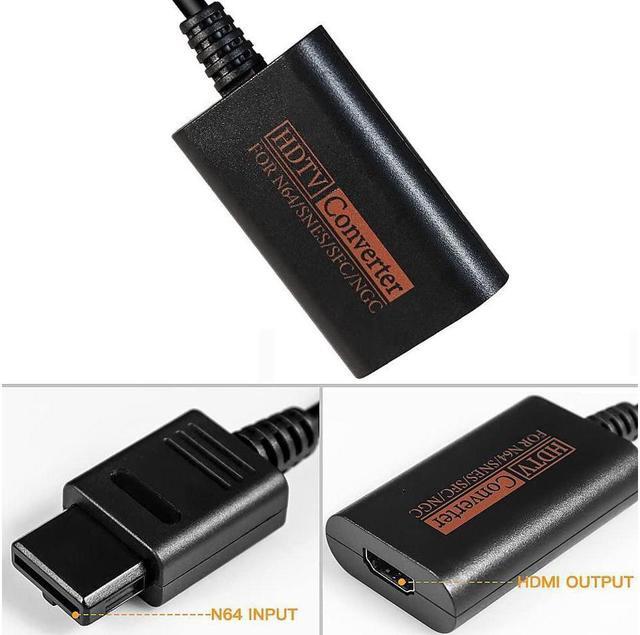
- N64 to HDMIThis N64 HDMI converter transfers N64/Game Cube images to modern HDTV. You can enjoy a clear graphics and bright color on a bigger screen. And PORTHOLIC N64 to HDMI adapter provides up to 720p resolution.
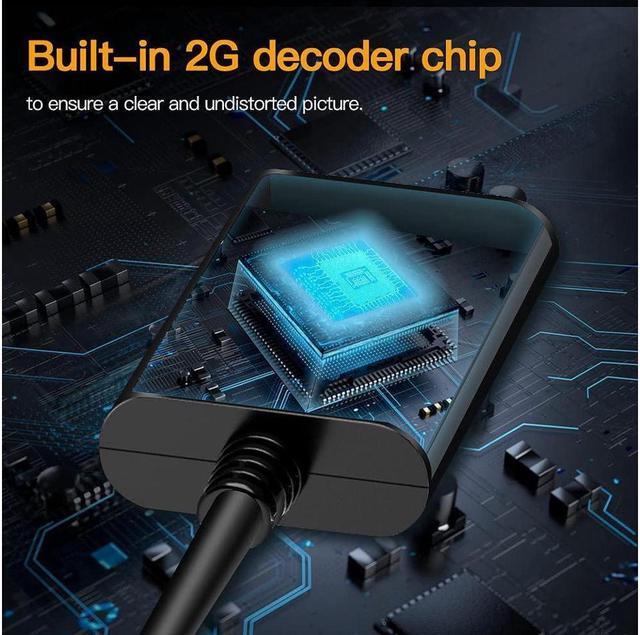
- Lossless TransmissionThe N64 to HDMI adapter has a built-in brand-new decoding chip, which performs high-precision processing of color and resolution. This N64 HDMI cable transfers video and audio in digital hdmi format without blur, no fuzzy lines or lag, bringing you clearer graphics and brighter colours.
- Blue ScreenIf there is a screen transmission failure, please check whether the interface is in good contact. Please try to clean the console and game cartridge. Sometimes there may be dust in the console. If none of the above works, please tell us for help.
- Plug and PlayNo setting, no additional power supply or driver needed. Just connect the Nintendo 64 HDMI adapter to the N64 and then hook up to your monitor with an HDMI cable.
+
+
Overview
Specs
Reviews
N64 to HDMI, Nintendo 64 HDMI Adapter, N64 HDMI Converter for N64, Game Cube to HDTV, S-Video Signal Output, No Additional Power Supply, Plug and Play.
It transfers N64 images to modern HDTV. You can enjoy a clear graphics and bright color on a bigger screen.
Please Note: The N64 to hdmi converter only converts the signal, and can't improve the quality of graphics.
Supports N64 to HDMI
Lossless transmission: clear graphics and bright colours.
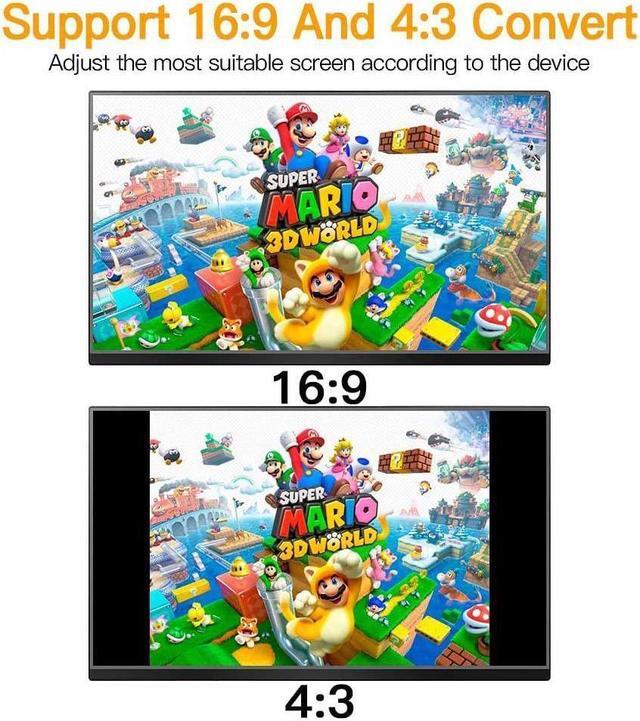
Support 16.9 and 4:3 convert on TV
Plug and Play: no setting, no additional power supply or driver needed.
Operation steps
1: Plug the HDMI cable into TVHD
Ml port
2: Connect the other end of HDMl cablewith the converter
3: Plug the converter into yourgame console
lf there is a blue screen and no signal, please
try the following methods:
1. Please check if the connection between the adapter and the TV and game console is working properly.
2. Please try to clean the console and game cartridge. Sometimes there may be dust in the console.
3. If none of the above works, please contact seller's customer service.
It transfers N64 images to modern HDTV. You can enjoy a clear graphics and bright color on a bigger screen.
Please Note: The N64 to hdmi converter only converts the signal, and can't improve the quality of graphics.
Supports N64 to HDMI
Lossless transmission: clear graphics and bright colours.
Support 16.9 and 4:3 convert on TV
Plug and Play: no setting, no additional power supply or driver needed.
Operation steps
1: Plug the HDMI cable into TVHD
Ml port
2: Connect the other end of HDMl cablewith the converter
3: Plug the converter into yourgame console
lf there is a blue screen and no signal, please
try the following methods:
1. Please check if the connection between the adapter and the TV and game console is working properly.
2. Please try to clean the console and game cartridge. Sometimes there may be dust in the console.
3. If none of the above works, please contact seller's customer service.
Warranty & Returns
Warranty, Returns, And Additional Information
Warranty
- Please contact the Seller directly for warranty information. Warranty information may also be found on the Manufacturer's website.
- CONTACT
Return Policies
- Return for refund within: 30 days
- Return for replacement within: 30 days
- This item is covered by Wispa Technologies Return Policy
Manufacturer Contact Info
- For a directory of all our manufacturers, please click below.
- Manufacturers Directory
LOADING...