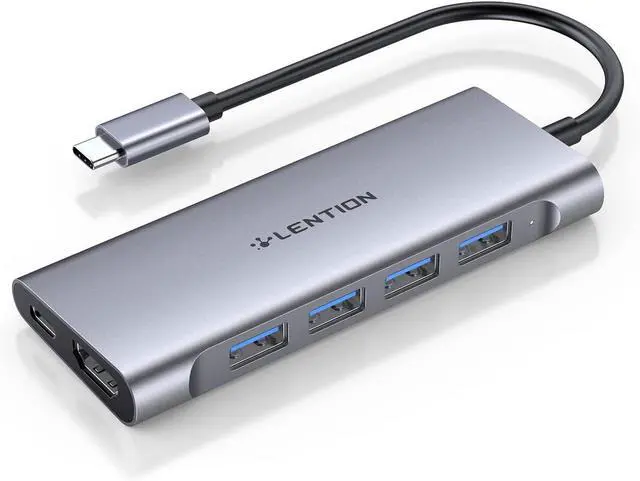
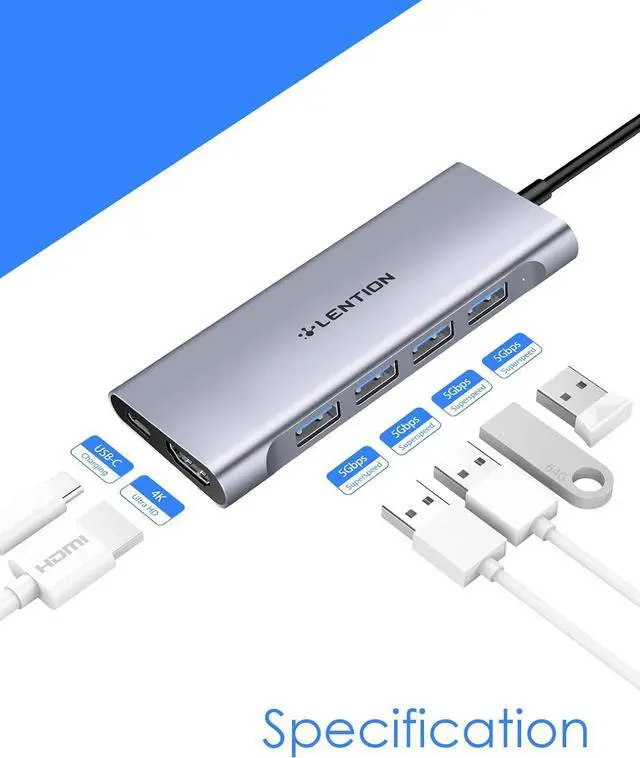
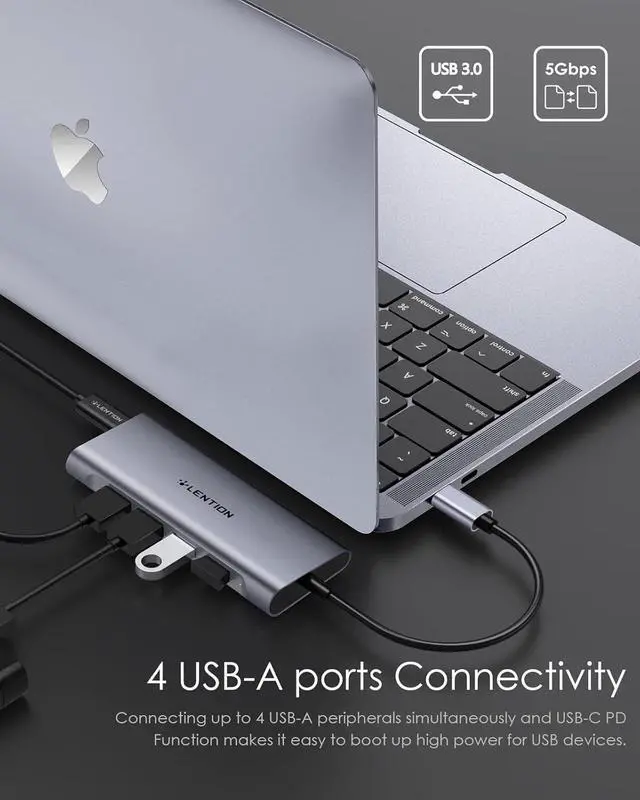
Universal Compatibility: Broadly work with MacBook Pro 2024-2016, New Mac Air 2024-2018 (including M1, M2 Versions) New iMac, MacBook 12 (Not for previous-generation MacBook Air & Pro), iPhone 15 Series, Surface Pro 7/Book 2/Go, Chromebook, and more full-functional type-c devices. LENTION USB-C Hub Multiport Adapter can effectively save your desk space and expand your device's connectivity
Stable Driver 3.0 Certified: LENTION published the advanced Stable Driver 3.0 standard to help customers buy with confidence. The standard included 3 main features: Non-Interference between connected peripherals, Sufficient power supply, and the Devices working under normal temperature without overheating
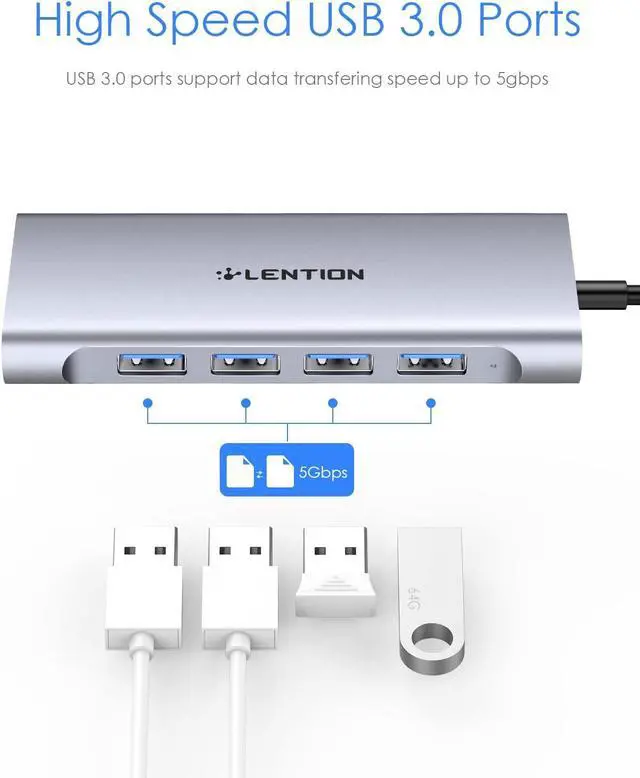
5Gbps High-Speed Data Transfer
Transfer files in seconds, making work easier and more efficient.
C35H
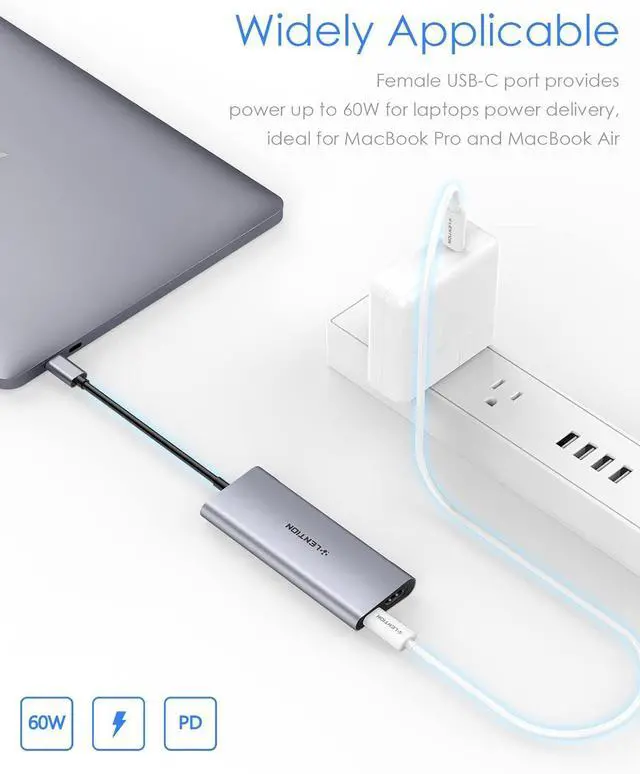
100W Power Delivery Charging
Provide up to Power Delivery pass-through to power your host devices.
C35H
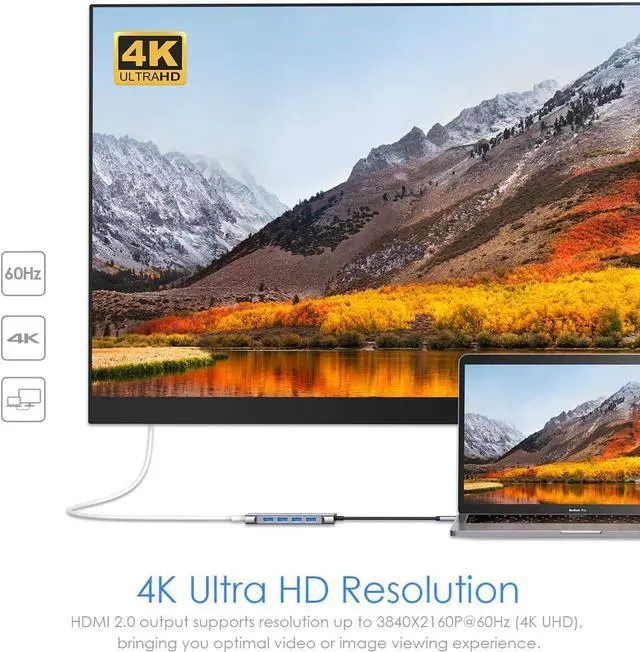
4K HDMI Output
Mirror or extend your screen, enjoying a visual feast.
C35H
Universal Compatibility
Broadly work with many USB-A port peripherals and full-functioned USB-C port devices.
About Stable Driver
The innovation of USB-C technology brings a revolutionary change to the whole electronic industry, which redefines how thin a device can be. More importantly, it makes the dream of One-Connect-All come true. A stable and reliable way to expand the USB port is becoming more and more important. While the truth is, as the unregulated market growing, the All-In-One may become the One-Fails-All.
To solve these fatal problems, LENTION published the advanced industrial standard Stable Driver to help customers buy products with confidence. Stable Driver solved 3 main concerns from customers: Non-interference between different ports (from signal interference to Plug & Unplug interference), Sufficient power supply to support the peripherals working normally, and Working under reasonable temperature to maximize the lifespan of the device.
Please Note:
The video output needs your devices type c port support DP Alt Mode or Thunderbolt 3. Please make sure whether your device supports it or not.
The Max resolutions and refresh rates output of the adapter are entirely dependent on the USB-C host devices, connected cable, and display specifications.
To manually adjust the resolution for your Mac OS, hold down the option key and then click Scaled.
To manually adjust the resolution for your Window OS, go to "Windows Setting" - "System" - "Display".
If you want to play audio via the external HDMI device, please change the "the default audio output device" setting in the system preference.
Not compatible with A-pple Superdrive.