


- Free 30-day Returns
$333.49

Meet Your Seller



Visit OWC Canada Store
FOLLOW
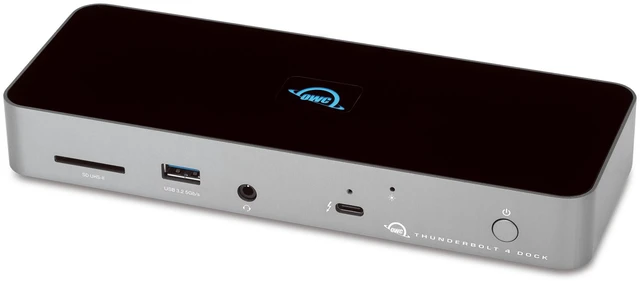
OWC 11-Port Thunderbolt Dock with 4 Ports, 4 USB Ports, Ethernet, Audio, and Card Reader Functionality for Thunderbolt 3 Mac or Thunderbolt 4 PC
Limited time offer, ends 12/04 By OWC Canada
- All the Thunderbolt youve always wanted: For the first time ever, add more full speed and fully functional Thunderbolt ports to your computer; Reinvents the Daisy Chain: Create multiple independent tree branches, connect multiple bus-powered devices
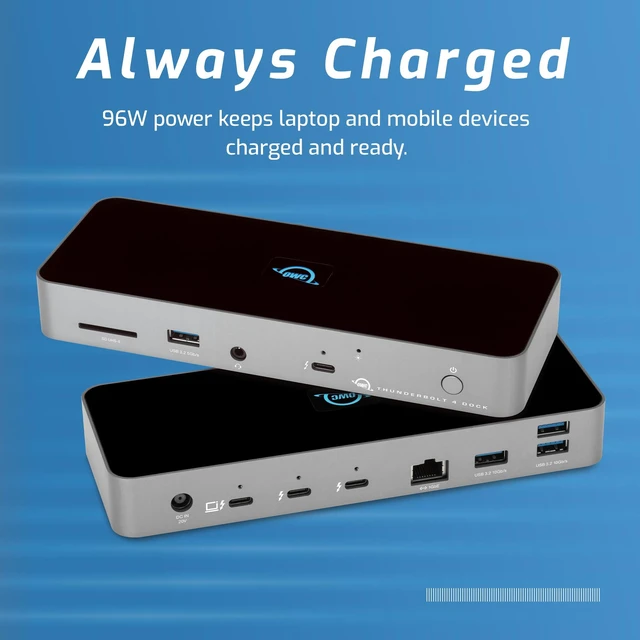
- More power: Up to 96W of laptop charging power; Four USB ports: Connect and charge USB devices
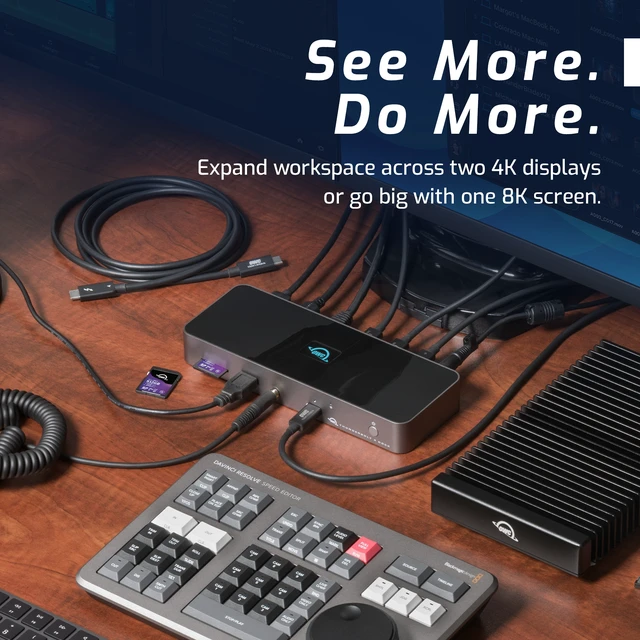
- More devices: Connect more storage, up to two 4K/5K displays @ 60Hz or one 6K/8K display @ 60Hz, accessories... you name it, you can use it
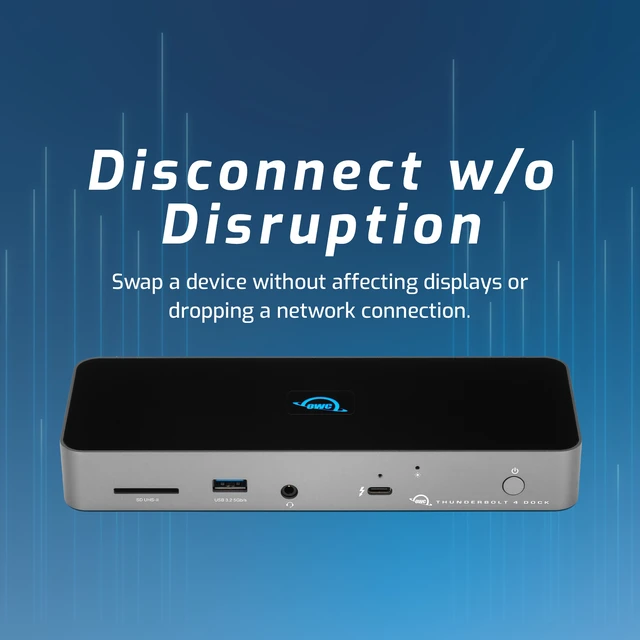
- Plug it all in: Your devices will deliver the same compatibility as when theyre plugged directly into your computer
- Reliable streaming + sharing: Gigabit Ethernet, great for IP-based workflows and secured network access
- More content: View photos and movies at speeds up to 312MB/s via the SD card reader; More audio: Plug headphones and mics into the audio combo jack
- 2 Year OWC Limited Warranty
+
+
Overview
Specs
Reviews


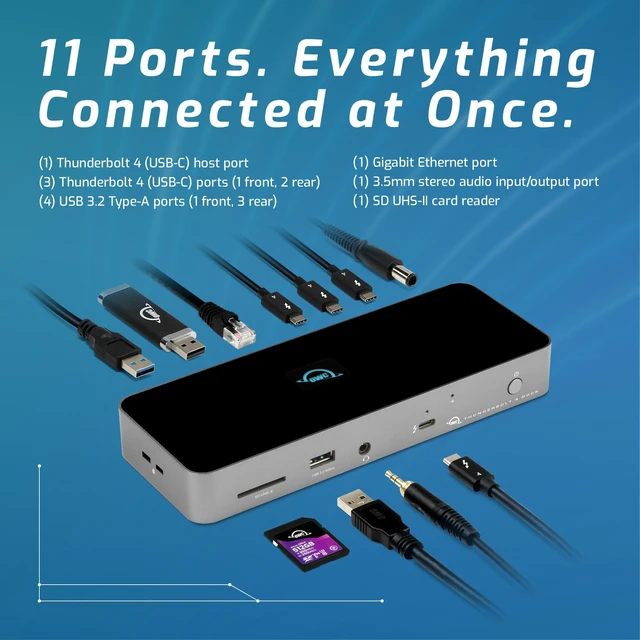
Device Ports: (1) Host Port - Thunderbolt 4 up to 40 Gb/s (5000 MB/s); (3) Thunderbolt 4 Ports; (3) USB 3.2 Gen 2 Type-A Ports up to 10Gb/s (1250MB/s) - USB 2.0 / 3.0 backwards compatible; (1) USB 2.0 Port; (1) Gigabit Ethernet (GbE) RJ-45 Port; (1) 3.5 mm Stereo Audio Input/Output Combo Port; (1) Secure Digital (SD) SD 4.0 UHS-II
Display Support
Up to one 8K display @ 60Hz
or two 4K displays @ 60Hz
or one 4K display @ 120Hz
or one 4K display @ 60Hz
or two 5K displays @ 60Hz
Innergize Enabled: custom OWC software for complete health, performance, and field upgrade management when using OWC Atlas Memory Cards with OWC Atlas Card Readers and card reader-equipped products
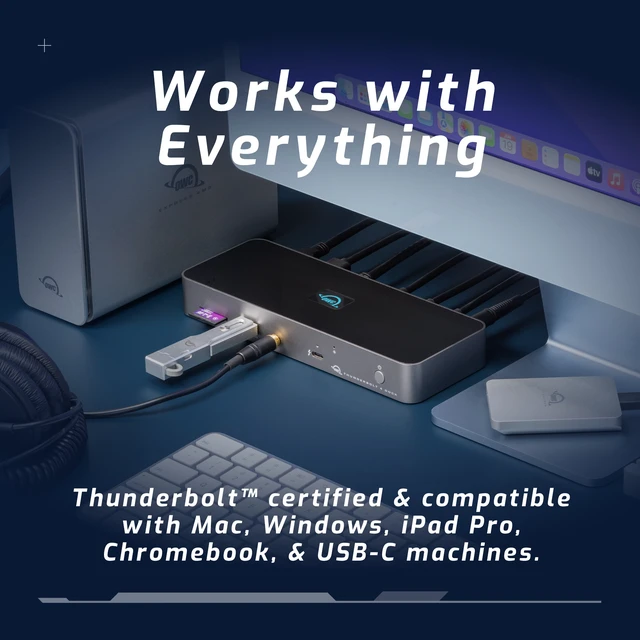
Host Port Support: Thunderbolt or USB (USB-C or USB-A) port; Works with Thunderbolt 4, Thunderbolt 3, USB4, and USB host computers and mobile devices; Thunderbolt/Thunderbolt 2 Mac models are supported via USB-A host connection; Thunderbolt/Thunderbolt 2 host connection is not supported; USB connection may limit some functionality; certified OWC Thunderbolt 4 cable included
Compatible with: Macs with an available Thunderbolt 3 or later port running macOS 11.1 Big Sur or later, Windows PC with an available Thunderbolt 4 port and non-Thunderbolt USB-C machines like Chromebooks and iPads, USB-C equipped MacBook, iPad, Chromebook, Android device; 2 Year OWC Limited Warranty
Warranty & Returns
Warranty, Returns, And Additional Information
Warranty
- Please contact the Seller directly for warranty information. Warranty information may also be found on the Manufacturer's website.
- Read full details
- CONTACT
Return Policies
- Return for refund within: 30 days
- Return for replacement within: 90 days
- This item is covered by OWC Canada Return Policy
Manufacturer Contact Info
- For a directory of all our manufacturers, please click below.
- Manufacturers Directory
LOADING...
The OWC 11-Port Thunderbolt Dock expands a Thunderbolt 3 Mac or Thunderbolt 4 PC with Thunderbolt and USB ports, Gigabit Ethernet, audio, and an SD card reader, making it a strong fit for desk-based users connecting multiple peripherals, storage devices, and displays.
Recommended For
- Mac users with a Thunderbolt 3-or-newer setup who want a single-cable desk connection for multiple peripherals, external drives, and displays.
- Thunderbolt 4 PC users building a fixed workstation who need several downstream Thunderbolt ports for fast storage or other Thunderbolt devices.
- Home-office and creative-workstation users who want to connect dual displays, wired Gigabit Ethernet, USB accessories, and audio without repeatedly plugging them into the laptop.
- Photographers and video editors who regularly import media from SD cards and connect external storage as part of a desk-based workflow.
Real-World Use Scenarios
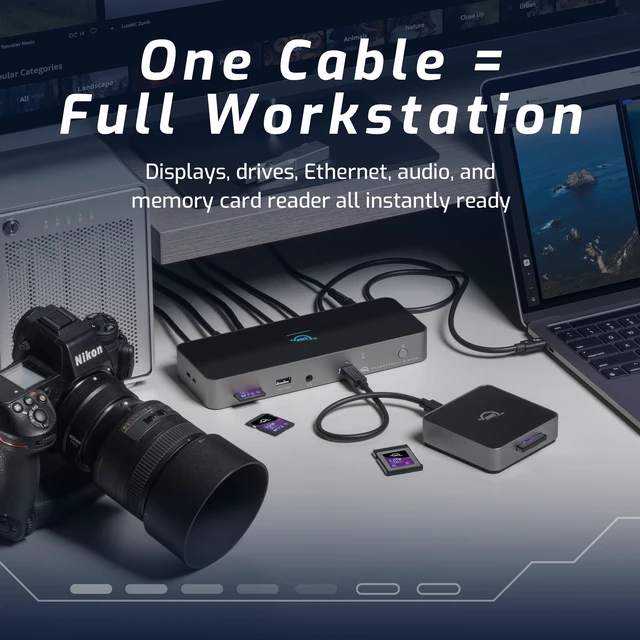
- At a home or office desk, connect a compatible laptop to the dock to use external displays, keyboard, mouse, USB accessories, and wired networking through one connection; the laptop can also receive power while docked. Display support depends on the computer.
- When editing or backing up large projects, connect separate external drives—such as a project drive and backup SSD—to the dock. The extra Thunderbolt ports make it easier to keep multiple drives and other devices connected at the desk.
- After a photo or video shoot, insert an SD card to import images or footage to the computer without needing a separate card reader; the dock can also leave external project storage connected for the next editing step.
- For large downloads, shared work files, or other tasks where Wi-Fi is inconsistent, connect the dock to a wired Ethernet network for a more direct network connection. Actual speeds depend on the network and its internet connection.
- At a shared or hybrid-work desk, leave a microphone or headphones, USB peripherals, and other accessories connected to the dock, then attach a compatible laptop when you sit down. This reduces the need to reconnect each accessory individually.