
Your Browsing History
- Free 15-day Returns
$25.49
Ships from China.

Meet Your Seller

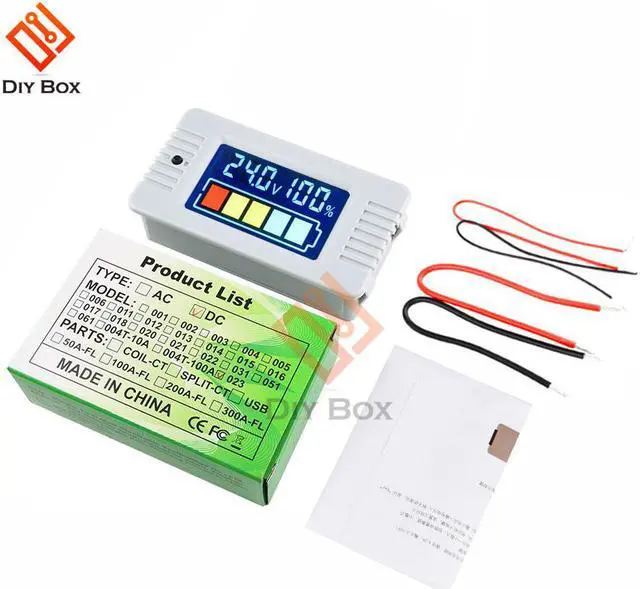
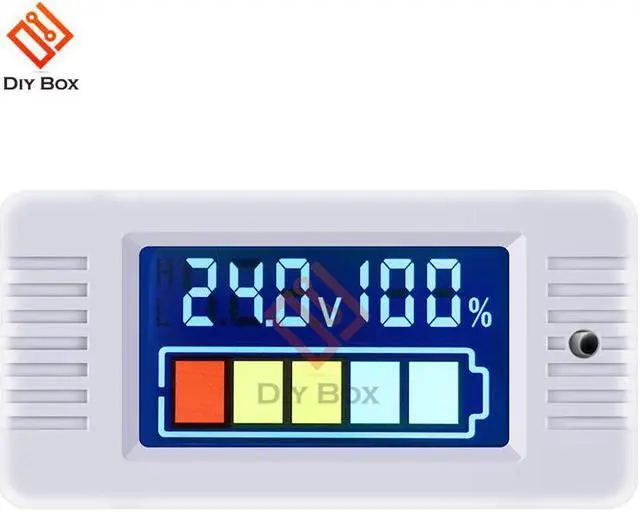
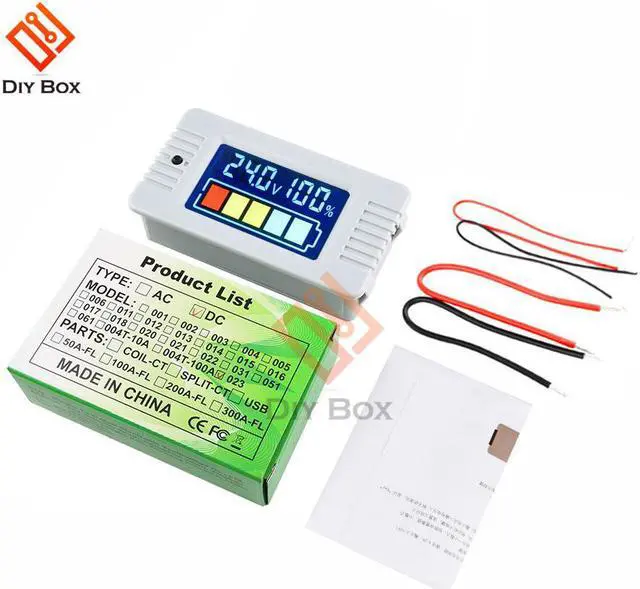
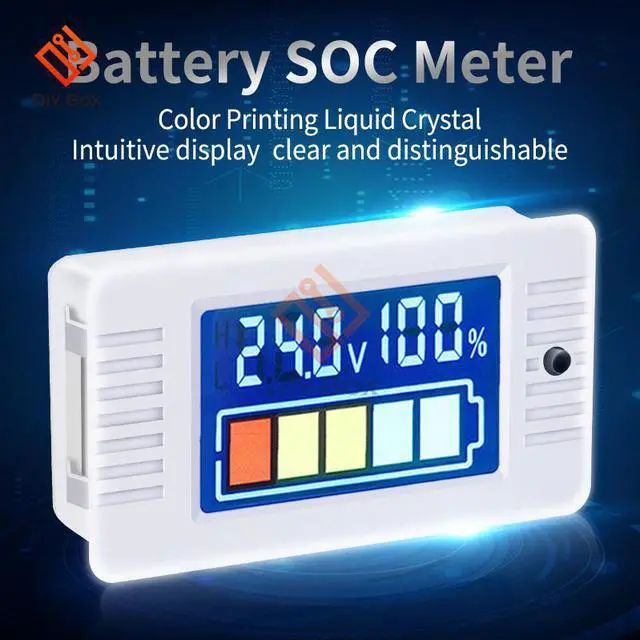


PZEM-023 0-100v Color LCD Digital Voltmeter Panel Meter Electric Tester Lithium Lead-acid Meter
- PZEM-023 0-100v Color LCD Digital Voltmeter Panel Meter Electric Tester Lithium Lead-acid Meter
+
+
Overview
Specs
Reviews
Certification:CE
Accessory Type:Accessories
Origin:CN(Origin)
Model Number:SOC meter
Voltage range:0-100V
Dump energy:symbol
Certificate:CE/FCC
Package:carton
Color:white
Type:SOC meter
SOC meter PZEM-023
A.Function:
Measure SOC and display with LCD.
B.Display
*Display interface
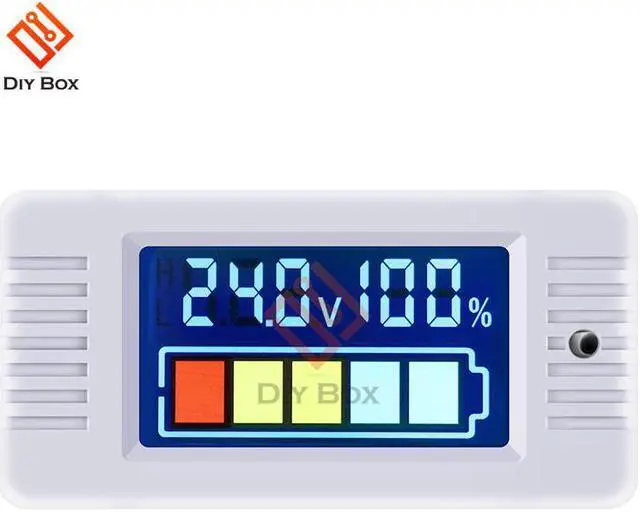
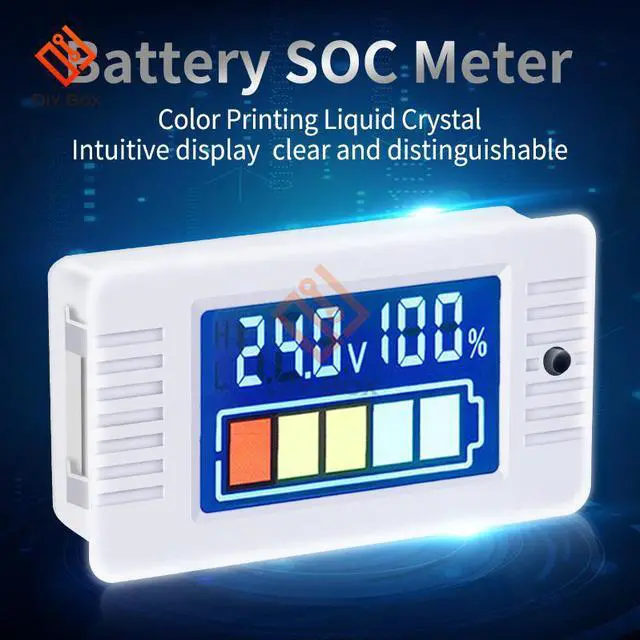
Color LCD: Five cell symbol + voltage + percentage combination display
Figure 1 Display diagram
*Display description
1.Voltage
test range
Direct Power supply Measurement range: DC8-100V
Individual power supply
Individual power supply range: DC5-12V
Measurement range: DC0-100V
Display format
10V display format such as:9.99V
100V display format such as:99.9V
100V display format such as:100V
Accuracy:±1%
2.Percentage
Range:0%100%
Display format
10% display format such as:9%
100% display format such as:99%
100% display format such as:100%
3.symbol
Graphical : Five cell symbol, each representing 20%
Display format
SOC 90% display full cells
80%SOC 90% the first cell is flicker
SOC80% display four cells
60%SOC70% the second cell is flicker And so on......
C.Other Function
1.Backlight control
Short press the key to turn on or off the backlight.
2.Set full/cut off voltage
Before use it, please set the full and cut off voltage depend on the specification, the default specification is single 18650 (full voltage 4.2V, cut off voltage 2.75V)
Step1: Long press the key(2 seconds)to enter the full voltage setting interface, display such as: H 4.20V,then release the key
Step2: The digit circularly flickers (automatically move without key operation for 2 seconds), in order: high digit middle digit low digit decimal point, short press to set the value and decimal point
Step3: After setting, long press the key (2 seconds) to enter the cut off voltage setting interface, display such as: L 2.75v, then release the key, and the setting method same as above
Step4: After setting, long press the key (2 seconds) to save and exit; if there is any problem with the setting data, (e.g. cut-off voltage > full voltage), it cannot exit. After display "Err", it will return to the full voltage setting interface and prompts the user to modify the full/cut-off voltage
3.Calibration
All products have been calibrated before leaving the factory. If you think there is deviation, you can calibrate by yourself. The methods are as follows:
Step 1: Long press the key when the meter is powered off
Step 2: Input the standard DC 20V voltage at the test terminal (Note: it is not the power terminal, otherwise, the meter will be damaged)
Step 3: The LCD displays CAL PASS and returns to the normal display interface that means the calibration is successful, then release the key
D.Wiring diagram
E.Attention
1. This product is suitable for indoor, not outdoor.
2. This product is suitable for DC, not AC.
3. The Power supply and voltage not exceed the range.
4. Make sure the wiring is correct.
Accessory Type:Accessories
Origin:CN(Origin)
Model Number:SOC meter
Voltage range:0-100V
Dump energy:symbol
Certificate:CE/FCC
Package:carton
Color:white
Type:SOC meter
SOC meter PZEM-023
A.Function:
Measure SOC and display with LCD.
B.Display
*Display interface
Color LCD: Five cell symbol + voltage + percentage combination display
Figure 1 Display diagram
*Display description
1.Voltage
test range
Direct Power supply Measurement range: DC8-100V
Individual power supply
Individual power supply range: DC5-12V
Measurement range: DC0-100V
Display format
10V display format such as:9.99V
100V display format such as:99.9V
100V display format such as:100V
Accuracy:±1%
2.Percentage
Range:0%100%
Display format
10% display format such as:9%
100% display format such as:99%
100% display format such as:100%
3.symbol
Graphical : Five cell symbol, each representing 20%
Display format
SOC 90% display full cells
80%SOC 90% the first cell is flicker
SOC80% display four cells
60%SOC70% the second cell is flicker And so on......
C.Other Function
1.Backlight control
Short press the key to turn on or off the backlight.
2.Set full/cut off voltage
Before use it, please set the full and cut off voltage depend on the specification, the default specification is single 18650 (full voltage 4.2V, cut off voltage 2.75V)
Step1: Long press the key(2 seconds)to enter the full voltage setting interface, display such as: H 4.20V,then release the key
Step2: The digit circularly flickers (automatically move without key operation for 2 seconds), in order: high digit middle digit low digit decimal point, short press to set the value and decimal point
Step3: After setting, long press the key (2 seconds) to enter the cut off voltage setting interface, display such as: L 2.75v, then release the key, and the setting method same as above
Step4: After setting, long press the key (2 seconds) to save and exit; if there is any problem with the setting data, (e.g. cut-off voltage > full voltage), it cannot exit. After display "Err", it will return to the full voltage setting interface and prompts the user to modify the full/cut-off voltage
3.Calibration
All products have been calibrated before leaving the factory. If you think there is deviation, you can calibrate by yourself. The methods are as follows:
Step 1: Long press the key when the meter is powered off
Step 2: Input the standard DC 20V voltage at the test terminal (Note: it is not the power terminal, otherwise, the meter will be damaged)
Step 3: The LCD displays CAL PASS and returns to the normal display interface that means the calibration is successful, then release the key
D.Wiring diagram
E.Attention
1. This product is suitable for indoor, not outdoor.
2. This product is suitable for DC, not AC.
3. The Power supply and voltage not exceed the range.
4. Make sure the wiring is correct.
Warranty & Returns
Warranty, Returns, And Additional Information
Warranty
- Please contact the Seller directly for warranty information. Warranty information may also be found on the Manufacturer's website.
- CONTACT
Return Policies
- Return for refund within: 15 days
- Return for replacement within: 30 days
- This item is covered by Shengkedianzi Return Policy
Manufacturer Contact Info
- For a directory of all our manufacturers, please click below.
- Manufacturers Directory
LOADING...