
Your Browsing History

Meet Your Seller

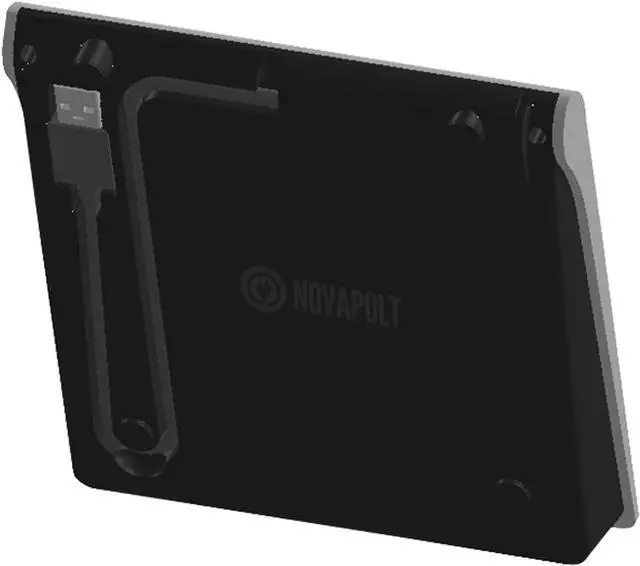
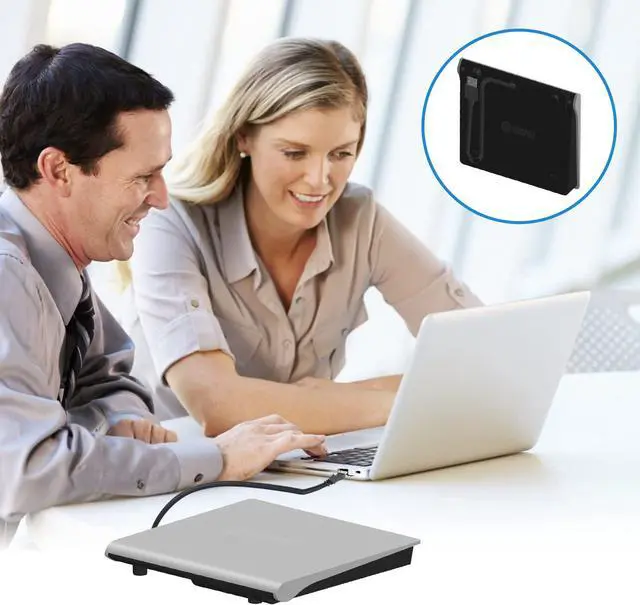
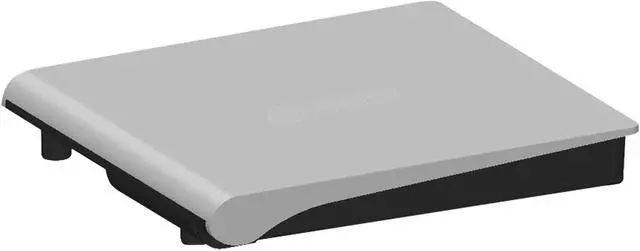
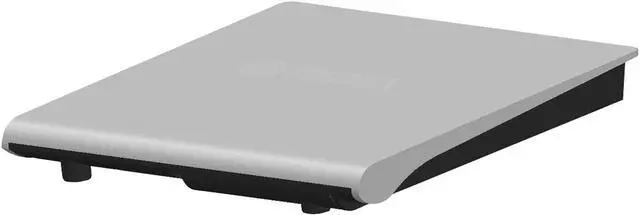


External CD Drive By Novapolt USB 3.0 External DVD CD Drive CD DVD RW/DVD CD ROM Drive/Writer/Rewriter/USB CD Burner For High Speed Data Transfer Ideal For Linux, Mac and Windows
Limited time offer, ends 09/15 By AxisLink
- DVD dirve Compatibility: Compatible with Windows XP / 2003 / Vita/ 7/ 8.1/10, Linux, Mac OS system,if your computer are surface pro, you can try updating all surface pro drivers and firmware.
- DVD External Plug-n-plug: Easy to operate. Don't need to install software to set for driver. No external drive needed. The CD/DVD-RW Drive supports playing music, movies or copying/burning movies and music to DVD or CD. Download player software(VLC,GOM or MPC-HC) to play DVD if it can't play DVD
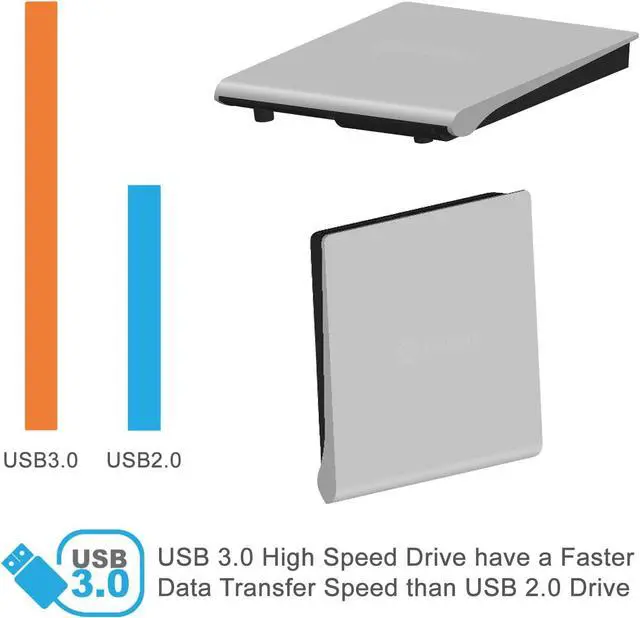
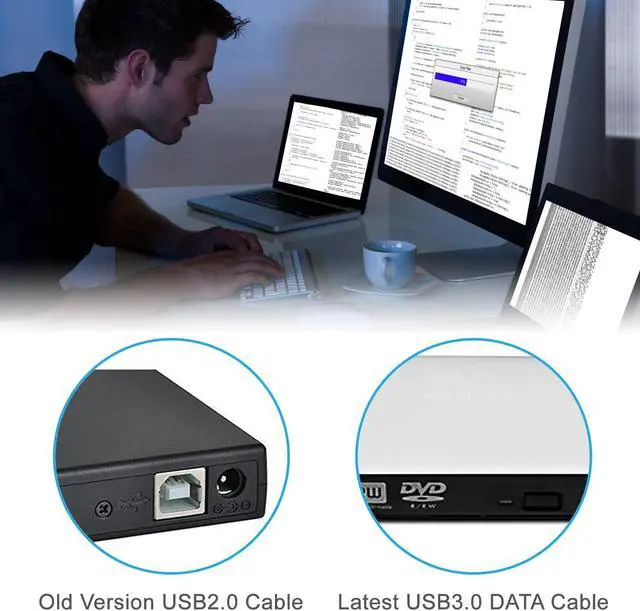
- The CD/DVD-RW Drive is equiped with USB 3.0 cable,provides high-speed data transfer speed, more stable performance(more faster than USB2.0,compliant with USB2.0 and USB1.1 )
- This external hard drive features ultra portable, slim, lightweight,compact and you can carry and take along with it in your bag conveniently. Four rubber anti-skipping mat on the bottom for complete stability
- Note: ?Please hook up the device to the direct USB port on your computer. If you connect it to a USB hub or extens
+
+
Overview
Specs
Reviews
Specification
Loading Type: Tray
Buffery Memory: 2MB
Interface: USB3.0 (2.0 Compatible)
Drive Height: Ultra Slim 14mm
Power Consumption: 3~5W
Power supply:DC 5V
Applicable Standard: ODP95 SATA ODD
Compatibility: WindowsXP/2003/Win8/Vista 7, Linux, Mac 10 OS system, NOT compatible with higher version than OS X Yosemite. Speed: 8X DVD+R, 8X DVD-R, 8X DVD+RW, 6X DVD-RW,6X DVD+R Dual Layer, 6X DVD-R Dual Layer, 6X DVD-RAM, 5X CD-R, 24X CD-RW.
Instructions For USE.
*This product is a data line interface properly connected to USB port of the computer, the computer display lower right corner should appear device icon.
*Click on the desktop, open the "my computer", in "the mobile storage device should display the drive icon"
*Click on this icon button, select the "pop" in the tray into the appropriate disk read.
Note:
1.Please hook up the device to the direct USB port on your computer. If you connect it to a USB hub or extension cords, it maybe cannot recognize the Driver or not read the CD/DVD.
2.For the desktops, please connect the device to the USB port of the motherboard for normal use.
Package:
1 x USB 3.0 DVD Drive
1x user manual
Loading Type: Tray
Buffery Memory: 2MB
Interface: USB3.0 (2.0 Compatible)
Drive Height: Ultra Slim 14mm
Power Consumption: 3~5W
Power supply:DC 5V
Applicable Standard: ODP95 SATA ODD
Compatibility: WindowsXP/2003/Win8/Vista 7, Linux, Mac 10 OS system, NOT compatible with higher version than OS X Yosemite. Speed: 8X DVD+R, 8X DVD-R, 8X DVD+RW, 6X DVD-RW,6X DVD+R Dual Layer, 6X DVD-R Dual Layer, 6X DVD-RAM, 5X CD-R, 24X CD-RW.
Instructions For USE.
*This product is a data line interface properly connected to USB port of the computer, the computer display lower right corner should appear device icon.
*Click on the desktop, open the "my computer", in "the mobile storage device should display the drive icon"
*Click on this icon button, select the "pop" in the tray into the appropriate disk read.
Note:
1.Please hook up the device to the direct USB port on your computer. If you connect it to a USB hub or extension cords, it maybe cannot recognize the Driver or not read the CD/DVD.
2.For the desktops, please connect the device to the USB port of the motherboard for normal use.
Package:
1 x USB 3.0 DVD Drive
1x user manual
Warranty & Returns
Warranty, Returns, And Additional Information
Warranty
- Please contact the Seller directly for warranty information. Warranty information may also be found on the Manufacturer's website.
- CONTACT
Return Policies
- Return for refund within: 30 days
- Return for replacement within: 90 days
- This item is covered by AxisLink Return Policy
Manufacturer Contact Info
- For a directory of all our manufacturers, please click below.
- Manufacturers Directory
LOADING...