
Your Browsing History
- Free 30-day Returns
$47.99
Ships from China.

Meet Your Seller

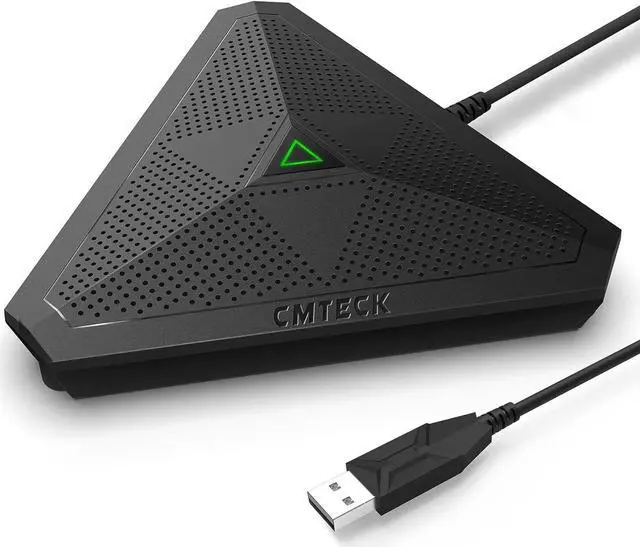


CMTECK USB Desktop Computer CM001 Microphone, Mute Button with LED Indicator, Omnidirectional Condenser Boundary Conference Mic for Recording, Streaming, Gaming, Skype (Windows/Mac), No Speaker
- Recommended uses for product Streaming, Gaming
- Brand CMTECK
- Connectivity technology USB
- Connector type USB Type-A
- Special feature Portable
- Compatible devices Laptop, Personal Computer
- Colour WITHOUT SPEAKER (black)
- Included components Computer Microphone
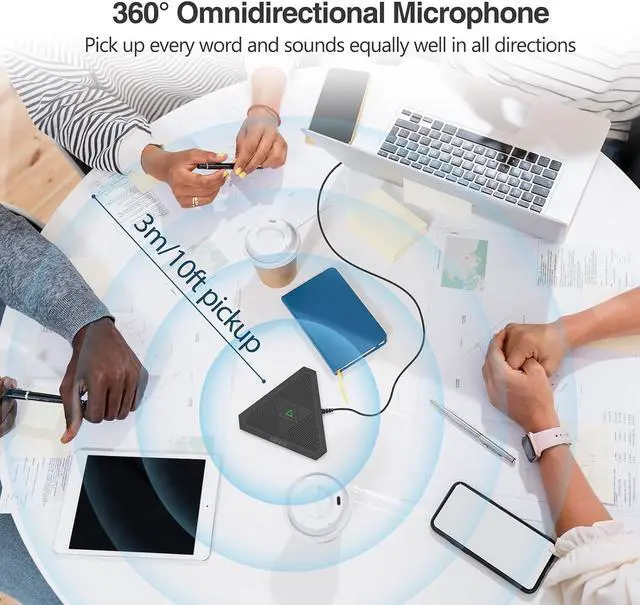
- Polar pattern Omnidirectional
- Audio sensitivity 44.1 dB
+
+
Overview
Specs
Reviews
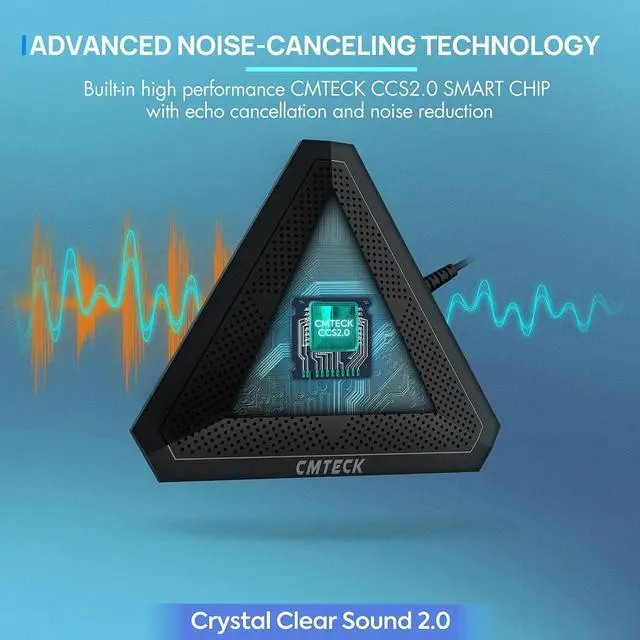
Crystal Clear Sound: Conduct advanced noise-canceling technology, the Conference microphone can easily capture clear sound with a 360°sensitivity pickup range(3m/10ft), 10 times better than a traditional computer microphone. (: ', )
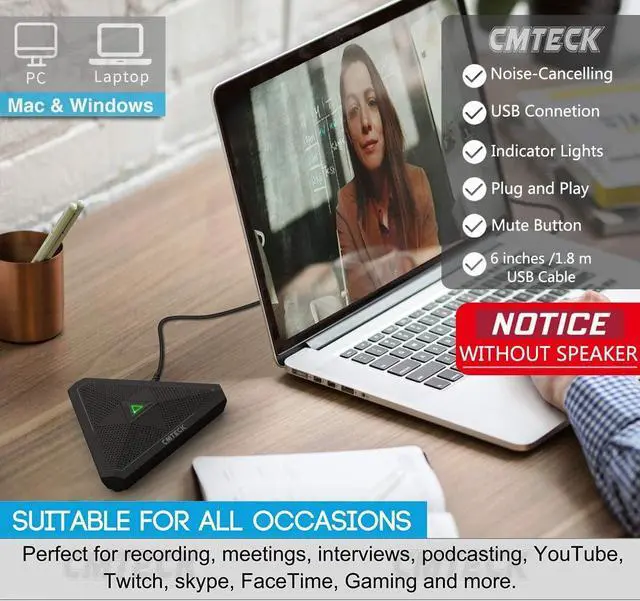
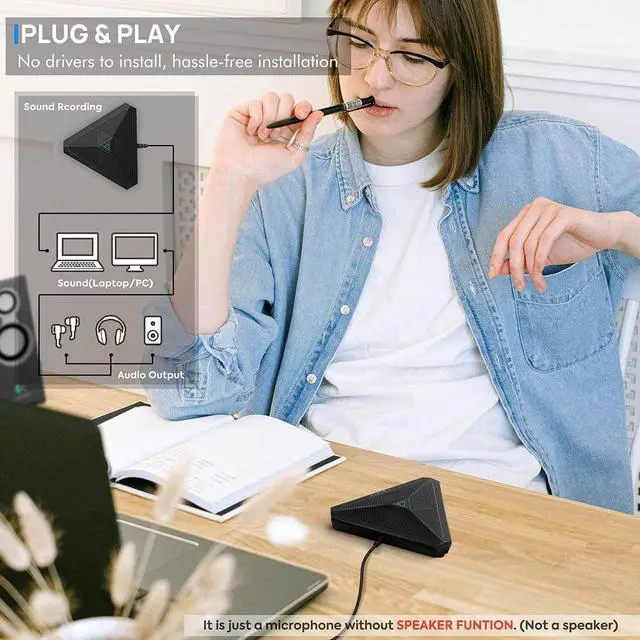
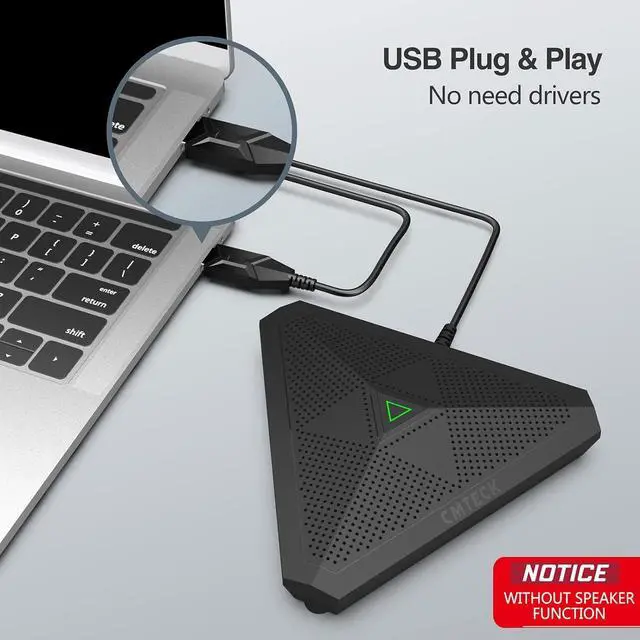
Plug and Play: Connected to a computer through a USB cable( 1.8 m/6ft), no drivers to install, hassle-free installation, well compatible with Windows and macOS. (NOT compatible with Raspberry Pi/Android)
Compact and Versatile: This microphone are small and portable. You can put it in your pocket or briefcase and take it wherever you want. Perfect for meetings, interviews, podcasting, home studio recording, YouTube, Twitch, Skype, Face Time, Gaming, and more.
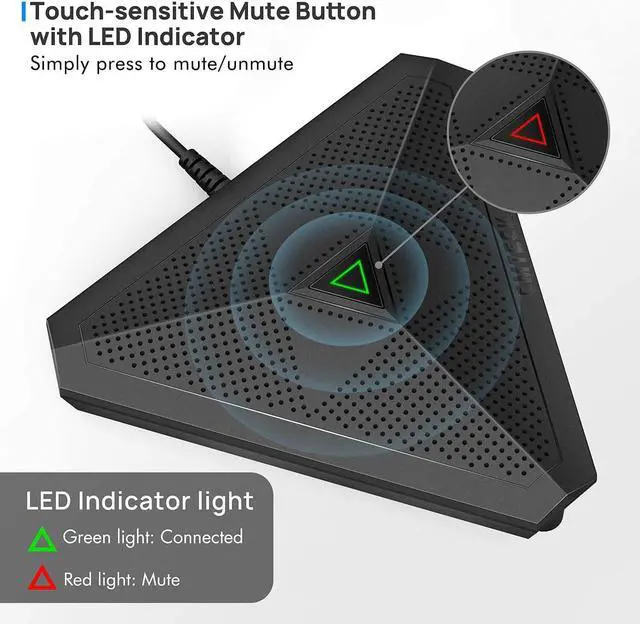
Convenient Mute Button - Quickly mute/unmute your microphone: the built-in Indicator LED lights tell you the working status (Green
Light: Microphone has been connected;
Flashing Green Light: Working Mode; RED Light: Mute Mode)
Advanced Cancellation Technology - Built-in high-performance CMTECK CCS 2.0 SMART CHIP can effectively block the noise and eliminate echo, better than a traditional computer microphone
-: Please note that this microphone does not have a speaker function. It is designed solely for capturing audio.
Plug and Play: Connected to a computer through a USB cable( 1.8 m/6ft), no drivers to install, hassle-free installation, well compatible with Windows and macOS. (NOT compatible with Raspberry Pi/Android)
Compact and Versatile: This microphone are small and portable. You can put it in your pocket or briefcase and take it wherever you want. Perfect for meetings, interviews, podcasting, home studio recording, YouTube, Twitch, Skype, Face Time, Gaming, and more.
Convenient Mute Button - Quickly mute/unmute your microphone: the built-in Indicator LED lights tell you the working status (Green
Light: Microphone has been connected;
Flashing Green Light: Working Mode; RED Light: Mute Mode)
Advanced Cancellation Technology - Built-in high-performance CMTECK CCS 2.0 SMART CHIP can effectively block the noise and eliminate echo, better than a traditional computer microphone
-: Please note that this microphone does not have a speaker function. It is designed solely for capturing audio.
Warranty & Returns
Warranty, Returns, And Additional Information
Warranty
- Please contact the Seller directly for warranty information. Warranty information may also be found on the Manufacturer's website.
- CONTACT
Return Policies
- Return for refund within: 30 days
- Return for replacement within: 90 days
- This item is covered by connect7 Return Policy
Manufacturer Contact Info
- For a directory of all our manufacturers, please click below.
- Manufacturers Directory
LOADING...