



Meet Your Seller

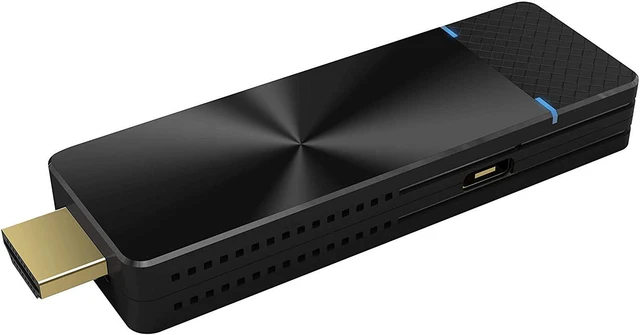


EZCast PRO II Dongle
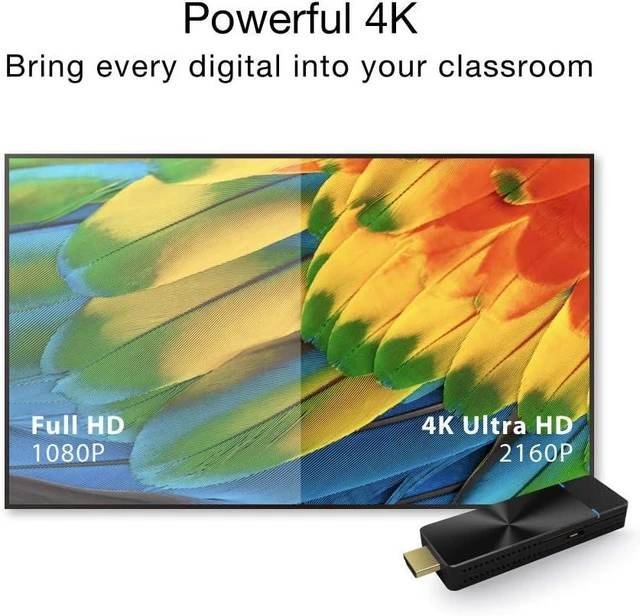
- Support 4K resolution and output display up to 4096x2160@24hz.
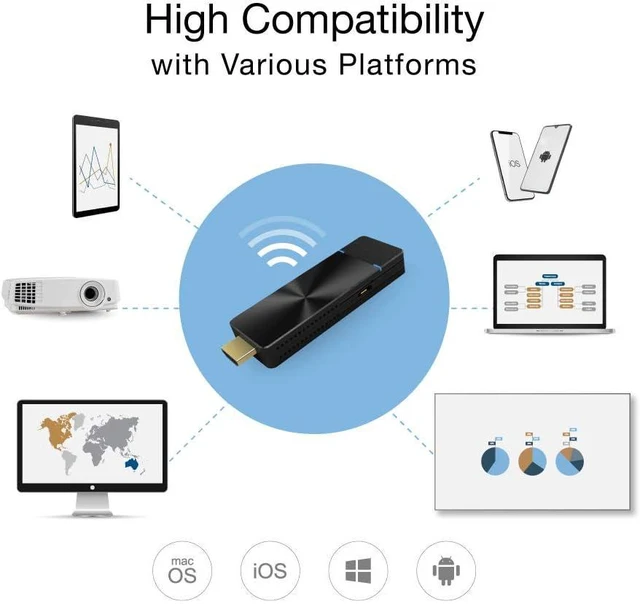
- Mirroring phone screen to Big Screen: compatible with Miracast (Android 5.0+, Windows 7.0+), iPone AirPlay Mirroring (iOS 10+), EZCast Mirror (Android 5.0+, Windows 7.0+, Mac OS 10.11+, Chrome OS).
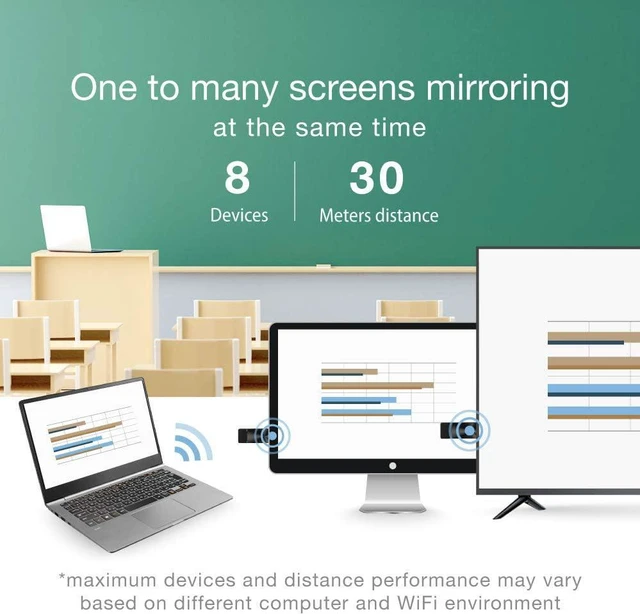
- Powerful app support : EZCast Pro with multiple features. ProCast app: 1 to multi broadcast. Audio/Video auto sync and can be switched individually. Windows/Mac PC to 8 devices simultaneously.
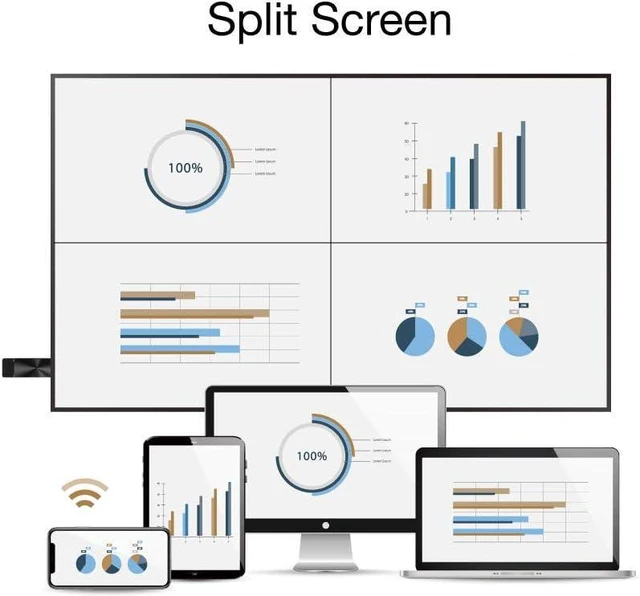
- Support 4 to 1 Split-Screens Display (Each device needs 1 streaming dongle), Content Broadcast Viewer, and Host Control Structure.
+
+
Overview
Specs
Reviews
EZCast Pro entered the enterprise and education wireless display markets in 2015, aiming to offer the best wireless presentation system at competitive prices.
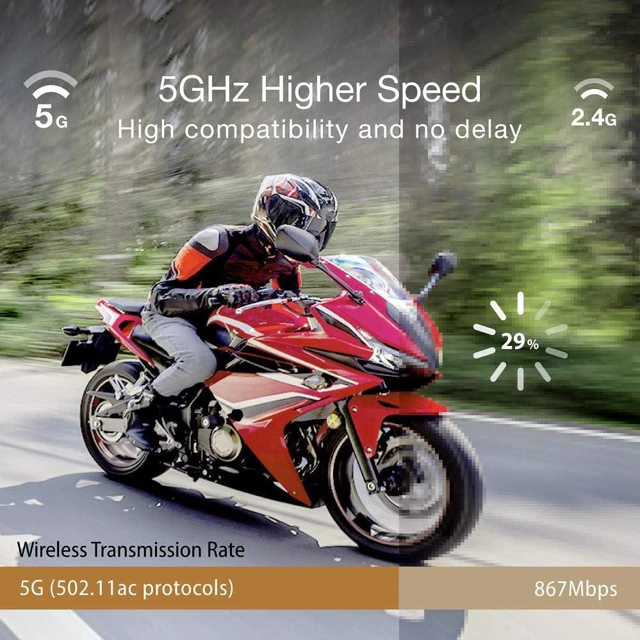
Faster 5G Wi-Fi support with 4K capability to deliver faster and more vivid presentations.
Supports multi-screen setup (each screen needs a streaming dongle) for larger speaking venues.
Multi-screen (each screen needs a streaming dongle) setup and Real-time annotation with EZCast Pro and ProCast app
Native wireless display protocols from Windows, macOS, iOS, Android
5 GHz Wi-Fi network connectivity and 4K display output
Both screen mirroring and extend display on laptops
Security Code prevents unauthorized access to the network
Host control function allows lecturers to select the sources to be displayed
Supports up to 4 display sources in split-screen mode
With the support of ProCast app, users can easily stream content to more than one screen at the same time (Note: each screen needs a streaming dongle)
Supports wireless lectures from any smartphone and laptop, so you can conduct lectures using your favorite devices effortlessly.
Students and audiences can use EZNote feature in EZCast Pro app to take real-time notes and Improve learning efficiency
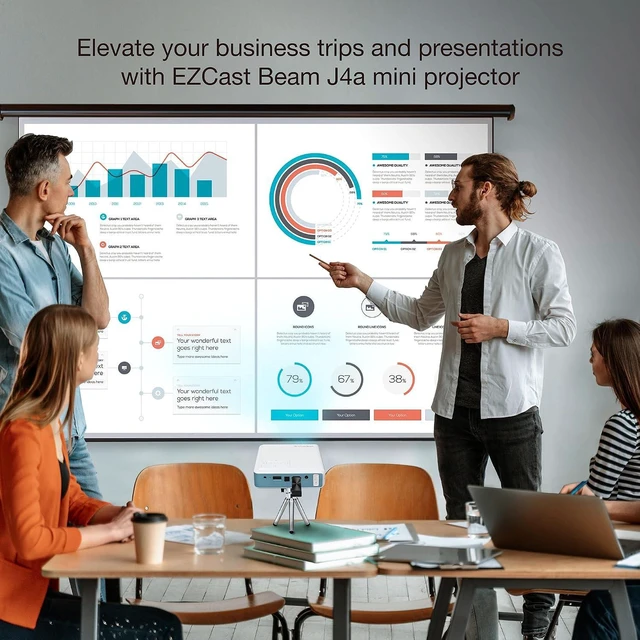
Create powerful presentations across multiple large screen displays in real-time from your laptops.
Easily screen mirror to multiple displays (Note: each screen needs a streaming dongle) for large conference rooms and lecture halls.
Free teachers from restrictive cables and let teacher make wireless presentations from any smartphone or laptop, with the freedom to interact with students.
Give students the opportunity to share content with the class in a safe and controlled environment.
Gone are the days when students scribble handwritten notes in a book and never look at it again. Using EZNote to create study notes that can be shared online is a good example of implementing new ways of learning!
EZCast Pro Dongle II Next generation wireless presentations Wireless multi-screen broadcasting with ProCast app Conduct wireless lectures from any device Real-time note-taking tools for students Broadcast wireless presentations to multiple screens Interactive mobile presentations in classrooms An easier way to take notes in class
Warranty & Returns
Warranty, Returns, And Additional Information
Warranty
- Please contact the Seller directly for warranty information. Warranty information may also be found on the Manufacturer's website.
- CONTACT
Return Policies
- Return for refund within: 30 days
- Return for replacement within: 90 days
- This item is covered by PartsPro Store Return Policy
Manufacturer Contact Info
- For a directory of all our manufacturers, please click below.
- Manufacturers Directory
LOADING...