



Meet Your Seller

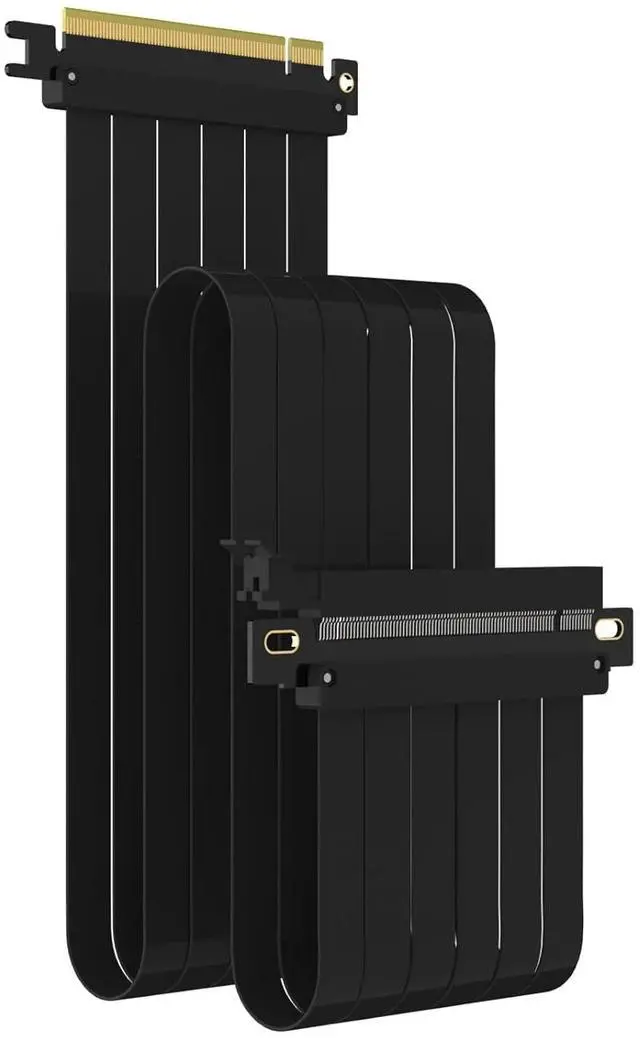
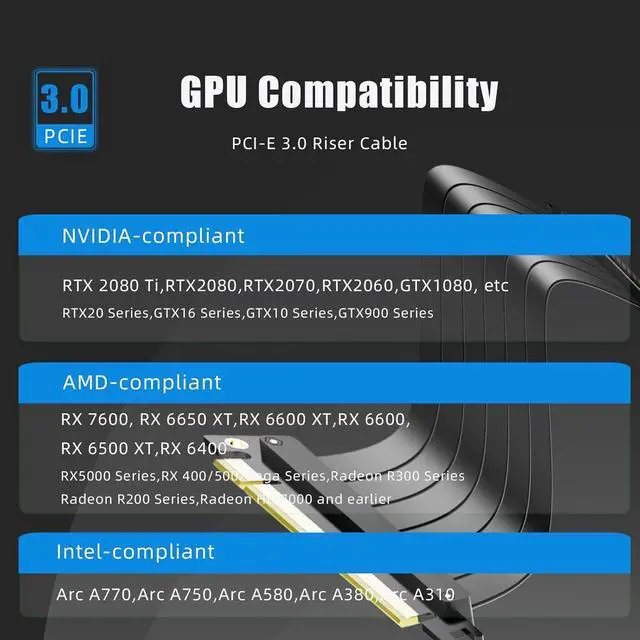


GLOTRENDS 1000mm PCIe 3.0 X16 Riser Cable for Low-end PCIe 3.0 GPUs, Such as GeForce RTX 20/GTX 16/GTX 10 Series and AMD Radeon RX5000/VII/RX Vega/R9 Fury Series, etc
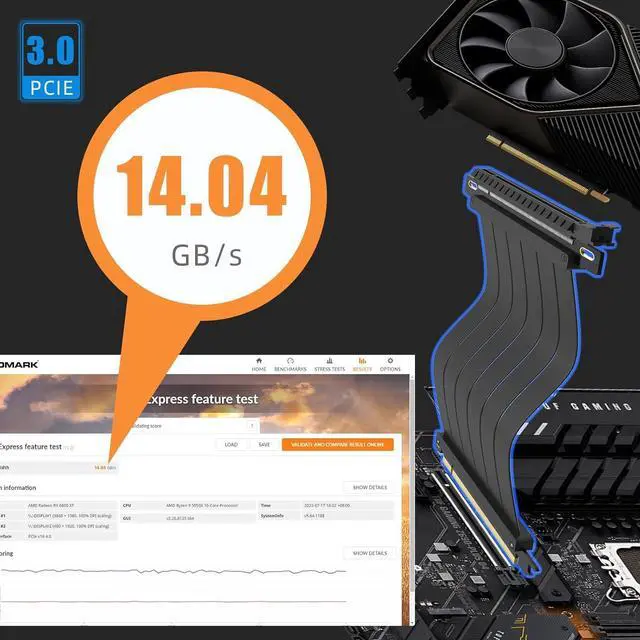
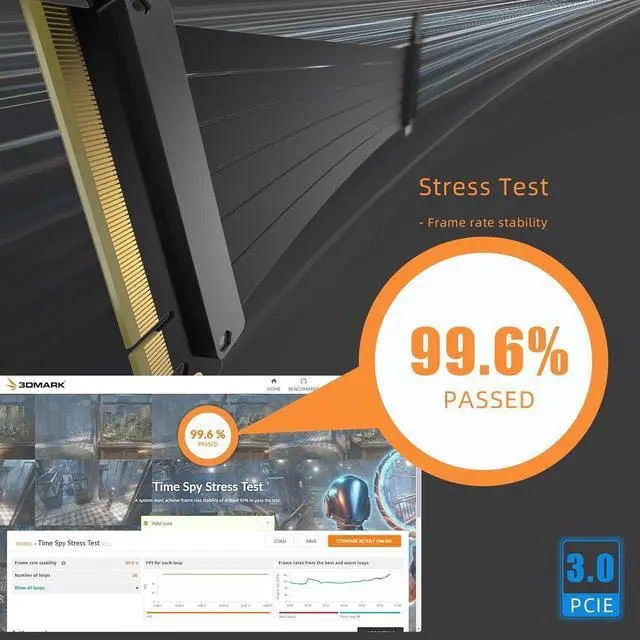
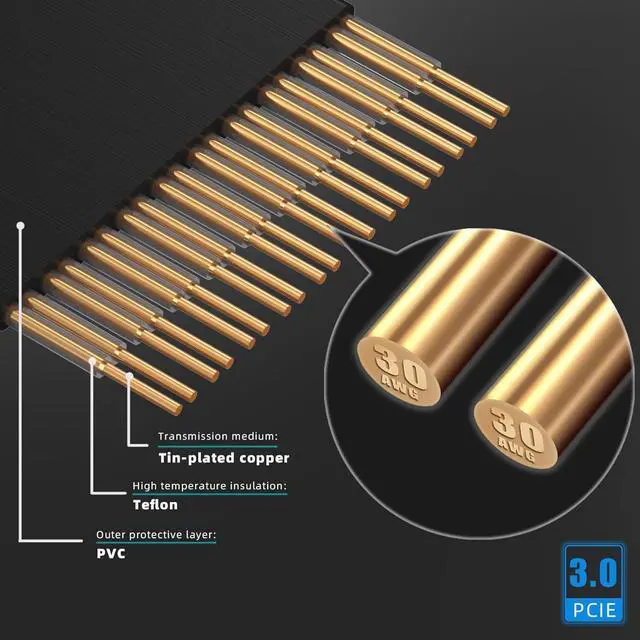
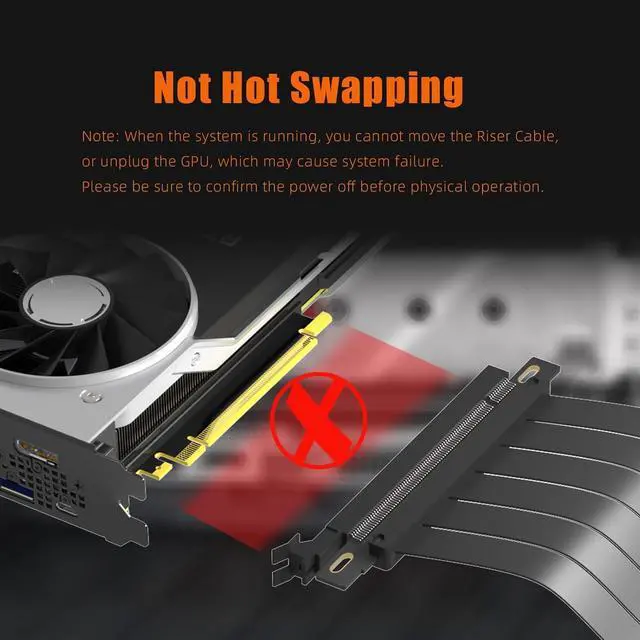
- PCIE 3.0 x16 Riser Cable Unleash 16GB/s Peak Speed. No driver installation required (hot swapping not supported).
- Fully compatible with low-end PCIe 3.0 GPUs, Such as GeForce RTX 20/GTX 16/GTX 10 Series and AMD Radeon RX5000/VII/RX Vega/R9 Fury Series, etc
- For PCIe 4.0 GPUs, the performance will be degraded or blue screen may occur, please manually set the PCIE slot in the BIOS to PCIE 3.0.
- Packaged in an anti-static bag, try not to touch the gold finger before use, as handprints or stains will affect signal performance.
- Get lifetime tech support - contact us for troubleshooting manual, including GPU, motherboard compatibility issues, how to choose PCIE riser cable length, and more.
+
+
Overview
Specs
Reviews
PCIE 3.0 x16 Riser Cable Unleash 16GB/s Peak Speed. No driver installation required (hot swapping not supported).
Fully compatible with low-end PCIe 3.0 GPUs, Such as GeForce RTX 20/GTX 16/GTX 10 Series and AMD Radeon RX5000/VII/RX Vega/R9 Fury Series, etc
For PCIe 4.0 GPUs, the performance will be degraded or blue screen may occur, please manually set the PCIE slot in the BIOS to PCIE 3.0.
Packaged in an anti-static bag, try not to touch the gold finger before use, as handprints or stains will affect signal performance.
Get lifetime tech support - contact us for troubleshooting manual, including GPU, motherboard compatibility issues, how to choose PCIE riser cable length, and more.
Fully compatible with low-end PCIe 3.0 GPUs, Such as GeForce RTX 20/GTX 16/GTX 10 Series and AMD Radeon RX5000/VII/RX Vega/R9 Fury Series, etc
For PCIe 4.0 GPUs, the performance will be degraded or blue screen may occur, please manually set the PCIE slot in the BIOS to PCIE 3.0.
Packaged in an anti-static bag, try not to touch the gold finger before use, as handprints or stains will affect signal performance.
Get lifetime tech support - contact us for troubleshooting manual, including GPU, motherboard compatibility issues, how to choose PCIE riser cable length, and more.
Warranty & Returns
Warranty, Returns, And Additional Information
Warranty
- Please contact the Seller directly for warranty information. Warranty information may also be found on the Manufacturer's website.
- CONTACT
Return Policies
- Return for refund within: 30 days
- Return for replacement within: 30 days
- This item is covered by PrimeVolt’Shop Return Policy
Manufacturer Contact Info
- For a directory of all our manufacturers, please click below.
- Manufacturers Directory
LOADING...