
Your Browsing History

Meet Your Seller

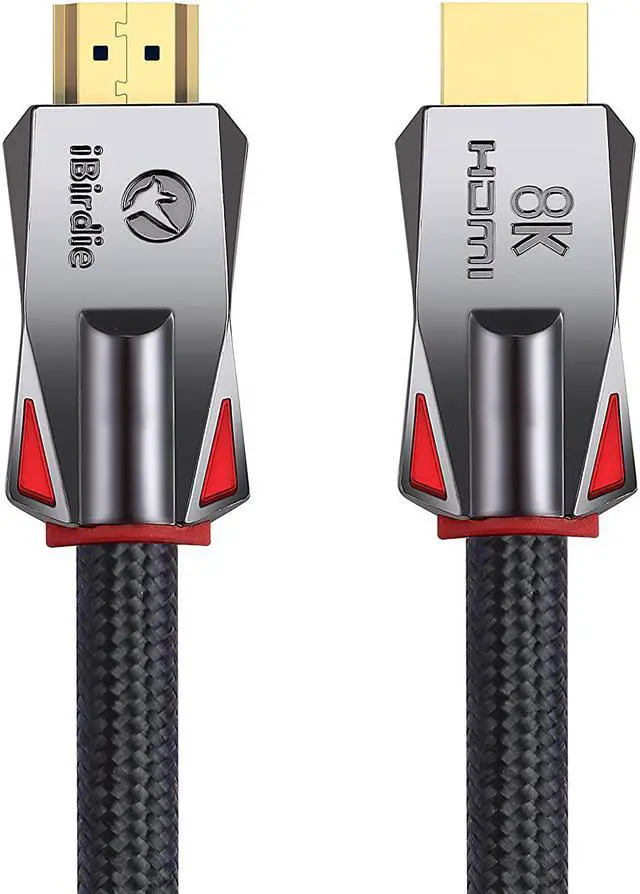
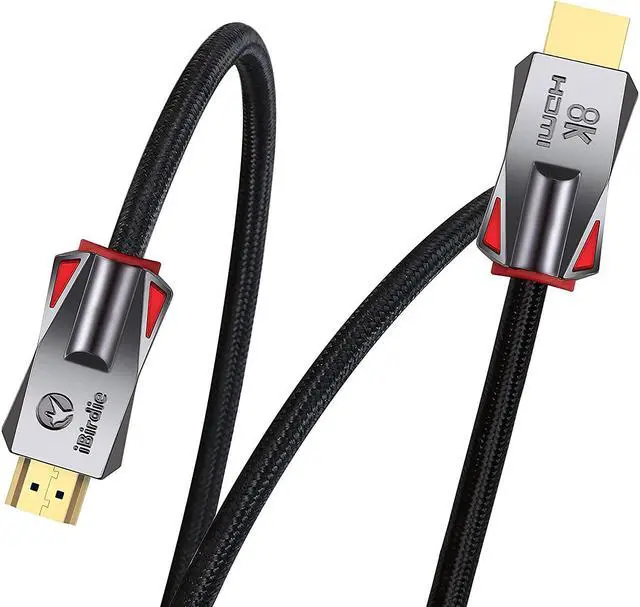
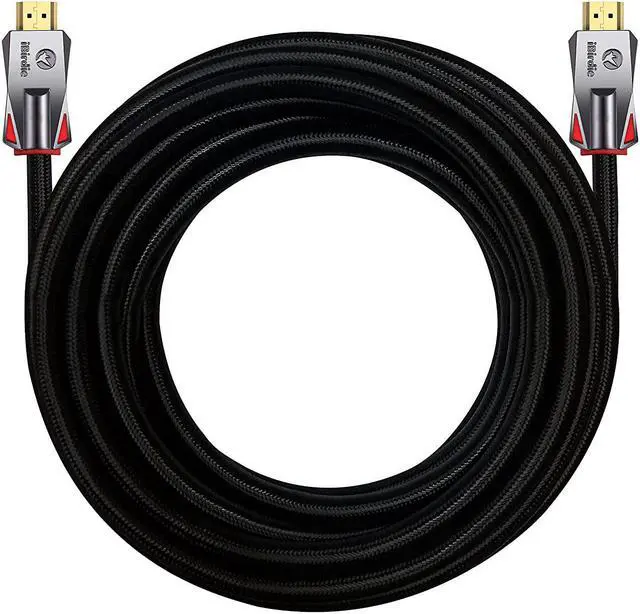
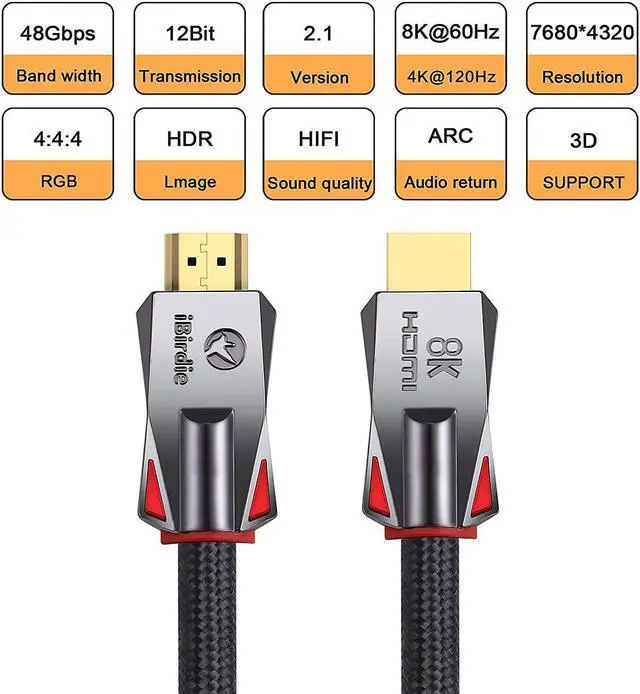


iBirdie Fiber Optic HDMI 2.1 Cable 75 Feet 23 Metre, Directional Active Cord 8K 60hz, 4K 120hz, 4K 144hz, HDCP 2.3, Ultra High Speed Compatible for Apple-TV Dolby-Vision-Atmos PS5 4070 4080
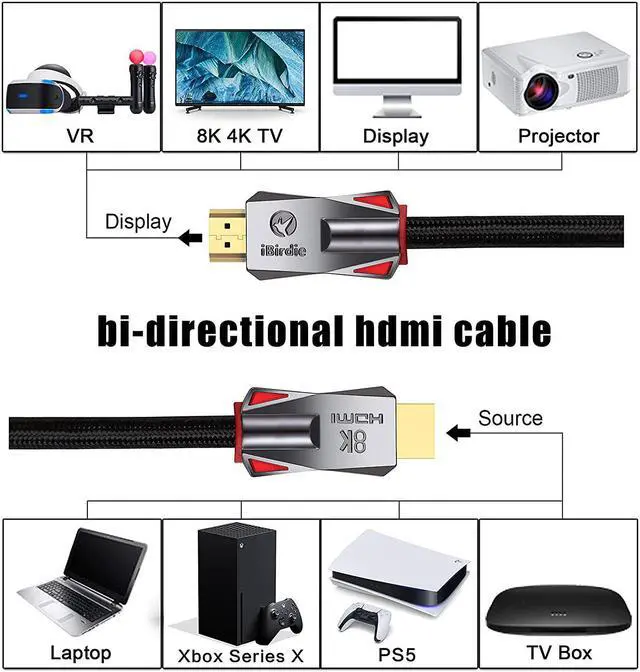
- Directional HDMI Cable: The directional HDMI meaning that the source end of HDMI is required to connect to sources, must plug this end to HDMI output from source like DVD, computer, PS5, Xbox..., and another end is display to your monitor, TV, projector
- Active HDMI Cable: The HDMI fiber optic cable is an active HDMI cable, and active HDMI cable meaning that require stable power to work, it needs enough power to work properly
- Use the HDMI USB Cable: It comes with in the HDMI box; Why need use this HDMI USB cable; Since some HDMI slots, such as on HUB or on switch or on splitter, cannot provide enough power for the fiber optic HDMI cable
- 48 Gbps Bandwidth: Work on 8K 60hz, 4K 144hz, 4K 120hz, 4K 60hz, 2K 165hz, 2K 144hz, 2K 120hz, 1080p 240hz, 1080p 144hz, backward compatible with HDMI 2.1, 2.0b, 2.0a versions
- EARC: 1 feet to 100 feet support Audio Return Channel ARC and EARC; And ensure that the source end of the fiber optic HDMI cable is connected to the AVR receiver and the displ
+
+
Overview
Specs
Reviews
Please read the installation instructions for HDMI cables. And after installing the HDMI cable, please follow the following 7 points to eliminate the problem of HDMI cable installation errors.
32ft to 328ft is a directional HDMI cable. The directional HDMI meaning that the source end of HDMI is required to connect to sources, must plug this end to HDMI output from source like DVD, computer, and another end is display to your monitor, TV, projector.
32ft to 328ft is a active HDMI cable. The HDMI fiber optic cable is an active HDMI cable, and active HDMI cable meaning that require stable power to work, it needs enough power to work properly.
32ft to 328ft, an HDMI USB cable is required. It comes with in the HDMI box; Why need use this HDMI USB cable; Since some HDMI slots, such as on CAMERA, on HUB, on SWITCH or on Splitter, cannot provide enough power for the fiber optic HDMI cable.
Change TV settings: Most 4K 120 Hz TVs do not have all the features of HDMI 2.1 enabled; After installing the HDMI cable, you need to enable all HDMI 2.1 features in the TV settings by yourself; Your 4K TV will support 4K 120 Hz.
Change TV settings: Most 8K TVs do not have all the features of HDMI 2.1 enabled; After installing the HDMI cable, you need to enable all HDMI 2.1 features in the TV settings by yourself; Your 8K TV will support 8K 60Hz HDR.
Change TV settings: Most 4K TVs do not have all the features of HDMI 2.0 enabled; After installing the HDMI cable, you need to enable all HDMI 2.0 features in the TV settings by yourself; Your 4K TV will support full 4K 60Hz HDR.
32ft to 328ft, no signal or the signal is unstable, connect the HDMI USB cable to the other end of the fiber optic HDMI cable.
Important instructions for installing HDMI cables
32ft to 328ft is a directional HDMI cable. The directional HDMI meaning that the source end of HDMI is required to connect to sources, must plug this end to HDMI output from source like DVD, computer, and another end is display to your monitor, TV, projector.
32ft to 328ft is a active HDMI cable. The HDMI fiber optic cable is an active HDMI cable, and active HDMI cable meaning that require stable power to work, it needs enough power to work properly.
32ft to 328ft, an HDMI USB cable is required. It comes with in the HDMI box; Why need use this HDMI USB cable; Since some HDMI slots, such as on CAMERA, on HUB, on SWITCH or on Splitter, cannot provide enough power for the fiber optic HDMI cable.
Change TV settings: Most 4K 120 Hz TVs do not have all the features of HDMI 2.1 enabled; After installing the HDMI cable, you need to enable all HDMI 2.1 features in the TV settings by yourself; Your 4K TV will support 4K 120 Hz.
Change TV settings: Most 8K TVs do not have all the features of HDMI 2.1 enabled; After installing the HDMI cable, you need to enable all HDMI 2.1 features in the TV settings by yourself; Your 8K TV will support 8K 60Hz HDR.
Change TV settings: Most 4K TVs do not have all the features of HDMI 2.0 enabled; After installing the HDMI cable, you need to enable all HDMI 2.0 features in the TV settings by yourself; Your 4K TV will support full 4K 60Hz HDR.
32ft to 328ft, no signal or the signal is unstable, connect the HDMI USB cable to the other end of the fiber optic HDMI cable.
Important instructions for installing HDMI cables
Warranty & Returns
Warranty, Returns, And Additional Information
Warranty
- Please contact the Seller directly for warranty information. Warranty information may also be found on the Manufacturer's website.
- CONTACT
Return Policies
- Return for refund within: 30 days
- Return for replacement within: 90 days
- This item is covered by PartsPro Store Return Policy
Manufacturer Contact Info
- For a directory of all our manufacturers, please click below.
- Manufacturers Directory
LOADING...