


- Free 30-day Returns
$22.68
Ships from China.


Meet Your Seller

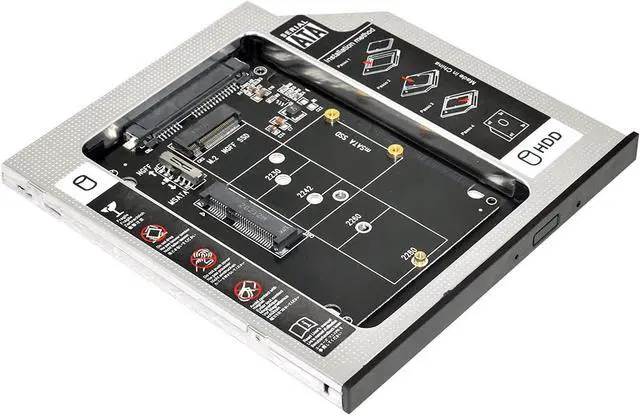
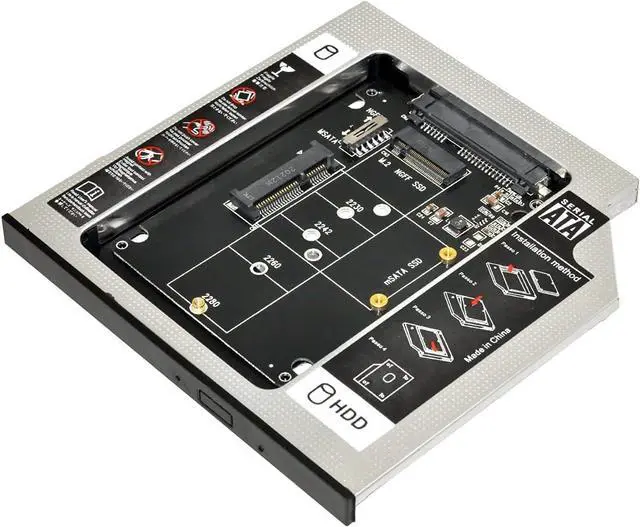
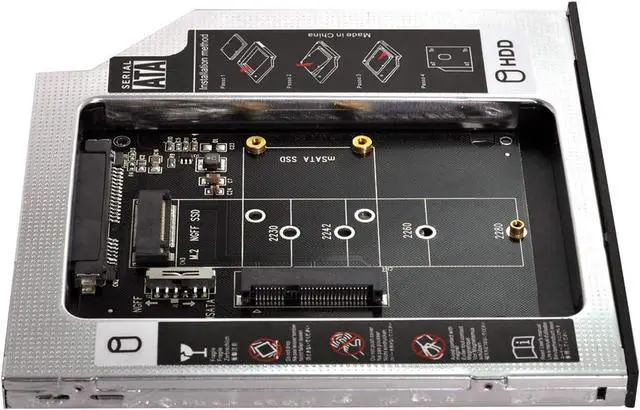
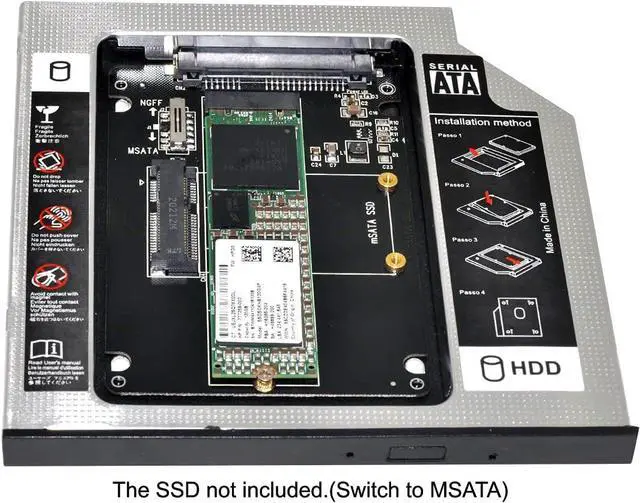
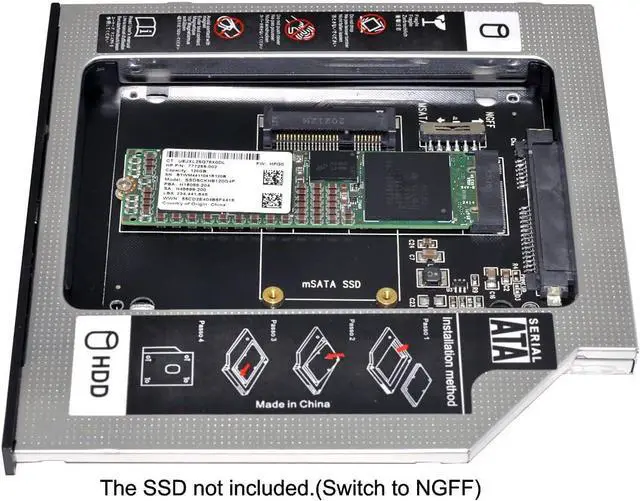
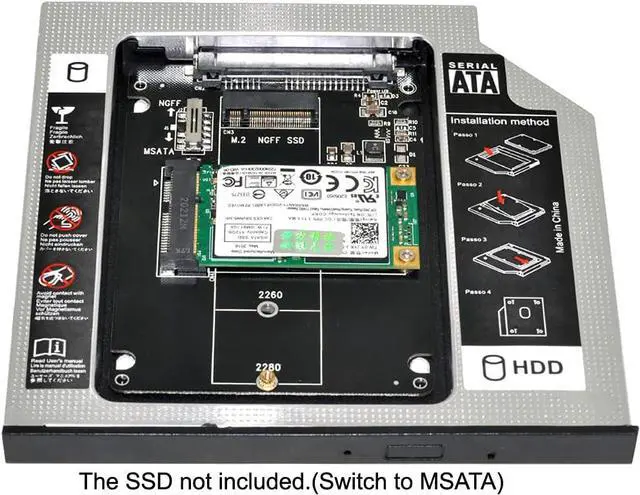


MSATA B/M-Key SSD to Slimline SATA 13Pin Caddy Case for 9.5mm Universal Laptop CD/DVD-ROM Optical Bay
- MSATA B/M-key SSD to Slimline SATA 13Pin Caddy Case for 9.5mm Universal Laptop CD / DVD-ROM Optical Bay
+
+
Overview
Specs
Reviews
MSATA B/M-key SSD to Slimline SATA 13Pin Caddy Case for 9.5mm Universal Laptop CD / DVD-ROM Optical Bay
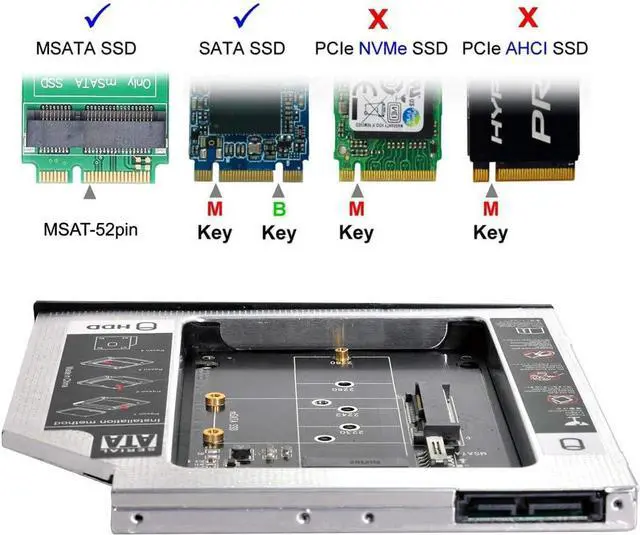
The 2nd Hard Disk Drive Caddy / Adapter to bring you new maximum data storage flexibility, with the compact portable design. Which can work with MSATA or B/M-key SSD (Solid State Drive) as well.
he MSATA and SSD t work at same time. You need use the switch to convert it. The adapter only work for B-key or B/M-key socket SSD, t work for M-key socket. With the second HDD in your Laptop, You can speed to backup important applications and critical data ( Simply remove your CD-ROM drive and put the Caddy (with the added hard drive) in its place.
Fully integrated into Laptop, no cables / PSU / software driver needed. Dual boot, Support installation of 2nd Operating System on the 2nd HDD and boot selection.
Unpack the New drive, lift the adapter retaining latch, the screw to the hard disk; Insert the drive into the Adapter at an angle; Slide the drive into the connector until it locks into place; Lower the adapter retaining latch until it snaps closed
The 2nd Hard Disk Drive Caddy / Adapter to bring you new maximum data storage flexibility, with the compact portable design. Which can work with MSATA or B/M-key SSD (Solid State Drive) as well.
he MSATA and SSD t work at same time. You need use the switch to convert it. The adapter only work for B-key or B/M-key socket SSD, t work for M-key socket. With the second HDD in your Laptop, You can speed to backup important applications and critical data ( Simply remove your CD-ROM drive and put the Caddy (with the added hard drive) in its place.
Fully integrated into Laptop, no cables / PSU / software driver needed. Dual boot, Support installation of 2nd Operating System on the 2nd HDD and boot selection.
Unpack the New drive, lift the adapter retaining latch, the screw to the hard disk; Insert the drive into the Adapter at an angle; Slide the drive into the connector until it locks into place; Lower the adapter retaining latch until it snaps closed
Warranty & Returns
Warranty, Returns, And Additional Information
Warranty
- Please contact the Seller directly for warranty information. Warranty information may also be found on the Manufacturer's website.
- CONTACT
Return Policies
- Return for refund within: 30 days
- Return for replacement within: 30 days
- This item is covered by Connecting Technology Return Policy
Manufacturer Contact Info
- For a directory of all our manufacturers, please click below.
- Manufacturers Directory
LOADING...