
Your Browsing History

Meet Your Seller

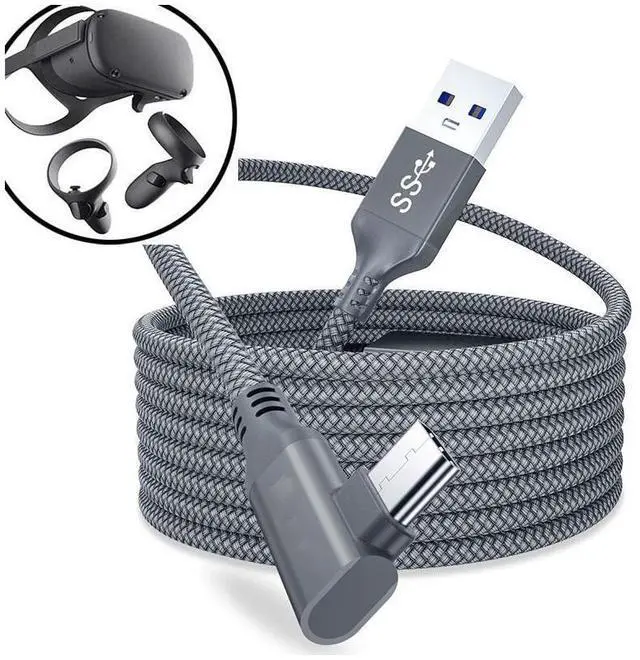
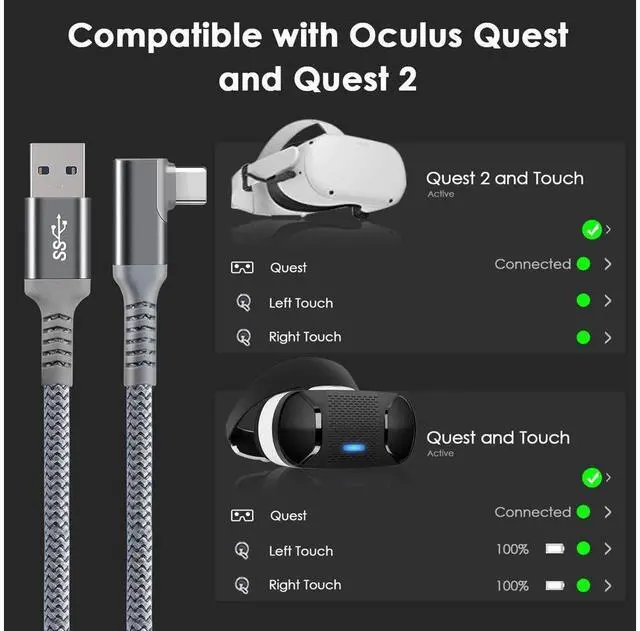


Link Cable 16ft / 5M Braided USB Type C to A Cord 90 Degree Angled USB 3.2 Gen1 Data Transfer & Fast Charging Cable for Oculus Quest /Quest 2/Rift S and More Devices with USB C Port eokCXOY
Limited time offer, ends 09/20 By GGnix
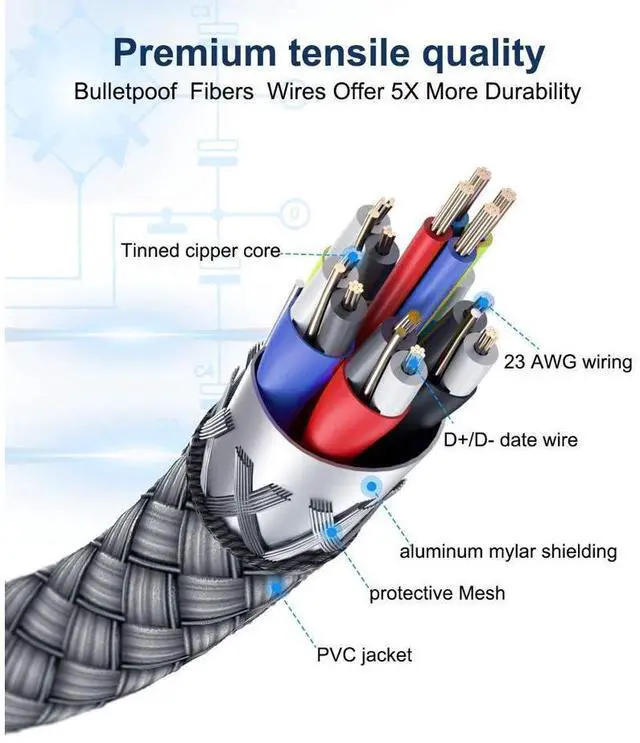
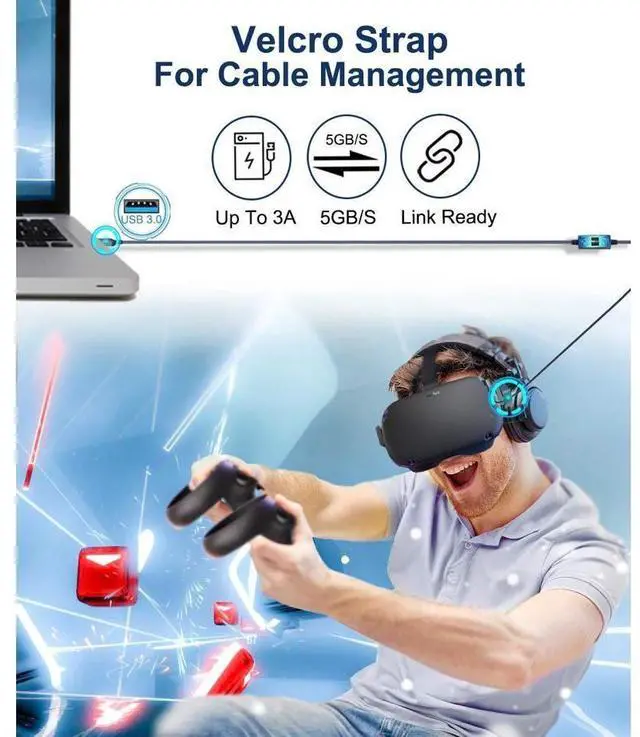
- [High-Speed Data Transfer & Fast Charging]:With USB 3.2 Gen1 port,data transfer rate up to 5 Gbps ,which allows it connects Oculus Link Program with no lag. Up to 3A current for charging quickly .Built-in 56KO resistor, this type c cable has a reliable conductivity protecting your devices from damage due to excessive current.
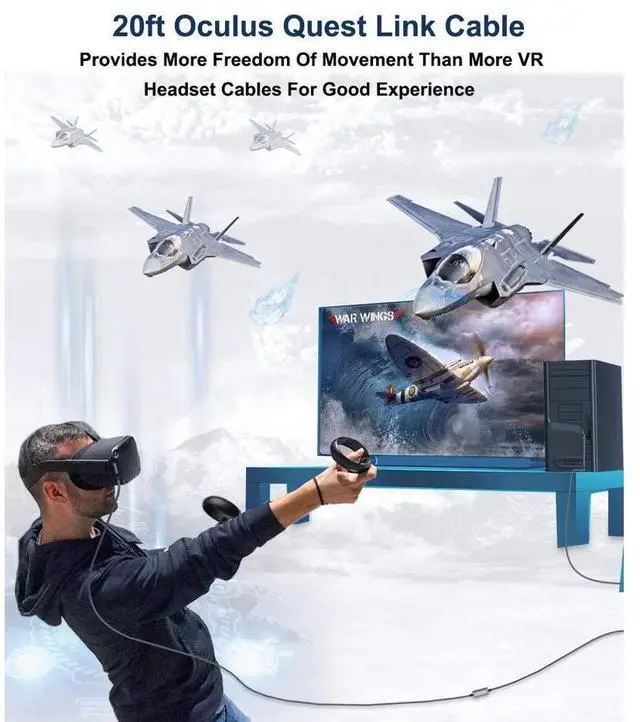
- [16 Feet Braided Cable]: 16 feet long VR link cable allows you to move freely without restraint.Made of premium nylon braided, not easily deformed and tangled . Lighter and durable than the ordinary PVC cable.
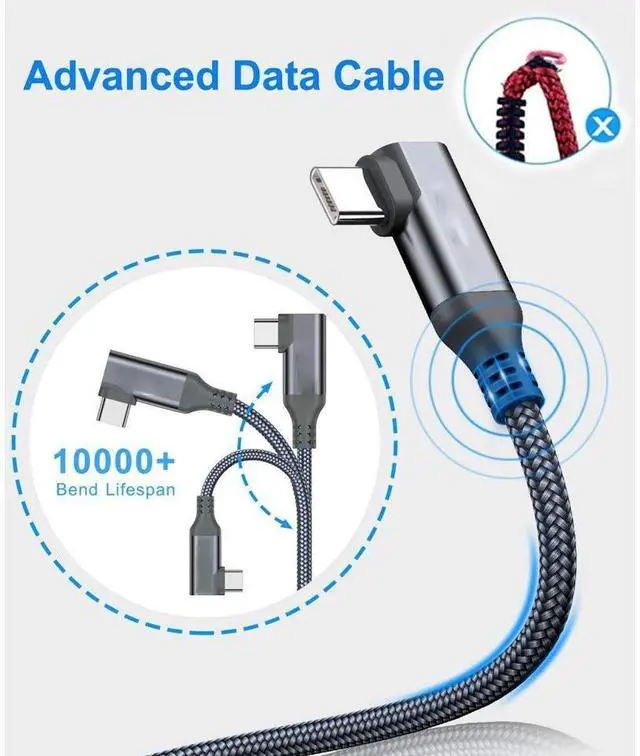
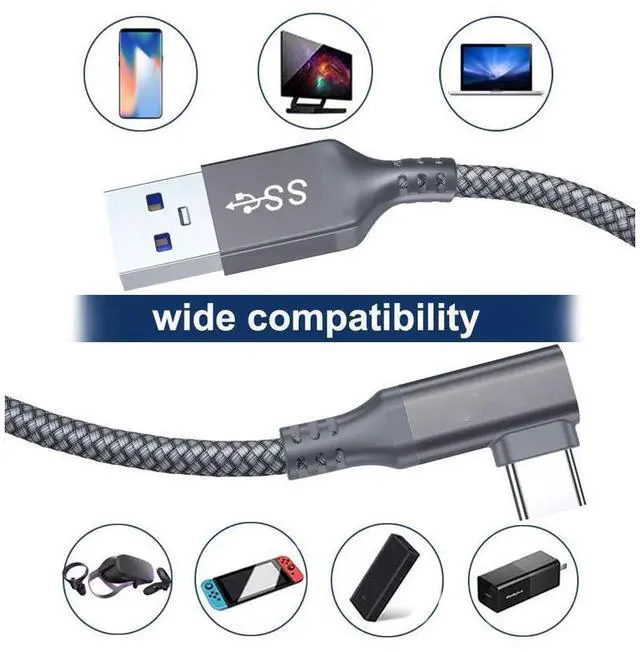
- [90 Degree Right Angle Connector]:90°right-angle usb c connector design for easily connect to the Quest VR headset. Right-angle elbow design, not easy to break and efficiently prevents it from disconnecting from oculus quest .
- [Universal Compatibility]: Compatible with almost all phones and tablets with USB-Type-C port. Compatible for Oculus Quest ,Samsung Galaxy Note 8, S8, S8+, S9, S10, Sony XZ, LG V20 G5 G6, HTC 10, Xiaomi 5 and more.
+
+
Overview
Specs
Reviews
Features:
Tangle-free nylon braided
Made of premium nylon braided, not easily deformed and tangled
Premium material
Using high-quality materials, it has good heat dissipation. Provide better protection to equipment.
Flexible & Durable
This cable has a good resilience. It will not break even if bent many times.
HOW TO USE IT
--- Update Software on both your PC and your Quest to the newest ersion (V20 above) before plugging the cable
---Open the Oculus app on your PC and turn on your Quest 2 or Quest.
---Plug the USB A into the USB 3.0 port of the computer mainborad, and then plug the other end into your headset.
--- A message displays in VR prompting you to Allow access to data. Select Deny. (If you mistakenly 'Allow' the prompt, unplug your USB cable from the Quest and plug it back in. )
---When prompted to Enable Oculus Link, select Enable to begin remote rendering using Oculus Link
Note:
---Make sure Public Test Channel is closed
---Please release the memory of the PC before using the Oculus link as it need large memory to run.
Warranty & Returns
Warranty, Returns, And Additional Information
Warranty
- Please contact the Seller directly for warranty information. Warranty information may also be found on the Manufacturer's website.
- CONTACT
Return Policies
- Return for refund within: 30 days
- Return for replacement within: 30 days
- This item is covered by GGnix Return Policy
Manufacturer Contact Info
- For a directory of all our manufacturers, please click below.
- Manufacturers Directory
LOADING...