
Your Browsing History
- Free 30-day Returns
$34.18
Ships from China.

Meet Your Seller

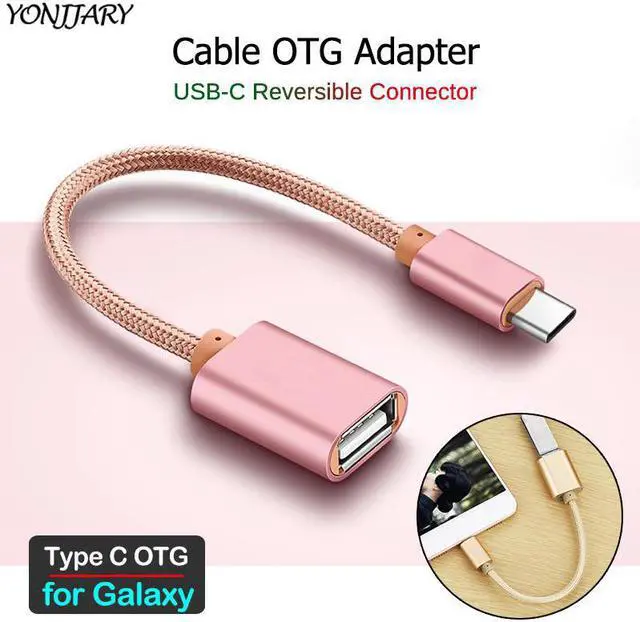
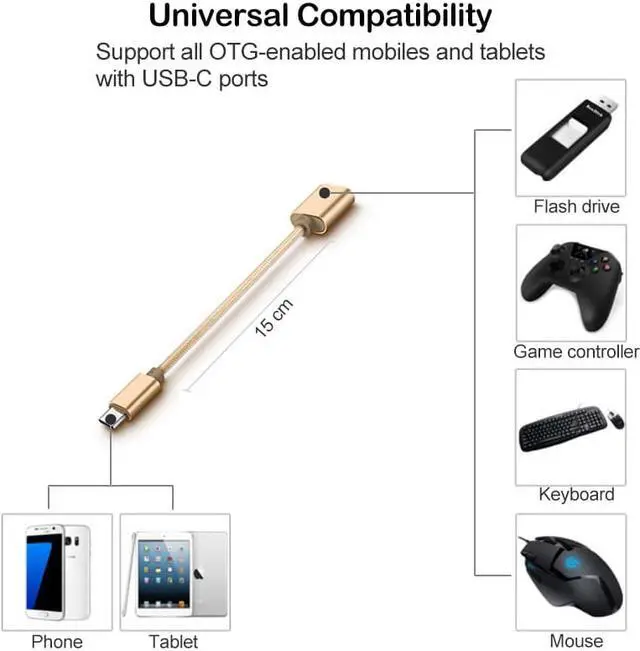
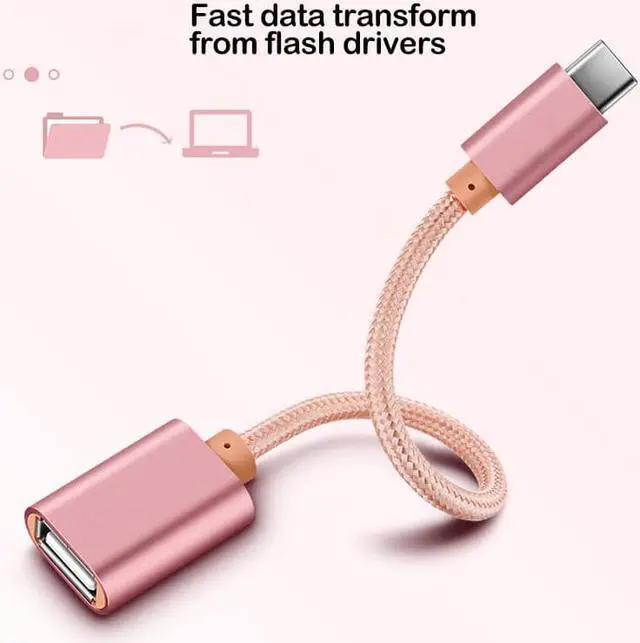
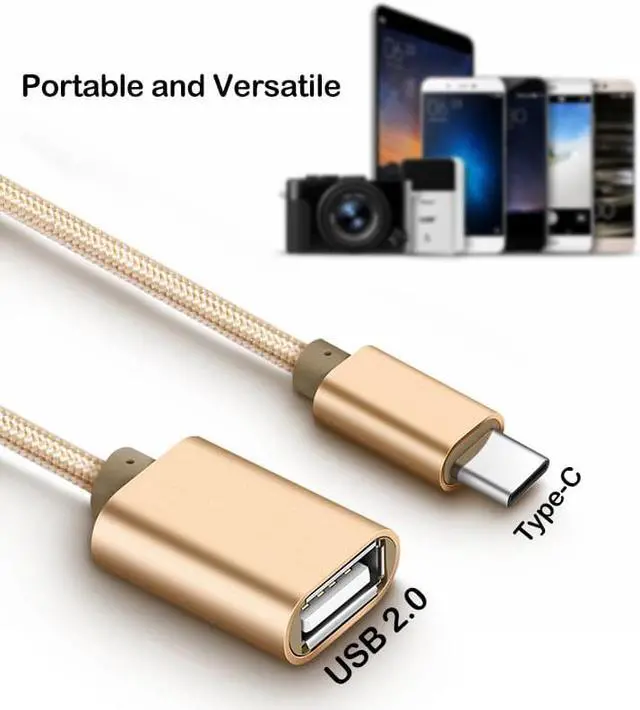


OTG Adapter Cable for Galaxy S10 Note 10 Lite M11 M21 M31 M30S M30 M40 A5 A7 2017 A8 A9 2018 Type C USB OTG Cable
Limited time offer, ends 09/19 By BRIGHTOR
- Good Quality
+
+
Overview
Specs
Reviews
OTG Cable
for Galaxy( Plug)
_______
About USB OTG
How to Check if Your Device Supports USB OTG?
USB On-The-Go (OTG) is a standardized specification that allows a device to read from a USB device without requiring a PC. The device basically acts as a USB host , enabling it to power and control other USB peripherals such as keyboards/mice, game controllers, and much more. But how do you find out whether your Android phone supports USB OTG?
Method 1: Look at the box it came in, or the manufacturers website. Youll see USB OTG listed in the specifications.
Method 2: Install USB OTG Checker, a simple app to check whether your phone supports USB OTG or not.
What You Need to Use USB OTG?
1. Connect Flash Drives and External Hard Drives;
2. Play With Video Game Controllers;
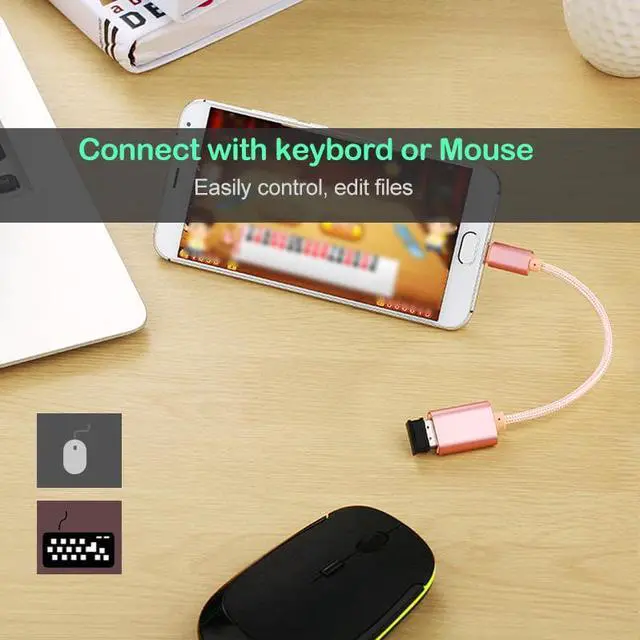
3. Control Android With Keyboard and Mouse;
4. Print Directly From a Printer;
5. Control Your Camera;
_______
Compatible with:
We can not guarantee that the list is 100% correct.
Please double check: port & OTG supported.
Galaxy S10 Lite
Galaxy Note 10 Lite
Galaxy C5 Pro
Galaxy C7 Pro
Galaxy C9 Pro
Galaxy A3 2017
Galaxy A5 2017
Galaxy A7 2017
Galaxy A8 2018
Galaxy A8+ 2018
Galaxy A9 2018
Galaxy A8 Star
Galaxy A6s
Galaxy A8s
Galaxy A9s
Galaxy A20
Galaxy A30
Galaxy A40
Galaxy A50
Galaxy A60
Galaxy A70
Galaxy A80
_______
Warranty & Returns
Warranty, Returns, And Additional Information
Warranty
- Please contact the Seller directly for warranty information. Warranty information may also be found on the Manufacturer's website.
- CONTACT
Return Policies
- Return for refund within: 30 days
- Return for replacement within: 90 days
- This item is covered by BRIGHTOR Return Policy
Manufacturer Contact Info
- For a directory of all our manufacturers, please click below.
- Manufacturers Directory
LOADING...