




hero-video
Merchant Video


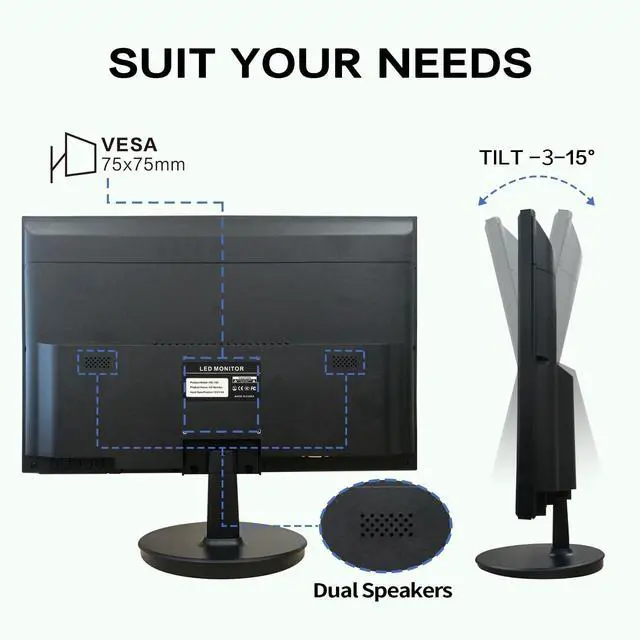
Does this 19" monitor have built-in speakers?
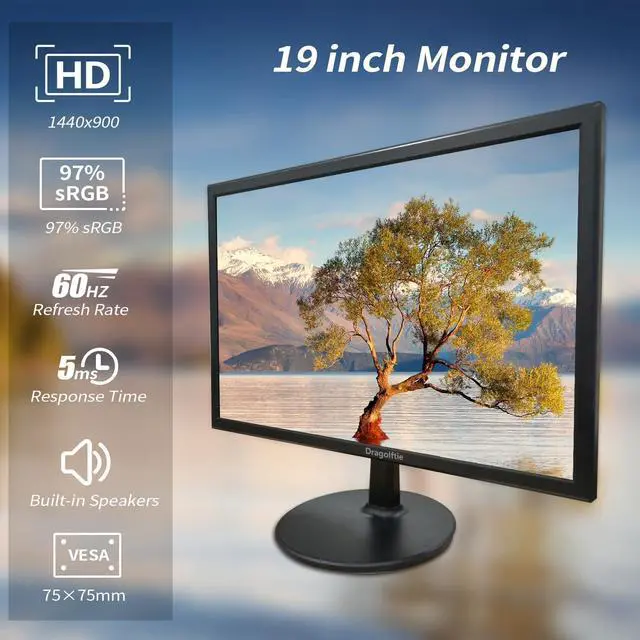
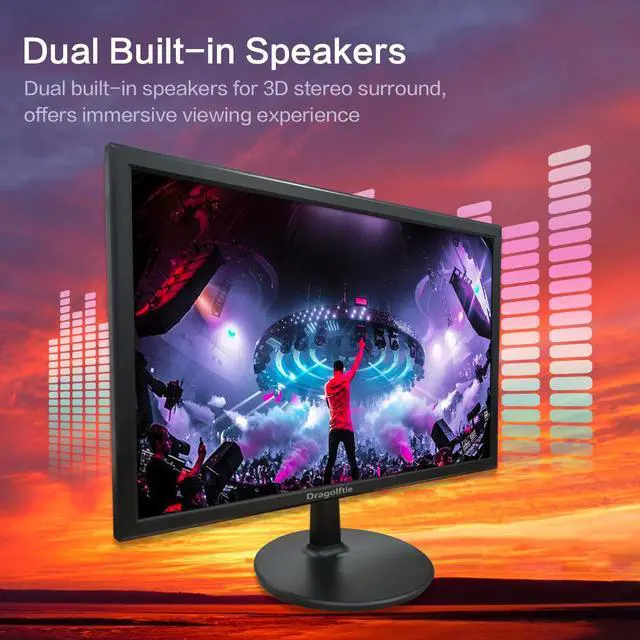
This 19 inch monitor with dual built-in speakers
What should I do if the monitor does not turn on properly after connecting to the power supply?
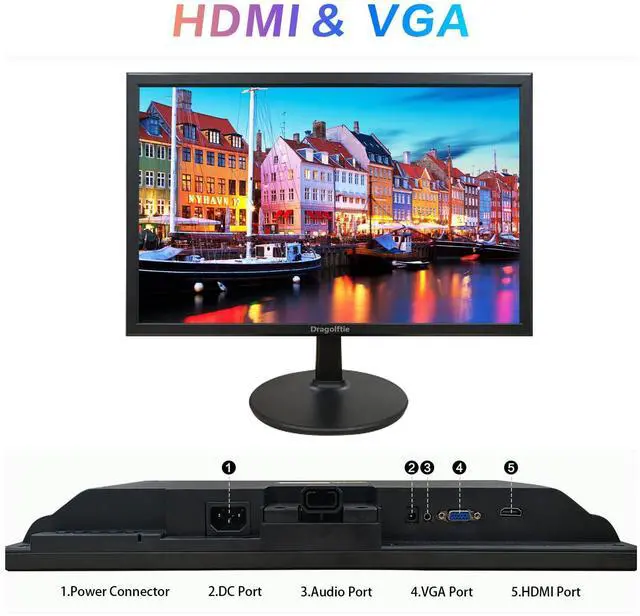
This could be due to a faulty power cord that prevents the monitor from turning on. Then you can try to connect the DC power connector of this monitor with a power adapter.
Why didn't the monitor come with screws for mounting the stand?
No screws are required for base mounting of this monitor.
How to adjust the volume and brightness of this 19 inch monitor?
1. Click the MENU button.
2. Click the UP and DOWN buttons to select.
3. Click the MENU button to enter Options.
4. Click the UP and DOWN buttons to adjust function parameters.
5. Click the AUTO button to exit.
Does this monitor support wall mounting?
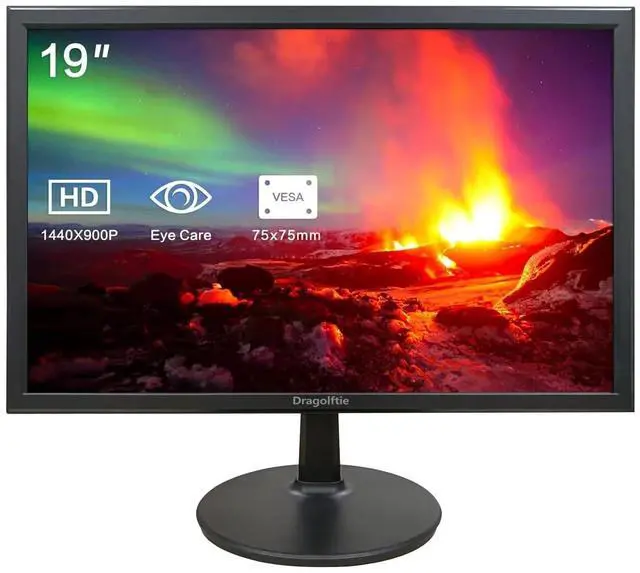
Yes, 75x75mm VESA supports


hero-video
Merchant Video


5ms Response Time


5ms response time effectively reduces screen lag and tearing, offers smooth viewing experience


Does this 19" monitor have built-in speakers?
This 19 inch monitor with dual built-in speakers
What should I do if the monitor does not turn on properly after connecting to the power supply?
This could be due to a faulty power cord that prevents the monitor from turning on. Then you can try to connect the DC power connector of this monitor with a power adapter.
Why didn't the monitor come with screws for mounting the stand?
No screws are required for base mounting of this monitor.
How to adjust the volume and brightness of this 19 inch monitor?
1. Click the MENU button.
2. Click the UP and DOWN buttons to select.
3. Click the MENU button to enter Options.
4. Click the UP and DOWN buttons to adjust function parameters.
5. Click the AUTO button to exit.
Does this monitor support wall mounting?
Yes, 75x75mm VESA supports
PC Monitor
Monitor