
• $95.99
  • Free 30-day Returns
Price alert
Sold by Fegfrght

Shipped by Fegfrght

Shop it at NeweggBusiness.

Meet Your Seller

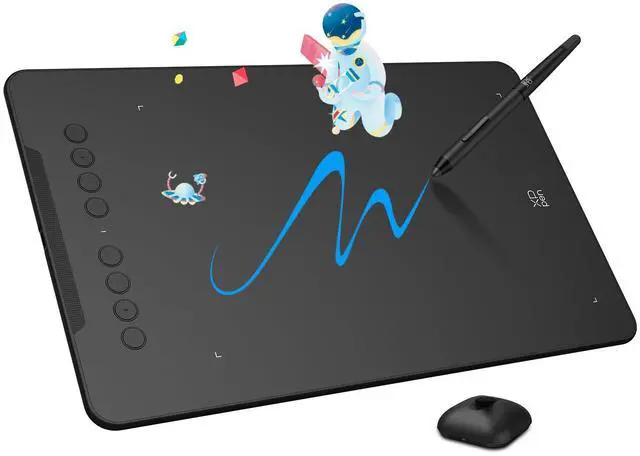
Updated Deco 01 V3 Drawing Tablet, 16384 Pressure Sensitivity, 8 Custom Shortcuts, 220 Report Rate for OSU Drawing Pad, Remote Teaching & Animation, Compatible with Android, Windows, macOS

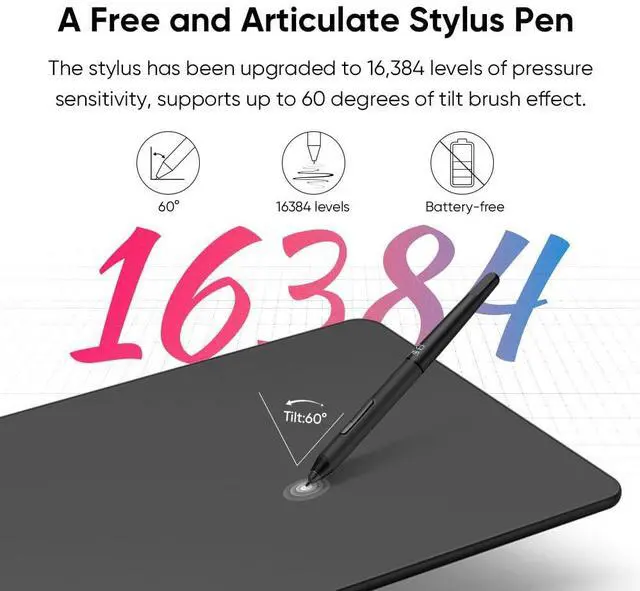
  • Industry-leading: The upgraded X3 Smart Chip stylus (industry-leading innovation) delivers 16,384 pressure levels and 60° tilt support, solving traditional tablet lag and stroke distortion. Perfect for digital artists transitioning from paper to digital, allowing natural shading like charcoal/pencil without tech barriers
  • Beginner-Friendly Design: Ambidextrous layout with programmable keys reduces 40% menu navigation timen, ideal for students and hobbyists juggling multiple design apps
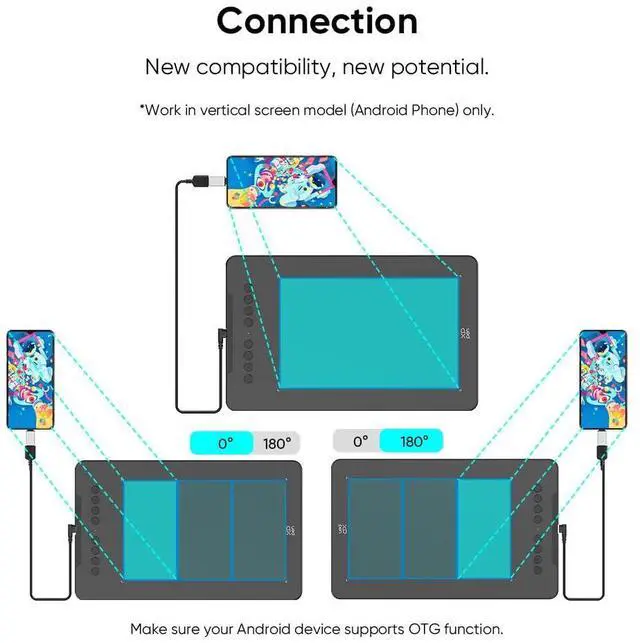
  • Optimized for Android Devices: Seamlessly connects to Android Phone/Android tablets via USB-C (includes aspect ratio adjustment). We recommend downloading the XPPen Tools app to adjust your smartphone's screen aspect ratio for precise mapping, accommodating various screen sizes in portrait mode
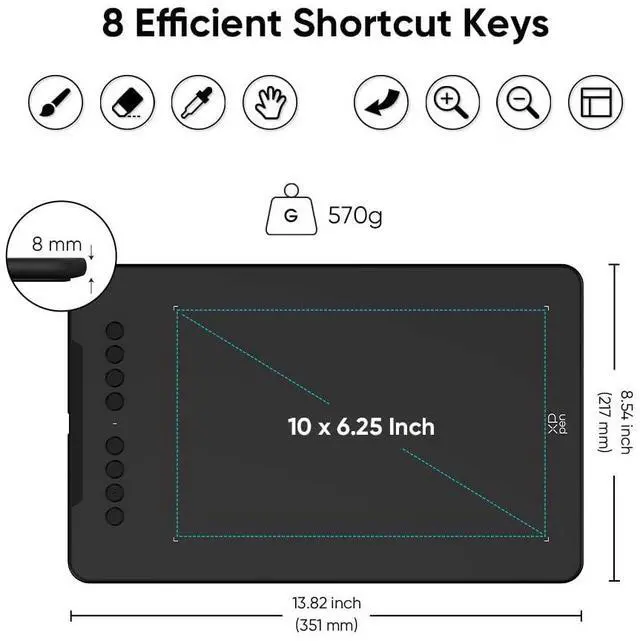
  • 10" Active Area 20% Larger Than Entry-Level drawing tablet: Generous 6.25x10" workspace eliminates hand-cramping for manga/anime creators, with edge-backlit surface enabling nighttime sketching sessions
  • Zero Charging Hassles & On-the-Go Portability: Battery-free pen + 8mm ultra-slim body (lighter than iPad) solves beginners' "forgot to charge" anxiety. Fits in school backpacks for dorm-to-studio mobility
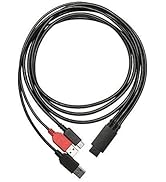
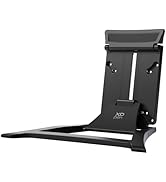
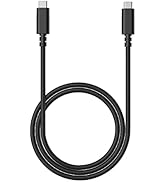
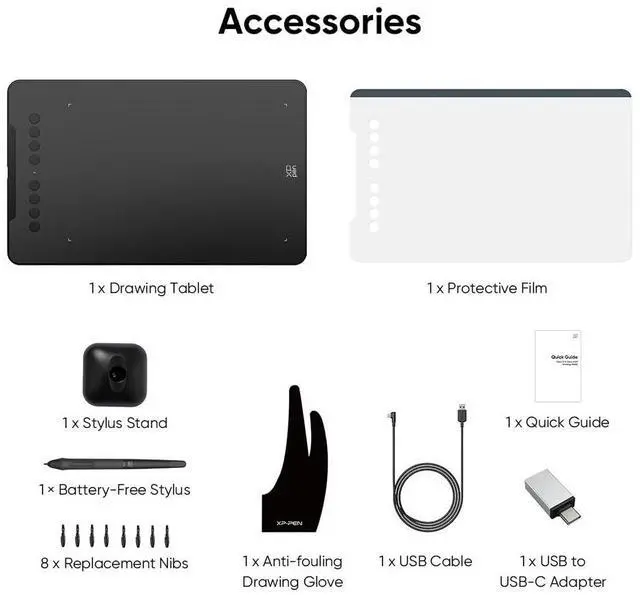
  • Included Accessories: Your purchase includes: 1 x Deco 01 V3 Drawing Tablet, 1 x Stylus, 10 x Nibs, 1 x Stylus Stand, 1 x Glove, 1 x Protective Film, 1 x USB-C to USB-A Cable, 1 x USB to USB-C Adapter
+
+
Overview
Specs
Reviews
XPPen Updated Deco 01 V3 Drawing Tablet

16,384 Pressure Levels

The upgraded X3 Smart Chip stylus (industry-leading innovation) delivers 16,384 pressure levels and 60° tilt support.

DECO 01V2 DRAWING TABLET

Work with Android

The XPPen Deco 01 V3 supports connections with Android devices 6.0 and above.

DECO 01V2 DRAWING TABLET

8 Customizable Shortcuts

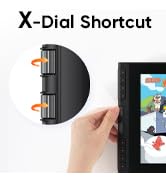
The Deco features eight, round, customizable express keys that fit easily to your fingertips.

deco pro drawing tablet

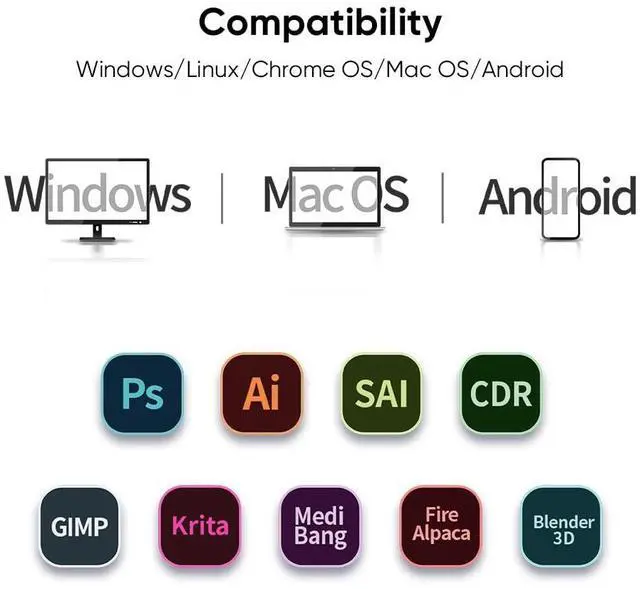
Wide Compatibility

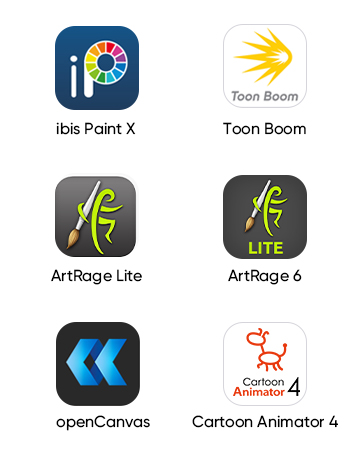
Working with most major software including: ibis Paint X, FlipaClip, Medibang, Autodesk Sketchbook, Zenbrush and Artrage, etc.,

  • The Deco 01 V3 can be used with Windows 11/10/8/7, MAC OS X 10.10 or above and Android 6.0 or above and Chrome OS 88.0.4324.109 or above.

  • Please go to XPPEN official web to dowmload.

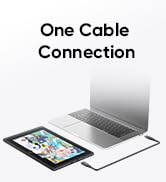
  • The included USB cable is about 1.5M.

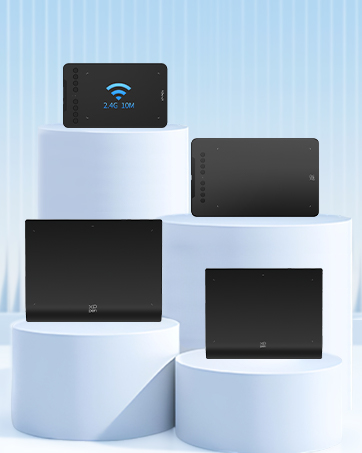
  • It doesn't support Bluetooth, it supports ISM2.4G USB wireless connection.

    It can't work with iPhone/iPad. It is compatible with Android phones.

XPPen Updated Deco 01 V3 Drawing Tablet

16,384 Pressure Levels

The upgraded X3 Smart Chip stylus (industry-leading innovation) delivers 16,384 pressure levels and 60° tilt support.

DECO 01V2 DRAWING TABLET

Work with Android

The XPPen Deco 01 V3 supports connections with Android devices 6.0 and above.

DECO 01V2 DRAWING TABLET

8 Customizable Shortcuts

The Deco features eight, round, customizable express keys that fit easily to your fingertips.

deco pro drawing tablet

Wide Compatibility

Working with most major software including: ibis Paint X, FlipaClip, Medibang, Autodesk Sketchbook, Zenbrush and Artrage, etc.,

  • The Deco 01 V3 can be used with Windows 11/10/8/7, MAC OS X 10.10 or above and Android 6.0 or above and Chrome OS 88.0.4324.109 or above.

  • Please go to XPPEN official web to dowmload.

  • The included USB cable is about 1.5M.

  • It doesn't support Bluetooth, it supports ISM2.4G USB wireless connection.

    It can't work with iPhone/iPad. It is compatible with Android phones.

1. Important Reminder
XP-PEN Deco01V2 drawing tablet must be connected to a Laptop/desktop/Chromebook to work, it's compatible with Windows 10/8/7(32/64bit), MAC OS 10.10 or above OS, Chrome OS 88.0.4324.109 and above OS.
2. Connection Tips
Your laptop/desktop needs to have USB-A port available for the connection. If your computer does not have USB-A port, then you need an extra converter for the connection, such as USB-C to USB-A etc. (Depends on what ports that your laptop/desktop has).
3. Install the XP-PEN Driver on Your Computer
1-Before Driver Installation: Please Remove Other Brands Driver from your computer and reboot before installing the XP-PENs driver, or there will driver conflict problems.
2-Driver Download: Our driver will be regularly updated, so please go to our official web to download the newest driver, and install it on your computer.
3-For Windows UsersPlease close all drawing programs and run the XP-PEN driver as Administrator when installing. (IMPORTANT)
4. For Mac Mojave (10.14), Catalina (10.15) and above OS Users:
Mac Mojave (10.14) or above OS has upgraded in the security section, you need to put programs you newly downloaded into the accessibility list first to normally use it. Details steps please see the FAQ section on the XP-PEN web.
5. After-sale Service from XP-PEN
Please checks the Quick Guide, or search XP-PEN online to find a way to us for further assistance whenever you encounter problems with the use of the Deco01V2 graphics tablet, we are always standing by to help! XP-PEN provides a one-year warranty and lifetime tech support.
6. Programs
Please install a programs to your computer before your art creation/online teaching/remote work.
Free drawing programs like gimp, firealpaca, krita , medibang, etc.
Or register your xppen Deco01V2 graphics tablet on xp-pen web to apply for an ArtRage Lite, Explain Everything program.


Product information

Brand XP-Pen
Connectivity Technology USB
Pressure Sensitivity 8192 Levels
Operating System Windows, Android, Linux, Chrome OS, Mac
Special Feature 10" Active Area 20% Larger Than Entry-Level drawing tablet, 16,384 pen pressure levels, 220 Report Rate for OSU, 60 degrees of tilt, 8 Custom Shortcuts
Product Dimensions 13.8 x 8.5 x 0.3 inches
Item Weight 1.26 pounds
Item model number DECO01V3
Is Discontinued By Manufacturer No
Date First Available July 23, 2019
Manufacturer XP-PEN

Additional Features

  • Versatile Compatibility: The Deco 01 V3 is compatible with a wide range of operating systems, including Windows 7 and later, Android 10.0 and above, macOS 10.13 and newer, Chrome OS 88 and later, as well as Linux. It also works with popular design software such as Photoshop, Corel Painter, Illustrator, and Clip Studio. *Ensure your Windows is updated to version 11 or your Mac to version 12 for optimal performance

Warranty & Returns

Warranty, Returns, And Additional Information

Warranty

  • Please contact the Seller directly for warranty information. Warranty information may also be found on the Manufacturer's website.
  • CONTACT

Return Policies

  • Return for refund within: 30 days
  • Return for replacement within: 90 days
  • This item is covered by Fegfrght Return Policy

Manufacturer Contact Info

LOADING...