





Founded in 2009, VEIKK has been dedicated to connect user experiences with continuous innovative technology and products, introduce new technologies that democratize creativity, and build a colorful digital creative world.
VEIKK developed EMR technology for pen tablet and display devices to enable a precise and speedy pen input with highly accurate pressure sensitivity.
Fill the digital world with possibilities.
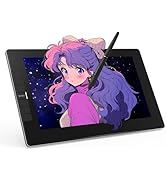

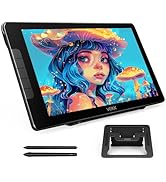
Our Hot Models
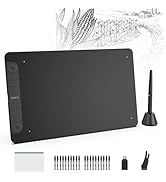
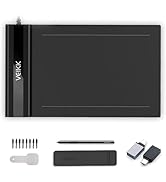
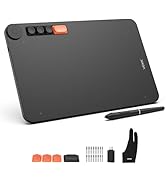
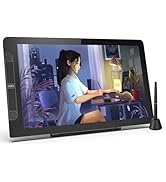
New Release
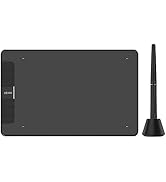
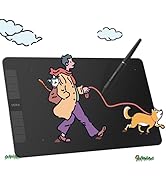
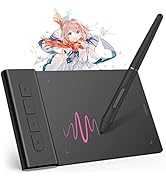
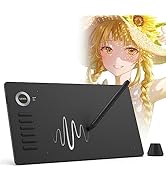
10*6 Size
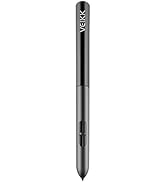
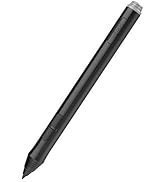
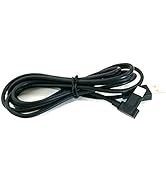
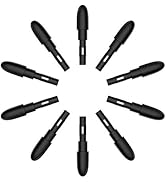
Drawing Tablet Accessories
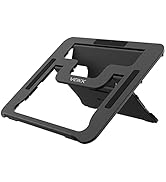
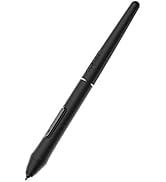
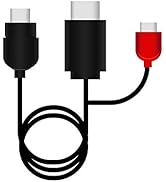
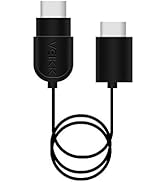
Pen Display Accessories


Important Notice
1. VK1060 graphics tablet is NOT a standalone drawing tablet
· This tablet must be connected to a laptop or desktop running Win10/8/7(32/64bit), Mac OS X version 10.12 or later, mobile phone with Android 6.0 or later.
· It is not compatible with Chrome and Linux OS, iPhone and iPad at present.
2. Driver Download and Installation Tips
· Please download the latest VEIKK Driver from our official website.
· Before install VEIKK driver:
1) Plug the pen tablet into your computer first.
2) Please make sure there is no any other tablet drivers on your computer to avoid drivers conflict issue. And close all anti-virus software programs and drawing programs before install VEIKK driver on your computer. (IMPORTANT)
3. For Mac Mojave (10.14), Catalina (10.15) Users
If your Mac OS is Mojave (10.14) ,Catalina (10.15) or Big Sur (11.0) , please remember to add the "Tablet Driver Center" into the white list first after installed the driver. More operate details, please go to VEIKK official web, reference to the FAQ “How to install driver in Mojave /Catalina”.
4. If you have any problems with VEIKK drawing tablets, please check the FAQ on our official web for further assistance. Anyway, Customer’s satisfaction is most important thing for us.

Sufficient Space for Creation
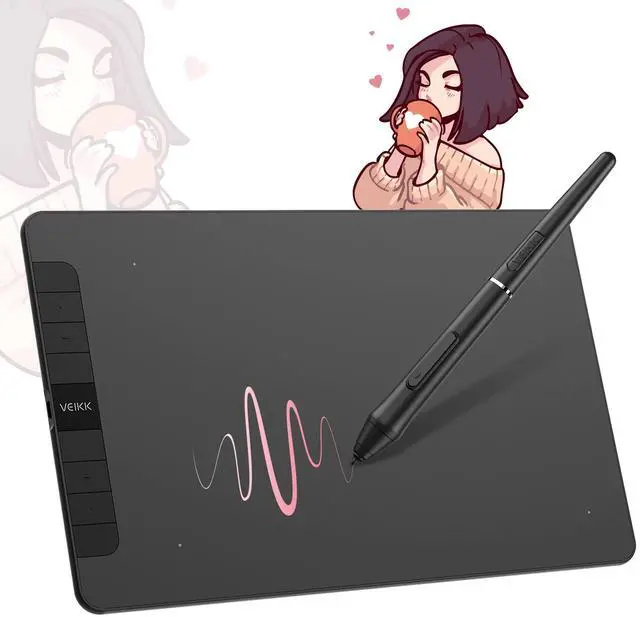
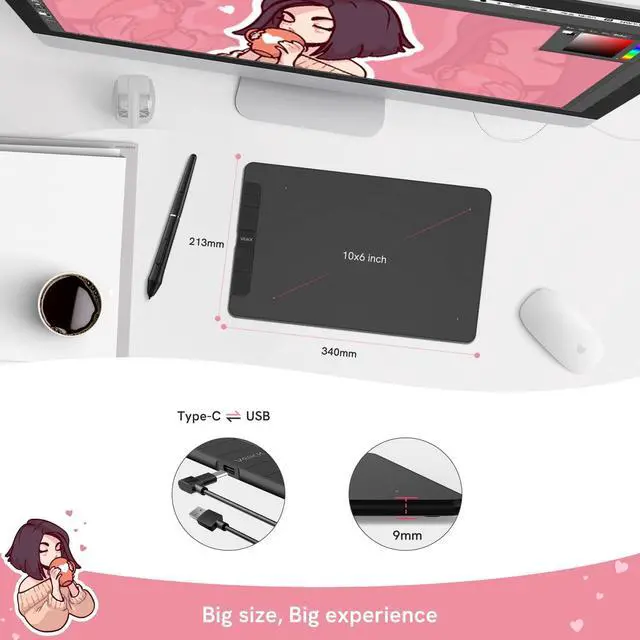
- 10 x 6 Inch working area, you can choose the most comfortable way you like to make your creation better.
- The paper-like surface of the graphic tablet provides you with a more natural and realistic experience, just like drawing on the real paper.

8192 Level & Tilt Function
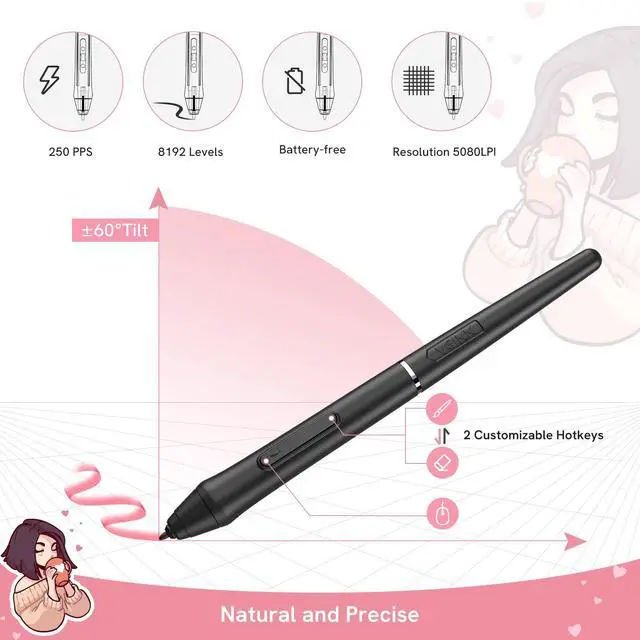
- The pen provides 8192 levels pen pressure to provide exquisite strokes.
- Supports up to ±60 ° of tilt brush effect and delivers smoother and more natural lines and strokes, while also giving you the ability to add shading to your creation and offering a more natural writing and drawing experience.

8 Customized express keys
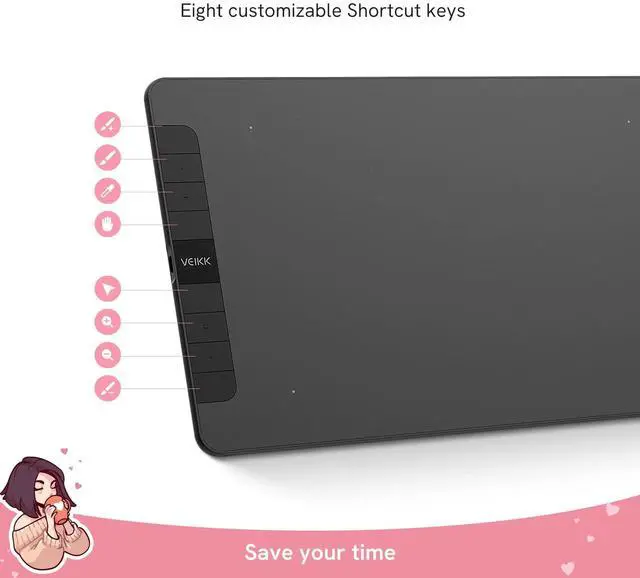
- The VK1060 digital drawing tablet features 8 customizable express keys that fit easily to your fingertips. With its blind spot reduction design, you can find the position of your express keys efficiently.
- All shortcut keys can be programmed to many different software programs on VEIKK driver.

Battery-free Pen & Pen Holder
- The P05 stylus is outstandingly ergonomic, allowing you to draw as smoothly as with a paper and pencil. And it does not require batteries or charging, convenient for both you and the environment.
- It comes with a multifunctional pen holder. You can put the pen on the pen holder when you do not use it, and also is a Nib Storage.
- The nib removal to make replacing pen tips super-simple.

OS Android 6.0 Supported
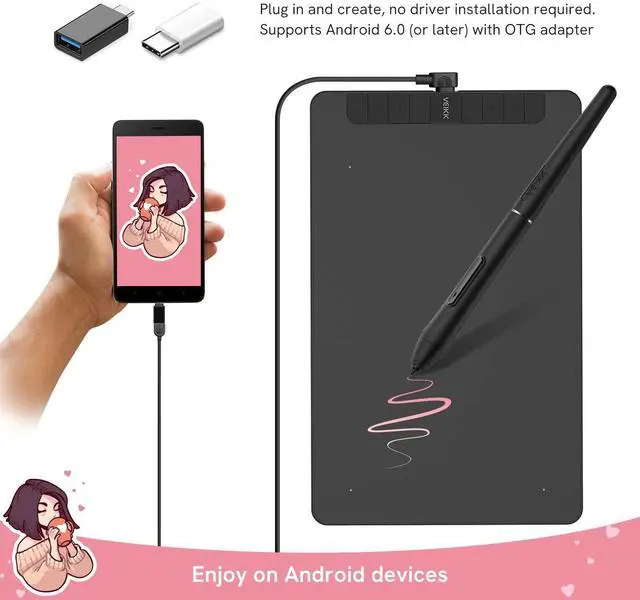
- The VK1060 graphic tablet is a brand new product that can be connected to an Android phone/tablet to use. It can be easily connected with the OTG Connector. You can plug in and play, no driver installation required.
- By Default, the working area of the tablet is 10*6 inch, and the tablet should be rotated 90 °. If you want to use it in the normal direction, PRESS K1 and K8 at the same time, the working area will be changed to 3*6 inch in the left of the tablet.

Compatibility and Application
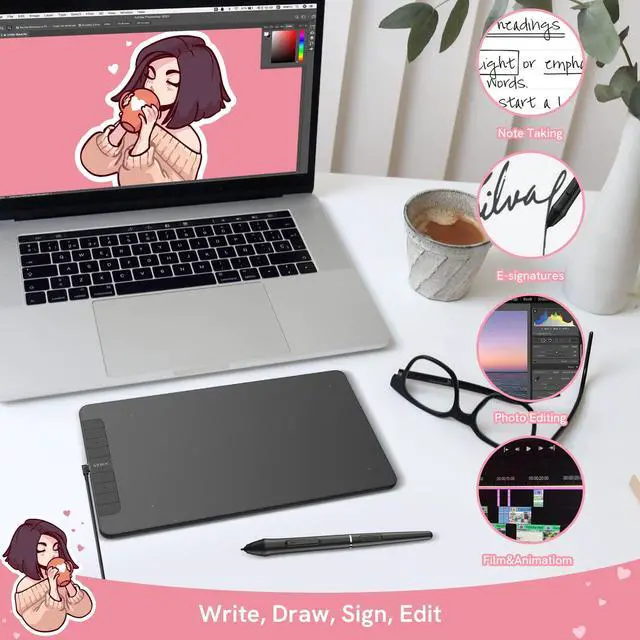
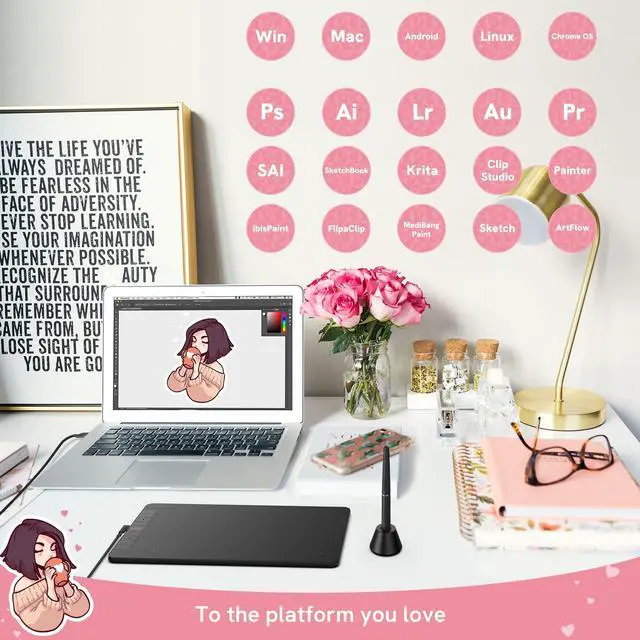
- This graphic drawing tablet supports work with Windows 10/8/7, Mac OS X 10.12 and above, Android 6.0 and above. It is compatible with many major design software, such as Photoshop, SAI, Painter, Illustrator, Clip Studio, and more.
- Compatibility is always being steadily improved through driver updates. Please go to the official website to download the latest driver for your graphics drawing tablet.


 S640 |  VK640 |  A30 |  A50 |  A15 |  VK1060 | |
|---|---|---|---|---|---|---|
| Customer Reviews | — | — | — | — | — | — |
| Price | — | — | — no data | — no data | — | — no data |
| Working Area | 6 x 4 inch | 6 x 4 inch | 10 x 6 inch | 10 x 6 inch | 10 x 6 inch | 10 x 6 inch |
| Pen | Battery-free | Battery-free | Battery-free | Battery-free | Battery-free | Battery-free |
| Pen pressure | 8192 Levels | 8192 Levels | 8192 Levels | 8192 Levels | 8192 Levels | 8192 Levels |
| Report Rate(PPS) | 250 | 250 | 250 | 250 | 250 | 250 |
| Tilt support | ? | ? | no | ? | ? | ? |
| Resolution(LPI) | 5080 | 5080 | 5080 | 5080 | 5080 | 5080 |
| Hot Keys | none | 6 hard shortcut keys | 4 touch keys + gesturee pad | 8 hard shortcut keys + gesture pad | 12 shortcut keys | 8 hard shortcut keys |
| OS Support | Mac/Windows/Mobile | Mac/Windows/Mobile | Mac/Windows/Mobile | Mac/Windows/Mobile | Mac/Windows/Mobile | Mac/Windows/Mobile |
Important Notice
1. VK1060 graphics tablet is NOT a standalone drawing tablet
· This tablet must be connected to a laptop or desktop running Win10/8/7(32/64bit), Mac OS X version 10.12 or later, mobile phone with Android 6.0 or later.
· It is not compatible with Chrome and Linux OS, iPhone and iPad at present.
2. Driver Download and Installation Tips
· Please download the latest VEIKK Driver from our official website.
· Before install VEIKK driver:
1) Plug the pen tablet into your computer first.
2) Please make sure there is no any other tablet drivers on your computer to avoid drivers conflict issue. And close all anti-virus software programs and drawing programs before install VEIKK driver on your computer. (IMPORTANT)
3. For Mac Mojave (10.14), Catalina (10.15) Users
If your Mac OS is Mojave (10.14) ,Catalina (10.15) or Big Sur (11.0) , please remember to add the "Tablet Driver Center" into the white list first after installed the driver. More operate details, please go to VEIKK official web, reference to the FAQ “How to install driver in Mojave /Catalina”.
4. If you have any problems with VEIKK drawing tablets, please check the FAQ on our official web for further assistance. Anyway, Customer’s satisfaction is most important thing for us.
Sufficient Space for Creation
- 10 x 6 Inch working area, you can choose the most comfortable way you like to make your creation better.
- The paper-like surface of the graphic tablet provides you with a more natural and realistic experience, just like drawing on the real paper.
8192 Level & Tilt Function
- The pen provides 8192 levels pen pressure to provide exquisite strokes.
- Supports up to ±60 ° of tilt brush effect and delivers smoother and more natural lines and strokes, while also giving you the ability to add shading to your creation and offering a more natural writing and drawing experience.
8 Customized express keys
- The VK1060 digital drawing tablet features 8 customizable express keys that fit easily to your fingertips. With its blind spot reduction design, you can find the position of your express keys efficiently.
- All shortcut keys can be programmed to many different software programs on VEIKK driver.
Battery-free Pen & Pen Holder
- The P05 stylus is outstandingly ergonomic, allowing you to draw as smoothly as with a paper and pencil. And it does not require batteries or charging, convenient for both you and the environment.
- It comes with a multifunctional pen holder. You can put the pen on the pen holder when you do not use it, and also is a Nib Storage.
- The nib removal to make replacing pen tips super-simple.
OS Android 6.0 Supported
- The VK1060 graphic tablet is a brand new product that can be connected to an Android phone/tablet to use. It can be easily connected with the OTG Connector. You can plug in and play, no driver installation required.
- By Default, the working area of the tablet is 10*6 inch, and the tablet should be rotated 90 °. If you want to use it in the normal direction, PRESS K1 and K8 at the same time, the working area will be changed to 3*6 inch in the left of the tablet.
Compatibility and Application
- This graphic drawing tablet supports work with Windows 10/8/7, Mac OS X 10.12 and above, Android 6.0 and above. It is compatible with many major design software, such as Photoshop, SAI, Painter, Illustrator, Clip Studio, and more.
- Compatibility is always being steadily improved through driver updates. Please go to the official website to download the latest driver for your graphics drawing tablet.
S640 | VK640 | A30 | A50 | A15 | VK1060 | |
|---|---|---|---|---|---|---|
| Customer Reviews | — | — | — | — | — | — |
| Price | — | — | — no data | — no data | — | — no data |
| Working Area | 6 x 4 inch | 6 x 4 inch | 10 x 6 inch | 10 x 6 inch | 10 x 6 inch | 10 x 6 inch |
| Pen | Battery-free | Battery-free | Battery-free | Battery-free | Battery-free | Battery-free |
| Pen pressure | 8192 Levels | 8192 Levels | 8192 Levels | 8192 Levels | 8192 Levels | 8192 Levels |
| Report Rate(PPS) | 250 | 250 | 250 | 250 | 250 | 250 |
| Tilt support | ? | ? | no | ? | ? | ? |
| Resolution(LPI) | 5080 | 5080 | 5080 | 5080 | 5080 | 5080 |
| Hot Keys | none | 6 hard shortcut keys | 4 touch keys + gesturee pad | 8 hard shortcut keys + gesture pad | 12 shortcut keys | 8 hard shortcut keys |
| OS Support | Mac/Windows/Mobile | Mac/Windows/Mobile | Mac/Windows/Mobile | Mac/Windows/Mobile | Mac/Windows/Mobile | Mac/Windows/Mobile |
Founded in 2009, VEIKK has been dedicated to connect user experiences with continuous innovative technology and products, introduce new technologies that democratize creativity, and build a colorful digital creative world.
VEIKK developed EMR technology for pen tablet and display devices to enable a precise and speedy pen input with highly accurate pressure sensitivity.
Fill the digital world with possibilities.
Our Hot Models
New Release
10*6 Size
Drawing Tablet Accessories
Pen Display Accessories