




Founded in 2009, VEIKK has been dedicated to connect user experiences with continuous innovative technology and products, introduce new technologies that democratize creativity, and build a colorful digital creative world.
VEIKK developed EMR technology for pen tablet and display devices to enable a precise and speedy pen input with highly accurate pressure sensitivity.
Fill the digital world with possibilities.

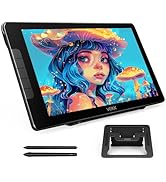
Our Hot Models
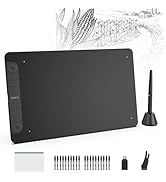
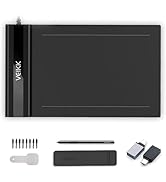
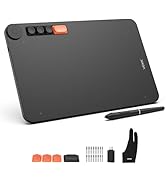
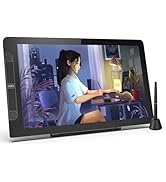
New Release
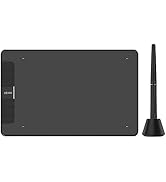
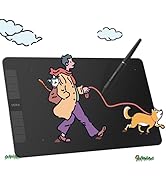
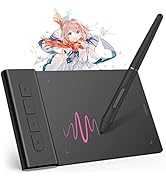
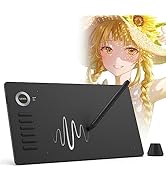
10*6 Size
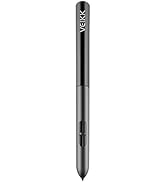
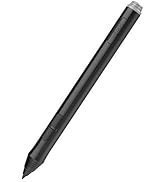
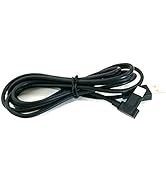
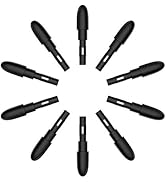
Drawing Tablet Accessories
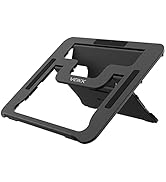
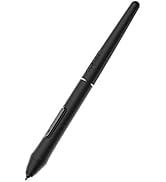
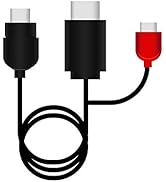
Pen Display Accessories
hero-video
Merchant Video
Super Efficient
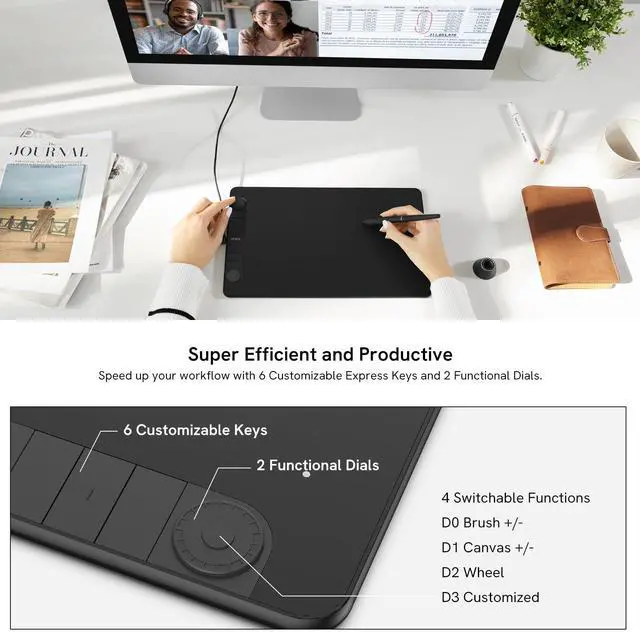
You can program for your favorite keyboard shortcuts, like zoom in/out, brush size +/-, undo, etc. which can improve efficiency and create a highly ergonomic and convenient work platform.

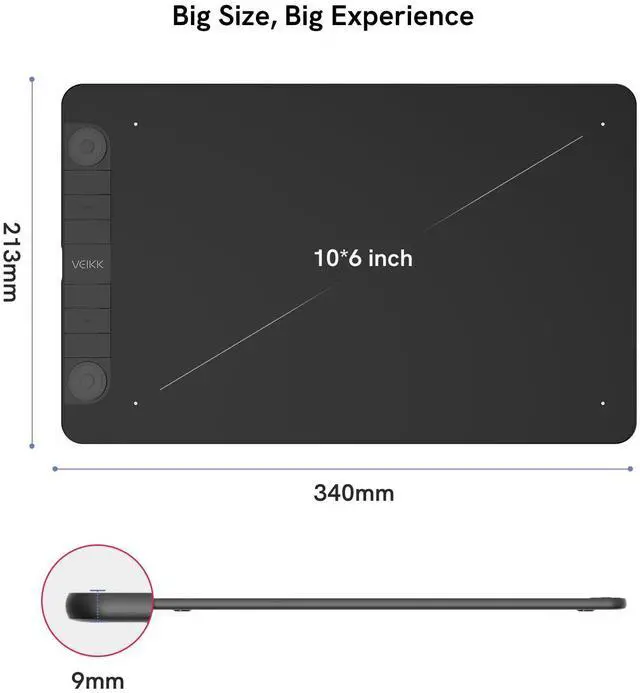
Big Size, Big Experience
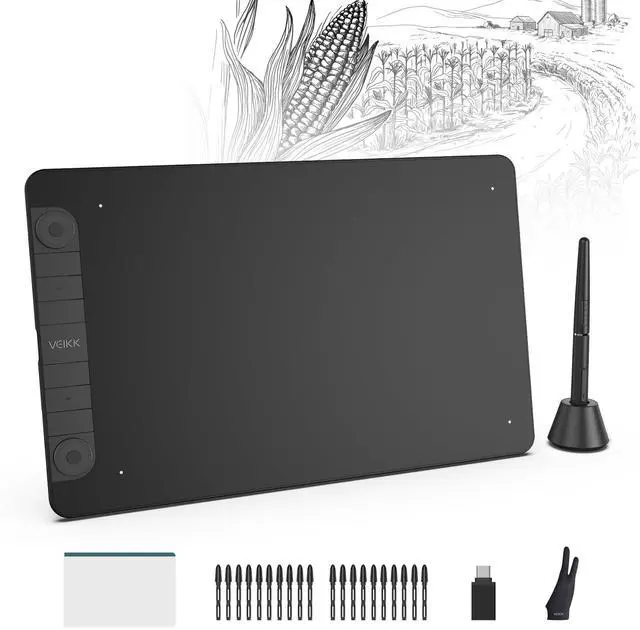
Features a 10x6-inch large active drawing area with a clean matte surface, provides smooth and natural drawing experience for your digital artwork creation. The USB-C port allows plug in and out with either direction, which is more convenient and stable.
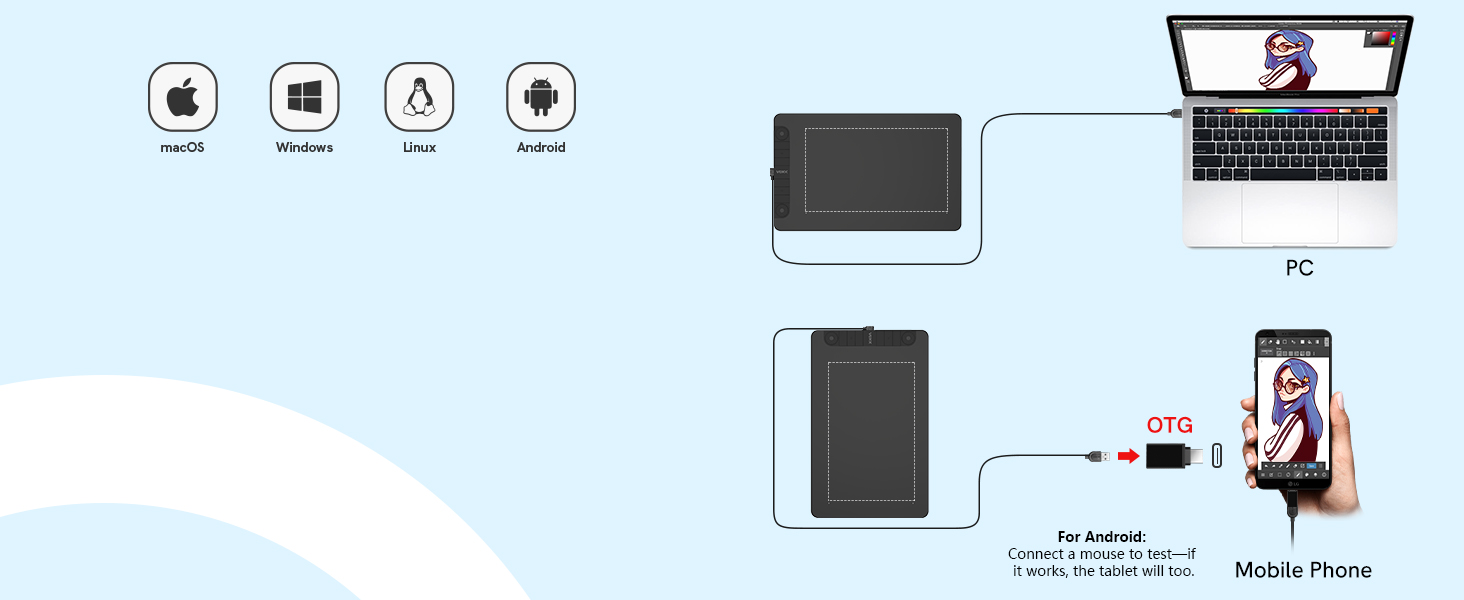
Easy to Connect to Your PC or Android Moblie
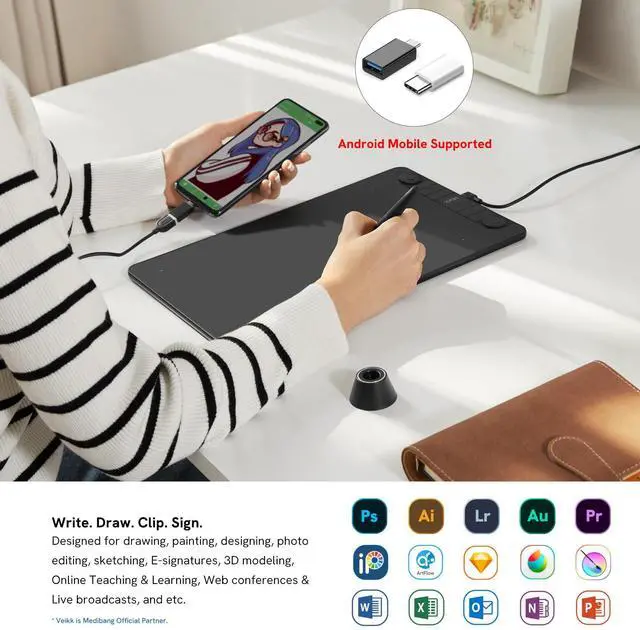
Plug to your PC or Andriod Phone to make it works with included cable. It is compatible with Windows 7 (or later), Mac OS X 10.12 (or later), Android 6.0 (or later) and Linux.
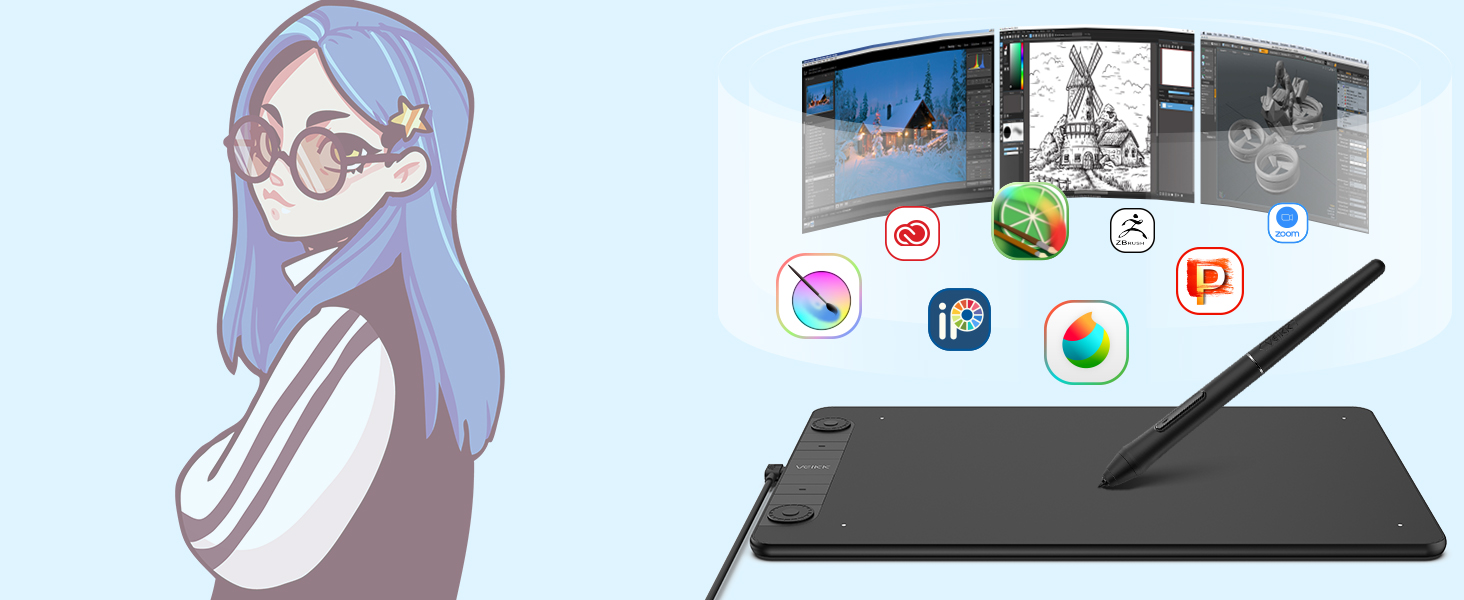
Muti-Software Support
Compatible with most software,such as Adobe Creative Software, Sai, Corel Painter, MediBang Paint, Clip Studio, Krita, ibisPaint, Autodesk Sketchbook, Zbrush, Zoom, Chrome Notes and more.
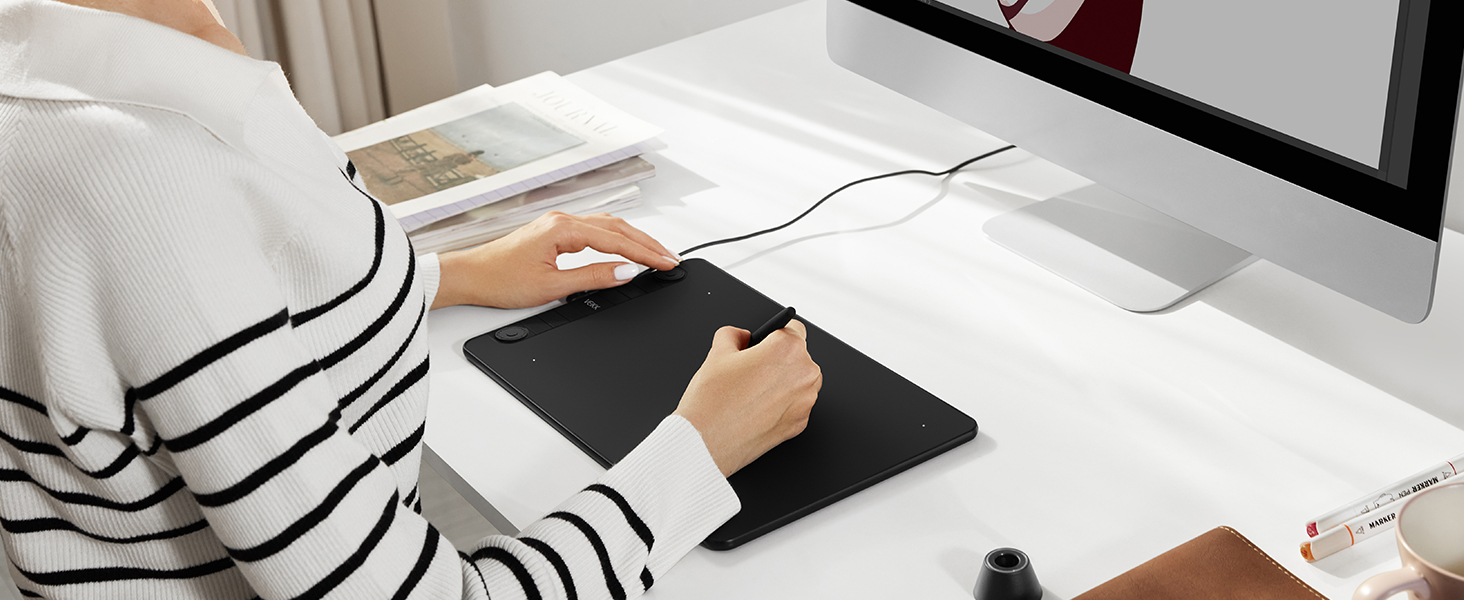
Start Your Drawing Journey
Instead of drawing on paper, using a VK1060Pro drawing tablet to help you start your art creation easier, simply and environmently. Come join us to build a digital art world!
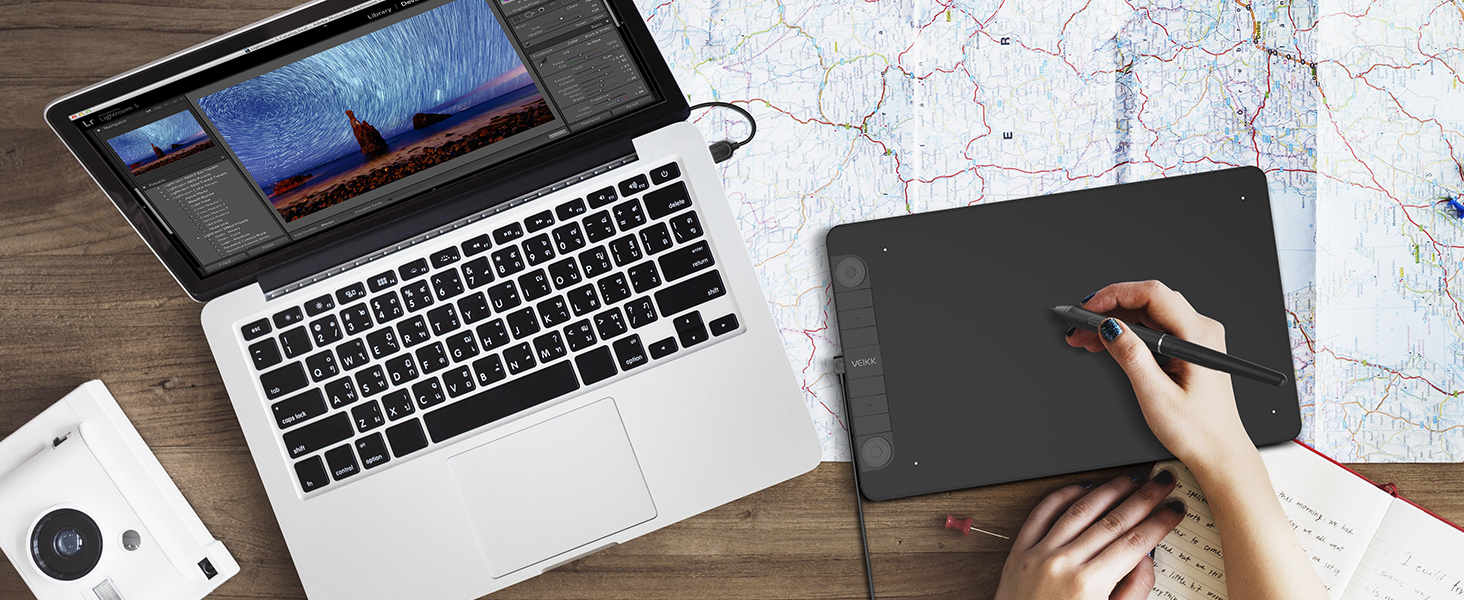
Edit Photos Precisely
With pressure settings on the pen, paired with the freedom of movement using a stylus instead of a mouse, allow for much more precise changes while working on fine details like dodging or burning.
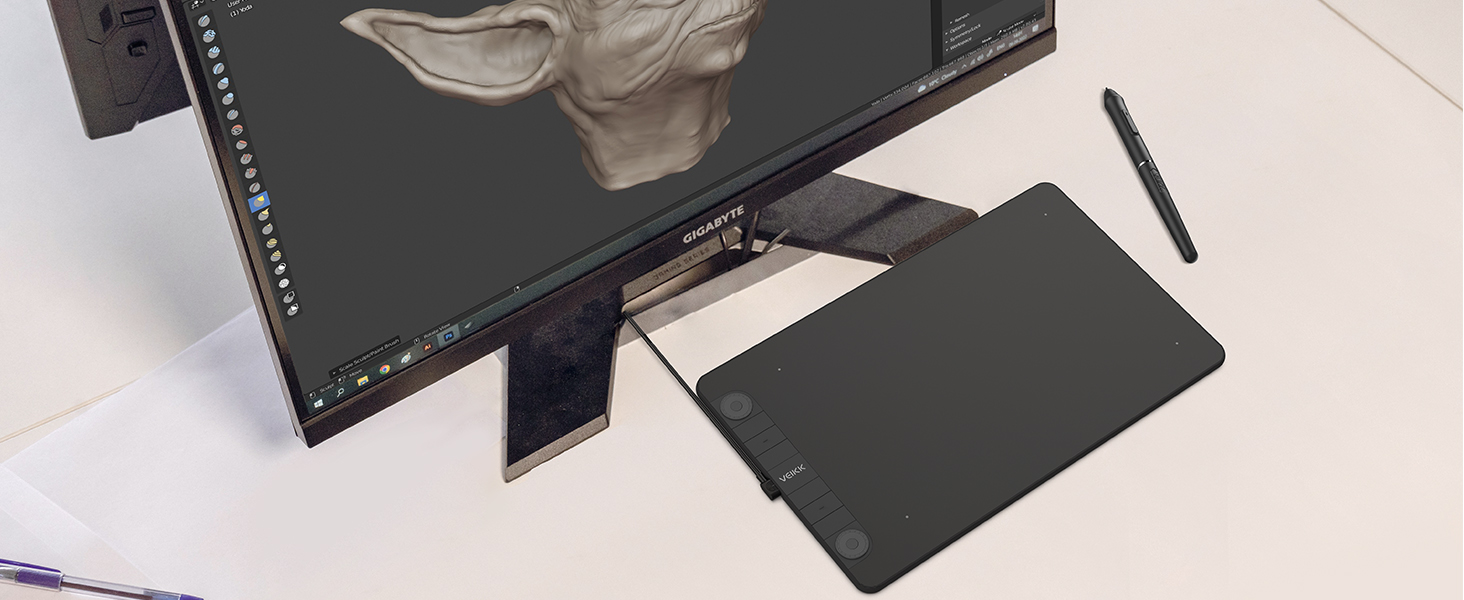
Make Design Quicker and More Fun
You have no need to lift up and move when you want or go to a differnet part of the computer screen with a pen tablet, which giving you the natural flow of your hand motions.
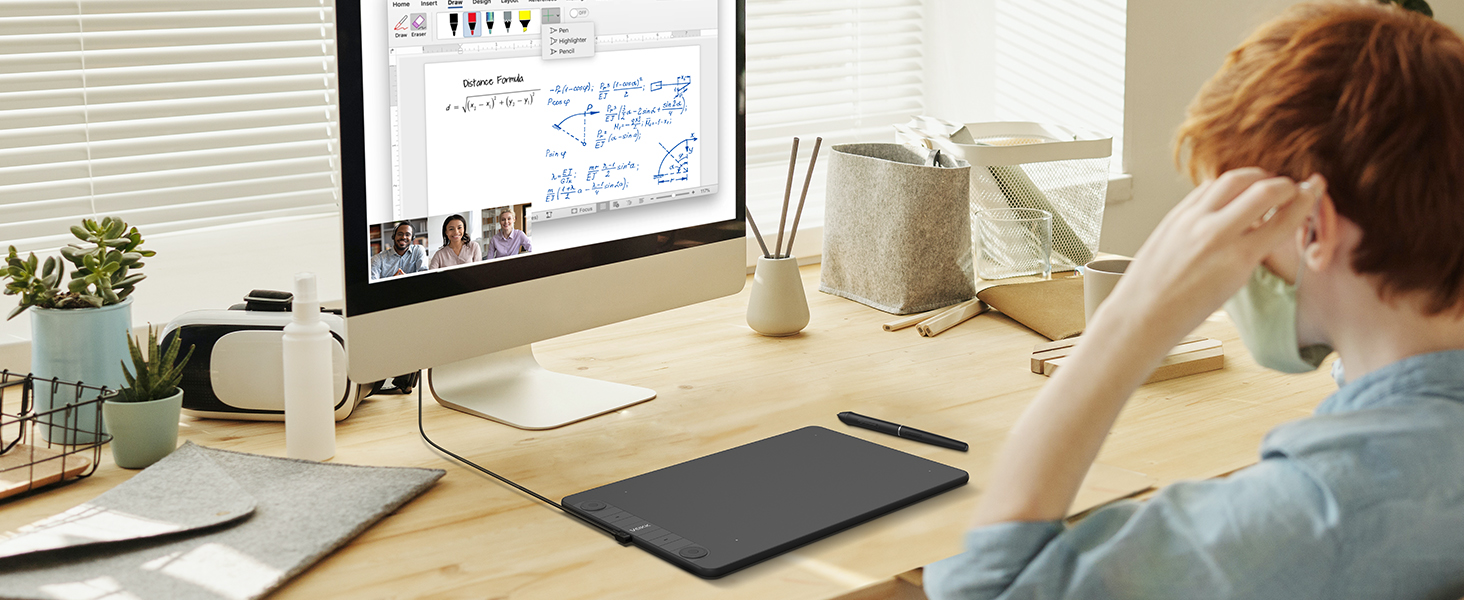
Learn or Work From Home
Whether your learning or job requires a lot of annotations or video conference presentations, VK1060Pro will make it easier to interact with and engage your students, teachers or colleagues.

Battery-free and High Performance
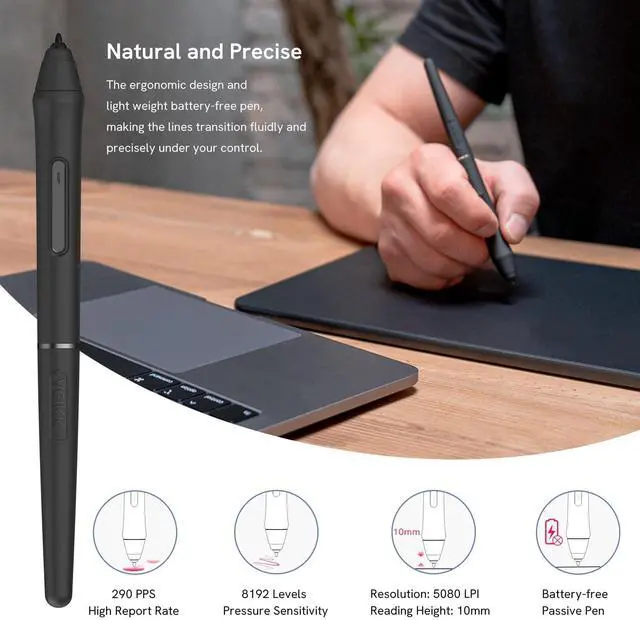
P05 battery-free pen allows you constantly uninterrupted drawing, no battery, and no need to charge. 8192 professional levels pressure sensitivity, 290 PPS and 60° tilt delivers smoother and more natural lines and strokes, while also giving you the ability to add shading to your creation.
VEIKK Creator Series Drawing Tablet
 VK1060PRO Graphic Tablet |  A30 Drawing Tablet |  VK430 OSU Tablet |  VK640 Signature Pad |  A15PRO Tablet | |
|---|---|---|---|---|---|
Customer Reviews | — | — | — | — | — |
Price | — | — | — | — | — |
Work Area (Inch) | 10 x 6 Inch | 10 x 6 Inch | 4 x 3 Inch | 6 x 4 Inch | 10 x 6 Inch |
Express Keys | 6 Express Keys&2 Scroll Wheels | 4 Touch Keys&Gesture Touch Pad | 4 Shortcut Keys | 6 Express Keys | 12 Express Keys&1 Scroll Wheel |
Interface | USB-C | USB-C | USB-C | USB-C | USB-C |
Pen Technology | P05 Battery-free | P01 Battery-free | P05 Battery-free | P05 Battery-free | P02 Battery-free |
Pen Pressure | 8192Levels | 8192Levels | 8192Levels | 8192Levels | 8192Levels |
Tilt | ? | ? | ? | ? | ? |
Report Rate | 290PPS | 290PPS | 290PPS | 290PPS | 290PPS |
Phone OS Support | Android 6.0 above,Harmony OS | Android 6.0 above,Harmony OS | Android 6.0 above,Harmony OS | Android 6.0 above,Harmony OS | Android 6.0 above,Harmony OS |
PC OS Support | Windows/Mac/Linux OS | Windows/Mac/Linux OS | Windows/Mac/Linux OS | Windows/Mac/Linux OS | Windows/Mac/Linux OS |
Important Notice
1.Cannot be used alone
- This device must be connected to a laptop or desktop running Win10/8/7(32/64bit),Mac OS X version 10.12 or later,Linux OS((Debian/POP!_OS/Mint/Elemen taryos/Manjrro/Mageia/Ubuntu/Ezgo/Center OS/OpenSUSE/Arch/Fedora/Kylin)) and Android 6.0 or above deviceN
- Not compatible with iPhone and iPad.
2. Driver Download and Installation Tips
- Please visit veikk.com to download the latest VEIKK driver.
- Before install VEIKK driver:
1) Plug the tablet into your computer first.
2) Please make sure there is no any other tablet drivers on your computer to avoid drivers conflict issue. And close all anti-virus software programs and drawing programs before install VEIKK driver on your computer.
3. For Mac Mojave (10.14), Catalina (10.15) Users
If your Mac OS is Mojave (10.14) or Catalina (10.15), please remember to add the "Tablet Driver Center" into the whitelist first after installed the driver. More operate details, please go to VEIKK official web, reference to the FAQ “How to install driver in Mojave /Catalina”.
hero-video
Merchant Video
Super Efficient
You can program for your favorite keyboard shortcuts, like zoom in/out, brush size +/-, undo, etc. which can improve efficiency and create a highly ergonomic and convenient work platform.

Big Size, Big Experience
Features a 10x6-inch large active drawing area with a clean matte surface, provides smooth and natural drawing experience for your digital artwork creation. The USB-C port allows plug in and out with either direction, which is more convenient and stable.
Easy to Connect to Your PC or Android Moblie
Muti-Software Support
Start Your Drawing Journey
Edit Photos Precisely
Make Design Quicker and More Fun
Learn or Work From Home


Plug to your PC or Andriod Phone to make it works with included cable. It is compatible with Windows 7 (or later), Mac OS X 10.12 (or later), Android 6.0 (or later) and Linux.
Compatible with most software,such as Adobe Creative Software, Sai, Corel Painter, MediBang Paint, Clip Studio, Krita, ibisPaint, Autodesk Sketchbook, Zbrush, Zoom, Chrome Notes and more.
Instead of drawing on paper, using a VK1060Pro drawing tablet to help you start your art creation easier, simply and environmently. Come join us to build a digital art world!
With pressure settings on the pen, paired with the freedom of movement using a stylus instead of a mouse, allow for much more precise changes while working on fine details like dodging or burning.
You have no need to lift up and move when you want or go to a differnet part of the computer screen with a pen tablet, which giving you the natural flow of your hand motions.
Whether your learning or job requires a lot of annotations or video conference presentations, VK1060Pro will make it easier to interact with and engage your students, teachers or colleagues.

Battery-free and High Performance
P05 battery-free pen allows you constantly uninterrupted drawing, no battery, and no need to charge. 8192 professional levels pressure sensitivity, 290 PPS and 60° tilt delivers smoother and more natural lines and strokes, while also giving you the ability to add shading to your creation.
VEIKK Creator Series Drawing Tablet
VK1060PRO Graphic Tablet | A30 Drawing Tablet | VK430 OSU Tablet | VK640 Signature Pad | A15PRO Tablet |
|---|---|---|---|---|
| Customer Reviews | ||||
| — | — | — | — | — |
| Price | ||||
| — | — | — | — | — |
| Work Area (Inch) | ||||
| 10 x 6 Inch | 10 x 6 Inch | 4 x 3 Inch | 6 x 4 Inch | 10 x 6 Inch |
| Express Keys | ||||
| 6 Express Keys&2 Scroll Wheels | 4 Touch Keys&Gesture Touch Pad | 4 Shortcut Keys | 6 Express Keys | 12 Express Keys&1 Scroll Wheel |
| Interface | ||||
| USB-C | USB-C | USB-C | USB-C | USB-C |
| Pen Technology | ||||
| P05 Battery-free | P01 Battery-free | P05 Battery-free | P05 Battery-free | P02 Battery-free |
| Pen Pressure | ||||
| 8192Levels | 8192Levels | 8192Levels | 8192Levels | 8192Levels |
| Tilt | ||||
| ? | ? | ? | ? | ? |
| Report Rate | ||||
| 290PPS | 290PPS | 290PPS | 290PPS | 290PPS |
| Phone OS Support | ||||
| Android 6.0 above,Harmony OS | Android 6.0 above,Harmony OS | Android 6.0 above,Harmony OS | Android 6.0 above,Harmony OS | Android 6.0 above,Harmony OS |
| PC OS Support | ||||
| Windows/Mac/Linux OS | Windows/Mac/Linux OS | Windows/Mac/Linux OS | Windows/Mac/Linux OS | Windows/Mac/Linux OS |
Important Notice
1.Cannot be used alone
- This device must be connected to a laptop or desktop running Win10/8/7(32/64bit),Mac OS X version 10.12 or later,Linux OS((Debian/POP!_OS/Mint/Elemen taryos/Manjrro/Mageia/Ubuntu/Ezgo/Center OS/OpenSUSE/Arch/Fedora/Kylin)) and Android 6.0 or above deviceN
- Not compatible with iPhone and iPad.
2. Driver Download and Installation Tips
- Please visit veikk.com to download the latest VEIKK driver.
- Before install VEIKK driver:
1) Plug the tablet into your computer first.
2) Please make sure there is no any other tablet drivers on your computer to avoid drivers conflict issue. And close all anti-virus software programs and drawing programs before install VEIKK driver on your computer.
3. For Mac Mojave (10.14), Catalina (10.15) Users
If your Mac OS is Mojave (10.14) or Catalina (10.15), please remember to add the "Tablet Driver Center" into the whitelist first after installed the driver. More operate details, please go to VEIKK official web, reference to the FAQ “How to install driver in Mojave /Catalina”.
Founded in 2009, VEIKK has been dedicated to connect user experiences with continuous innovative technology and products, introduce new technologies that democratize creativity, and build a colorful digital creative world.
VEIKK developed EMR technology for pen tablet and display devices to enable a precise and speedy pen input with highly accurate pressure sensitivity.
Fill the digital world with possibilities.
Our Hot Models
New Release
10*6 Size
Drawing Tablet Accessories
Pen Display Accessories