





Founded in 2009, VEIKK has been dedicated to connect user experiences with continuous innovative technology and products, introduce new technologies that democratize creativity, and build a colorful digital creative world.
VEIKK developed EMR technology for pen tablet and display devices to enable a precise and speedy pen input with highly accurate pressure sensitivity.
Fill the digital world with possibilities.
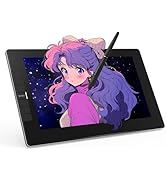

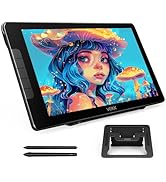
Our Hot Models
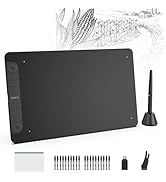
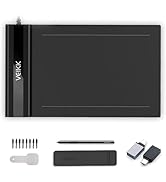
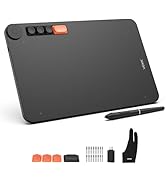
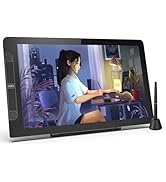
New Release
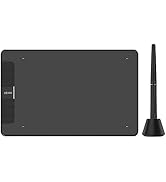
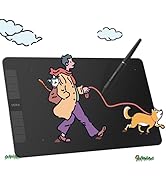
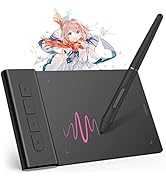
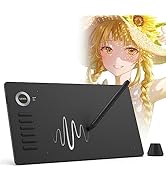
10*6 Size
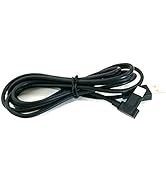
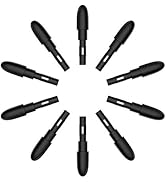
Drawing Tablet Accessories
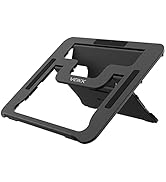
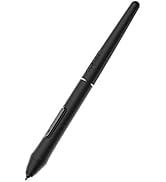
Pen Display Accessories
1060
Merchant Video


Comfortable to use
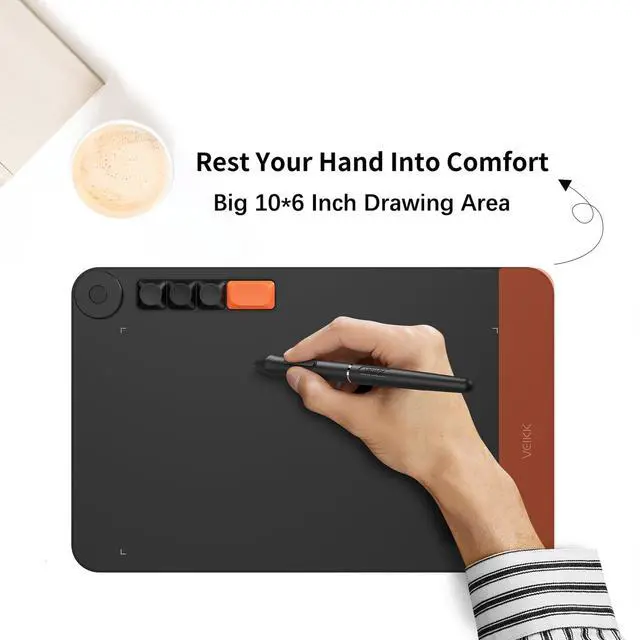
- An extra space alongside the 10 x 6 inch active area to improve hand and wrist posture.

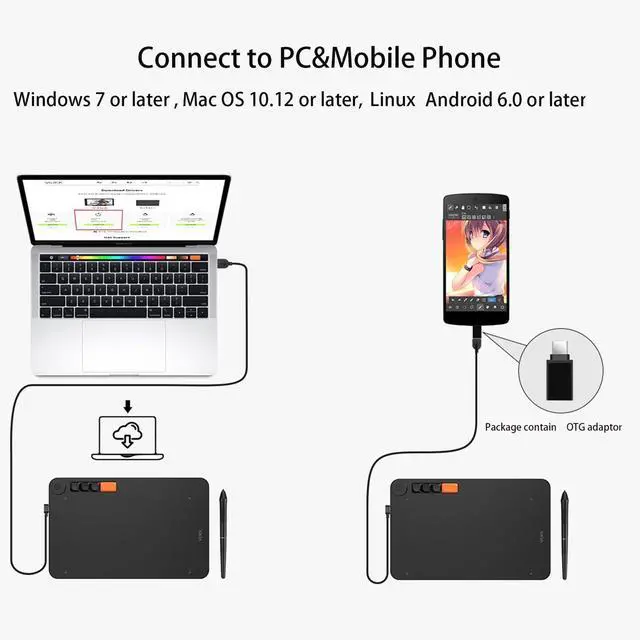
Connect to mobile phone
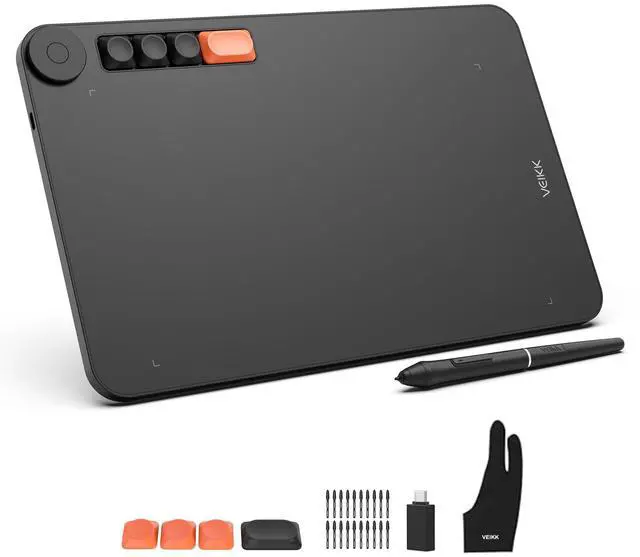
- The package contains OTG adaptor,so you can connect it to mobile phone.

Battery-Free Stylus
- 8192 levels of pressure sensitivity, allows you to draw lines smoother and more natural .

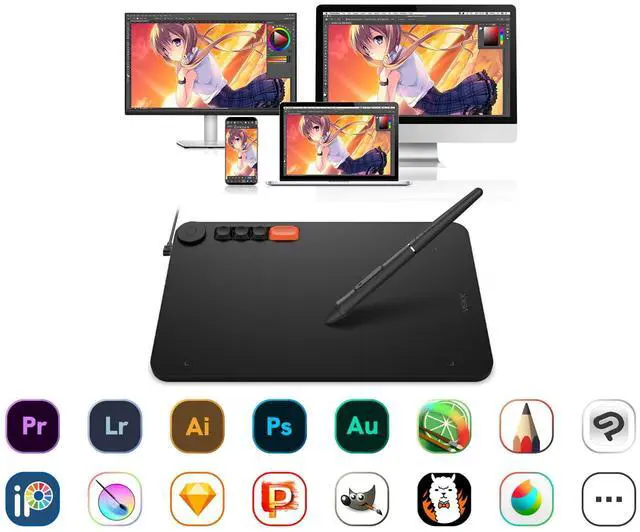
Multi OS. Multi Software.
- Compatible with Windows 7 (or later), Mac OS X 10.12 (or later), Android 6.0 (or later),and Linux.

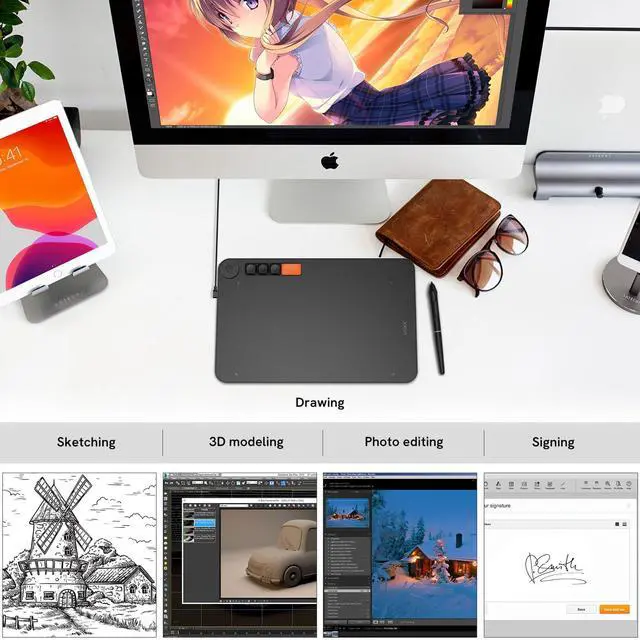
Drawing & Painting
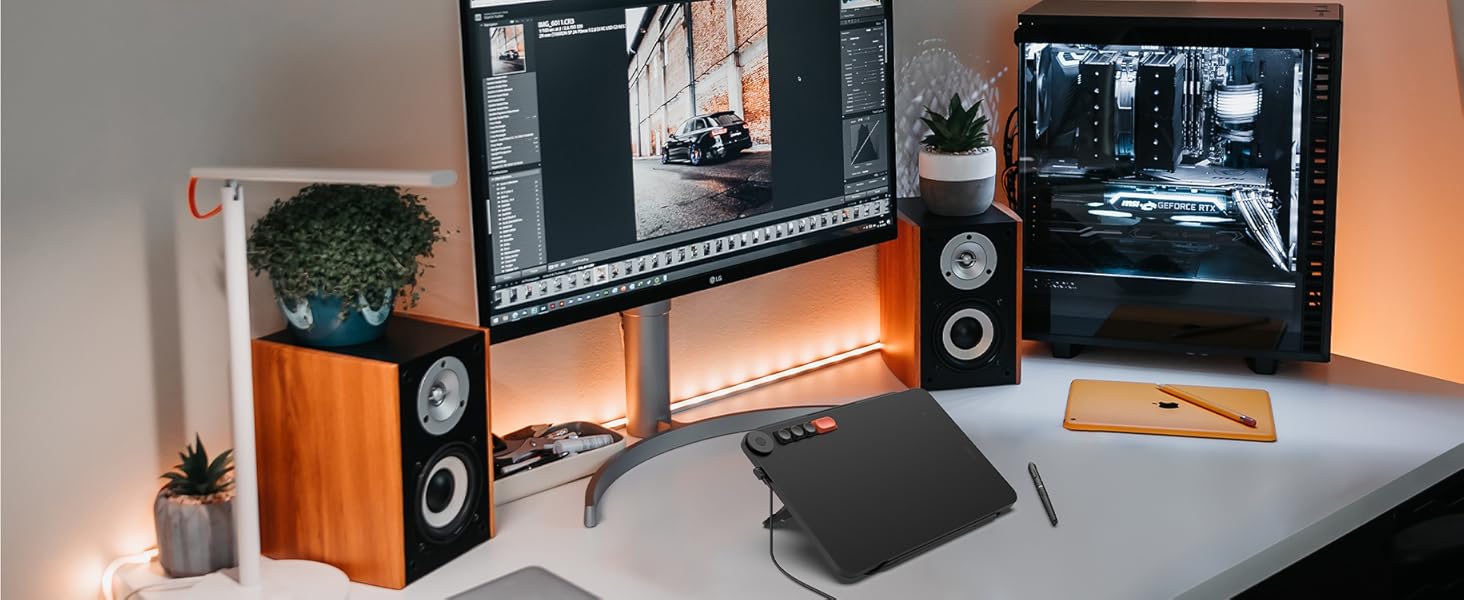
The drawing tablet with 10x6 inch active area offers perfect creative space for drawing or working.
Edit Photos Precisely
With the sensitivity and pressure settings on the pen, paired with the freedom of movement using a stylus instead of a mouse, allow much more precise changes while working on fine details.
Online-learning
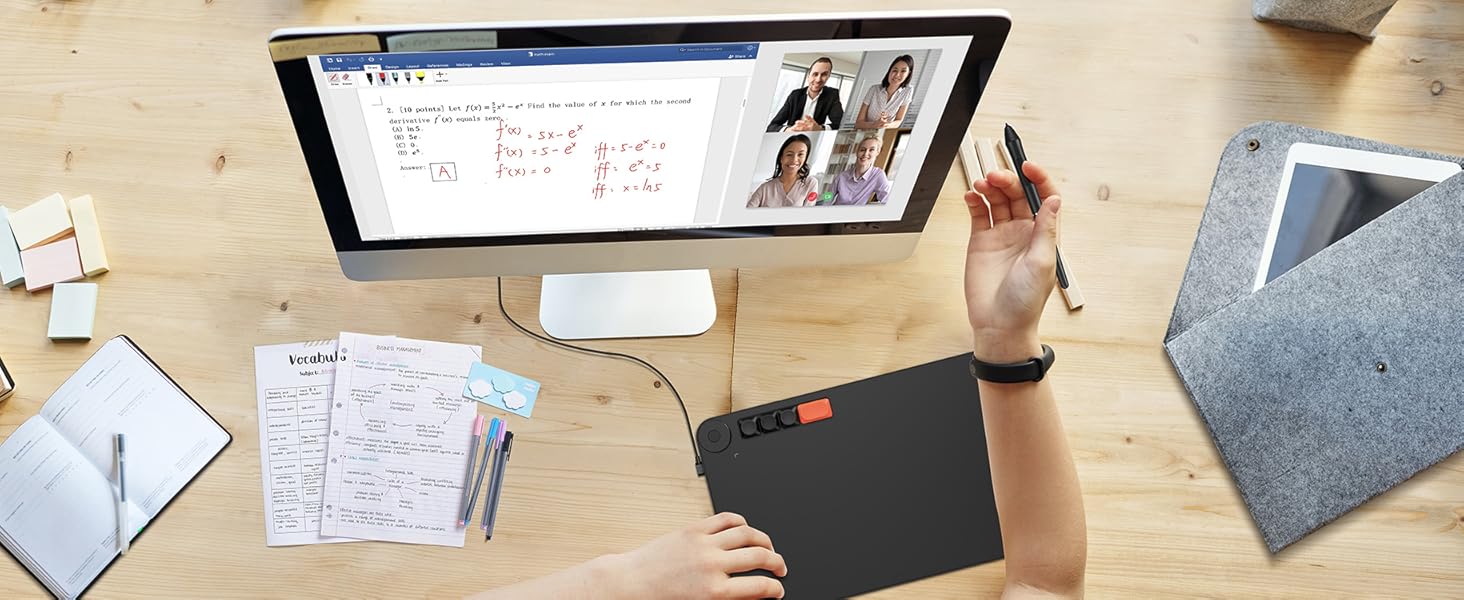
Whether your study or job requires a lot of annotations or video conference presentations, Voila L will make it easier to interact and engage with your students, teachers or colleagues.
How to install driver for Mac system?
- Download VEIKK driver and install it.
- Open your computer find - “System Preference”-“Security & Privacy”.
- Click “Privacy”—Click the lock to make changes.
- Select “Tablet Driver Center” and the "Drawing Software" on Accessibiliity and Input Monitoring ,then lock to save.
- More help please click the video.
video
Merchant VideoImportant Notice:
1. Voila L Drawing Tablet Should Connect to a Device to Use.
It must be connected to a laptop or desktop ,running with Win10/8/7(32/64bit), Mac OS X version 10.12 or later,and Linux.
Not compatible with iphone,ipad,Samsung phones.
2. Driver Download and Installation Tips: Please download the latest VEIKK Driver from our official web .Before install veikk driver:1) Plug the tablet into your computer first.2) please make sure there is no any other tablet drivers on your computer to avoid drivers conflict issue. And close all anti-virus software programs and drawing programs before install VEIKK driver on your computer. (IMPORTANT)
3. For Mac Mojave (10.14), Catalina (10.15) Users: If your Mac OS is the new system Mojave (10.14) or Catalina (10.15), please remember to add the "Tablet Driver Center" into the whitelist first after installed the driver. More operate details, please go to VEIKK official web, reference to the FAQ “How to install driver in Mojave /Catalina”.

1060
Merchant Video8192 levels of pressure sensitivity, allows you to draw lines smoother and more natural


Comfortable to use
- An extra space alongside the 10 x 6 inch active area to improve hand and wrist posture.
Connect to mobile phone
- The package contains OTG adaptor,so you can connect it to mobile phone.
Battery-Free Stylus
- 8192 levels of pressure sensitivity, allows you to draw lines smoother and more natural .
Multi OS. Multi Software.
- Compatible with Windows 7 (or later), Mac OS X 10.12 (or later), Android 6.0 (or later),and Linux.
Drawing & Painting
Edit Photos Precisely
Online-learning


The drawing tablet with 10x6 inch active area offers perfect creative space for drawing or working.
With the sensitivity and pressure settings on the pen, paired with the freedom of movement using a stylus instead of a mouse, allow much more precise changes while working on fine details.
Whether your study or job requires a lot of annotations or video conference presentations, Voila L will make it easier to interact and engage with your students, teachers or colleagues.
video
Merchant VideoHow to install driver for Mac system?
- Download VEIKK driver and install it.
- Open your computer find - “System Preference”-“Security & Privacy”.
- Click “Privacy”—Click the lock to make changes.
- Select “Tablet Driver Center” and the "Drawing Software" on Accessibiliity and Input Monitoring ,then lock to save.
- More help please click the video.
Important Notice:
1. Voila L Drawing Tablet Should Connect to a Device to Use.
It must be connected to a laptop or desktop ,running with Win10/8/7(32/64bit), Mac OS X version 10.12 or later,and Linux.
Not compatible with iphone,ipad,Samsung phones.
2. Driver Download and Installation Tips: Please download the latest VEIKK Driver from our official web .Before install veikk driver:1) Plug the tablet into your computer first.2) please make sure there is no any other tablet drivers on your computer to avoid drivers conflict issue. And close all anti-virus software programs and drawing programs before install VEIKK driver on your computer. (IMPORTANT)
3. For Mac Mojave (10.14), Catalina (10.15) Users: If your Mac OS is the new system Mojave (10.14) or Catalina (10.15), please remember to add the "Tablet Driver Center" into the whitelist first after installed the driver. More operate details, please go to VEIKK official web, reference to the FAQ “How to install driver in Mojave /Catalina”.

Founded in 2009, VEIKK has been dedicated to connect user experiences with continuous innovative technology and products, introduce new technologies that democratize creativity, and build a colorful digital creative world.
VEIKK developed EMR technology for pen tablet and display devices to enable a precise and speedy pen input with highly accurate pressure sensitivity.
Fill the digital world with possibilities.
Our Hot Models
New Release
10*6 Size
Drawing Tablet Accessories
Pen Display Accessories