
Your Browsing History

Meet Your Seller

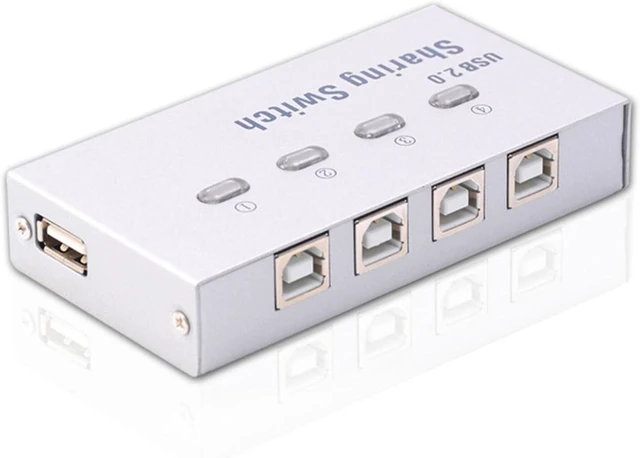
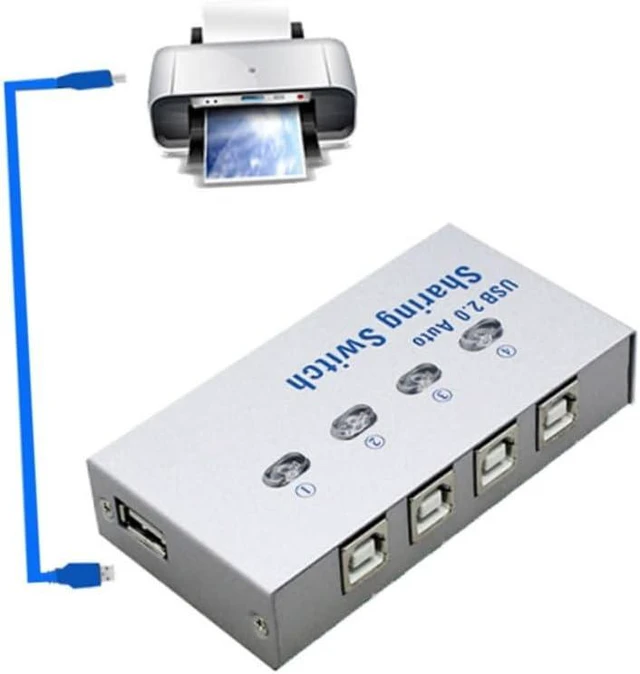
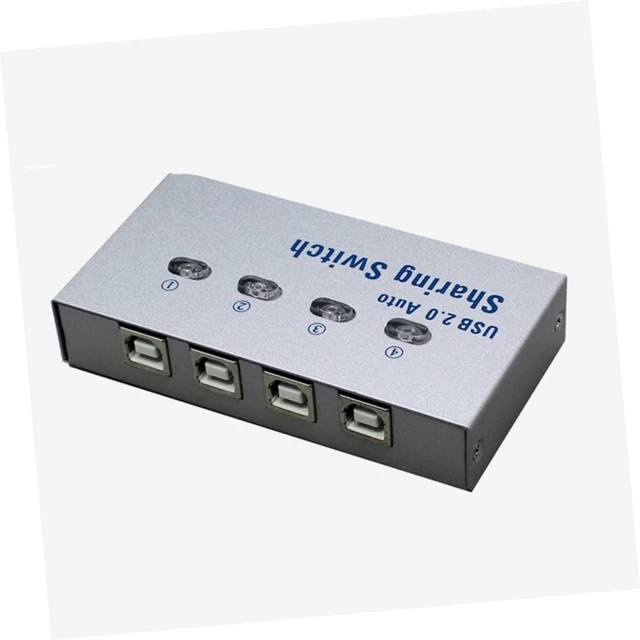
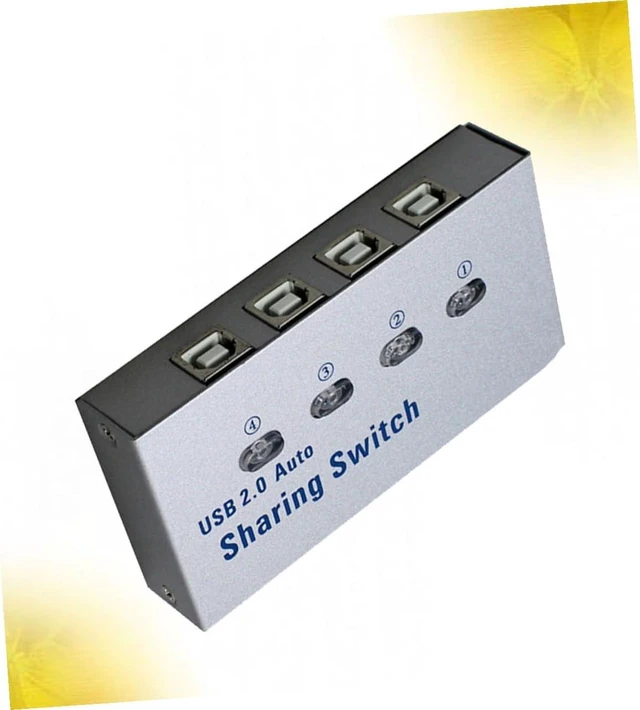
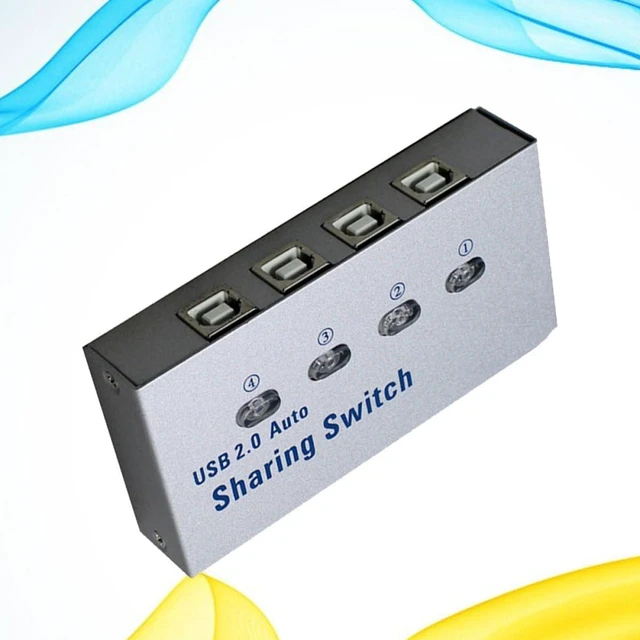
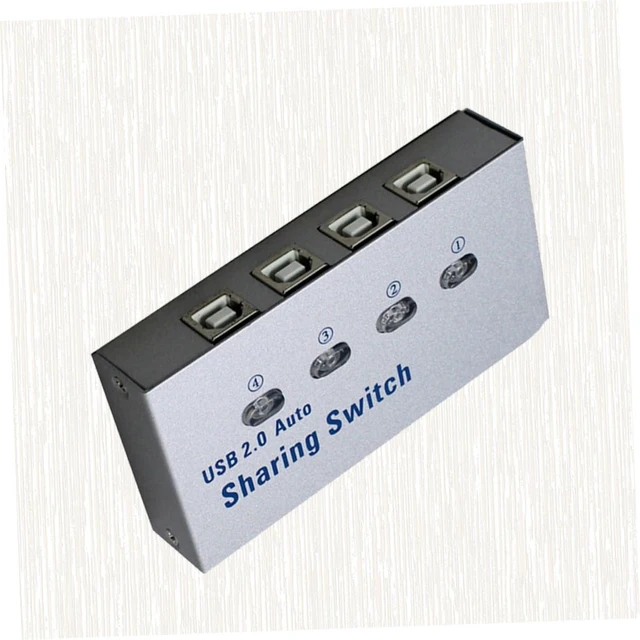
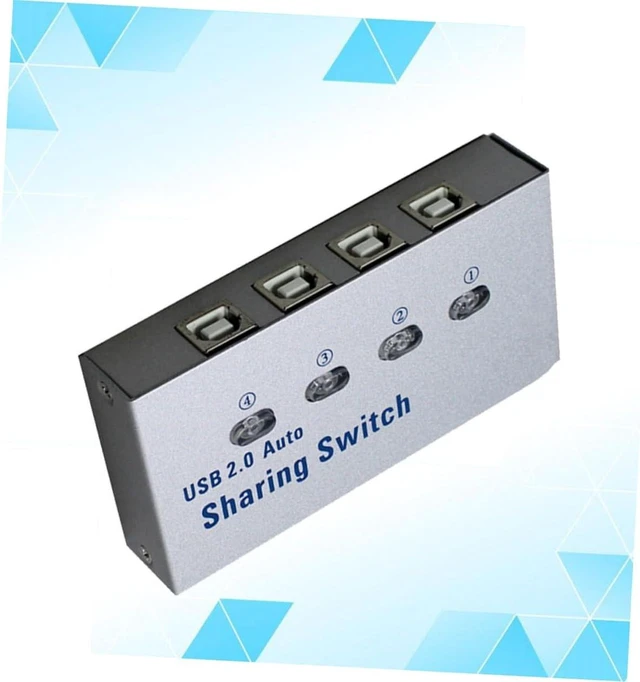


USB 2.0 Printer Sharing Box Automatic Switcher for Computers
- Automatic sharer:usb 20 sharing is a great solution for sharing USB devices like USB printer, scanner, curve plotter, multifunction printer, equipment with computers,Printer Sharer
- Sharing:avoid frequent plug and pull, convenient to work and do not hurt the equipment,Printer Sharer
- Notice: there is no shortcut key switching under system, it can only be switched by installing software,computer sharer,Printer Sharer
- USB selector:its for sharing a printer or scanner in a small office environment,Printer Sharer
- Printer sharer:made of material, which is durable and lasting for use,Automatic Sharer
+
+
Overview
Specs
Reviews
Package Include
1 x USB sharing
Characteristics
-Material: Plastic, Metal Computer Sharer.
-Color: silver and grey Printer Sharer.
- Notice: There is no shortcut key switching under system, it can only be switched by installing software.
-Size: About 10x5x1.9cm.
- It's for sharing a printer or scanner in a small office environment Sharing.
- It's also great for use if you have multiple PC USB Selector.
- By using this devise, 1 USB device can be shared with 1 to 4 computers can share 1 printer, by this we can cut down office equipment spending and save lots of space Automatic Sharer
- Avoid frequent plug and pull, convenient to work and do not hurt the equipment.
- USB 2.0 Sharing is a great solution for sharing USB devices like USB printer, scanner, curve plotter, multifunction printer, equipment with computers.
- Made of material, which is durable and lasting for use.
Goods Description
Sharing The item is made of material, which is durable and lasting for use.Printer Sharer It's also great for use if you have multiple PC.Computer Sharer USB sharing provides easy one-touch switching of a USB device between four computers.Automatic Sharer It's for sharing a printer or scanner in a small office environment
1 x USB sharing
Characteristics
-Material: Plastic, Metal Computer Sharer.
-Color: silver and grey Printer Sharer.
- Notice: There is no shortcut key switching under system, it can only be switched by installing software.
-Size: About 10x5x1.9cm.
- It's for sharing a printer or scanner in a small office environment Sharing.
- It's also great for use if you have multiple PC USB Selector.
- By using this devise, 1 USB device can be shared with 1 to 4 computers can share 1 printer, by this we can cut down office equipment spending and save lots of space Automatic Sharer
- Avoid frequent plug and pull, convenient to work and do not hurt the equipment.
- USB 2.0 Sharing is a great solution for sharing USB devices like USB printer, scanner, curve plotter, multifunction printer, equipment with computers.
- Made of material, which is durable and lasting for use.
Goods Description
Sharing The item is made of material, which is durable and lasting for use.Printer Sharer It's also great for use if you have multiple PC.Computer Sharer USB sharing provides easy one-touch switching of a USB device between four computers.Automatic Sharer It's for sharing a printer or scanner in a small office environment
Warranty & Returns
Warranty, Returns, And Additional Information
Warranty
- Please contact the Seller directly for warranty information. Warranty information may also be found on the Manufacturer's website.
- CONTACT
Return Policies
- Return for refund within: 30 days
- Return for replacement within: 90 days
- This item is covered by PartsPro Store Return Policy
Manufacturer Contact Info
- For a directory of all our manufacturers, please click below.
- Manufacturers Directory
LOADING...