



Meet Your Seller

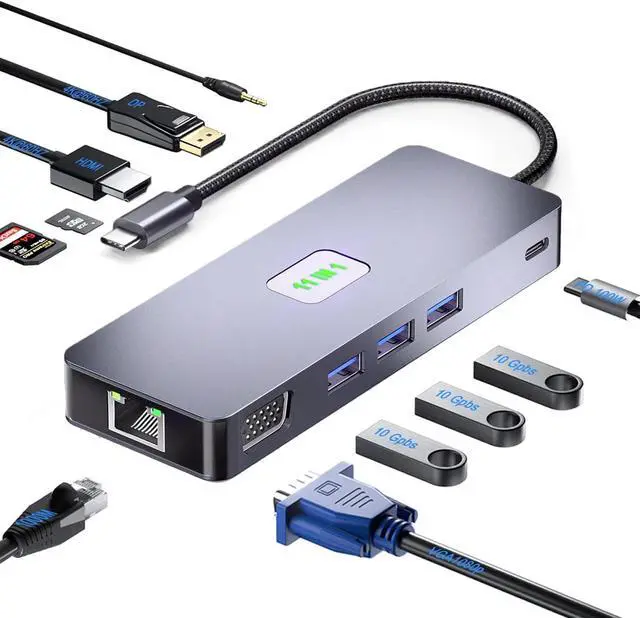
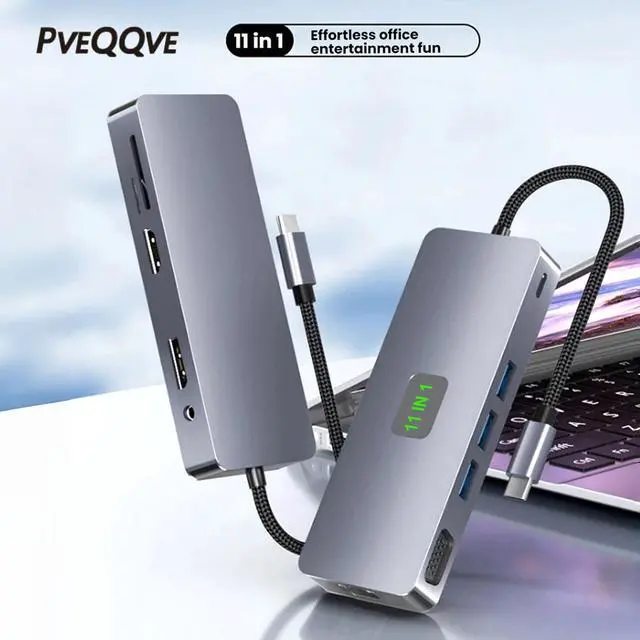


USB C Docking Station Dual Monitor, 11-in-1 USB C Hub Multiport Adapter with 2 HDMI 4K/8K, 3 USB 3.2 Ports 10Gbps(2C+1A), 2 USB 3.0 Ports, 100W PD, Gigabit Ethernet, SD/TF Card Reader
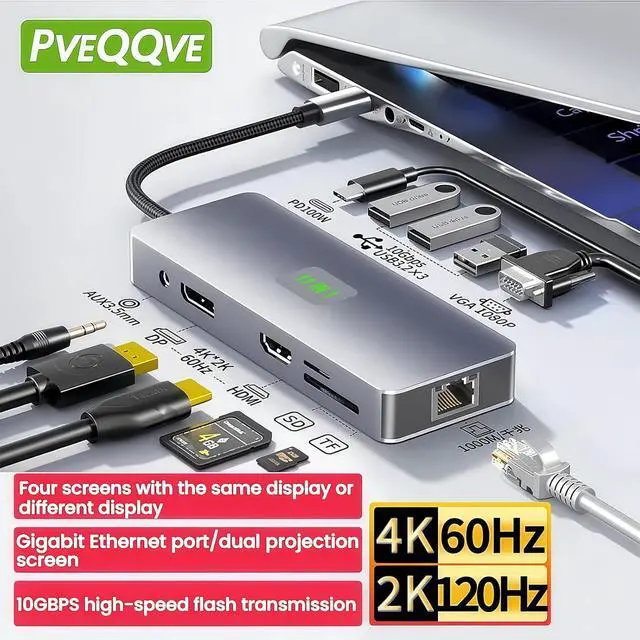
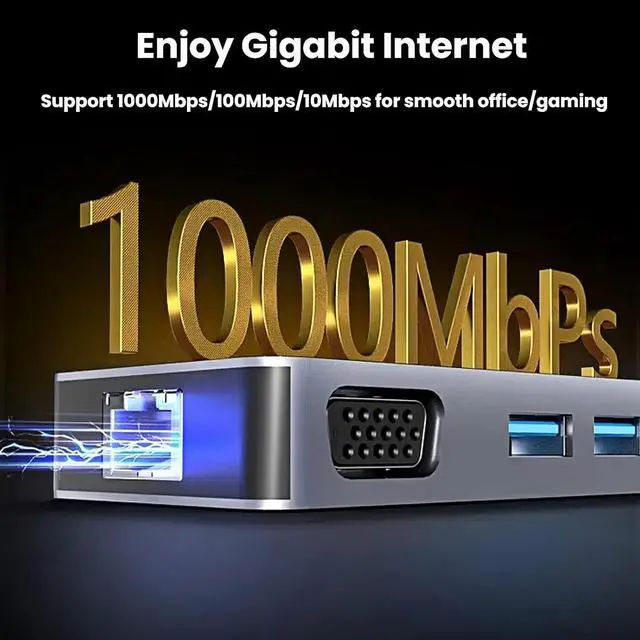
- Seamless Laptop Expansion: The USB-C Docking Station instantly transforms your USB-C laptop into a complete workstation. Add 2x HDMI ports (4K@60Hz & 8K@30Hz), 3x 10Gbps USB 3.2 Gen 2 data ports (2C + 1A), 2x 5Gbps USB 3.0 ports, 100W Power Delivery, Gigabit Ethernet, and SD/TF card slotsall through a single USB-C connection. Plug and play
- Docking Station Dual Monitor: The USB-C hub expands your workspace with dual HDMI outputs (4K@60Hz and 8K@30Hz). Seamlessly mirror or extend displays on ultra-high-definition monitors or TVs for presentations, multitasking, or immersive entertainment
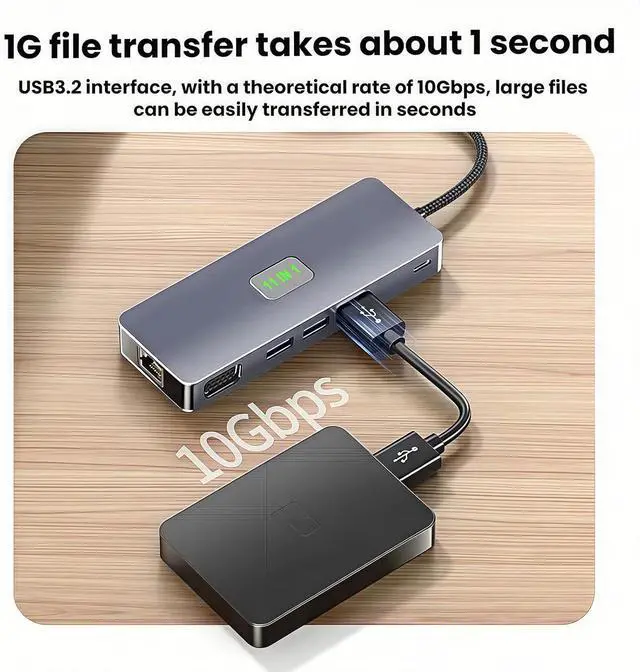
- Ultra-Fast Data Transfer: USB C 3.2/USB 3.0 data port hub with USB-A 3.2 port, 2 USB-C 3.2 ports(up to 10Gbps) and 2 USB-A 3.0 Ports(up to 5Gbps). Effortlessly transfer large videos, photos, or documents
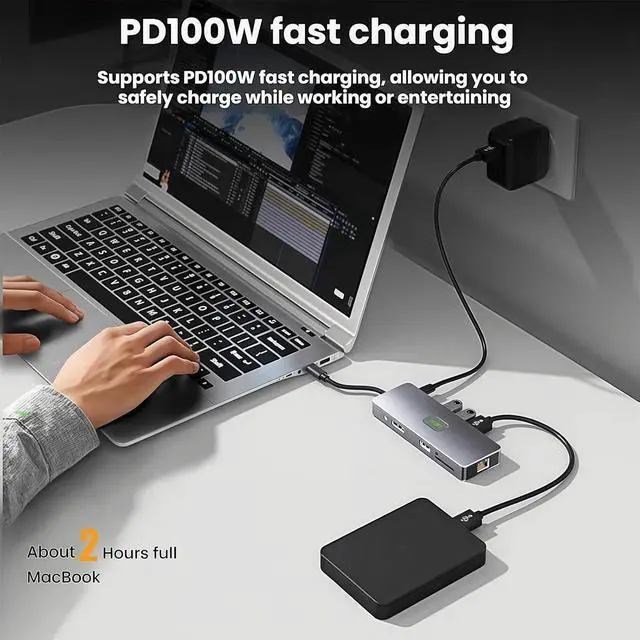
- 100W Power Delivery: Keep your laptop powered strong! 85W USB-C Power Delivery pass-through charging (100W input, 15W hub usage) allows you to plug in your charger to power the laptop while using al
+
+
Overview
Specs
Reviews
Different parameters of docking station
1.Advanced version
using USB A/C3.2 (transfer rate up to 10Gbps), RJ1000M or above, multiple HDMI/DP 4K@60HZ Waiting for data transmission interface.
This product is a 11 in 1 type-c USB Hub with dual configurations 4K@60Hz HDMI+DP, 10Gbps USB A3.2, RJ1000M high-speed interface.
2.Basic version:
using USB A/C2.0-3.0 , RJ100M, VGA and other data transmission interfaces.
Precautions
1.Identify product quality:
Purchase high-quality docking stations, while low-quality docking stations (usually cheaper) may have risks such as severe heating and unstable interfaces.
2.Multi monitor support:
When the computer is connected to more than one external monitor, it can support mirroring or expansion mode. If you are a MAC computer, you need to pay special attention that most products (including this one) only support MAC mirroring mode.
Interface data transmission
The USB port only supports data transfer and charging, and does not support video output. HDMI and DP support video output.
Type-C interface supports functions
The video output function requires confirmation whether the USB-C port of the device connected to the docking station supports Thunderbolt 3 / 4 or DisplayPort Alt Mode. Next to the interface is printed a "lightning" symbol or "D" symbol, without any special symbol, may just be a regular Type-C interface with missing functionality, such as only being able to charge or transmit data.
PD charging interface
The 100W PD port is used for fast charging of laptops, tablets, mobile phones, game consoles, and other devices. The 100W USB-C charging port requires an external charger of at least 100W to achieve a maximum output of 85W.
This product does not include a charger. During normal operation, there is no need to connect a power source. Only when reverse charging of external devices is required, a charger needs to be connected.
Do not connect the Type-C cable between the docking station and the device to the PD interface, as this may cause your device to malfunction.
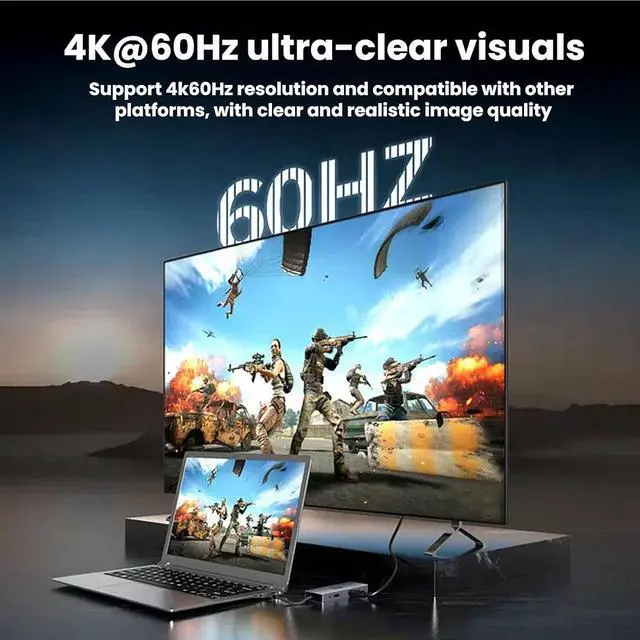
This product supports dual HDMI2.0+DP1.4 Outputs High-definition And High-resolution Images,Support MST/SST Modes,Compatible with Mac OS And Windows.
MST mode( extended mode) supports multiple screens displaying different content,and SST mode(mirror mode) only supports all external displays displaying the same content.
The macOS system only supports SST Modes when connected through a USB-C docking station.
Q1: Can this base be used with any laptop? How can I ensure that my laptop is compatible with this docking station?
A: This docking station is suitable for laptops with USB-C ports that support DisplayPort Alt Mode and Power Delivery. To confirm the USB-C port functionality of your laptop, please refer to the user manual or contact the laptop manufacturer. If your USB-C port does not support DisplayPort Alt mode, you will not be able to receive video output. If your USB-C port does not support Power Delivery, the docking station will be able to handle video and data (including audio and Ethernet) properly, but will not be able to charge your laptop.
Q2: Do I need to install any drivers to use dock?
A: No.
Q3: Is this docking station compatible with computers with Thunderbolt 3/4 ports?
A: Yes, but it can only provide a maximum bandwidth of 10Gbps, so it cannot reach the maximum bandwidth of Thunderbolt 3/4 (40Gbps).
Q4: What should I do if the performance of the docking station does not match the description?
A: Please check if the Type-C interface parameters of your computer (or other device) are compatible with the docking station, and if all interfaces are properly connected. You can take photos or record videos of the connection status and related parameters, send us an email, and we will reply within 24 hours.
11 in 1 Docking Station 3 monitors About the
Warranty & Returns
Warranty, Returns, And Additional Information
Warranty
- Please contact the Seller directly for warranty information. Warranty information may also be found on the Manufacturer's website.
- CONTACT
Return Policies
- Return for refund within: 30 days
- Return for replacement within: 90 days
- This item is covered by PartsPro Store Return Policy
Manufacturer Contact Info
- For a directory of all our manufacturers, please click below.
- Manufacturers Directory
LOADING...