



Meet Your Seller

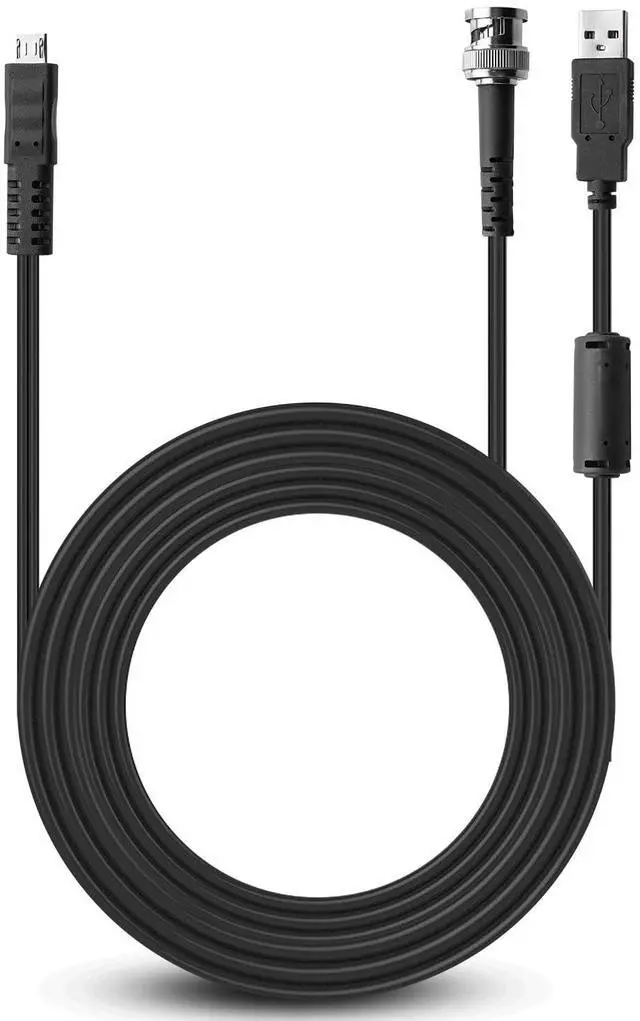
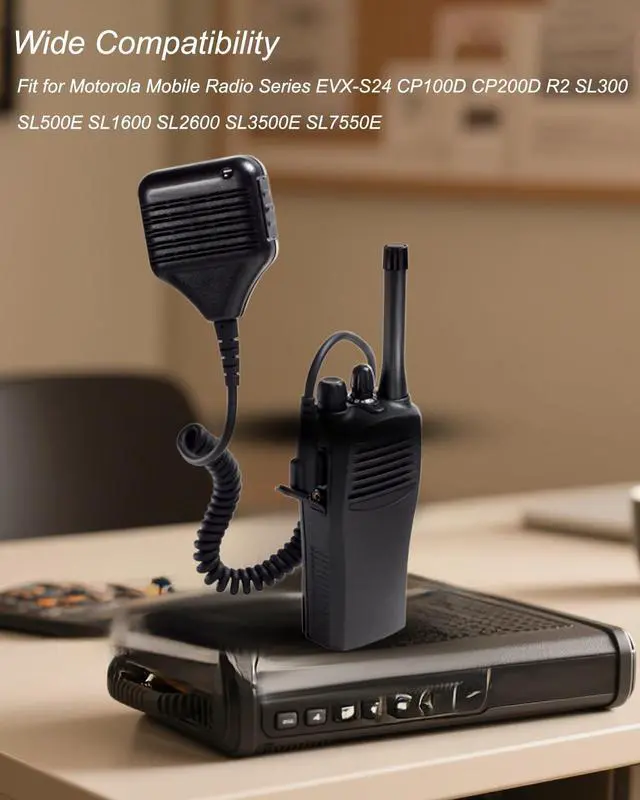


PMKN4128A USB Programming Cable Fit for Motorola Mobile Radio Series EVX-S24 CP100D CP200D R2 SL300 SL500e SL1600 SL2600 SL3500e SL7550e
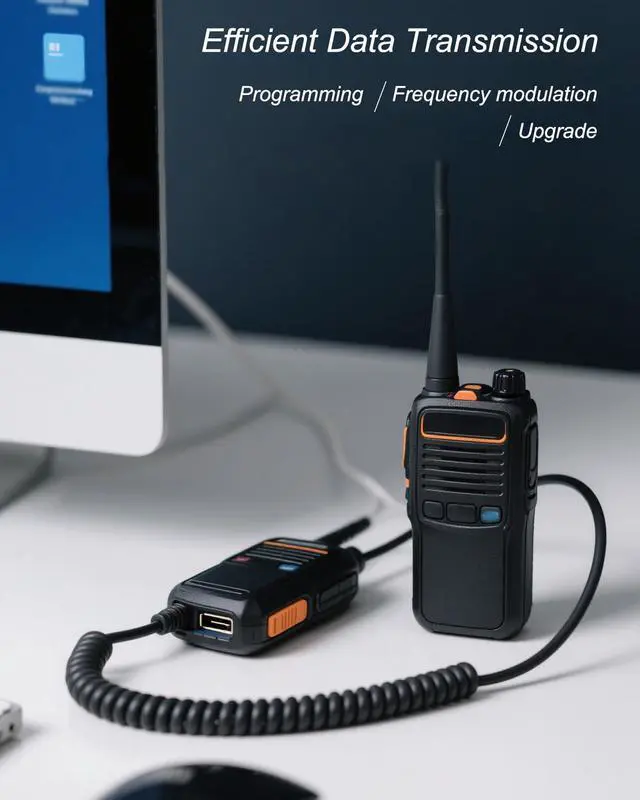
- Efficient Data Transmission: Programming cable connects the computer and the intercom through the USB interface, which can achieve high-speed data transmission, ensuring smooth and error-free operation of the programming process, frequency adjustment, firmware update, etc.
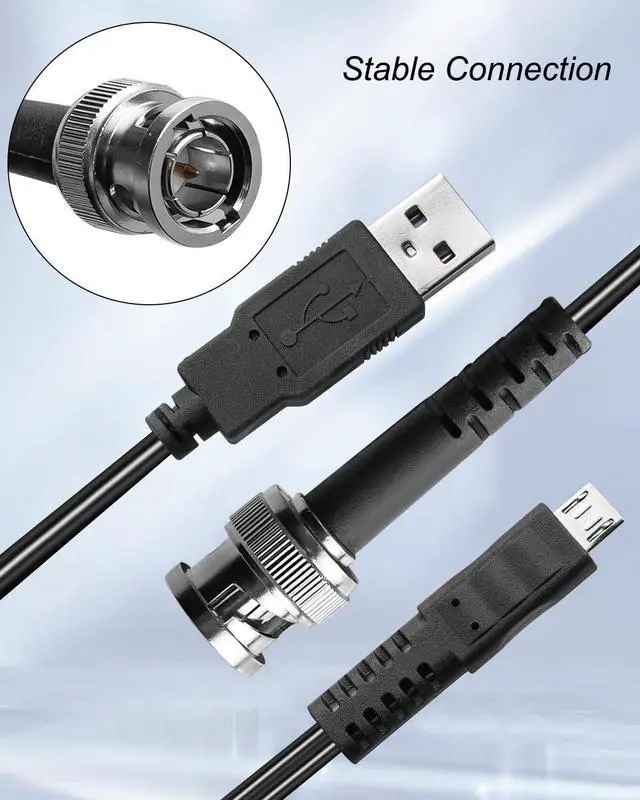
- Stable Connection: High-quality connector design is adopted, and it will not loosen even in the state of frequent plugging and unplugging or mobile use, ensuring stable data transmission and effectively improving transmission efficiency
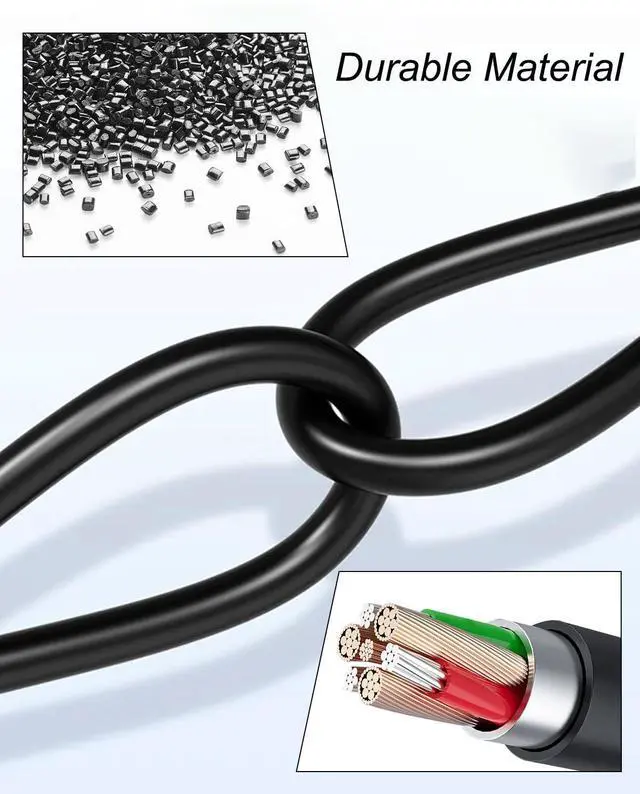
- Durable Material: Made of high-strength PVC material, it is wear-resistant and has excellent tensile resistance, ensuring good stability in long-term use and effectively extending the service life
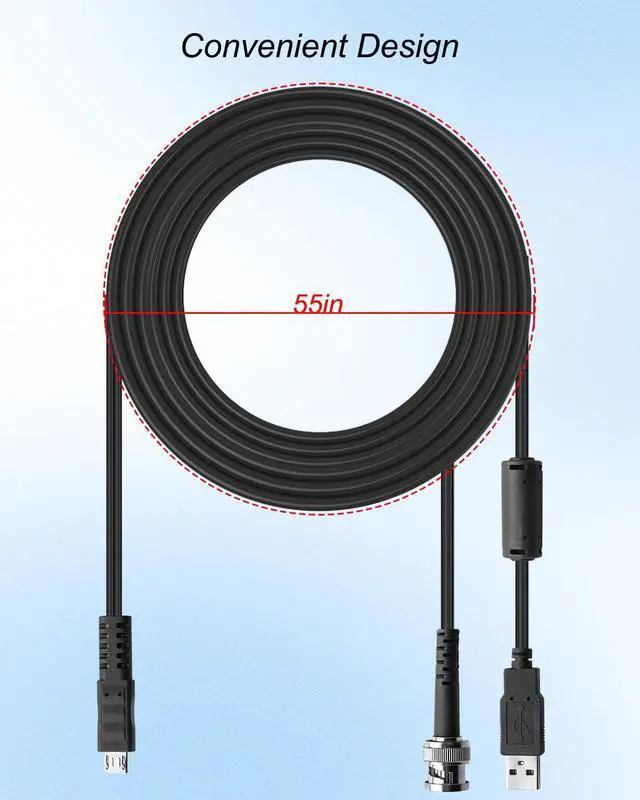
- Convenient Design: Our cables are of moderate length, which is more convenient to carry and store, so that you can perform data transmission, configuration management and other operations anytime and anywhere, thereby improving work efficiency
- Compatible Models: Fit for Motorola Mobile
+
+
Overview
Specs
Reviews
Interphone Programming and Configuration
This cable is used to connect the intercom to a computer for software programming, frequency adjustment, firmware update and other operations
Radio programming: supports modifying the radio's frequency, channel, volume settings and other parameters through a computer
Firmware update: used for firmware upgrades of intercoms or car radios to improve stability and functionality
Configuration management: multiple intercoms can be managed and configured in batches to improve work efficiency
Data transmission: Some models can support data transmission for more efficient information exchange
Data Cloning and Backup
Quickly copy intercom configurations to other devices to save repetitive programming time when deploying in batches
Backup important parameters to prevent data loss
Industrial Grade Durable Design
Use high-strength copper core cable to ensure data transmission stability
Metal reinforced USB interface and anti-bending cable body, suitable for frequent plugging and unplugging or mobile use
Compatible Models
Fit for Motorola Mobile Radio Series EVX-S24 CP100D CP200D R2 SL300 SL500e SL1600 SL2600 SL3500e SL7550e
Replace Part Number
Replace PMKN4128A
Product Packaging
1 x USB programming cable
This cable is used to connect the intercom to a computer for software programming, frequency adjustment, firmware update and other operations
Radio programming: supports modifying the radio's frequency, channel, volume settings and other parameters through a computer
Firmware update: used for firmware upgrades of intercoms or car radios to improve stability and functionality
Configuration management: multiple intercoms can be managed and configured in batches to improve work efficiency
Data transmission: Some models can support data transmission for more efficient information exchange
Data Cloning and Backup
Quickly copy intercom configurations to other devices to save repetitive programming time when deploying in batches
Backup important parameters to prevent data loss
Industrial Grade Durable Design
Use high-strength copper core cable to ensure data transmission stability
Metal reinforced USB interface and anti-bending cable body, suitable for frequent plugging and unplugging or mobile use
Compatible Models
Fit for Motorola Mobile Radio Series EVX-S24 CP100D CP200D R2 SL300 SL500e SL1600 SL2600 SL3500e SL7550e
Replace Part Number
Replace PMKN4128A
Product Packaging
1 x USB programming cable
Warranty & Returns
Warranty, Returns, And Additional Information
Warranty
- Please contact the Seller directly for warranty information. Warranty information may also be found on the Manufacturer's website.
- CONTACT
Return Policies
- Return for refund within: 30 days
- Return for replacement within: 90 days
- This item is covered by PartsPro Store Return Policy
Manufacturer Contact Info
- For a directory of all our manufacturers, please click below.
- Manufacturers Directory
LOADING...