
Your Browsing History

Meet Your Seller

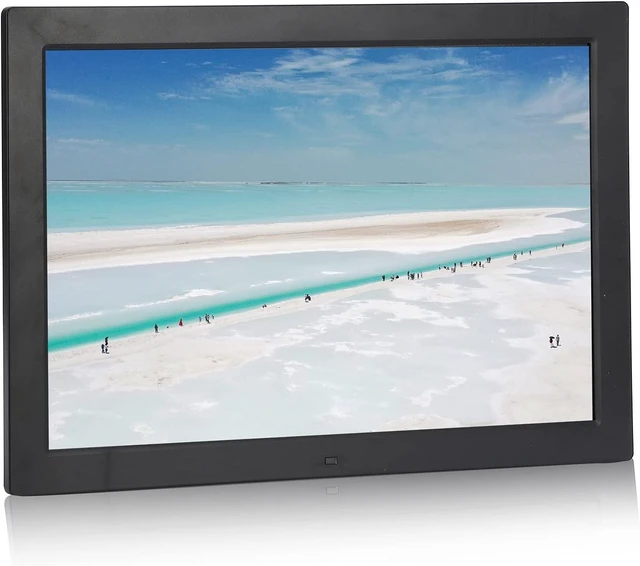
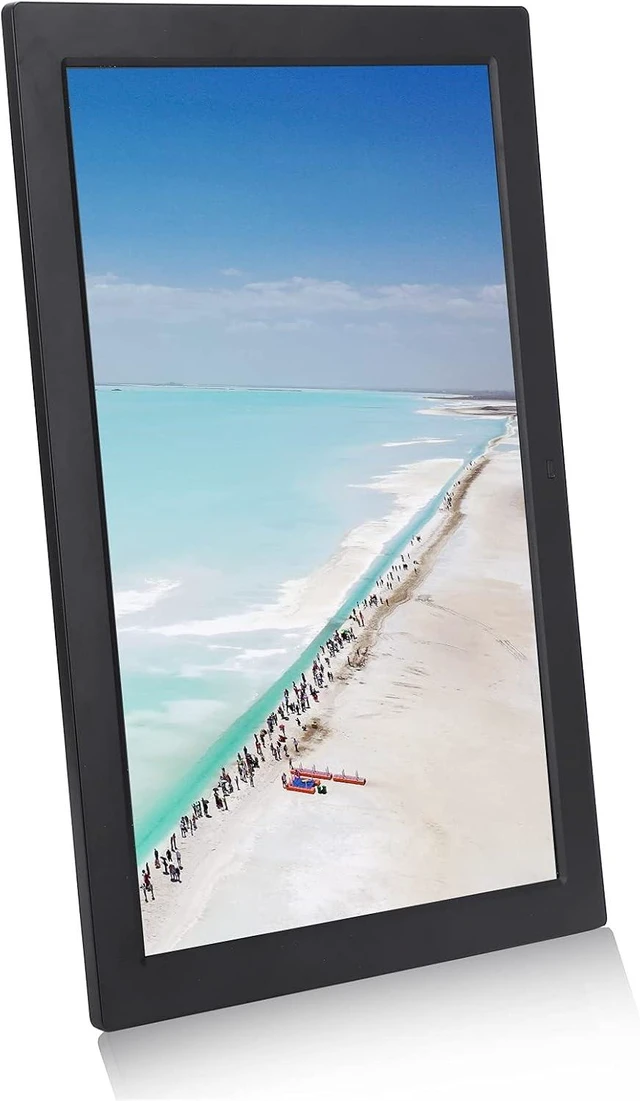



17in HD Large Digital Photo Frame Digital Photo Album 1440x900, Dual Modes Control, Support MP3 MP4 Image Play with Digital Clock Calendar for Family (US Plug)
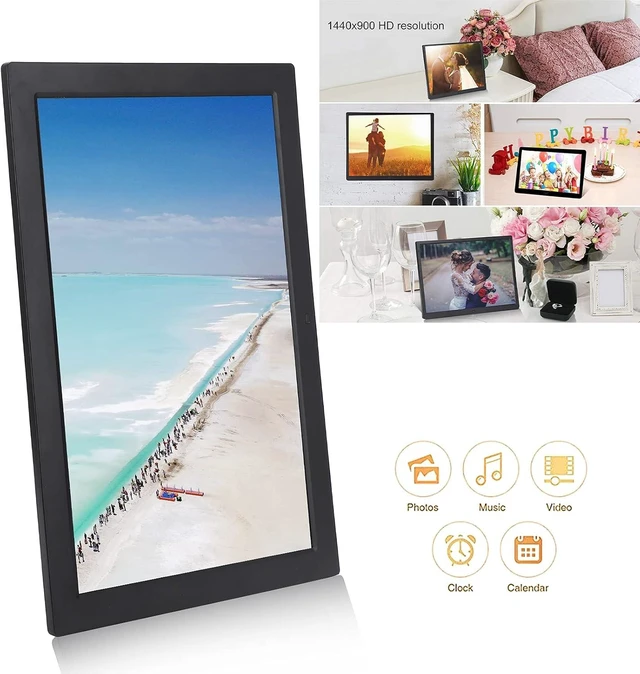
- 17inch, largescreen display, 1440×900 resolution, display ratio 16:10, 220cd/m² brightness, 1000:1 contrast ratio, provide you with excellent vision and fine colors, reproduce every wonderful moment, and present a beautiful vision feast. Maximum support 16G memory card
- Multiple functions: support clock, calendar, timer switch, running subtitles, your caring housekeeper, experience a comfortable life; builtin stereo audio output, provide you with pleasant sound effects, and dynamic hearing experience.
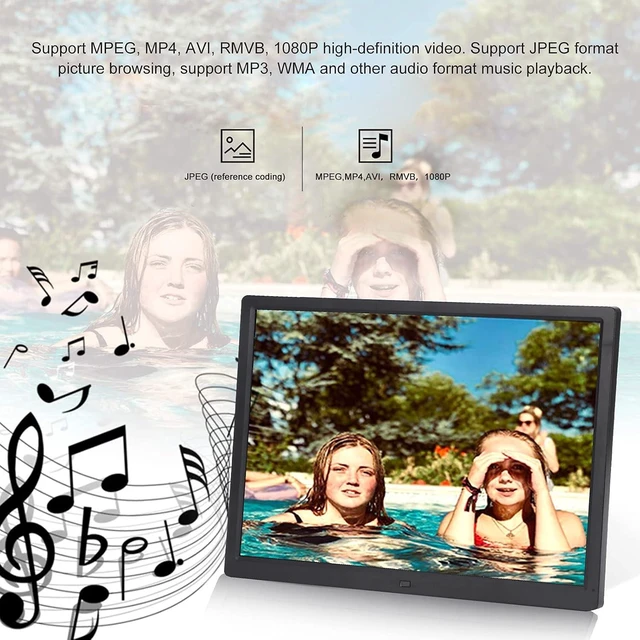
- Humanized design: support MPEG, MP4, AVI, RMVB, 1080P highdefinition video. Support JPEG format picture browsing, support MP3, WMA and other audio format music playback.
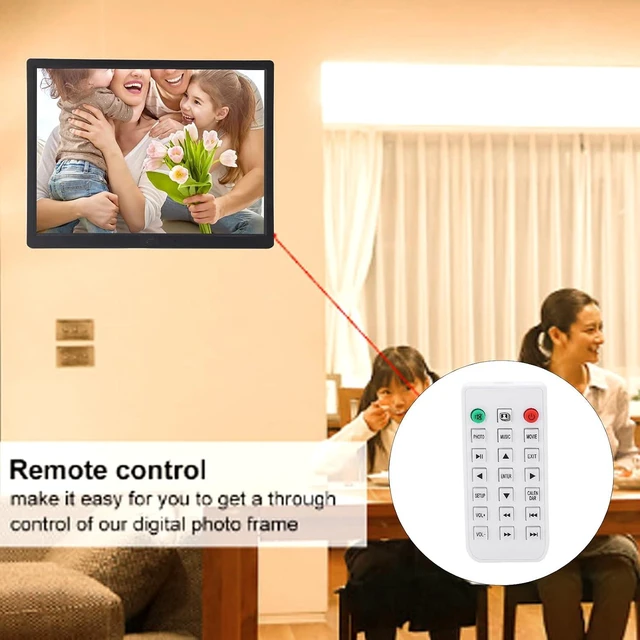
- Dualmode control: dualmode control with fuselage buttons+infrared remote control, convenient The remote control buttons are clear at a glance, no matter the elderly or children, easy to use. Memories are in your grasp; can be used as gifts to friends, children, parents, enhance the relationship between both parti
+
+
Overview
Specs
Reviews
Spec:
Item Type: 17in Digital Photo Frame
Material: ABS
Color: Black
Voltage: 100-240V
Screen Size: 17in
Resolution: 1440x900
Display Ratio: 16:10
Brightness: 220cd/m²
Contrast Ratio: 1000:1
Angle: 45°
Display Area: 36x22.6cm/14.2x8.9in
Support Image Format: JPEG
Support Audio Format: MP3/WMA
Support Video Format: MPEG/MP4/AVI/RMVB/1080 HD Video
AV Input: 1
USB Interface: 1
HD Interface: 1
Memory Card Slot: 1 (Up to 16G, not included)
Power Adapter: AC100-240V, DC12V 1A-2A
Infrared Remote Controller Battery: 1 x CR2025 Button Cell 160mAh (Included)
Language: English/German/French/Italian/Spanish/Japanese
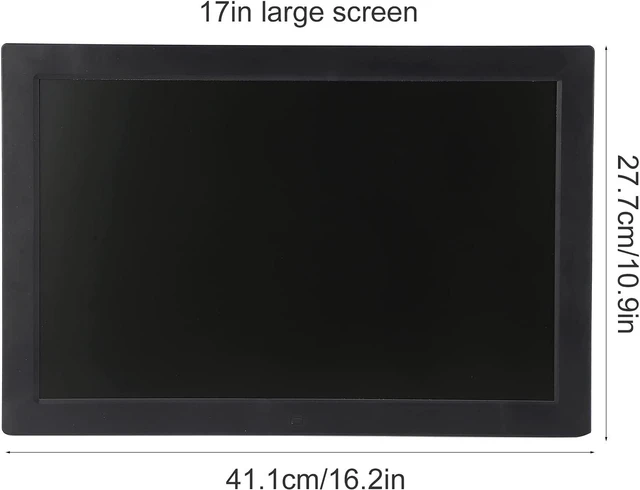
Product Size: Approx. 41.1x27.7cm/16.2x10.9in
Weight: Approx. 1657g/3.7lb
How to Use:
1. Open the box and remove the pearl cotton protective cover
2. Remove the protective film on the photo frame. Install frame holders
3. Plug in the power, insert the memory card into the corresponding socket and boot up
Package List:
1 x Digital Photo Frame
1 x Remote Controller
1 x Supporter
1 x Power Adapter
1 x Instruction
Note:
1. The product cannot rotate the image automatically, so it needs to be viewed after rotating on the computer;
2. You can also manually rotate the CALEN DAR button with the remote control.
Item Type: 17in Digital Photo Frame
Material: ABS
Color: Black
Voltage: 100-240V
Screen Size: 17in
Resolution: 1440x900
Display Ratio: 16:10
Brightness: 220cd/m²
Contrast Ratio: 1000:1
Angle: 45°
Display Area: 36x22.6cm/14.2x8.9in
Support Image Format: JPEG
Support Audio Format: MP3/WMA
Support Video Format: MPEG/MP4/AVI/RMVB/1080 HD Video
AV Input: 1
USB Interface: 1
HD Interface: 1
Memory Card Slot: 1 (Up to 16G, not included)
Power Adapter: AC100-240V, DC12V 1A-2A
Infrared Remote Controller Battery: 1 x CR2025 Button Cell 160mAh (Included)
Language: English/German/French/Italian/Spanish/Japanese
Product Size: Approx. 41.1x27.7cm/16.2x10.9in
Weight: Approx. 1657g/3.7lb
How to Use:
1. Open the box and remove the pearl cotton protective cover
2. Remove the protective film on the photo frame. Install frame holders
3. Plug in the power, insert the memory card into the corresponding socket and boot up
Package List:
1 x Digital Photo Frame
1 x Remote Controller
1 x Supporter
1 x Power Adapter
1 x Instruction
Note:
1. The product cannot rotate the image automatically, so it needs to be viewed after rotating on the computer;
2. You can also manually rotate the CALEN DAR button with the remote control.
Warranty & Returns
Warranty, Returns, And Additional Information
Warranty
- Please contact the Seller directly for warranty information. Warranty information may also be found on the Manufacturer's website.
- CONTACT
Return Policies
- Return for refund within: 30 days
- Return for replacement within: 90 days
- This item is covered by PartsPro Store Return Policy
Manufacturer Contact Info
- For a directory of all our manufacturers, please click below.
- Manufacturers Directory
LOADING...