


Ships from China.


Meet Your Seller

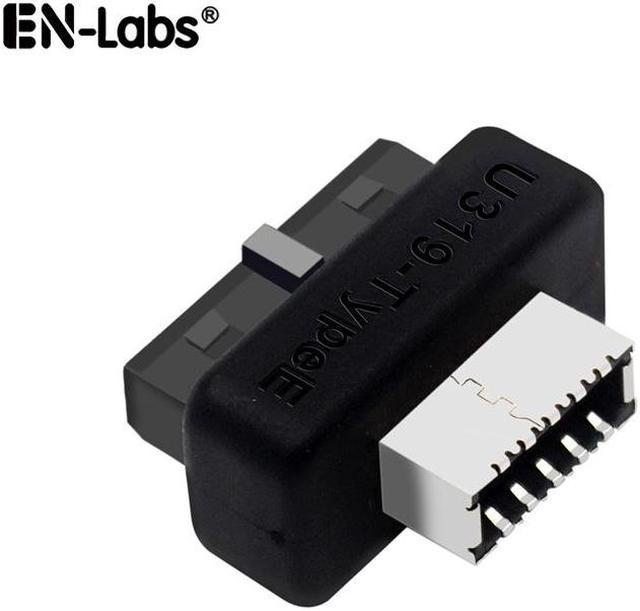
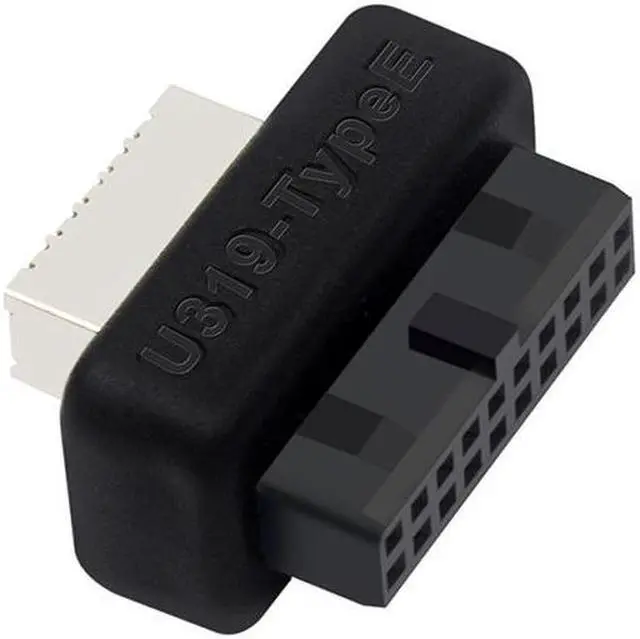
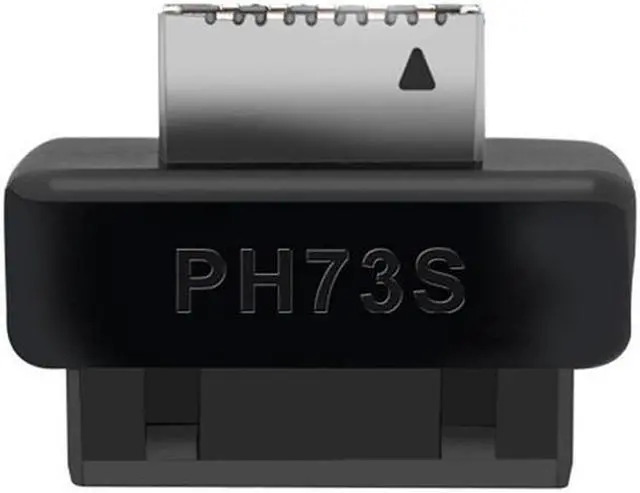
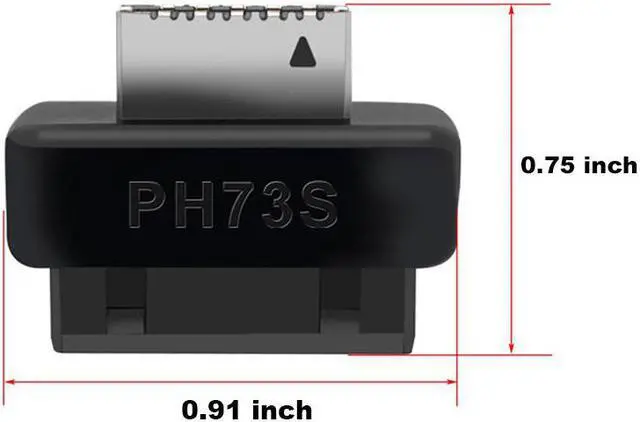
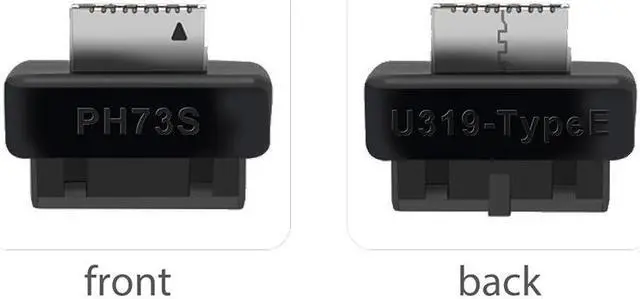
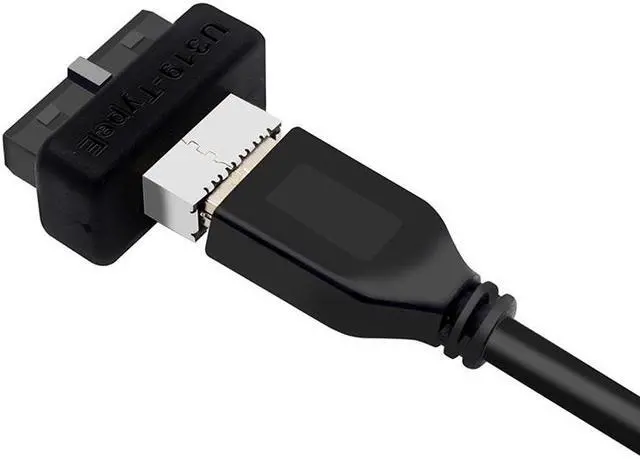


USB 3.0 / 3.1 Gen 2 IDC 20Pin to USB 3.1/3.2 Type-E A-Key Motherboard Internal USB Header Adapter Converter for Type C Front Panel Chassis Bracket (Straight Type-180 degree)
Limited time offer, ends 10/30 By EN Labs Marketplace
- Compatible with all of common motherboards with USB 3.0 19 pin header
- Convert the available USB 3.0/3.1 20pin header of a motherboard into a USB 3.1/USB 3.2 A-Key (Type-E) 20 Pin Female
- Data Transfer Speed Up to 10Gbps
- Compatible with all of common motherboards with USB 3.0 19 pin header.
+
+
Overview
Specs
Reviews (4)
Feature
Providing a convenient solution for converting the available USB 3.0 / 3.1 Gen2 IDC 20pin header of a motherboard into a USB 3.1/USB 3.2 A-Key (Type-E) 20 Pin Female;
Compatible with all of common motherboards with USB 3.0 19 pin header;
Connector A (motherboard): USB 3.0 internal 19/20 pin motherboard male housing header;
Connector B (front panel): USB 3.1 motherboard header 20 pin ( Type-E) A-Key front panel female header;
Data transfer speed is up to 10Gbps;
Plug and Play (No driver install is needed);
Support systems: WINXP/WIN7/WIN8/WIN10 32/64BIT/MAC/Linux;
Note: Not compatible with USB 2.0 motherboard IDC connector;
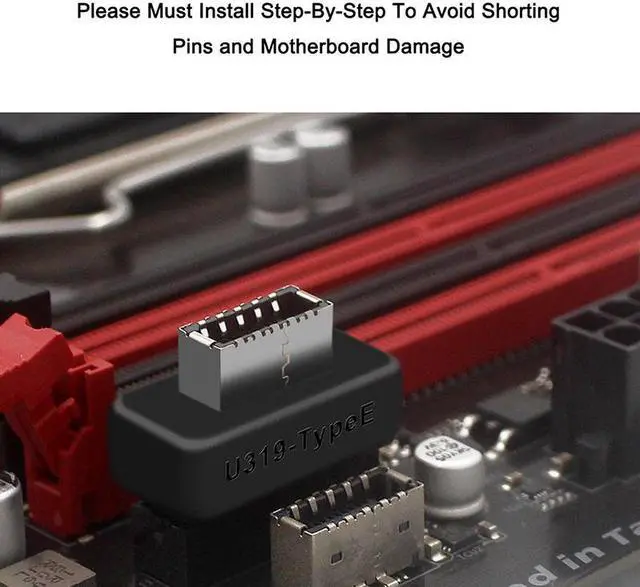
Notice: Must install the adapter step by step to avoid shorting pins and motherboard damage.
1 - Basically turn off your tower, unplug it, wait 10 seconds,
2 - install the male end for USB C in (make sure it's the correct orientation),
3 - Plug the adapter into the USB 3.0 header.
Doing this any other way may casue it either not being recognized, or usb drawing too much power warnings.
Providing a convenient solution for converting the available USB 3.0 / 3.1 Gen2 IDC 20pin header of a motherboard into a USB 3.1/USB 3.2 A-Key (Type-E) 20 Pin Female;
Compatible with all of common motherboards with USB 3.0 19 pin header;
Connector A (motherboard): USB 3.0 internal 19/20 pin motherboard male housing header;
Connector B (front panel): USB 3.1 motherboard header 20 pin ( Type-E) A-Key front panel female header;
Data transfer speed is up to 10Gbps;
Plug and Play (No driver install is needed);
Support systems: WINXP/WIN7/WIN8/WIN10 32/64BIT/MAC/Linux;
Note: Not compatible with USB 2.0 motherboard IDC connector;
Notice: Must install the adapter step by step to avoid shorting pins and motherboard damage.
1 - Basically turn off your tower, unplug it, wait 10 seconds,
2 - install the male end for USB C in (make sure it's the correct orientation),
3 - Plug the adapter into the USB 3.0 header.
Doing this any other way may casue it either not being recognized, or usb drawing too much power warnings.
Warranty & Returns
Warranty, Returns, And Additional Information
Warranty
- Please contact the Seller directly for warranty information. Warranty information may also be found on the Manufacturer's website.
- CONTACT
Return Policies
- Return for refund within: 30 days
- Return for replacement within: 30 days
- This item is covered by EN Labs Marketplace Return Policy
Manufacturer Contact Info
- For a directory of all our manufacturers, please click below.
- Manufacturers Directory
LOADING...