
Your Browsing History

Meet Your Seller

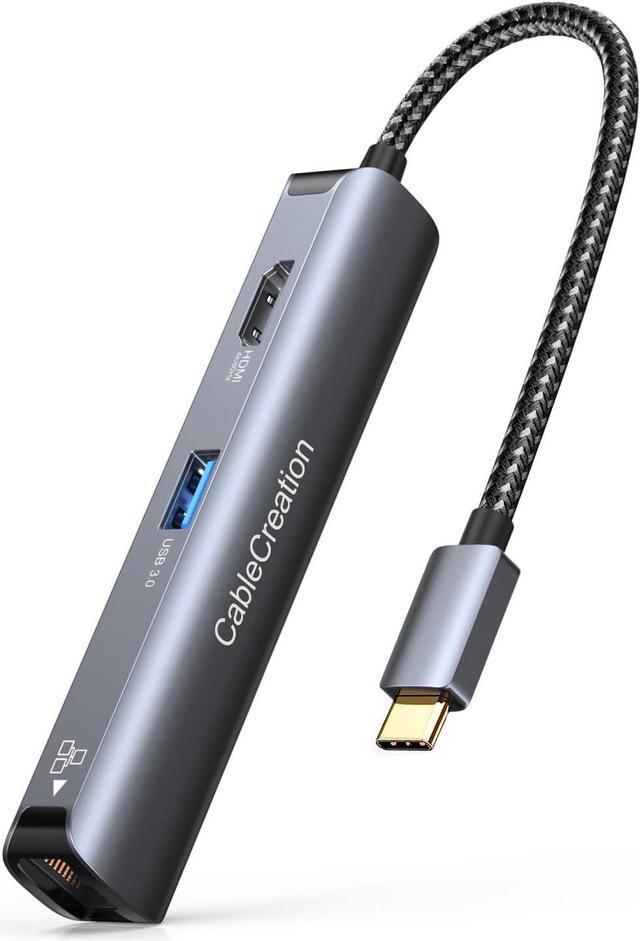


CableCreation 5-in-1 4K 60Hz USB C Hub Multiport Adapter Aluminum Shell
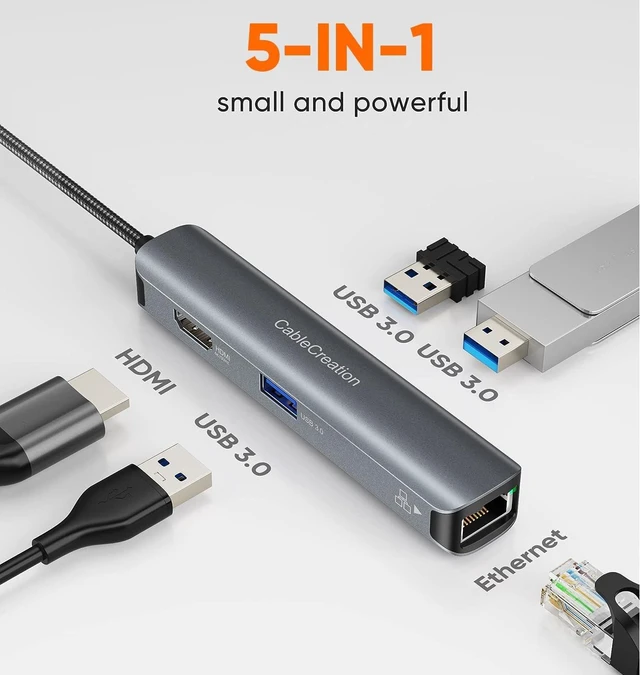
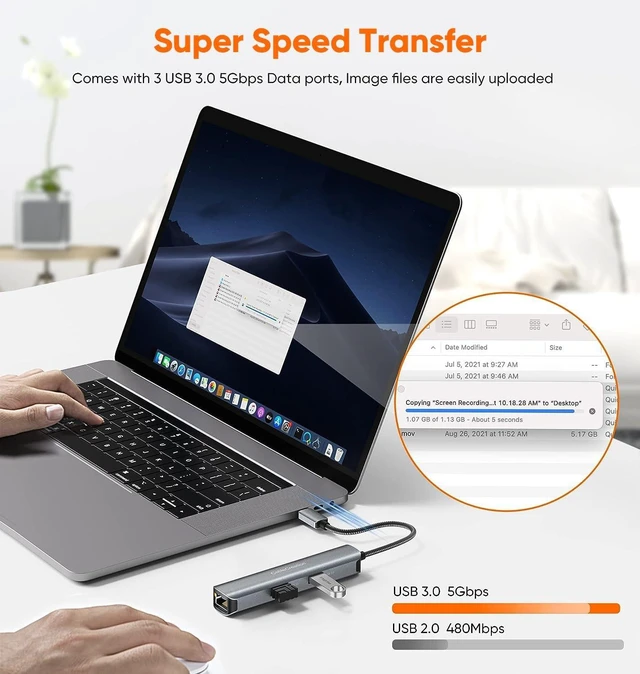
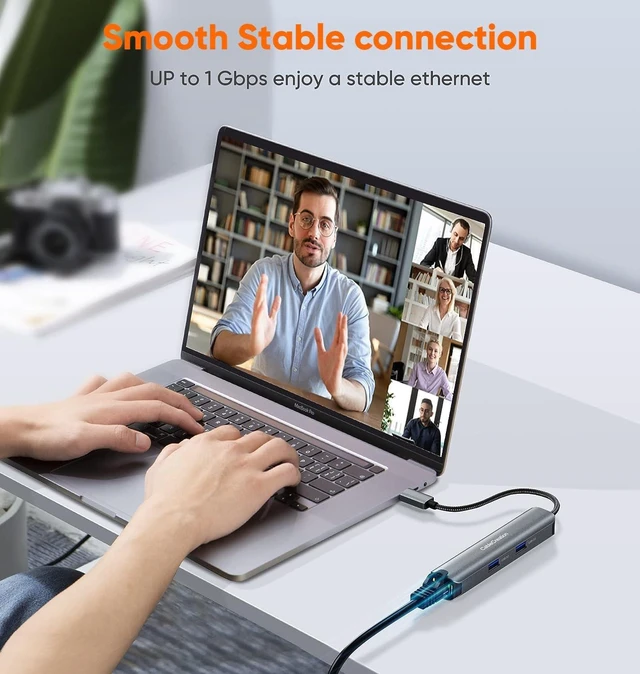
- 5-in-1 USB C Hub multiport adapter: This CableCreation USB C hub multiport adapter expands the USB C or Thunderbolt 3 to 4K 60HZ HDMI port, 1Gbps Ethernet, and 3 USB 3.0 5Gbps Data ports. The usb c hub ethernet with a flexible nylon braided cable, aluminum housing, and Gold-Plated Connector for efficient heat dissipation and durability
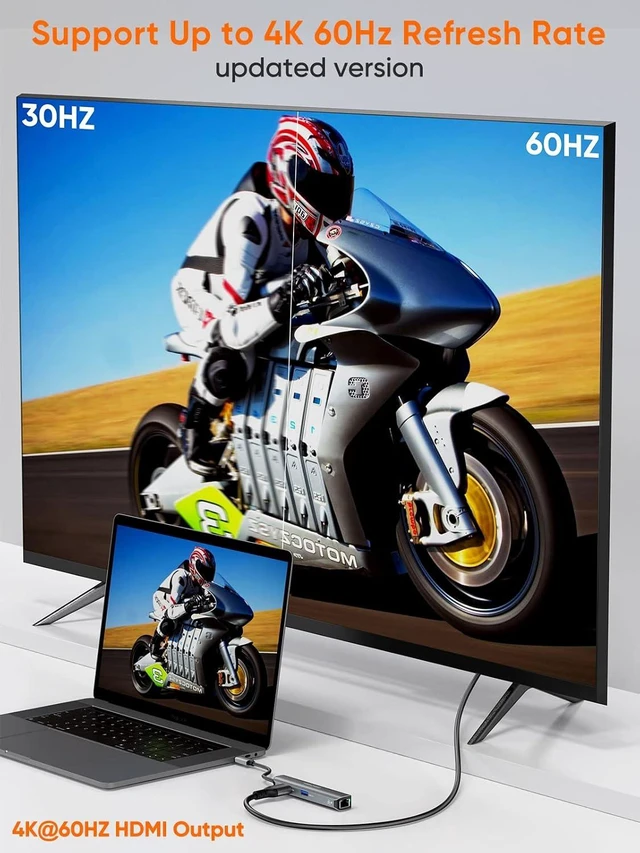
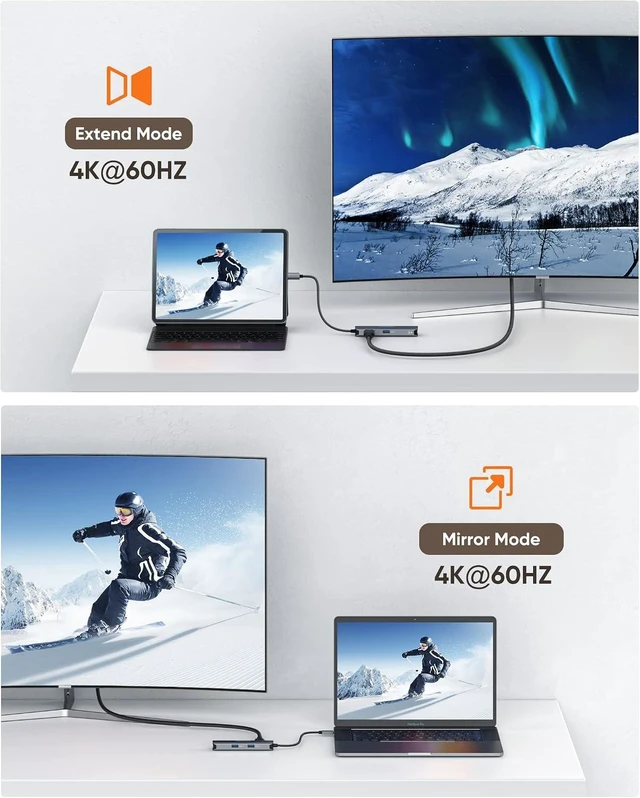
- Usb C Hub 4K@60Hz HDMI - Ultra HD: This USB C to HDMI provides you with high-resolutions 4K 60Hz HDMI images and videos, that bring an immersive 3D resolution experience. NOTE: 4K@60Hz is only available for laptops with DP1.4 Alt Mode enabled
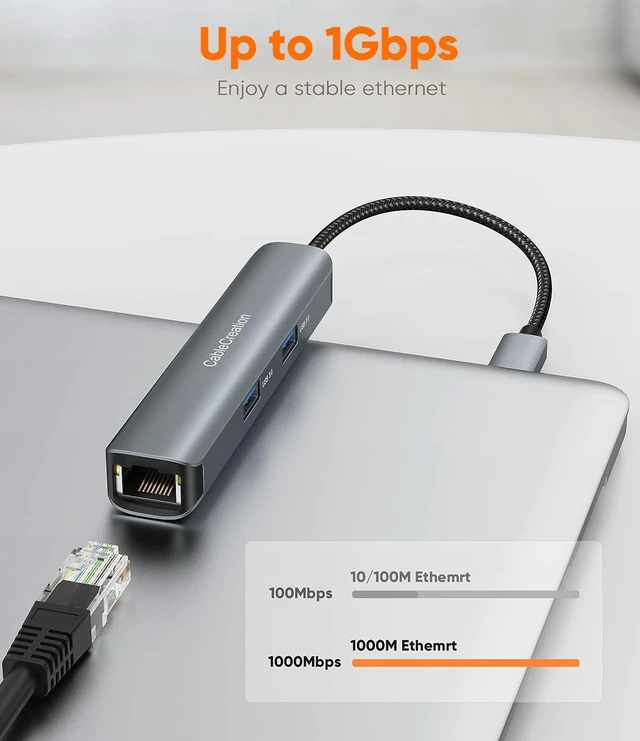
- High-Speed Transfer: 3 USB-A 3.0 ports data transfer rates of up to 5 Gbps, You can connect multiple USB peripheral devices such as hard drive, keyboard and mouse, Files transfer in seconds. USB C hub ethernet stable obtains full 10/100/1000 Mbps network RJ45 performance. The LED indicator is designed for status indication and problem diagnosis
- Broad Compatibility: The usb c ethernet hub is compatible with Steam
+
+
Overview
Specs
Reviews
1 x HDMI Port - Up to 4K @ 60Hz,8bit with max 18Gbps,Support RGB 4 : 4 : 4 , Ycbcr 4 : 4 : 4,4 : 2 : 2,4 : 2 : 0,Support 8bit / 10bit deep coloro,Support HDCP2.2&1.4 and HDR.
3 x USB 3.0 Type - A Ports -5Gb/s data speeddownward compatible with lower versionsDownstream charging up to 900mAh per port (Actually depends on the charging capability of the host.)
1 x RJ45 Ethernet Port - Max 1000Mbps Gigabit networksupport Wake-on-LAN,support full duplex flow control.
Notes on Using a USB C Ethernet Hub:
1.The usb c hub adapter does not have a USB C charging port. 2.HDMI:To achieve max 4K@60HZ , it requires the host PC supports DP1.4 Alt mode ; if the host supports DP1.2 Alt modethe max resoultion of HDMI is 4k@30HZ due to bandwidth limitation. 3.Light indicator indicates the state,no light when no Internet connected,orange light turns on when network connection is established,green light flashes when transmittig data. 4.USB-A:To ensure the best performance of 3 USB-A, it is recommended not to connect 2 or 3 high-power devices at the same time. For examplehard drive)
5-in-1 USB-C Ethernet Hub can stream/extend video to your monitor/projector/TV via your laptop's HDMI port. A great option for expanding connectivity options, this hub requires no software/drivers or complicated installation. Plug and play,Perfect match MacBook,iPad Pro,Surface and more.
13*USB3.0 data ports2HDMI 4K 60Hz3RJ45 LAN 1Gbps4Two Models5Portable design 1. You need to adjust the refresh rate in the display settings.
2. Check how many HDMI ports the monitor has. Many monitors have two or three HDMI ports, but only one or two HDMI ports support 60HZ. You can read the manual of the monitor. There is usually a label on the manual.
aplus content video CableCreation USB C Hub 5 in 1: Ethernet and 4K@60HZ HDMI and 3 USB 3.0 Ports What do you Get When you choose this 5 in 1 Type C Hub? The Good Choice For People With Multi-Port Needs 5-in-1 USB-C Hub Multiport Adapter Instructions for use:
3 x USB 3.0 Type - A Ports -5Gb/s data speeddownward compatible with lower versionsDownstream charging up to 900mAh per port (Actually depends on the charging capability of the host.)
1 x RJ45 Ethernet Port - Max 1000Mbps Gigabit networksupport Wake-on-LAN,support full duplex flow control.
Notes on Using a USB C Ethernet Hub:
1.The usb c hub adapter does not have a USB C charging port. 2.HDMI:To achieve max 4K@60HZ , it requires the host PC supports DP1.4 Alt mode ; if the host supports DP1.2 Alt modethe max resoultion of HDMI is 4k@30HZ due to bandwidth limitation. 3.Light indicator indicates the state,no light when no Internet connected,orange light turns on when network connection is established,green light flashes when transmittig data. 4.USB-A:To ensure the best performance of 3 USB-A, it is recommended not to connect 2 or 3 high-power devices at the same time. For examplehard drive)
5-in-1 USB-C Ethernet Hub can stream/extend video to your monitor/projector/TV via your laptop's HDMI port. A great option for expanding connectivity options, this hub requires no software/drivers or complicated installation. Plug and play,Perfect match MacBook,iPad Pro,Surface and more.
13*USB3.0 data ports2HDMI 4K 60Hz3RJ45 LAN 1Gbps4Two Models5Portable design 1. You need to adjust the refresh rate in the display settings.
2. Check how many HDMI ports the monitor has. Many monitors have two or three HDMI ports, but only one or two HDMI ports support 60HZ. You can read the manual of the monitor. There is usually a label on the manual.
aplus content video CableCreation USB C Hub 5 in 1: Ethernet and 4K@60HZ HDMI and 3 USB 3.0 Ports What do you Get When you choose this 5 in 1 Type C Hub? The Good Choice For People With Multi-Port Needs 5-in-1 USB-C Hub Multiport Adapter Instructions for use:
Warranty & Returns
Warranty, Returns, And Additional Information
Warranty
- Please contact the Seller directly for warranty information. Warranty information may also be found on the Manufacturer's website.
- CONTACT
Return Policies
- Return for refund within: 30 days
- Return for replacement within: 90 days
- This item is covered by PartsPro Store Return Policy
Manufacturer Contact Info
- For a directory of all our manufacturers, please click below.
- Manufacturers Directory
LOADING...