


- Free 30-day Returns
$18.84

Meet Your Seller



Visit OWC Canada Store
FOLLOW
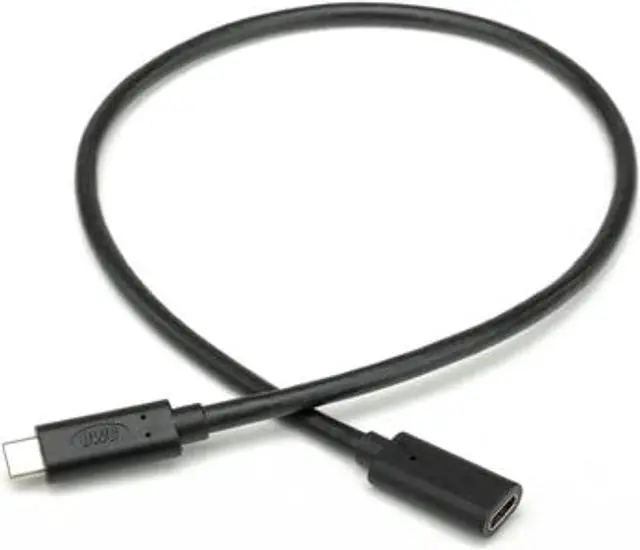
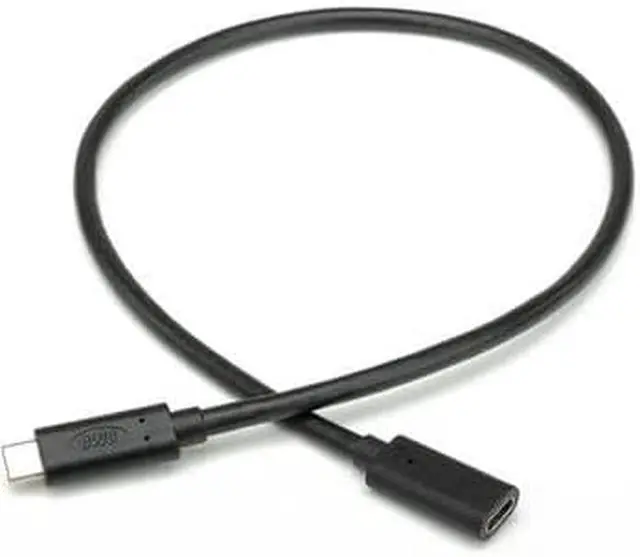
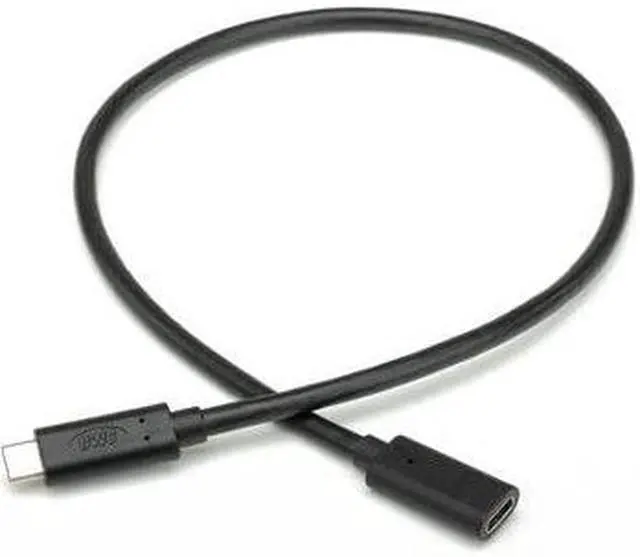
0.5m (20") owc usb-c (usb 3.2 10gb/s) 100w pd extension cable (males to female) - black
- 0.5m (20") owc usb-c (usb 3.2 10gb/s) 100w pd extension cable (males to female) - black
+
+
Overview
Specs
Reviews
0.5M USB-C USB 3.2 10GB/S 100W PD EXTENSION CABLE
Warranty & Returns
Warranty, Returns, And Additional Information
Warranty
- Please contact the Seller directly for warranty information. Warranty information may also be found on the Manufacturer's website.
- Read full details
- CONTACT
Return Policies
- Return for refund within: 30 days
- Return for replacement within: 90 days
- This item is covered by OWC Canada Return Policy
Manufacturer Contact Info
- For a directory of all our manufacturers, please click below.
- Manufacturers Directory
LOADING...
The OWC 0.5m USB-C extension cable adds 20 inches of reach to a USB-C connection while supporting data transfer up to 10Gb/s and USB Power Delivery up to 100W, making it suitable for users who need more access to a nearby port or cable.
Recommended For
- Desktop users whose computer or storage ports are awkward to reach can add 20 inches of access, reducing the need to reach behind equipment or repeatedly plug into the host port.
- Laptop-on-a-stand users who want an OWC Travel Dock or compatible USB-C accessory to sit more conveniently on the desk can use the extension to give its connection extra reach.
- Tablet or laptop users whose protective case or computer-port placement prevents a USB-C accessory from fitting comfortably can use the extension to move the connection away from the obstructed port.
- Users extending a compatible USB-C connection for everyday charging or data transfer can benefit when they need a little more reach while staying within the cable’s USB data and power capabilities.
Real-World Use Scenarios
- When a desktop computer’s USB-C port is hard to reach, route the extension to the front or top of the desk so you can plug in a compatible USB-C device without reaching behind the computer.
- If you regularly connect and disconnect USB-C accessories, leave the extension attached to the computer and use its accessible female end for everyday connections, reducing repeated handling of the computer’s port.
- When a compatible USB-C charging cable comes up short on a desk, use the extension to add up to 20 inches of reach; charging can work up to 100W if the charger, device, and connected cable support it.
- For an external USB-C drive or other data accessory kept on the desk, the extension can make the connection easier to reach while supporting data transfer up to 10Gb/s when the host, device, and other cable support that rate.
- To connect a compatible USB-C display from a less accessible port, the extension supports video up to 4K; it carries USB-C video, but should not be treated as a Thunderbolt extension for full Thunderbolt functionality.