


Best Sellers
 Hot Seller
- $744.11
- + $53.74 Shipping


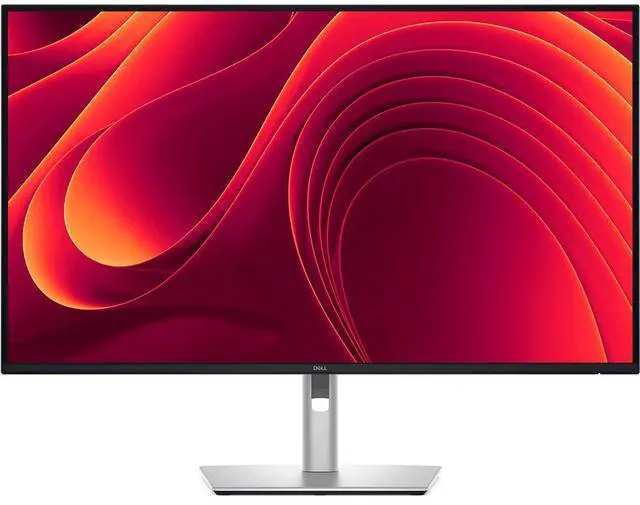
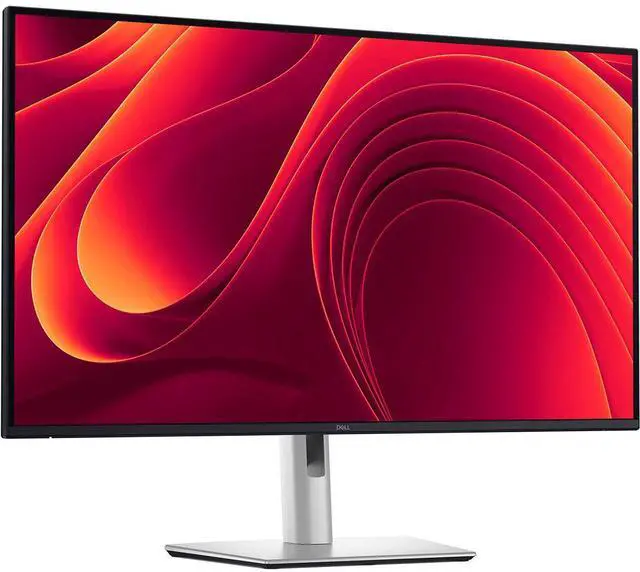
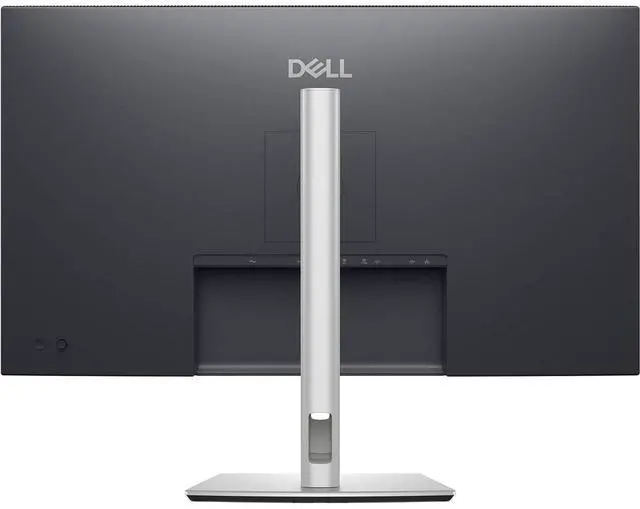

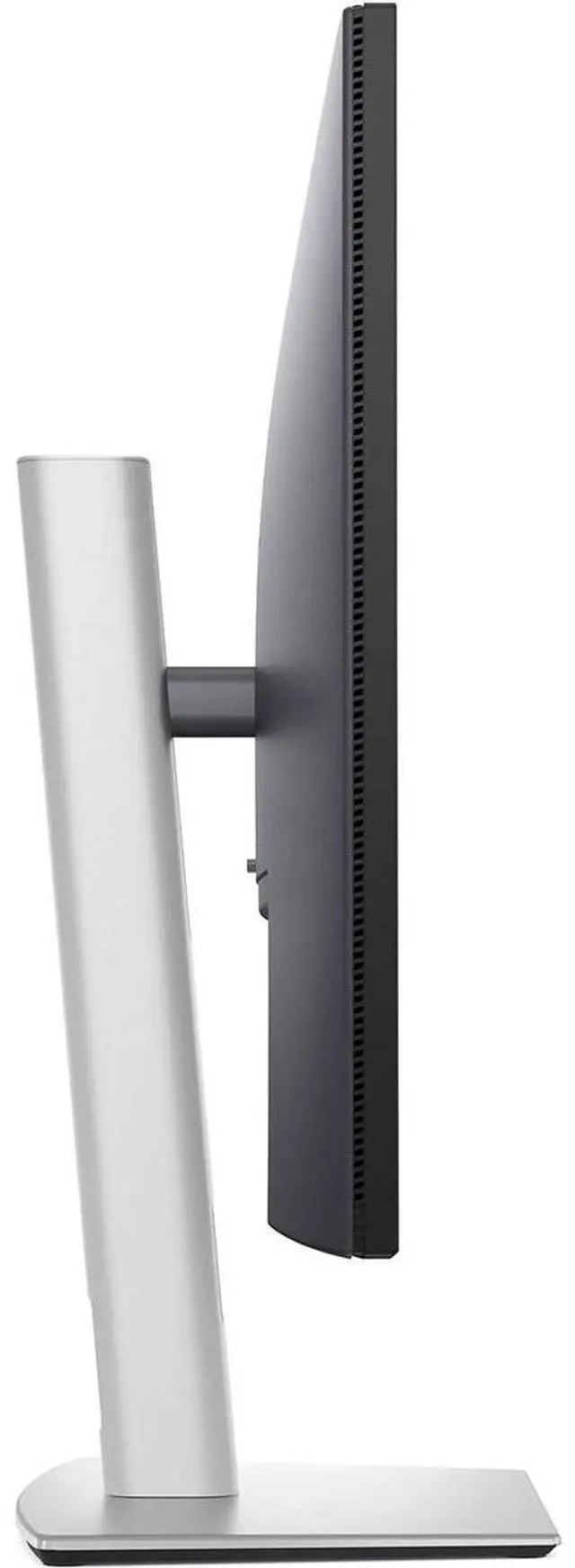
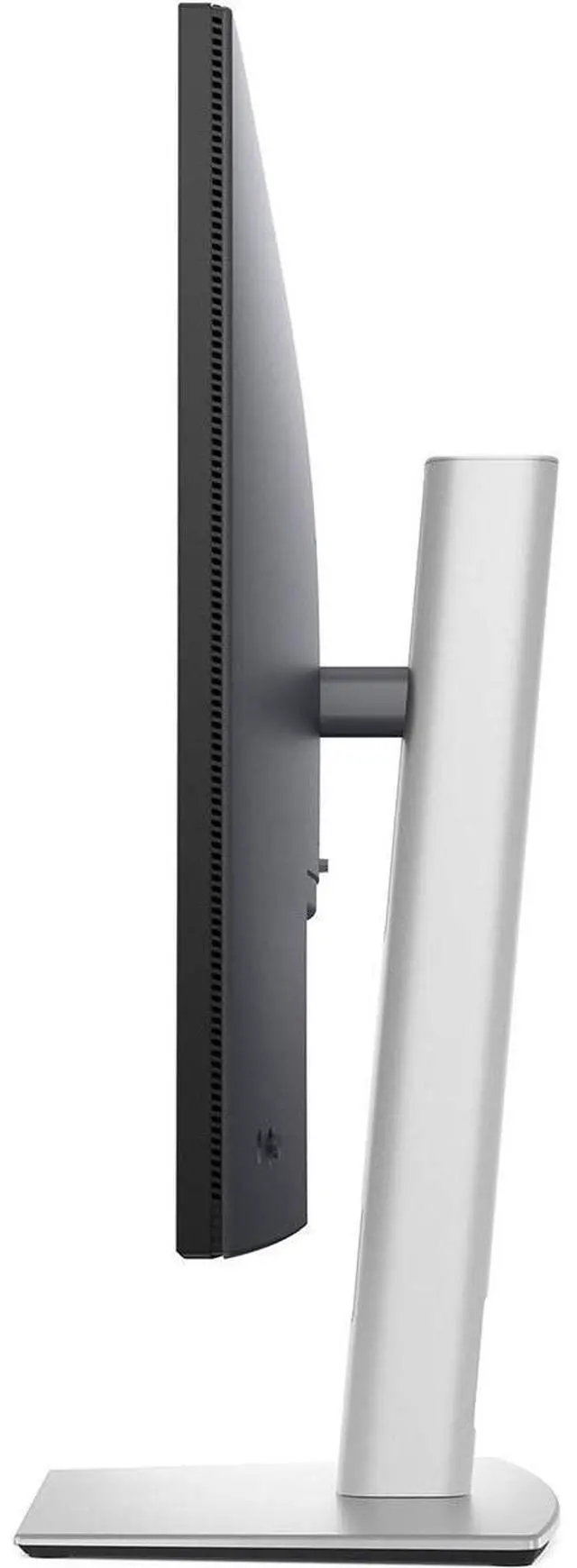
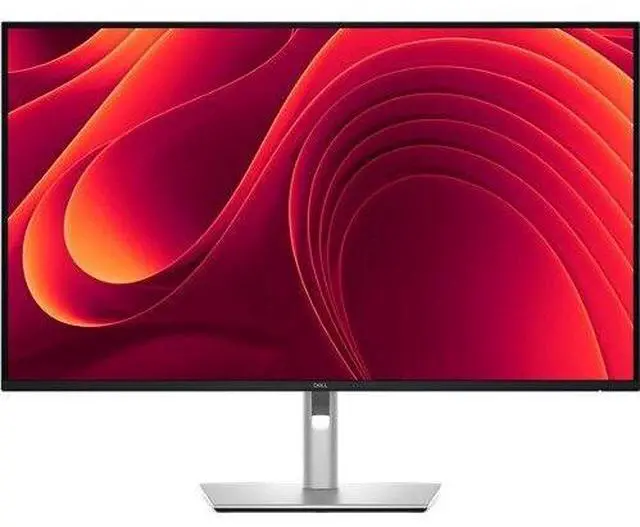
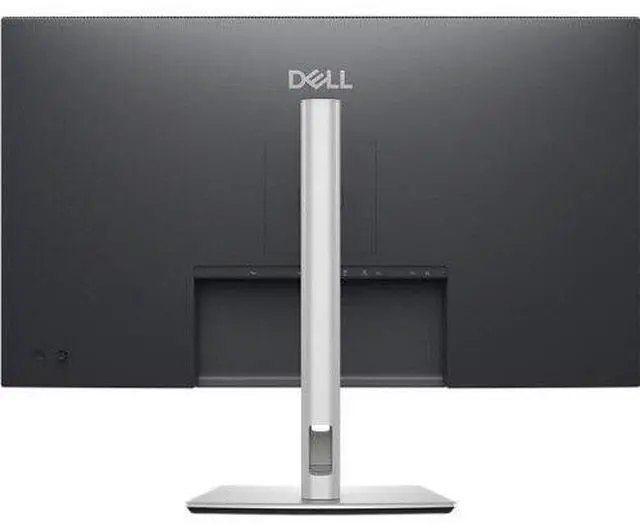

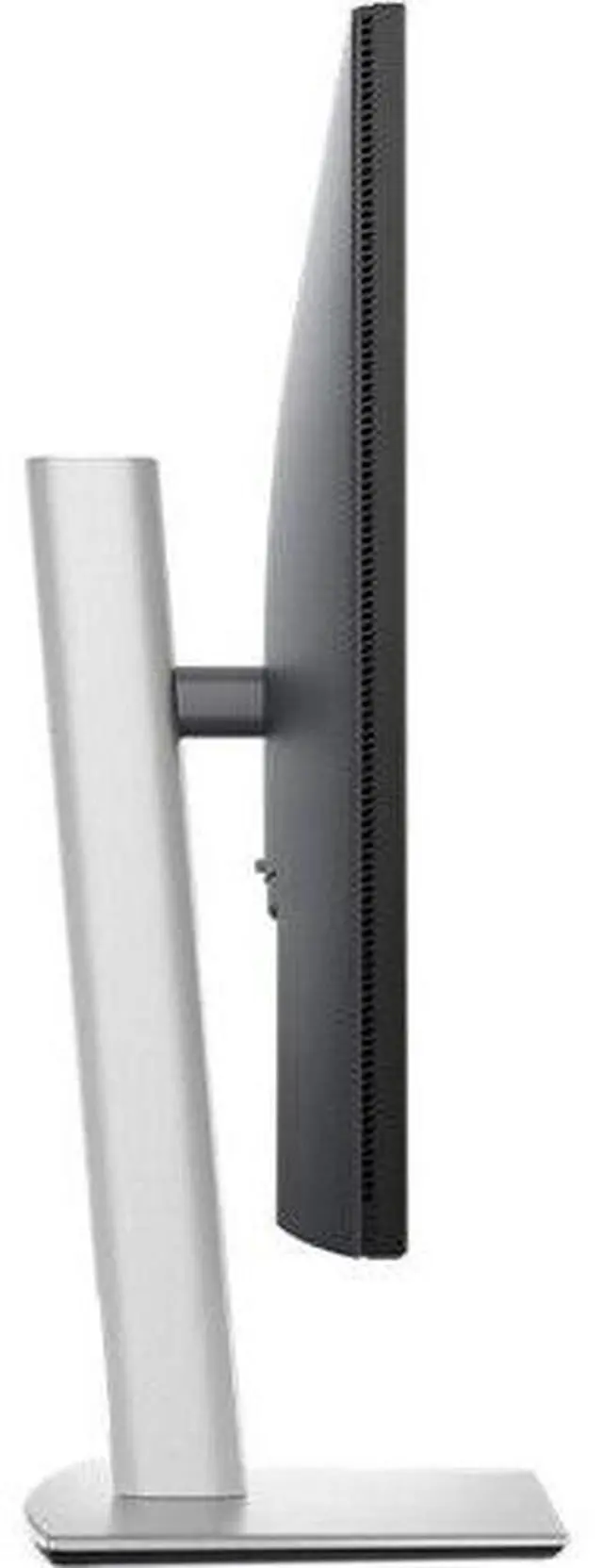
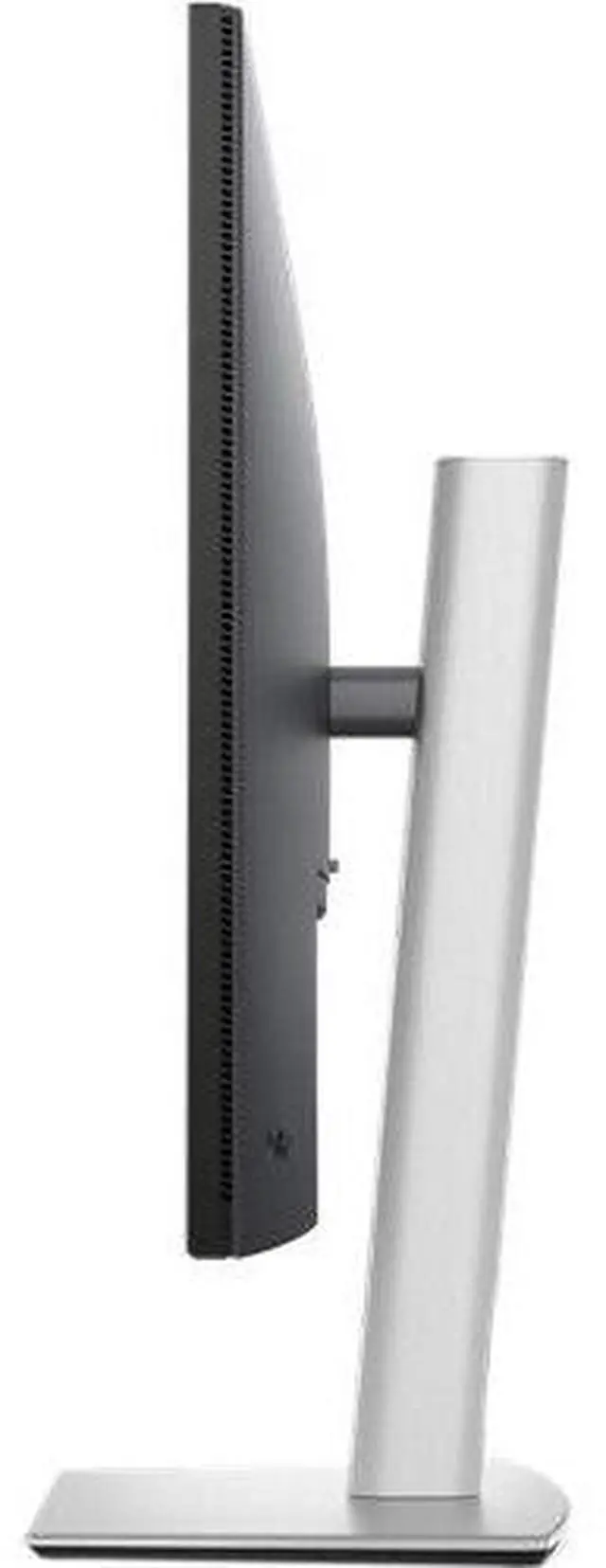


Dell Pro 32 Plus QHD USB-C Hub Monitor - P3225DE
- Expand your workspace with Dell Pro P 32 Inch P3225DE QHD monito with USB-C hub, large screen, and productivity-focused features.
+
+
Overview
Specs
Reviews
Stay productive with this 31.5 -inch QHD monitor featuring extensive connectivity, and certified by TÜV for 4 star eye comfort.
Warranty & Returns
Warranty, Returns, And Additional Information
Warranty
- Limited Warranty period (parts): 1 year
- Limited Warranty period (labor): 1 year
- Read full details
Return Policies
- Return for refund until: January 31, 2027
- Return for replacement until: January 31, 2027
- This item is covered by Newegg.ca's Extended Holiday Return Policy.
- Read full return policy for details.
We want to ensure your holiday shopping this year is hassle-free. That’s why we’re automatically extending our return policies on almost every product! For purchases placed between November 1st, 2026 and December 31, 2026 you will have until January 31, 2027 to return your product.
Manufacturer Contact Info
- Manufacturer Website
- Support Phone: 1-800-WWW-DELL
- Support Website
- View other products from DELL
LOADING...
LOADING...
The Dell Pro 32 Plus P3225DE is a 31.5-inch QHD monitor with a USB-C hub, suited to professionals who want a large desktop display and convenient connections for everyday office work.
Recommended For
- Laptop-first desk workers who want one USB-C connection for the display, USB accessories, wired Ethernet, and up to 90W laptop charging.
- Office and business users who keep several documents or apps open and want a large QHD workspace with adjustable height, tilt, swivel, and pivot.
- Workstations that need a wired network connection and a convenient place to connect USB peripherals, without a separate monitor-side hub.
- Teams extending a compatible desk setup across multiple displays, using the monitor’s DisplayPort-out MST connection for daisy chaining.
Real-World Use Scenarios
- At a home or office desk, a laptop user connects the monitor over USB-C to send video and data, connect peripherals and wired Ethernet, and charge the laptop—reducing the need for a separate dock and several cables.
- For spreadsheet, document, and browser-heavy work, the 31.5-inch QHD screen gives users a larger workspace for viewing several windows at once, helping reduce frequent window switching.
- In a fixed desk setup, users can connect a second compatible monitor through DisplayPort daisy chaining to extend their workspace; support depends on the connected computer and its display capabilities.
- For reading long documents, reviewing code, or working with portrait-oriented content, users can rotate the monitor vertically and adjust its height and angle to suit their desk position.
- When users need to plug in a phone, keyboard, or other small accessory during the day, the monitor’s accessible USB ports can make occasional charging and connection easier without reaching for the computer.
Spec Summary
| Attribute | Value |
|---|---|
| Best For | Business and desktop workspaces |
| Panel And Resolution | 31.5-inch flat IPS LED display with QHD 2560 × 1440 resolution, 16:9 aspect ratio, 350-nit brightness, 1500:1 contrast, 99% sRGB color gamut, 178° viewing angle, and matte anti-glare finish |
| Refresh Rate And Response | 100 Hz refresh rate, 8 ms response time, and FreeSync and G-Sync Compatible adaptive sync |
| Ports And Connectivity | HDMI, DisplayPort, USB-C, USB-A, and Ethernet connectivity, with 1 HDMI port, 5 USB 3.0 ports, no USB 2.0 ports, and no Thunderbolt ports |
| Stand And Ergonomics | Height-, swivel-, tilt-, and pivot-adjustable stand supports vertical and horizontal orientation; compatible with 100 × 100 mm VESA mounting |
| Physical Design | Black monitor with thin bezels; 28.09 in wide and 18.46 in tall with stand, or 28.09 in wide and 16.2 in tall without stand; weighs 20.92 lb |
| Included Accessories | Includes monitor with stand, DisplayPort cable, USB-C to USB-C cable, USB-C to USB-A cable, power cable, cable tie, QR card, and safety, environmental, and regulatory information |
| Model Identifiers | Dell Pro 32 Plus QHD USB-C Hub Monitor, model P3225DE; model number R02G3 |
Reference Q&A
Q: Dell P3225DE vs. P3225QE: which 32-inch monitor should I choose?
A: Choose the Dell P3225DE for a 31.5-inch QHD workspace with USB-C hub features, including up to 90W laptop charging and Ethernet. Choose the P3225QE if you want the same screen size and 100Hz refresh rate at 4K resolution for more detailed on-screen content.
Q: Should I get the Dell P3225DE or the 27-inch P2725DE?
A: Choose the P3225DE if you want a larger 31.5-inch QHD screen for viewing documents and arranging work windows. The P2725DE offers the same QHD resolution and 100Hz refresh rate in a 27-inch size, making it the smaller-screen option in Dell’s QHD USB-C hub monitor lineup.
Q: How does the Dell P3225DE compare with the older P3223DE?
A: Both are 31.5-inch QHD USB-C hub monitors with up to 90W USB-C power delivery. The P3225DE supports a 100Hz refresh rate, while Dell lists the P3223DE at 60Hz, so the P3225DE is the newer-generation choice for a higher-refresh work display.
Q: Can I connect and charge a laptop through one USB-C cable?
A: Yes, the monitor’s USB-C upstream port carries video and data and provides up to 90W of power to a compatible laptop. It also includes USB ports and Gigabit Ethernet; supported functions can depend on the connected computer.
Q: Does this monitor have built-in speakers or a webcam for meetings?
A: No. The P3225DE has neither integrated speakers nor a built-in webcam, so you’ll need separate audio and camera equipment for video meetings.
Q: Is this monitor suitable for office work and multitasking?
A: It is well suited to general office work: its 31.5-inch QHD screen provides room for multiple windows, and the USB-C hub, Ethernet port, and adjustable stand support a streamlined desk setup. Its resolution is QHD (2560 × 1440), not 4K.
Q: What is the monitor’s native resolution and refresh rate?
A: The P3225DE has a native resolution of 2560 × 1440 (QHD) and a refresh rate of up to 100Hz.
Q: Can the P3225DE daisy-chain other displays?
A: A Reddit commenter says the P3225DE’s DE variant supports DisplayPort MST. That supports daisy-chaining in principle, but the discussion does not confirm that a specific three-display setup will work; compatibility and bandwidth depend on the computer and display configuration.
Q: Is the P3225DE a good choice for both gaming and work?
A: A Reddit user considered it for a setup split between gaming and MacBook programming, but the discussion does not establish its gaming performance. The provided product information confirms a 31.5-inch QHD USB-C hub monitor; check the display’s gaming-specific specifications against your needs before choosing it for gaming.
Q: Can I switch the P3225DE between a USB-C laptop and a desktop using a USB-A connection?
A: One Reddit user reported that after switching to a desktop connected through USB-A, the laptop’s USB-C connection stopped working until the desktop cable was unplugged. This is a reported setup-specific issue, not evidence that every USB-A/USB-C switching arrangement will fail.