shippingWe‘re shipping as usual! The Canada Post strike only affects certain remote deliveries and PO Boxes. Details
shipping Holiday Shipping Details & Extended Holiday Returns

Out of stock
This item is currently out of stock and it may or may not be restocked.
Most customers receive within 7-32 days.
Newegg PC Builder
Shop it at NeweggBusiness.

Meet Your Seller

Get Educated

Make informed decisions with expert advice. Learn More

CPU Cooler with Mounting Bracket for Intel Socket LGA1200/1150/LGA1151/LGA1155/LGA1156/LGA1356/LGA1366/LGA2011/LGA2011-3/LGA2066

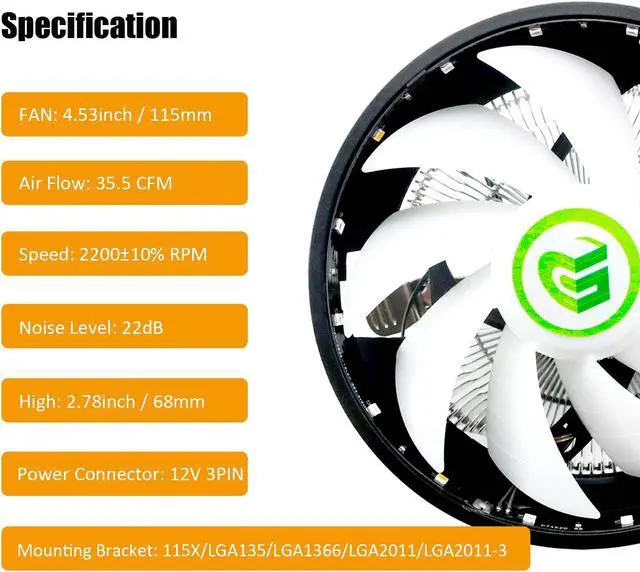
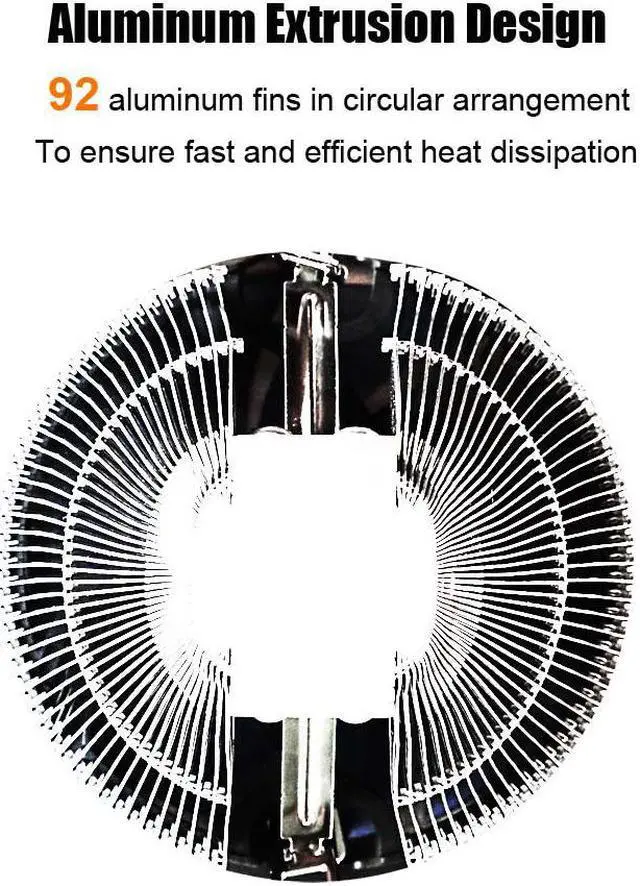
  • Low Profile (68mm high) CPU cooler with 92 aluminum fins in circle arrangement for better heat dissipation up to 95W.
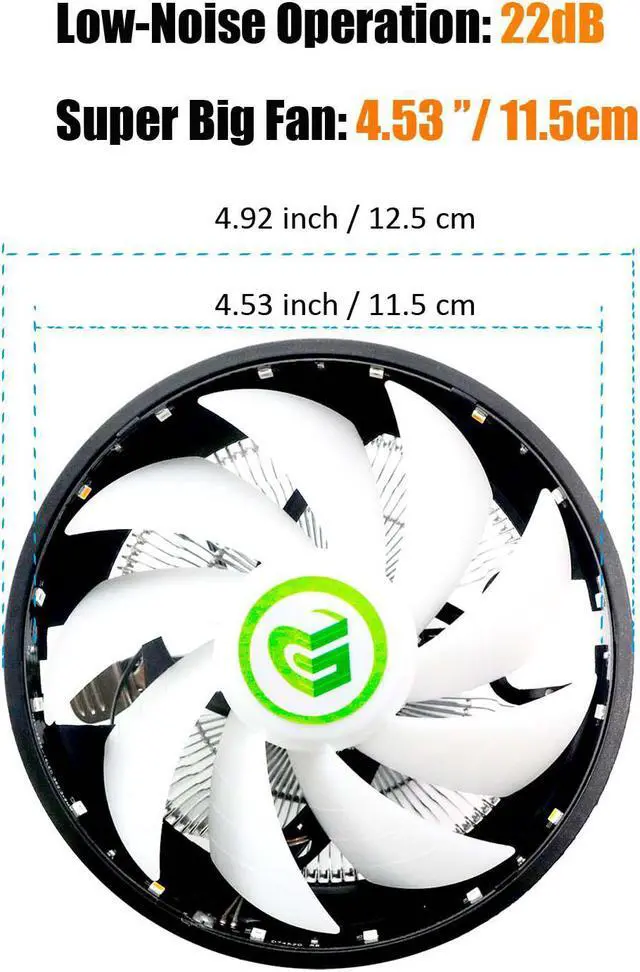
  • 115x115mm Upward Placement FAN: 2200±10% RPM speed, 35.5 CFM airflow, 22dB low-noise, 9-bladed design, even heat dissipation around
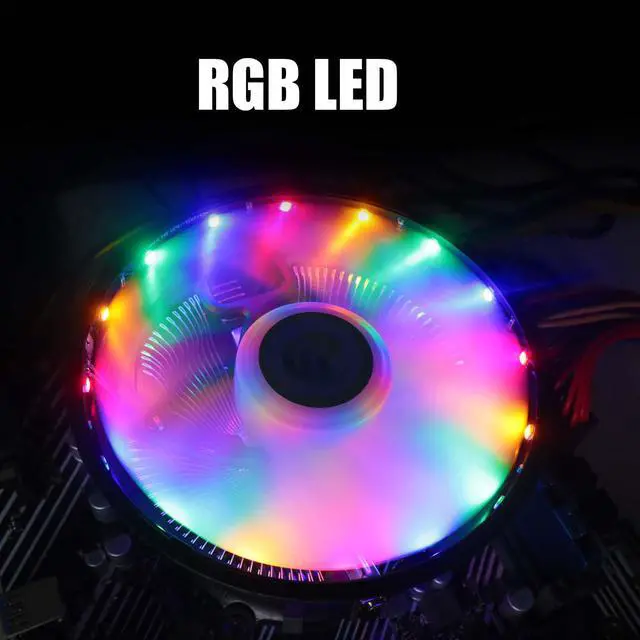
  • RGB LED
  • Perfect Memory Compatibility: 2 inch/ 5cm distance from CPU to memory, noninterference with memory mounting even in Mini-ITX MB
  • Mounting Bracket for Intel Socket LGA1200/1150/LGA1151/LGA1155/LGA1156/LGA1356/LGA1366/LGA2011/LGA2011-3/LGA2066
Overview
Specs
Reviews (11)
glotrends
cpu cooler
Aluminum Fin Air CPU Cooler
  • 115x115mm Upward Placement FAN
  • 92 aluminum fins in circle arrangement for better heat dissipation
  • TDP 95W
  • 2200 ± 10% RPM speed,
  • 35.5 CFM air flow,
  • 22dB low-noise,
  • 9-bladed design
  • RGB LED
  • Power Supply: 12V 3PIN
cpu cooler
Included Accessories
  • Mounting Bracket for Intel CPU LGA1200/1150/1151/1155/1156/1356/1366/2011/2011-3/2066
  • Thermal Conductive Silicone Grease
INSTALLATION
cpu cooler
Step 1
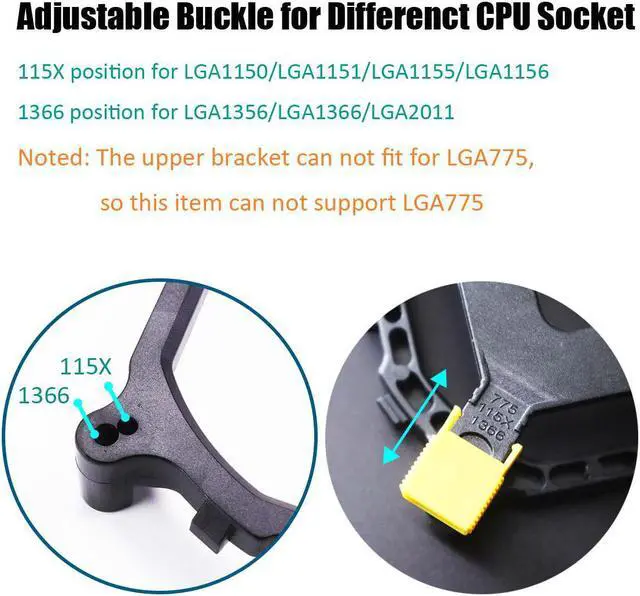
  • Position 115X for Socket LGA1200/1150/1151/1155/1156
  • Position 1366 for Socket LGA1356/1366/2011/2011-3/2066
cpu cooler
Step 2

Move the yellow clip on the back panel to the correct position

cpu cooler
Step 3

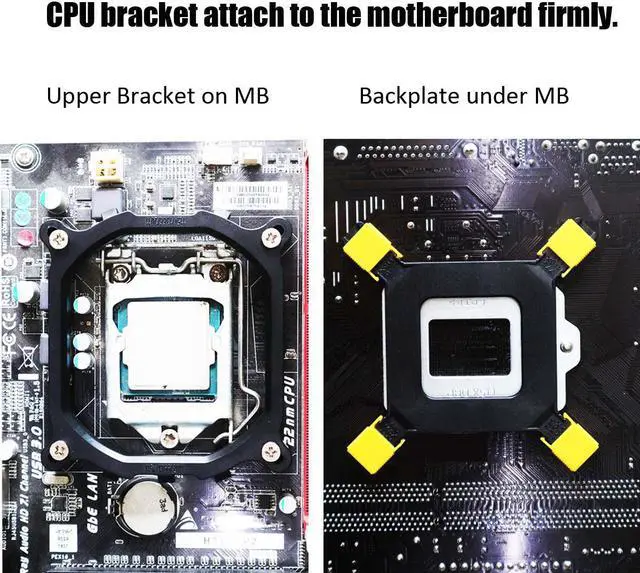
Mount the back panel to motherboard from back side

cpu cooler
Step 4

Screw the bracket with motherboard from front side

cpu cooler
Step 5

Before installing the CPU cooler, apply a thin layer of thermal grease on the surface of the CPU.

cpu cooler
Step 6

Then hook the short CPU cooler clip to the mounting lug on one side of the bracket.

cpu cooler
Step 7

On the other side, push straight down on the long CPU cooler clip to hook it to the mounting lug on the bracket.

image for this item
Step 8

Finally, attach the 3 PIN power connector of the CPU cooler to the CPU fan header (CPU_FAN) on the motherboard.

Low Profile (68mm high) CPU cooler with 88 aluminum fins in circle arrangement for better heat dissipation up to 95W.
115x115mm Upward Placement FAN: 2200 ± 10% RPM speed, 35.5 CFM airflow, 22dB low-noise, 9-bladed design, even heat dissipation around RGB LED Perfect
Memory Compatibility: 2 inch/ 5cm distance from CPU to memory, noninterference with memory mounting even in Mini-ITX MB Mounting Bracket for Intel Socket LGA1200/1150/LGA1151/LGA1155/LGA1156/LGA1356/LGA1366/LGA2011/LGA2011-3/LGA2066

Warranty & Returns

Warranty, Returns, And Additional Information

Warranty

  • Please contact the Seller directly for warranty information. Warranty information may also be found on the Manufacturer's website.
  • CONTACT

Return Policies

  • Return for refund within: 30 days
  • Return for replacement within: 90 days
  • This item is covered by GLOTRENDS Return Policy

Manufacturer Contact Info

LOADING...