
Your Browsing History




Warm tips:
Correct connection:
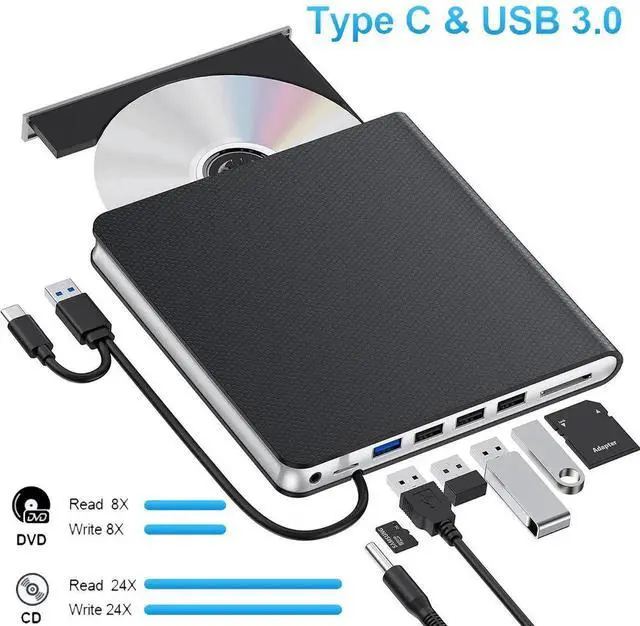
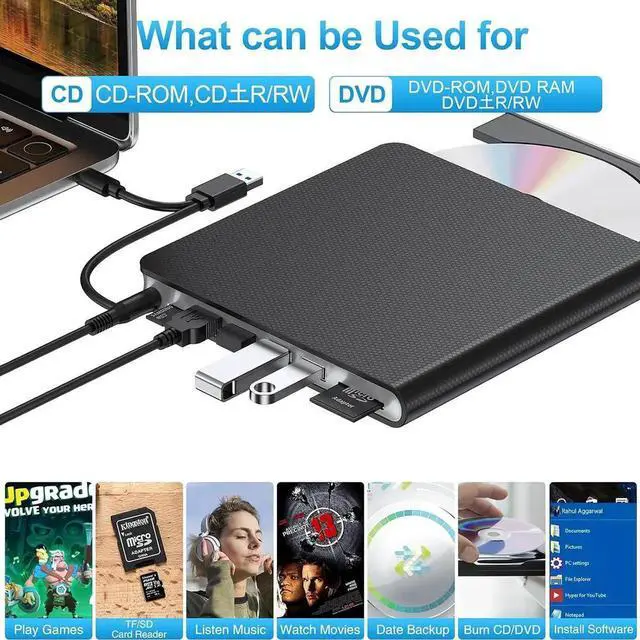
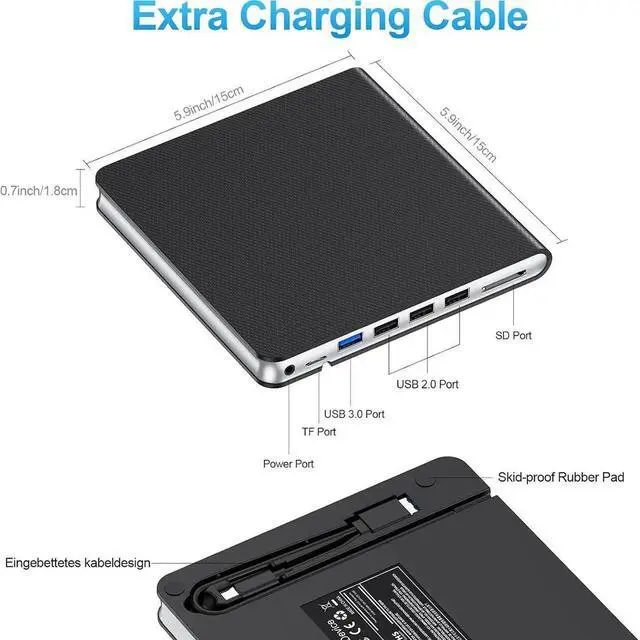
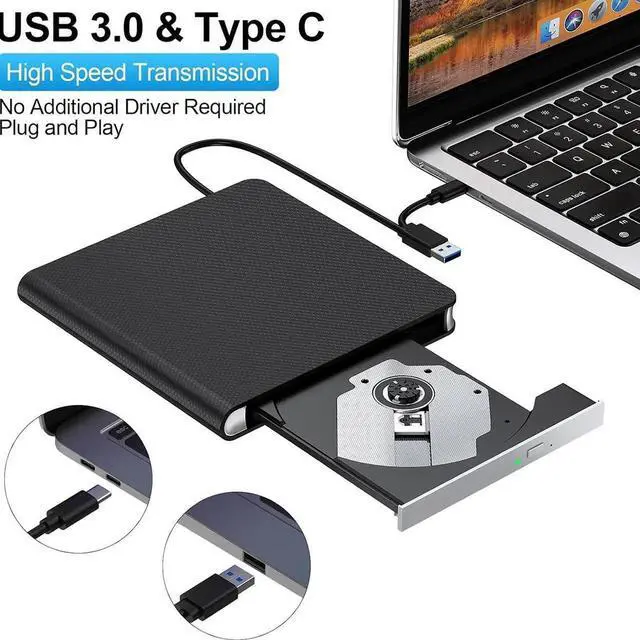
For laptop: Please use the data cable embedded in the back to connect to your laptop or desktop instead of using the power cable in the box to connect to your device.
For desktop: Please use the data cable to connect to the USB port behind the desktop host and not the USB port on the front or top of the desktop.
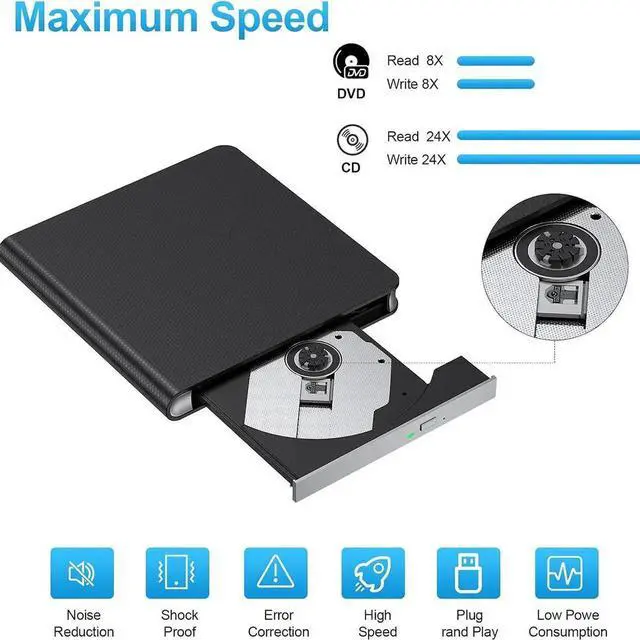
The computer can't recognize the external CD-DVD drive, or this DVD drive can't play a disc:
Maybe your laptop might not be supplying enough power, after making sure your connection doesn't have any problems, we suggest that you use the power cable to connect with 5V over socket which could provide more power with this DVD drive.