
Your Browsing History




External CD/DVD Reader and Burner
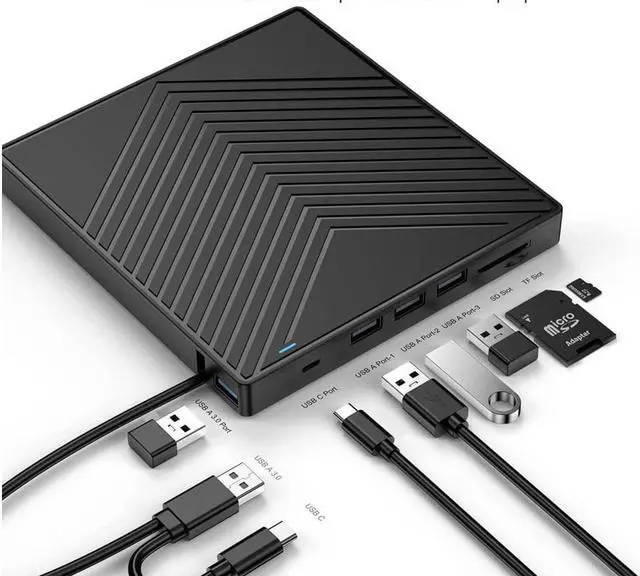
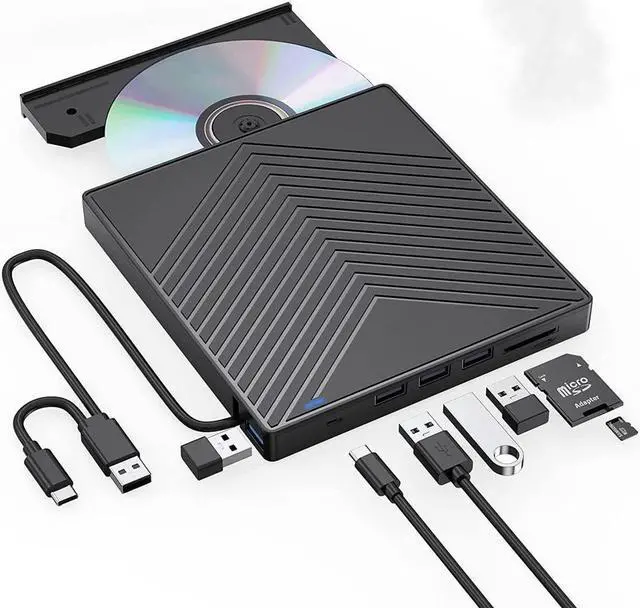
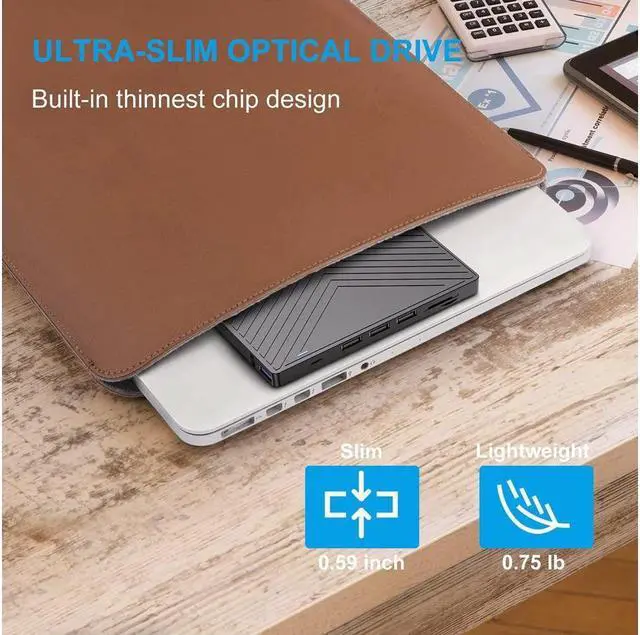
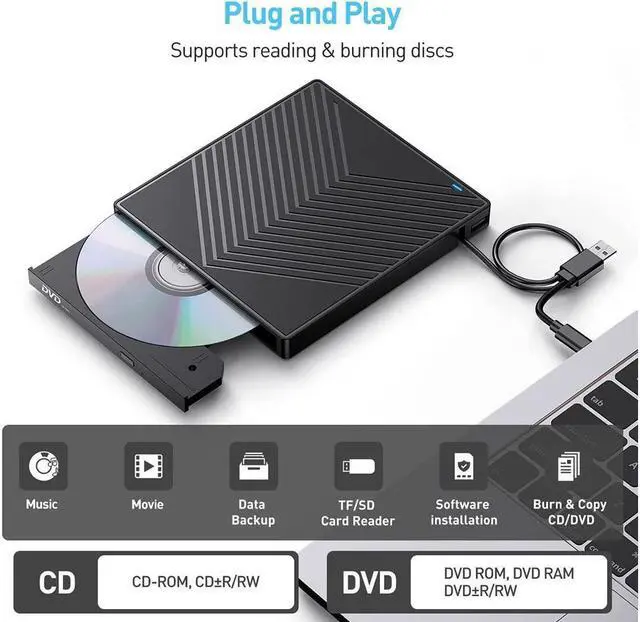
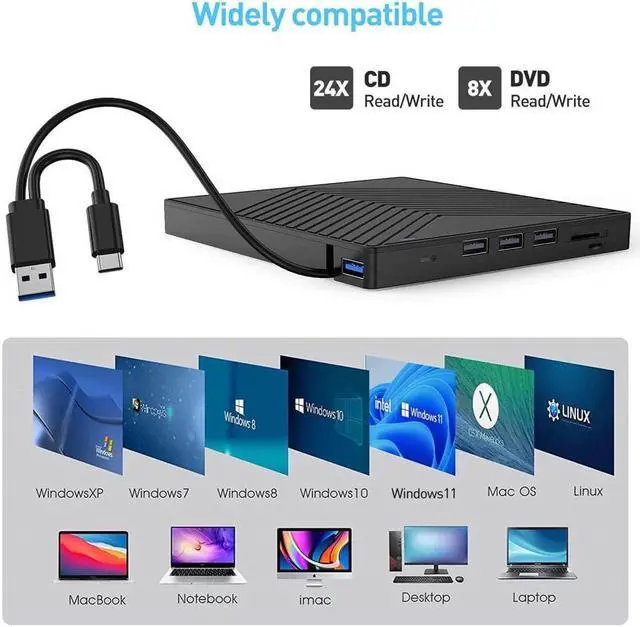
with this external CD/DVD RW Drive, you can read movies DVDs, play music CDs, burn and rip discs, copy photos, install software/games/system, backup data and more. and just slips easily into your travel bag, perfect companion for DVD lovers, using everywhere.
Powerful Performance
New upgraded DVD loader with faster speed, low impedance & anti-interference ability, bring you a fast and more smooth experience.
2-in-1 USB 3.0 Connector
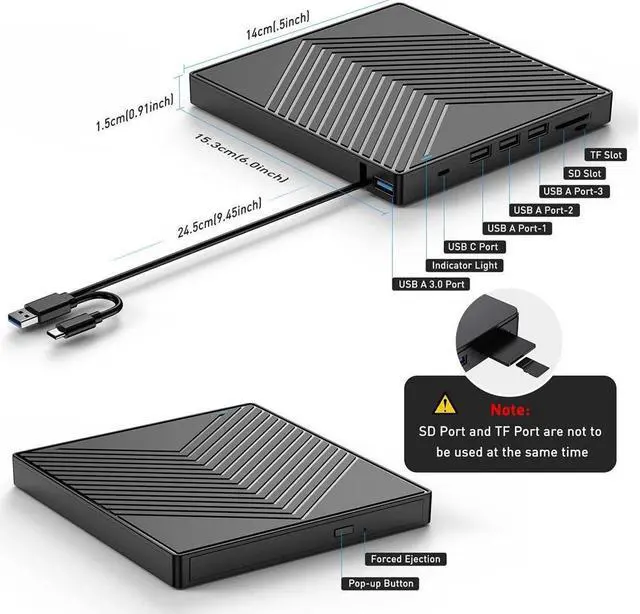
Equipped with USB-C and USB-A connectors make it easier to connect to more laptops and desktop computers, no USB hub/adapter required. Plug and Play
Extra SD/TF Slot
It is not only CD/DVD burner, but also a SD/TF card Reader. Extra built-in SD/TF card slot is perfect for you to transfer photos shooting or videos by your camera from memory cards to your computers
How to Play a DVD Movie on Your Laptop
You need to ensure that there is a program or app on your laptop for playing DVD. Windows 10, unlike some of its predecessors, no longer ships with a built-in DVD player.
Click Start button on the desk of your laptop. Search Windows Media Player to start the program.
Connect an external DVD drive to your laptop via a USB cable and insert the DVD disc to the external DVD drive.
Choose your DVD Disk and click Play button. Then you can watch DVD movie on your laptop
Tips
Internal laser light source may be harmful to the eyes of the face, please do not look directly.
Do not have the machine on a strong magnetic object nearby.
Keep the machines steady on the desktop, do not put it unstable items.
Do not put the machines on the vulnerable to squeeze place, to ensure normal machine use.
Data transfer speed is also affected by computer and system environment.
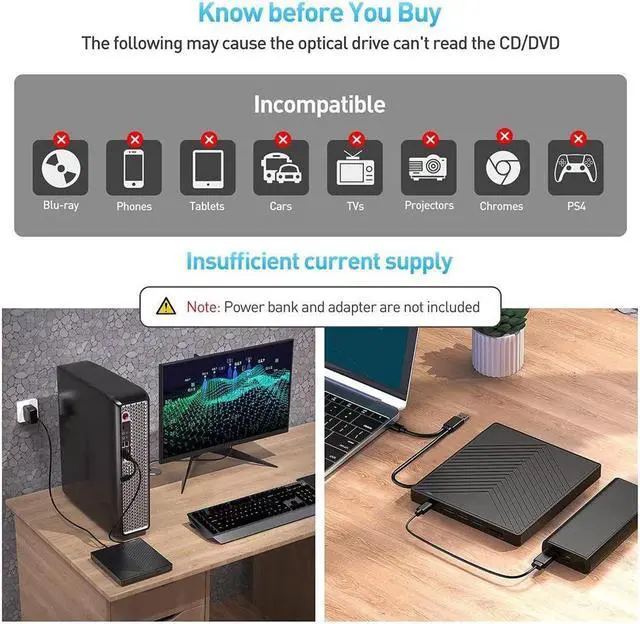
Do not support tv / car / blu ray / projector / tablet / smartphone / ChromeBook / Ubuntu system.
If the driver cannot be recognized by computer or it cannot play cd well
The dvd drive should be connected with USB port on laptop rather than connect with USB HUB. In addition, please connect the item with USB port behind of computer host if you use a desktop.
Ensure cd is placed well and not scratched.
Ensure there is a build-in practical driver software. Or try it with another computer.
Setting area code according to different regions, you should set region code to #1 to play USA discs.
It's better to use the external power adapter to increase the power if your devices don't have enough power to support the external drive.
Make sure your computer has a driver before using the external drive.(VLC Media Player or other player software.)