Things should be noted about this usb cd rom external drive
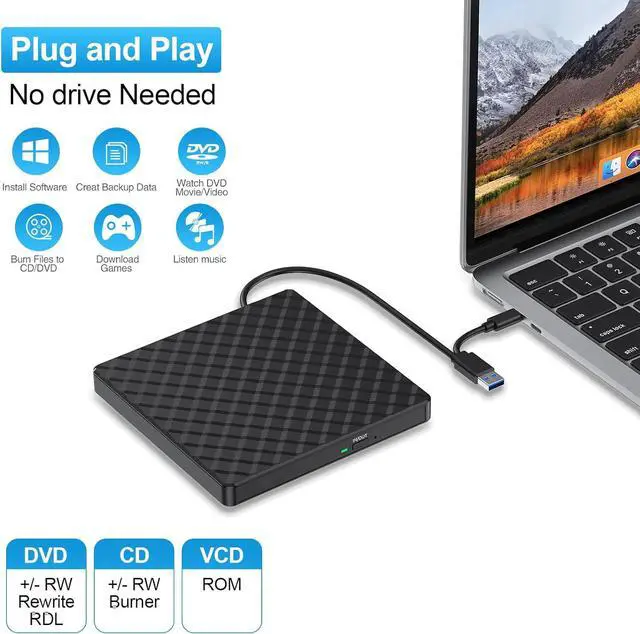
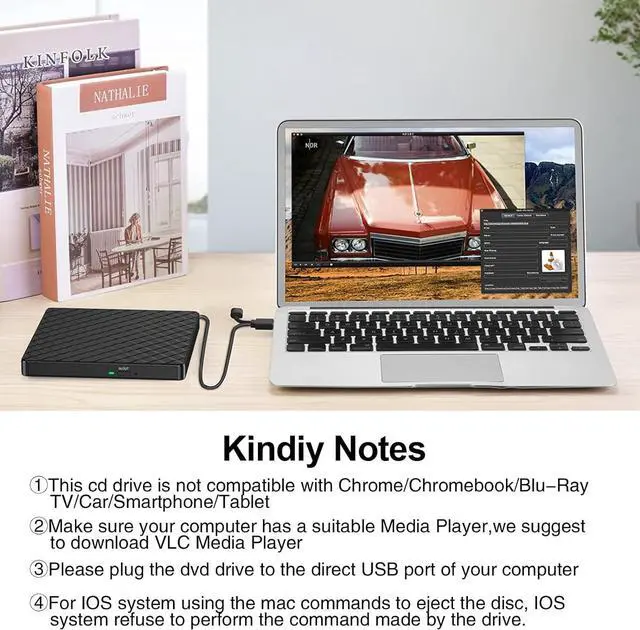
1. Once you plug this external dvd player for laptop into your computer, it will bring up your downloaded Media Player, select it, and from that point forward whatever disc you put in will automatically open through it.
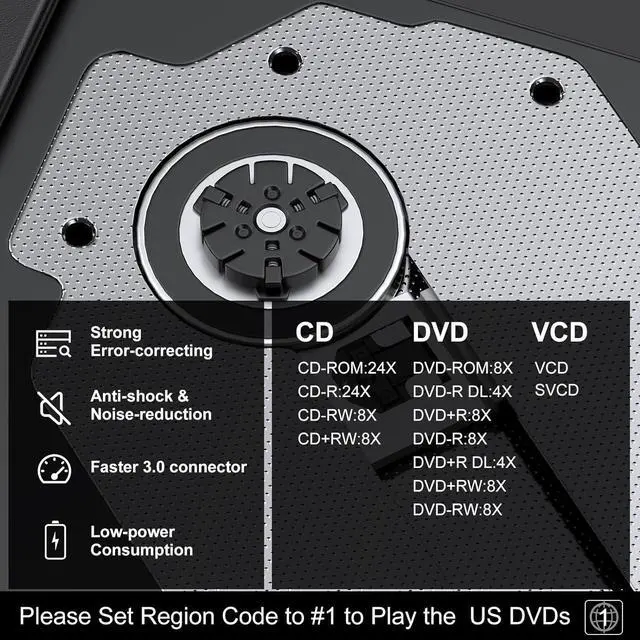
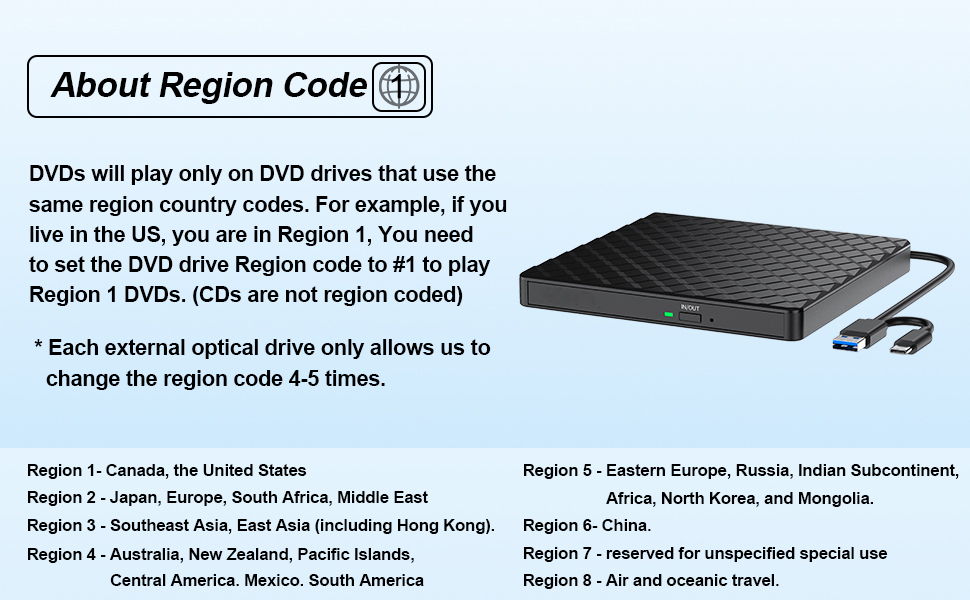
2. Remember to set the DVD Region to United States on the player - Windows: This PC- dvd drive- Properties - Hardware Tab - Properties button - Choose Region (US is 1) -Apply. Mac: Menu-System Preference-Language & Region - Region - Select Country - Apply Remember you can only reset the country 5 times.
3. Please directly connect it to the USB port of the computer. Connection through a USB hub or USB extension cord may affect the device's functioning. For desktops,please connect it to the back USB port of the motherboard because of potential power issue.
4. Mac OS computers do not display the device icon before placing a disc into disc tray & drive reads successfully the disc.
Playing and burning software
Computers does not natively support read or play the disc, so a third-party application, such as VLC, must be downloaded and installed in order to watch DVDs using this cd/dvd player. You could download any one of a plethora of burning software utilities available on the Internet. Or try the following:
No fee playing software: Any Media Player, Any DVD
No fee burning software for Windows OS: InfraRecorder, Ones, Express Disc Burner
No fee burning software for mac OS: Burn for mac
No fee burning software for Linux OS/Unix OS: K3b (KDE Burn Baby Burn)
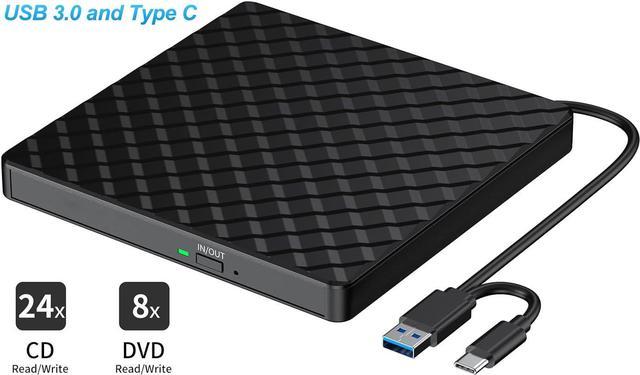
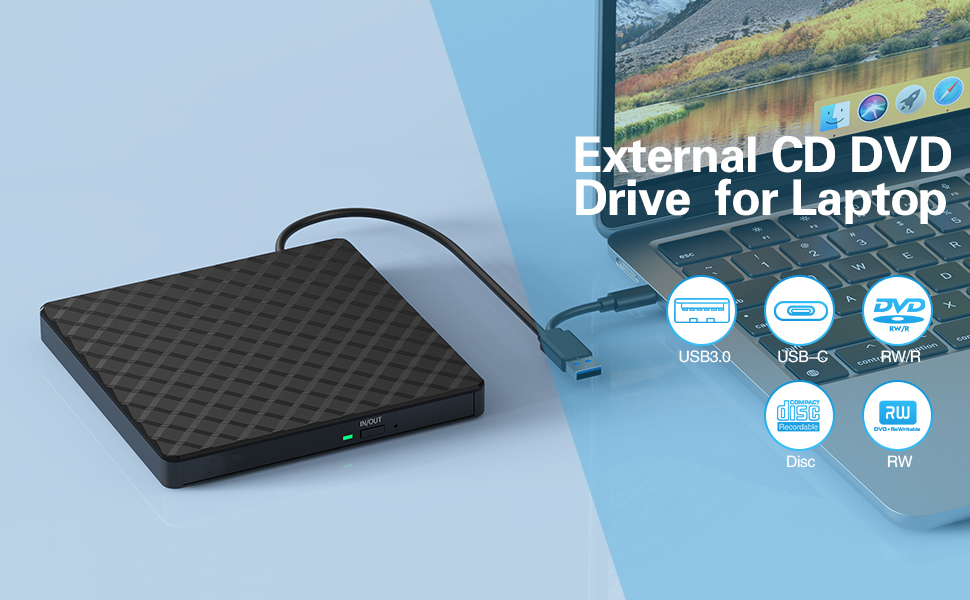
Introducing the External DVD Drive, a versatile and reliable solution for all your CD and DVD needs.
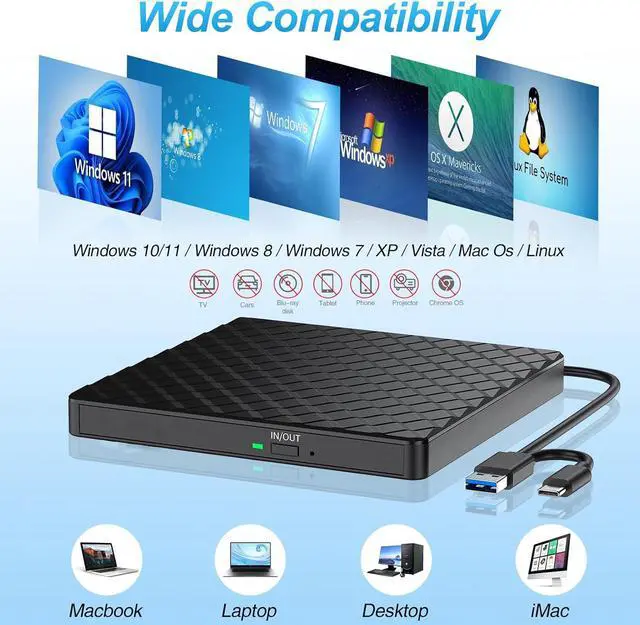
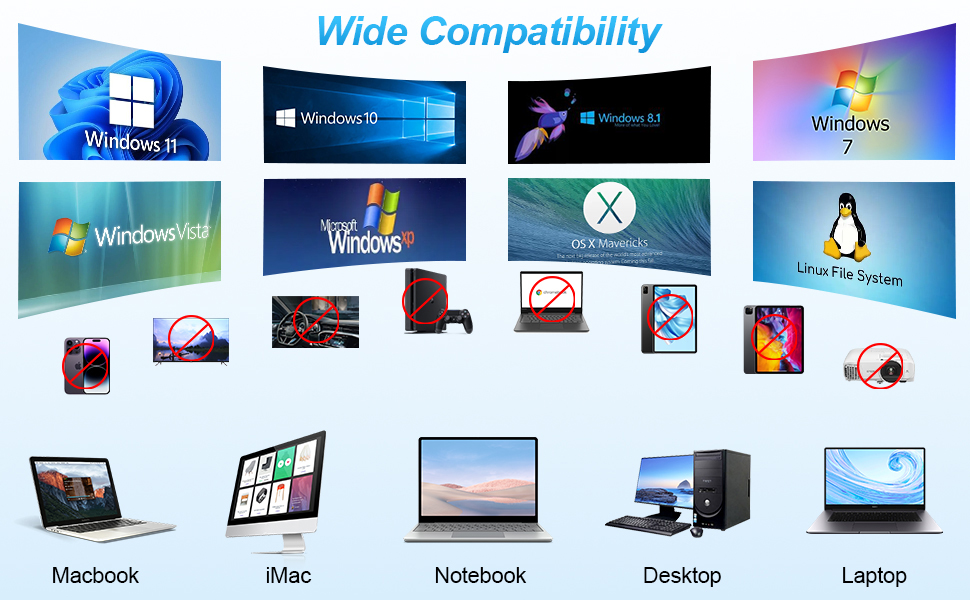
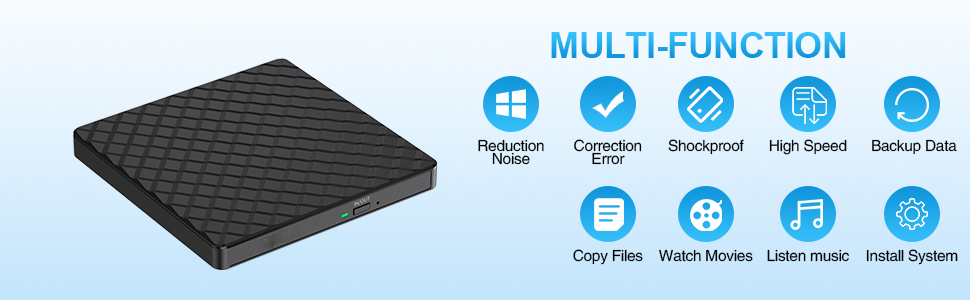
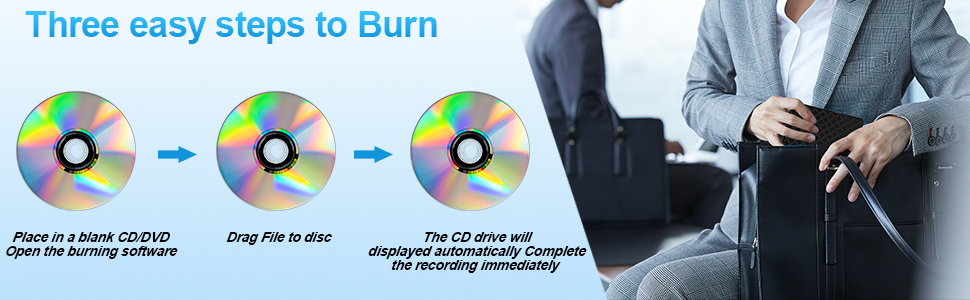
Equipped with advanced chip technology, this external DVD drive not only allows you to play music and movies, but also enables you to copy and burn movies and music to DVDs or CDs. It is compatible with various devices including Windows 11/10/ 8.1 /7/XP/2003/Vista, Linux, and all versions of Mac OS systems.
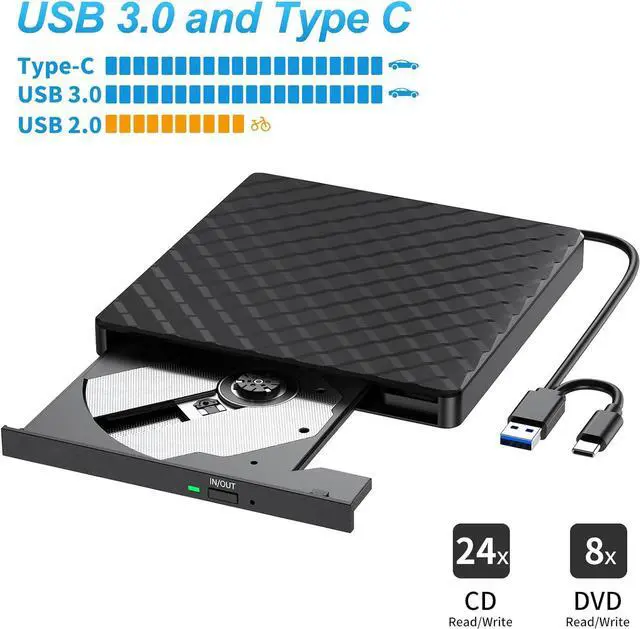
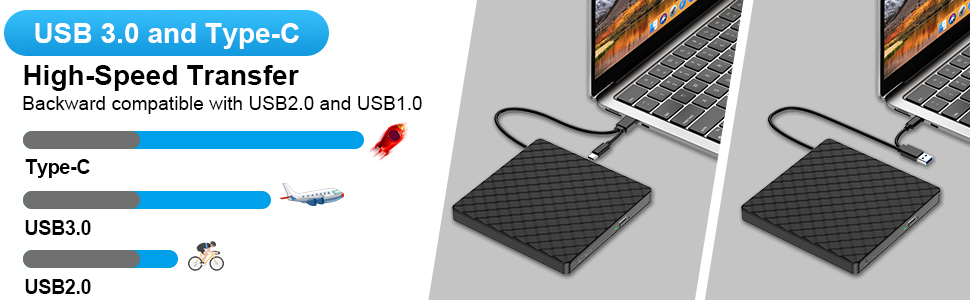
Featuring both USB 3.0 and Type-C interfaces, this laptop external CD drive ensures faster data transfer speeds (up to 5Gbps) and stable performance. It is backward compatible with USB 2.0 and USB 1.0, offering you flexibility and reliability.
Designed with convenience in mind, this USB CD external hard drive is powered directly from the USB port, eliminating the need for external drivers and power sources. Simply plug it into the USB port and the DVD driver will be detected.
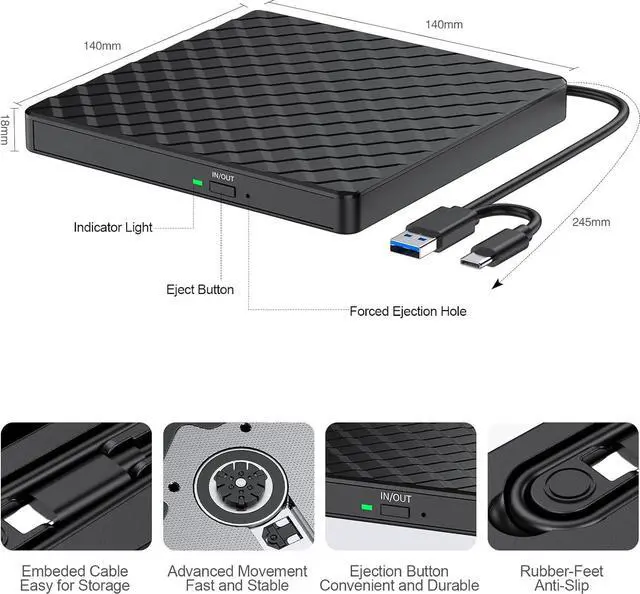
Our laptop-specific DVD player comes with an embedded cable design, ensuring that you never have to worry about losing cables, no matter where you are. Take it with you to the office or on the go, as this external CD and DVD drive supports playback and burning of CDs and DVDs.
With support for reading CD, VCD, SVCD, CD-R/RW, DVD-R/RW, and the ability to burn CD+/-RW and DVD+/-RW, this external CD and DVD drive can handle all your disc needs. It has a maximum reading speed of 8x for DVD-ROM drives, a maximum burning speed of 24x for CD-ROM drives, and an 8x reading speed for DVD drives. CD drives offer a maximum reading speed of 24x.
Choose the External DVD Drive for its versatility, ease of use, and reliable performance. Whether you need to play, burn, or read CDs or DVDs, this portable and compact external CD/DVD drive has got you covered.