


- Free 15-day Returns
$34.99
Ships from China.


Meet Your Seller

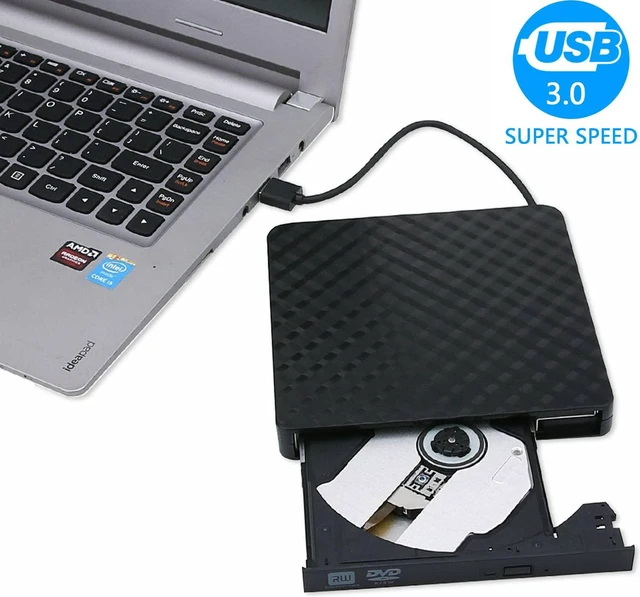
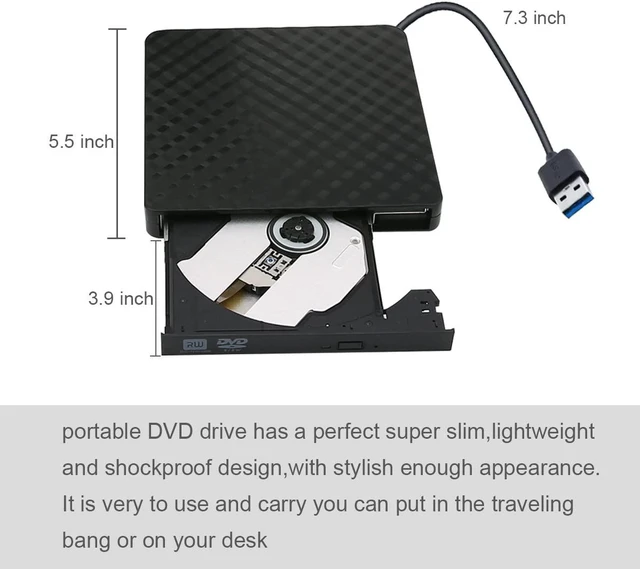
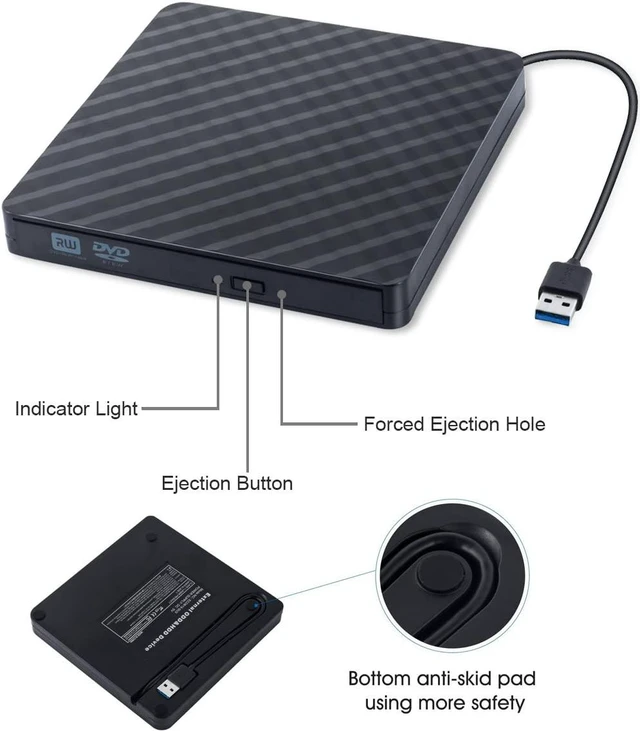
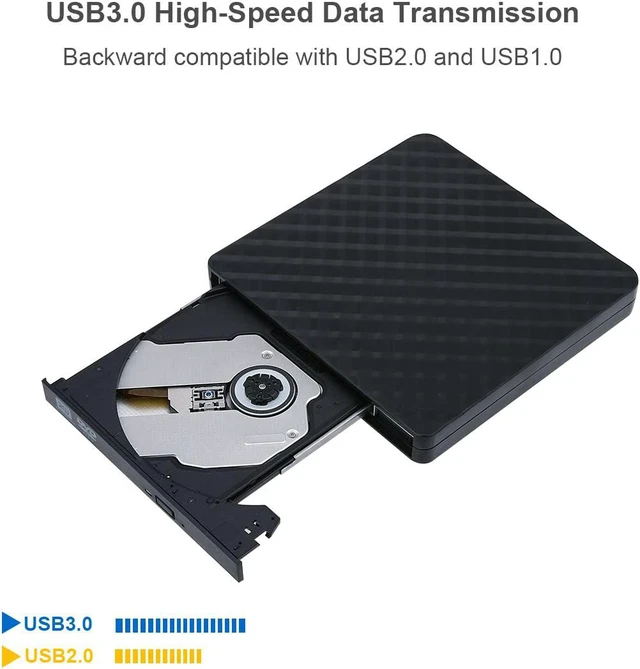
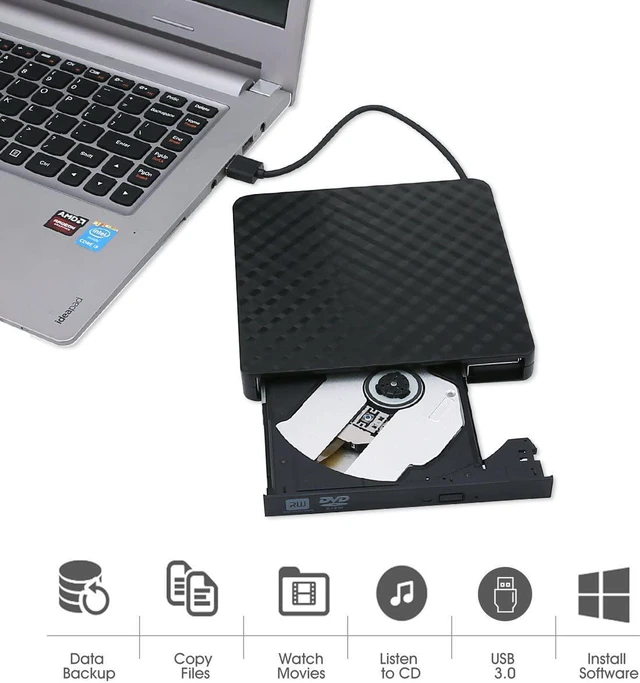
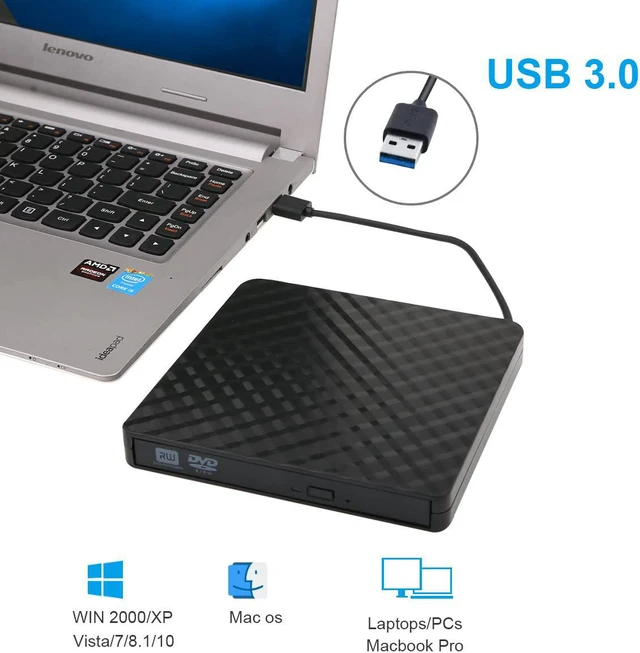


2021 Upgraded External CD DVD Drive, USB 3.0 Cord Portable CD/DVD+/-RW Drive/DVD Player for Laptop CD ROM Burner Compatible with Laptop Desktop PC Windows Linux Mac OS (Black)
- [External CD Drive]- USB 3.0 provides fast data transfer speed and stable performance to record CD/ music/ videos/ install software or create CD/DVD backup disc ( also compatible with USB2.0).
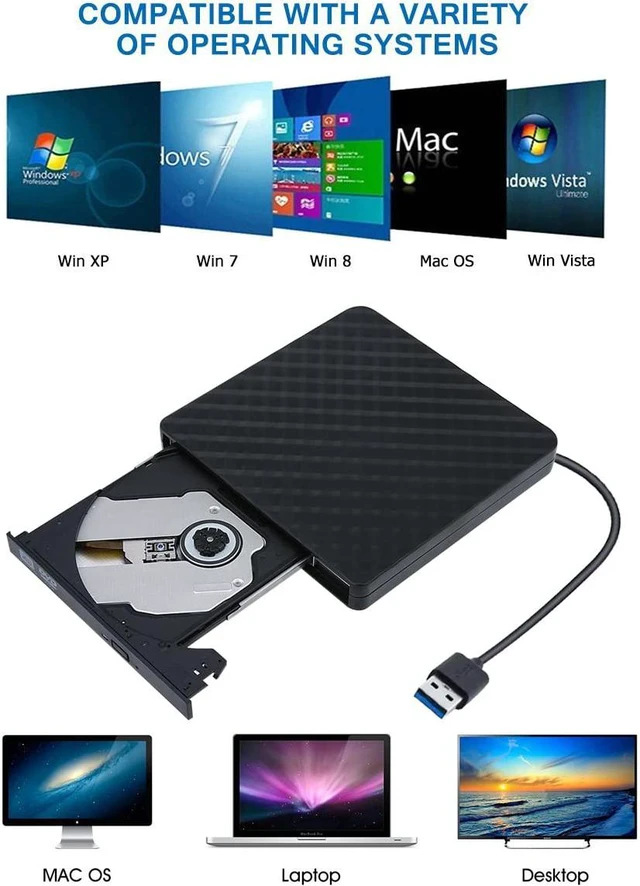
- [Optical CD Drive]- Compatible with Windows 98 / SE / ME / 2000 / XP / Vista / Windows 10/8/7,Mac ios(ios 8.6-10.14). And perfect for PC, Laptop, Comprehensive Computer, Internal PC hard disk reader.
- [External DVD Drive]- Easy to use. These external DVD drives are powered by USB port. No external driver and power needed. Just plug it into your USB port and the DVD driver will be detected.
- [HIGH SPEED DRIVE TECHNOLOGY]- Adopted unique intelligent technology, this CD-RW drive supported DVD+R, DVD-R, CD-ROM, DVD-ROM, CD-R, CD-RW. Max DVD read speed 8X; Max CD read speed 24X and max CD burn speed 8X
- [24 HOURS SERVICE]- External CD drive adopt a durable brand new DVD loader which is more stable. Feel free to contact us, we would solve the problem soonest for you. Support with 24 hours friendly service
+
+
Overview
Specs
Reviews
USB 3.0 Universal DVD External Drive
Support CD, VCD, DVD data reading, video playing, system installation, software installation, system recovery. DVD and CD recording is not supported
Interface: USB 3.0, 2.0
Support CD specifications: Regular CDs & Mini CDs
Product dimensions: 5.71 * 5.79 * 0.63 inch
Read: DVD-ROM: 8x, CD-ROM: 24x
Burn: DVD-R, DVD+R 8X; DVD-RW 4X; CD-R 24x
Support Systems: Windows 98/SE/ME/2000/XP/Vista/Win 7/Win 8/Mac OS System
Writing Speed:
CD-R: Max. 24X
CD-RW: 16X
DVD-R: Max. 8X
DVD-RDL: Max. 4X
DVD-RW: Max. 6X
DVD + R: Max. 8X
DVD +R DL: Max. 4X
DVD +RW: Max. 8X
DVD-RAM: 3X-5XPCAV (8GB)
Instructions for use:
1. This product is a data line interface properly to USB port of the computer, the computer display lower corner should opera device icon.
2. Click on the desktop, open the "my computer", in "the mobile storage device should display the drive icon".
3. Click on this icon button, select the "pop" in the tray into the appropriate disk read.
4. Do not place the drive close to any magnetic object.
5. To ensure normal running, please place the drive on flat desktop, do not place the drive under any pressure.
Package Includes:
1 x External DVD/CD drive
1 x User Manual
Support CD, VCD, DVD data reading, video playing, system installation, software installation, system recovery. DVD and CD recording is not supported
Specifications
:Interface: USB 3.0, 2.0
Support CD specifications: Regular CDs & Mini CDs
Product dimensions: 5.71 * 5.79 * 0.63 inch
Read: DVD-ROM: 8x, CD-ROM: 24x
Burn: DVD-R, DVD+R 8X; DVD-RW 4X; CD-R 24x
Support Systems: Windows 98/SE/ME/2000/XP/Vista/Win 7/Win 8/Mac OS System
Writing Speed:
CD-R: Max. 24X
CD-RW: 16X
DVD-R: Max. 8X
DVD-RDL: Max. 4X
DVD-RW: Max. 6X
DVD + R: Max. 8X
DVD +R DL: Max. 4X
DVD +RW: Max. 8X
DVD-RAM: 3X-5XPCAV (8GB)
Instructions for use:
1. This product is a data line interface properly to USB port of the computer, the computer display lower corner should opera device icon.
2. Click on the desktop, open the "my computer", in "the mobile storage device should display the drive icon".
3. Click on this icon button, select the "pop" in the tray into the appropriate disk read.
4. Do not place the drive close to any magnetic object.
5. To ensure normal running, please place the drive on flat desktop, do not place the drive under any pressure.
Package Includes:
1 x External DVD/CD drive
1 x User Manual
Warranty & Returns
Warranty, Returns, And Additional Information
Warranty
- Please contact the Seller directly for warranty information. Warranty information may also be found on the Manufacturer's website.
- CONTACT
Return Policies
- Return for refund within: 15 days
- Return for replacement within: 30 days
- This item is covered by fadaoe Return Policy
Manufacturer Contact Info
- For a directory of all our manufacturers, please click below.
- Manufacturers Directory
LOADING...