
Your Browsing History
- Free 30-day Returns
$1,159.00
Ships from Hong Kong.

Meet Your Seller

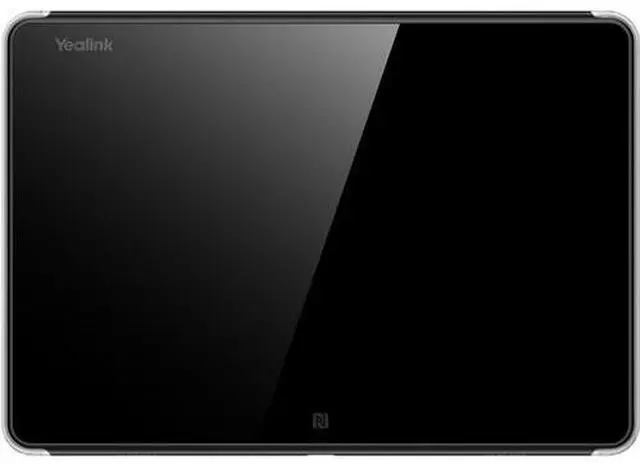


Yealink RoomPanel Plus 1303117 Room Panel for Teams or Zoom
- Key Features:
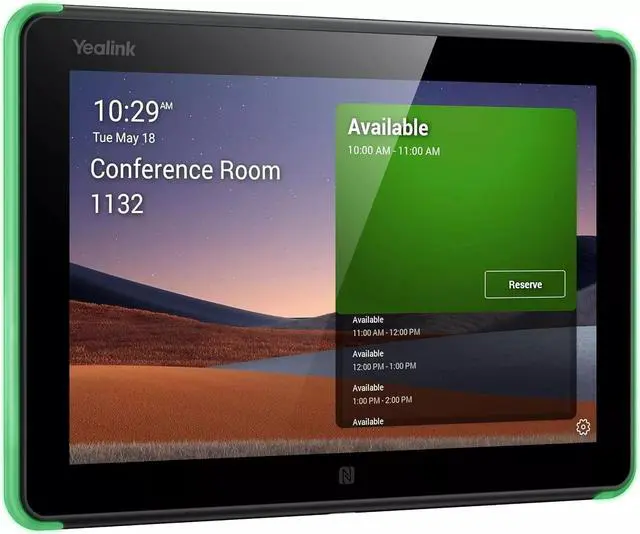
- 10.1-inch multi-touch display for clear scheduling and room management.
- Full-color LED status indicator for quick room availability checks.
- Android 11-based system for enhanced speed, security, and reliability.
- Integration with Microsoft Teams, Zoom, and third-party scheduling platforms.
- RFID & NFC support for secure authentication and room access.
- Wi-Fi and Bluetooth connectivity for seamless integration with IoT devices.
- Easy installation with flexible mounting options (glass, wall, or mullion).
+
+
Overview
Specs
Reviews
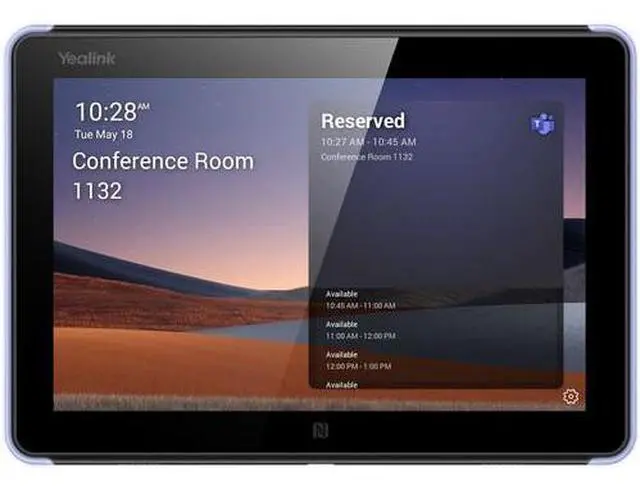
The Yealink RoomPanel Plus is a 10.1 -inch touchscreen scheduling panel designed for seamless meeting room management. It provides an intuitive interface for Teams and Zoom Rooms, allowing users to view meeting details, reserve rooms, and check availability at a glance. The multi-touch display ensures smooth navigation, while the full-color LED status indicator makes it easy to identify room availability from a distance.
Intelligent Room Scheduling Solution with Native Microsoft Teams Experience:
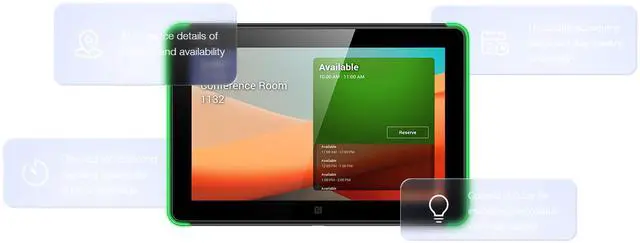
Yealink RoomPanel is one of the dedicated Microsoft Teams devices with compact touchscreen and ideal for mounted outside the meeting spaces for displaying meeting details scheduled via Teams or Outlook 365 calendaring applications. Moreover, the panel is also enabled for reserving an available room on the spot and indicating current room status.
Auto Check-in with RoomSensor:
Paired with a Yealink RoomSensor, the RoomPanel enables users to auto check-in and see the room status when the RoomSensor detects participants entering the room. Moreover, when the occupancy status of the detected room does not match that shown on the panel, a pop-up message will be displayed on the panel. This automated operation allows for touchless office space and increases the efficiency of meeting room usage.
Install and Manage the Devices with Ease, Flexibility and
Efficiency:
Managing a batch of meeting room devices is no longer a heavy burden for the administrators or IT staff, as they can easily monitor, manage and diagonose the products via Microsoft Teams Admin Center or Yealink Management Cloud Service.
Intelligent Room Scheduling Solution with Native Microsoft Teams Experience:
Yealink RoomPanel is one of the dedicated Microsoft Teams devices with compact touchscreen and ideal for mounted outside the meeting spaces for displaying meeting details scheduled via Teams or Outlook 365 calendaring applications. Moreover, the panel is also enabled for reserving an available room on the spot and indicating current room status.
Auto Check-in with RoomSensor:
Paired with a Yealink RoomSensor, the RoomPanel enables users to auto check-in and see the room status when the RoomSensor detects participants entering the room. Moreover, when the occupancy status of the detected room does not match that shown on the panel, a pop-up message will be displayed on the panel. This automated operation allows for touchless office space and increases the efficiency of meeting room usage.
Install and Manage the Devices with Ease, Flexibility and
Efficiency:
Managing a batch of meeting room devices is no longer a heavy burden for the administrators or IT staff, as they can easily monitor, manage and diagonose the products via Microsoft Teams Admin Center or Yealink Management Cloud Service.
Warranty & Returns
Warranty, Returns, And Additional Information
Warranty
- Please contact the Seller directly for warranty information. Warranty information may also be found on the Manufacturer's website.
- Read full details
- CONTACT
Return Policies
- Return for refund within: 30 days
- Return for replacement within: 90 days
- This item is covered by Mine Power Return Policy
Manufacturer Contact Info
- For a directory of all our manufacturers, please click below.
- Manufacturers Directory
LOADING...