shippingWe‘re shipping as usual! The Canada Post strike only affects certain remote deliveries and PO Boxes. Details
shipping Holiday Shipping Details & Extended Holiday Returns
  • $50.98
  • Free 30-day Returns
Volume Discounts Available
  • $49.98 ea.
  • $48.98 ea.
  • $47.98 ea.
Ships from China.
Price alert
Shop it at NeweggBusiness.

Meet Your Seller

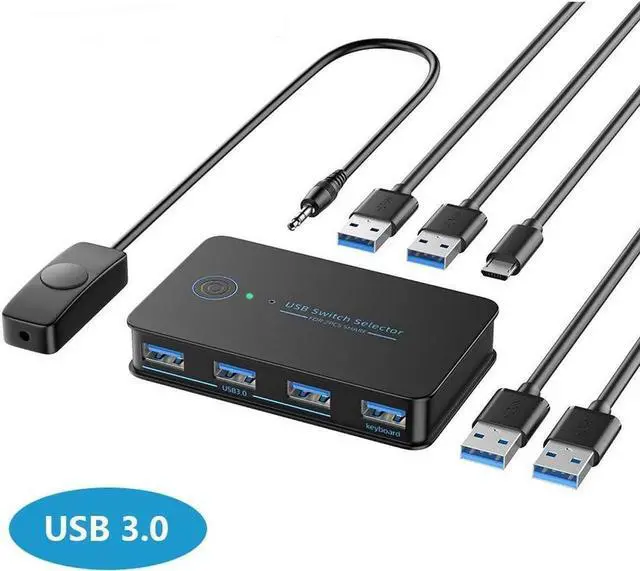
USB 3.0 Switch 2 in 4 Ouit, USB Switcher for 2 Computers Share 4 USB for Printer Keyboard Mouse, Scanner, USB KVM Switch Selector with 2 USB 3.0 Cables, Support Hotkey/Button/Wired Remote Switching

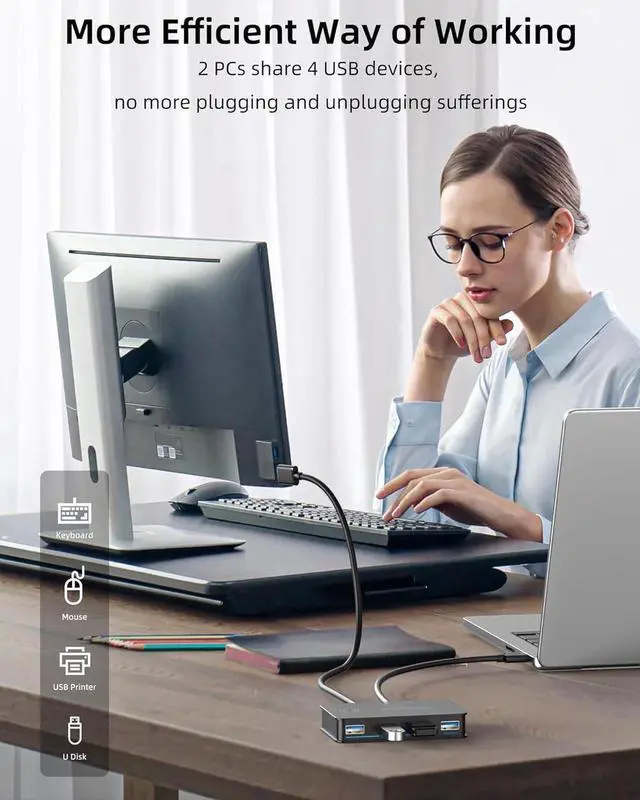
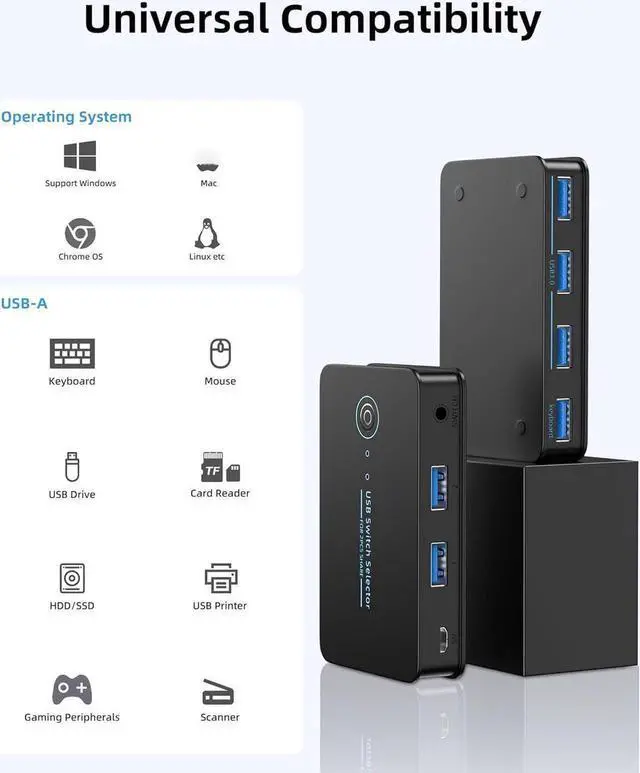
  • 2 PCs Share Multiple Devices: This 2 in 4 out USB 3.0 switch can share 4 USB 3.0 peripherals devices between 2 computers, and can also connect printers, scanners, mouse, keyboards etc(Bluetooth equipment also support).
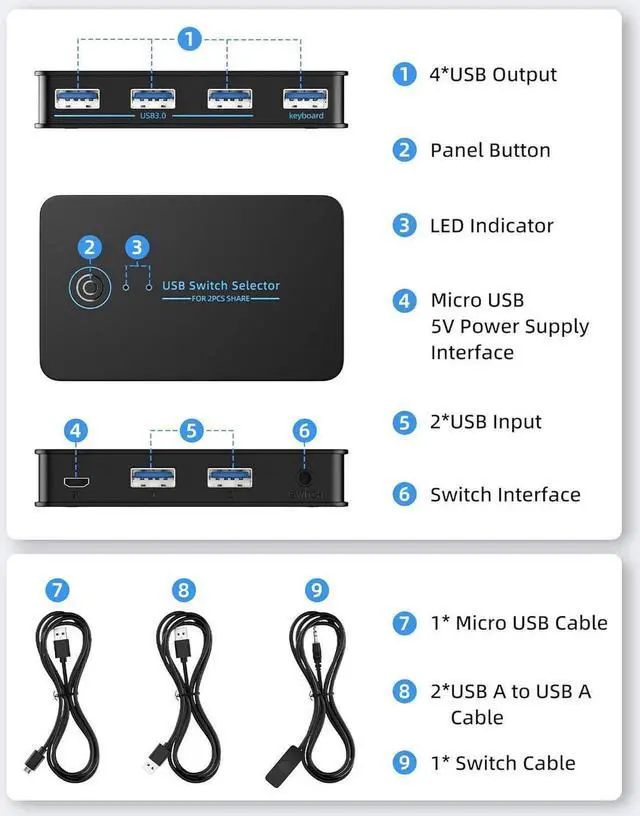
  • With 4xUSB 3.0 ports: the USB 3.0 switcher supports ultra-fast USB 3.0 data transfer rates of up to 5Gbps, working flawlessly with high-bandwidth USB 3.0 devices, such as external hard disks, cameras,digital cameras, etc., and backward compatible with USB 2.0 and USB 1.1 devices.
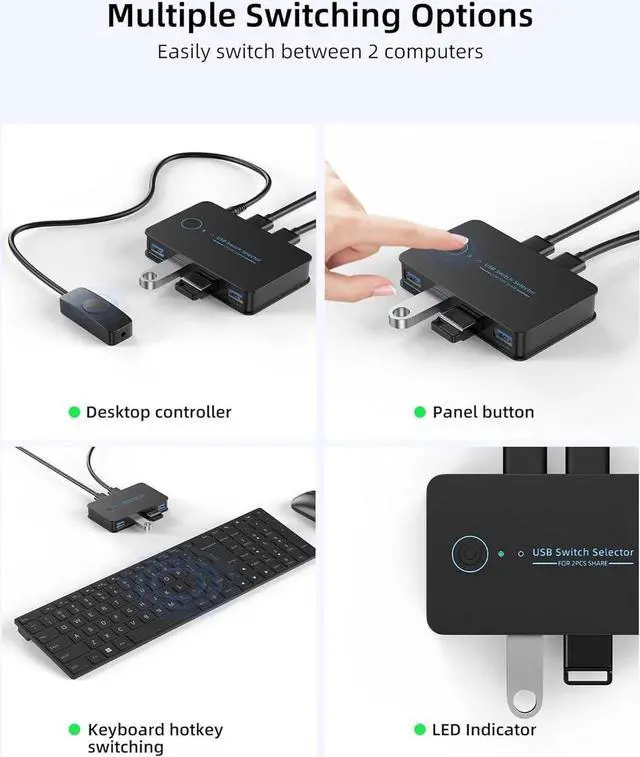
  • Support keyboard hotkey switching: Also can be controlled using desktop controller and panel button. with LED indicator design, you can clearly know the active computer. Ensure that the keyboard is connected to the keyboard port of the switcher if you want keyboard hotkey function.
  • Great Compatibility, Driver-free: Works with Windows 10/8 1/7/Vista/XP, Mac OS X, Linux, and Chrome OS. No installation of drivers.
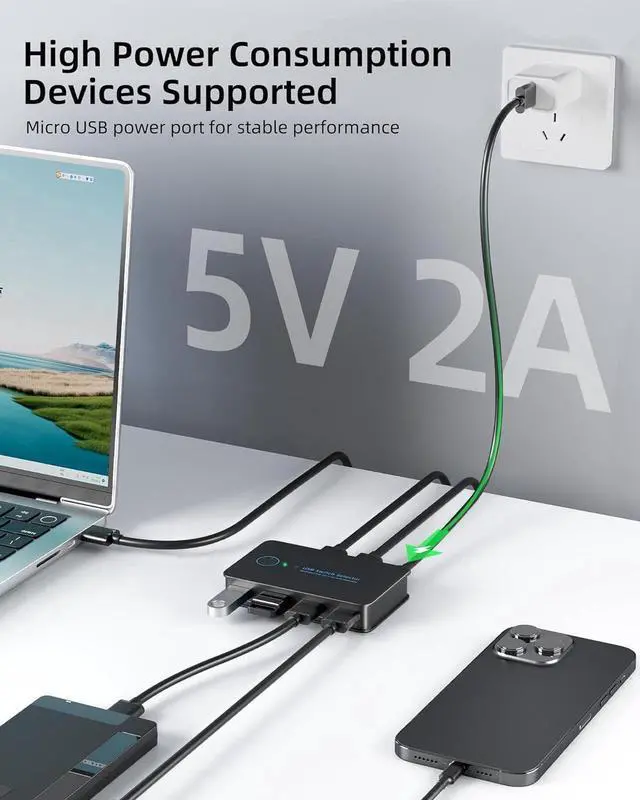
  • What You Get: 1x USB KVM Switch, 2 x USB3.0 Cables, 1 x Micro USB2.0 Cable, 1 x Manal
+
+
Overview
Specs
Reviews
1. Connect the USB switch input ports to your PC or laptop with the USB To Cables.
2. connect your external USB devices to the USB switch output ports.
3. Press the switch button to select the input computer.
4. Turn on the switch through the USB port to access devices like external HDD, digital video cameras and more.
Hotkey operation instructions

1. When using the keyboard switching function, ensure that the keyboard is connected to the keyboard port of the KVM switcher. The keyboard switching function is unavailable on other USB ports.
2. On or off the hot key: Double-click the right CTRL+A key on the big keyboard to open the hot key. The default state is on. If it is not closed, you do not need to perform this operation. Double-click the right CTRL +B key on the big keyboard to close the hotkey. You can press this operation to close the hotkey when it is not in use.
3.
Switching mode: Double-click the right CTRL key +1/2 on the big keyboard to switch to the 1/2 host; You can also double-click the*key +1/2 on the right kepad to switch to the 1/2 host.

Warranty & Returns

Warranty, Returns, And Additional Information

Warranty

  • Please contact the Seller directly for warranty information. Warranty information may also be found on the Manufacturer's website.
  • CONTACT

Return Policies

  • Return for refund within: 30 days
  • Return for replacement within: 60 days
  • This item is covered by Goldendisk Return Policy

Manufacturer Contact Info

LOADING...