IMPORTANT NOTE:
1. The DP cable range (input add output) should not exceed 3 meters as much as possible. Too long a cable will affect the stability of data transmission, and may even cause the switching speed to be too slow, as well as screen flickering or black screen.
2. This 4 port DP KVM switch does not support hotkey switching.
3. The DP port support DP 1.2 & DP 1.4 standard cable.
4. This 4 port DP 1.2 kvm switch doesn't support daisy chained.
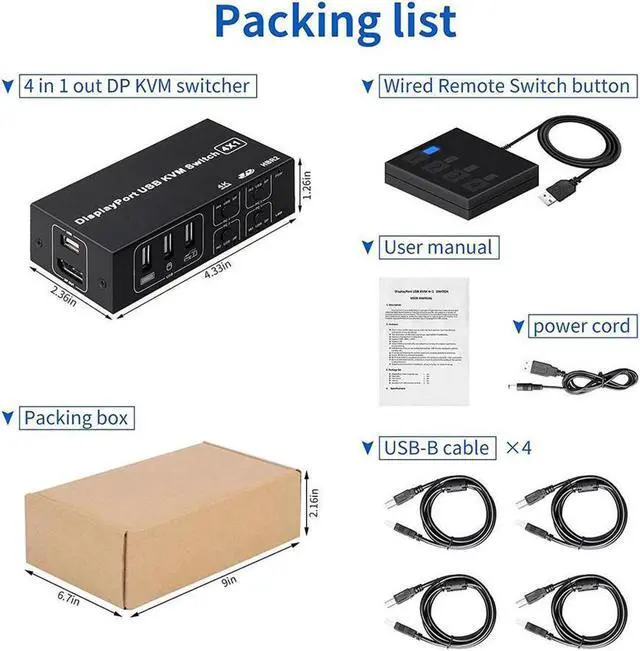
5. The connection between the wired desktop controller and the DP KVM switch must be connected through the USB cable provided by us, and other USB cables cannot be used. If you use other USB cables, it may cause the controller buttons to be unresponsive and unable to work.
6. After the DisplayPort input connection of some devices. the DP input connection indicator will not light, and the image works normally, which is a normal phenomenon.
7. This product does not support some AMD graphics cards for the time being, and a flickering screen may appear