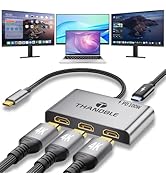
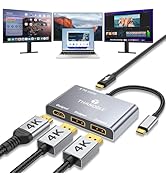
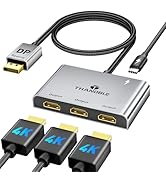
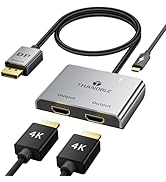
DisplayPort to Dual HDMI Adapter (4K@60Hz) DP to HDMI Splitter for Dual Monitors Extended Display MST Display Port 1 in 2 Out Hub for PC, Graphics Card
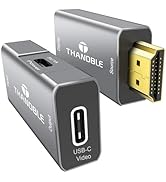
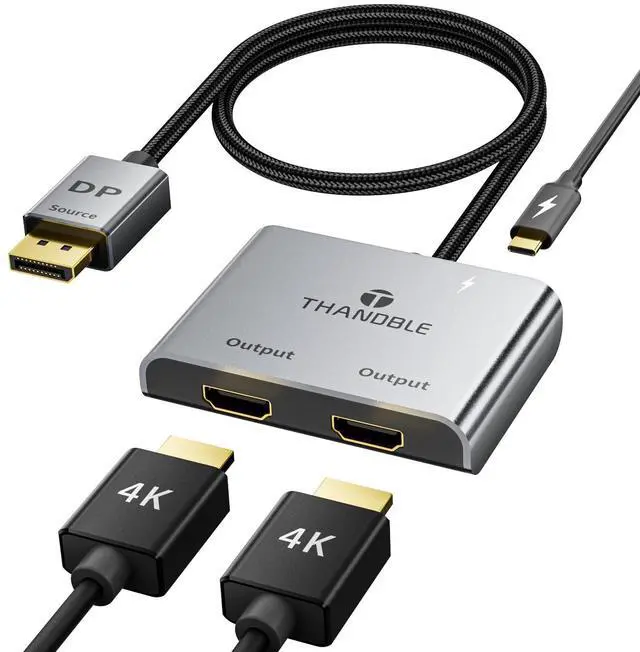
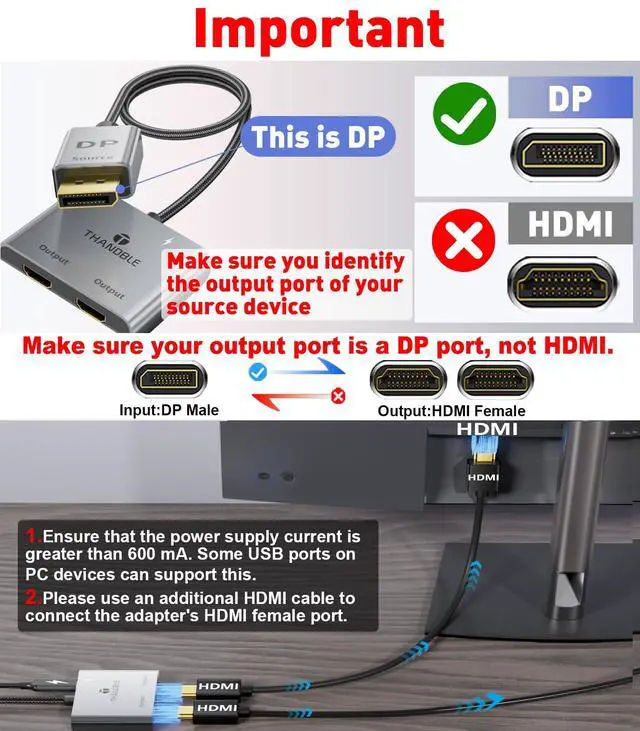
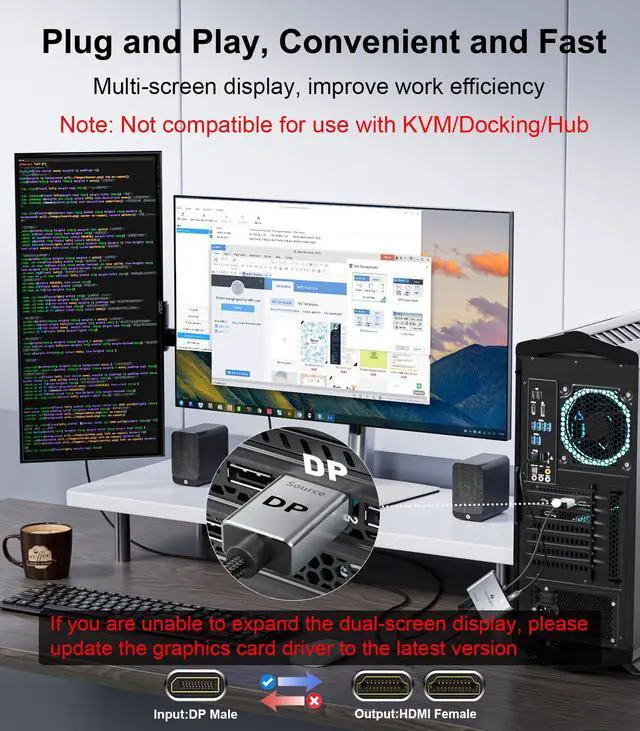
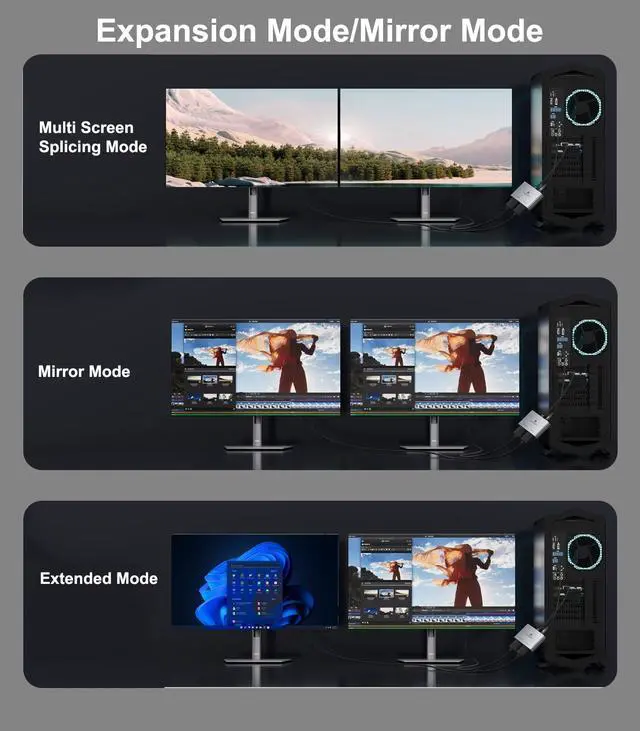
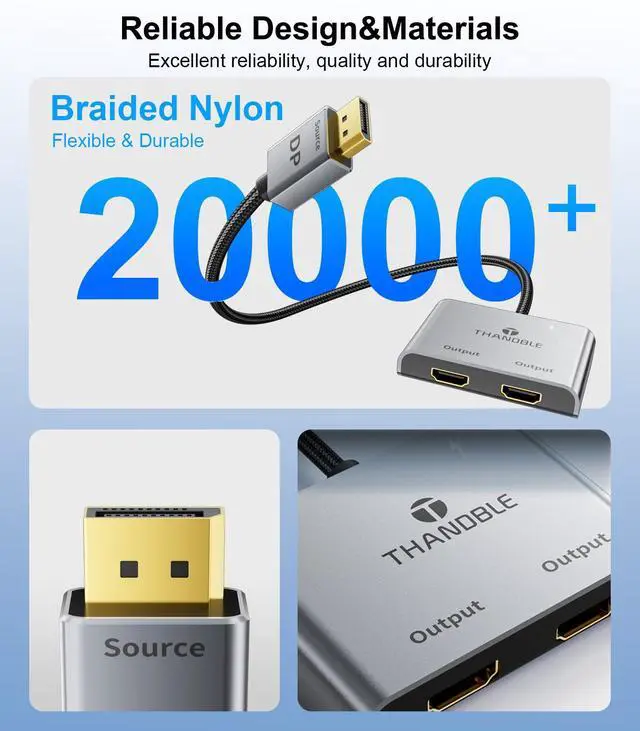
DP to Dual HDMI Splitter: This DP 1 in 2 HDMI out splitter can convert the signal of a DisplayPort port into two HDMI signal outputs, and can be connected to two monitors for work and entertainment at the same time, supporting extended mode and mirror mode. Meet your needs for more screen display (Note: It is required to use a current greater than 600 mA to connect the USB-C power cord. Some USB ports of PC devices can support this.)
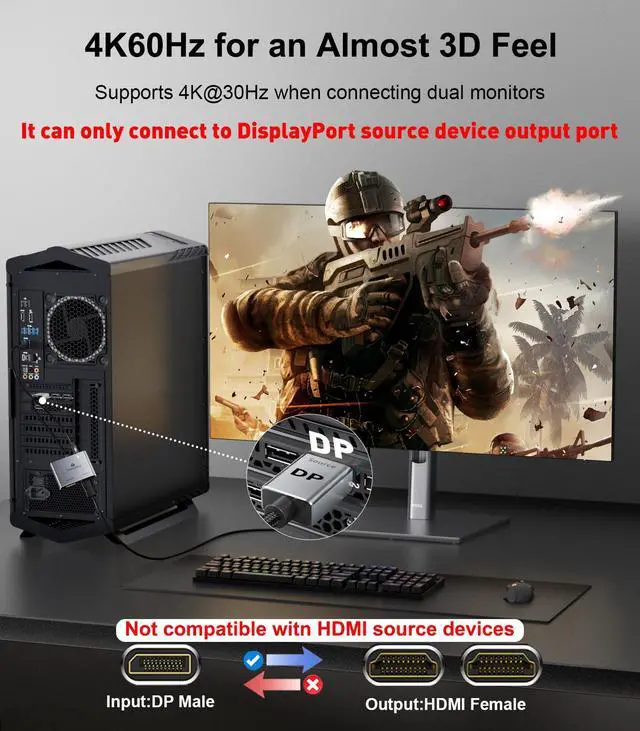
Excellent Resolution: The DisplayPort to dual HDMI Adapter supports resolutions up to 4K@60Hz, 4K@60Hz when using a single HDMI port, 4K@30Hz when using two HDMI ports at the same time, vivid images can bring more amazing screen color and contrast. (only one-way transmission from one DP signal source to two HDMI displays)
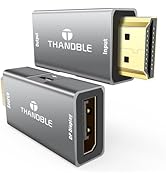
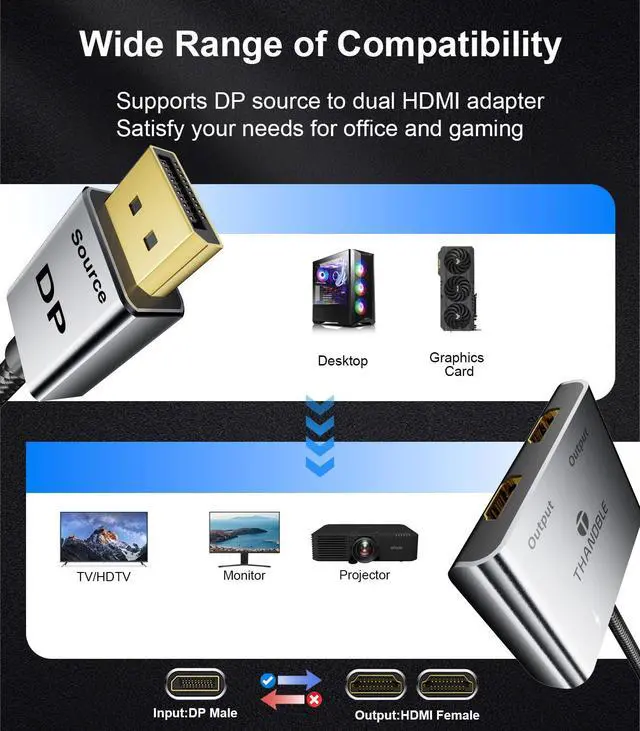
Wide Compatibility: We use top-of-the-line chips that are compatible with all devices on the market with DP/DP++/DisplayPort++ source ports, such as desktop computers (HP, Dell, Lenovo), graphics cards (AMD, NVIDIA). The graphics card needs to support a bandwidth of more than 18Gbps; otherwise, it will not be possible to expand the display of multiple monitors. (If there is no display, please update your graphics card driver to the latest version)
DisplayPort to Dual HDMI Adapter (4K@60Hz) DP to HDMI Splitter for Dual Monitors Extended Display MST Display Port 1 in 2 Out Hub for PC, Graphics Card
Learn more about the Generic Brand HDMI splitter
Model
Model
HDMI splitter
Details
Color
Black
Changer Type
HDMI
Specifications
DisplayPort, 2, 1 amps, 11.81, inches, 11.81 L x 1.96 W x 0.39 H inches, 0.109 kilograms, Compatible with commercially available devices with Displayport source ports to HDMI
Features
Features
DisplayPort
Package Contents
Package Contents
0 x DP to Dual HDMI Adapter
Additional Information
First Listed on Newegg
April 08, 2026
Customer Reviews of the Generic Brand HDMI splitter
There are no reviews yet.
Do you own this product?
Warranty & Returns
Warranty, Returns, And Additional Information
Warranty
Please contact the Seller directly for warranty information. Warranty information may also be found on the Manufacturer's website.