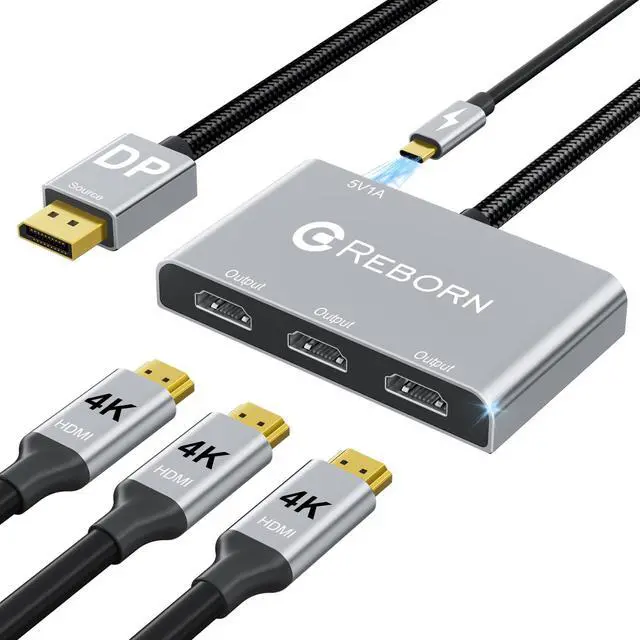
DisplayPort to HDMI Splitter for Multi Monitor Adapter |4K@60Hz, HDMI Splitter Extended Display 1 in 3 Out MST Hub for Extended or Cloned Display Mode, for PC,NVIDIA/AMD Graphic Card
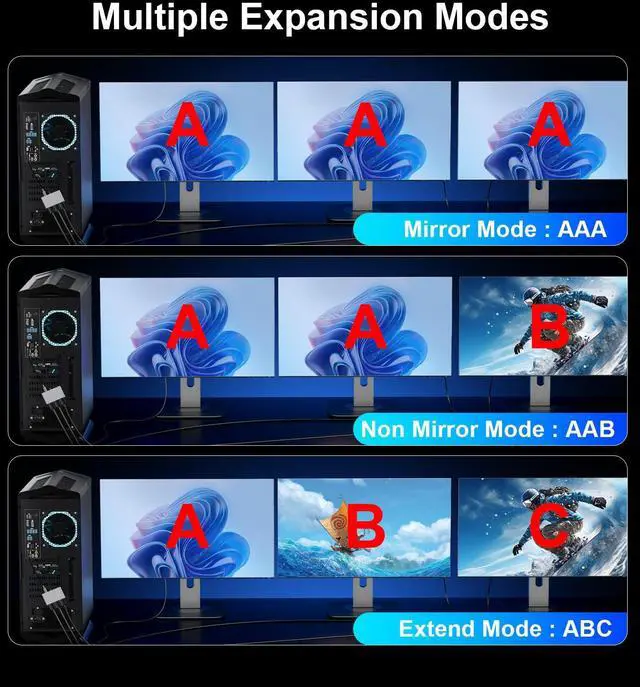
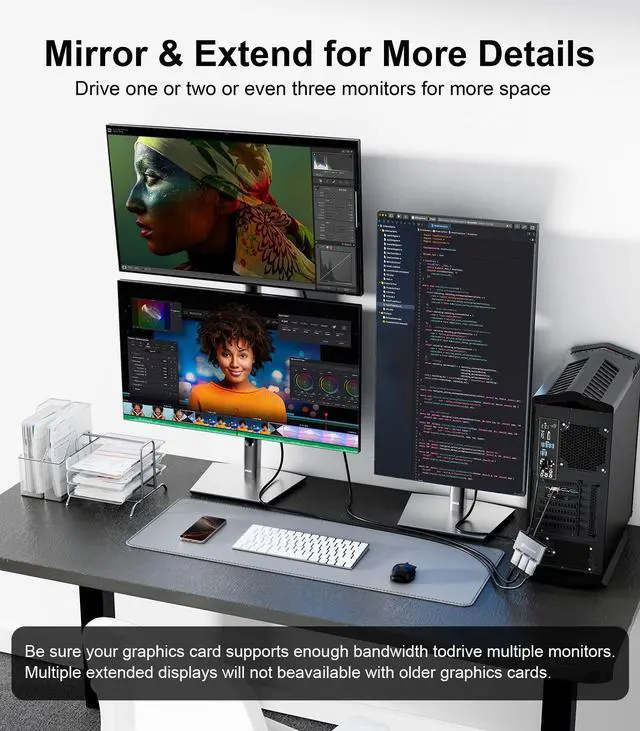
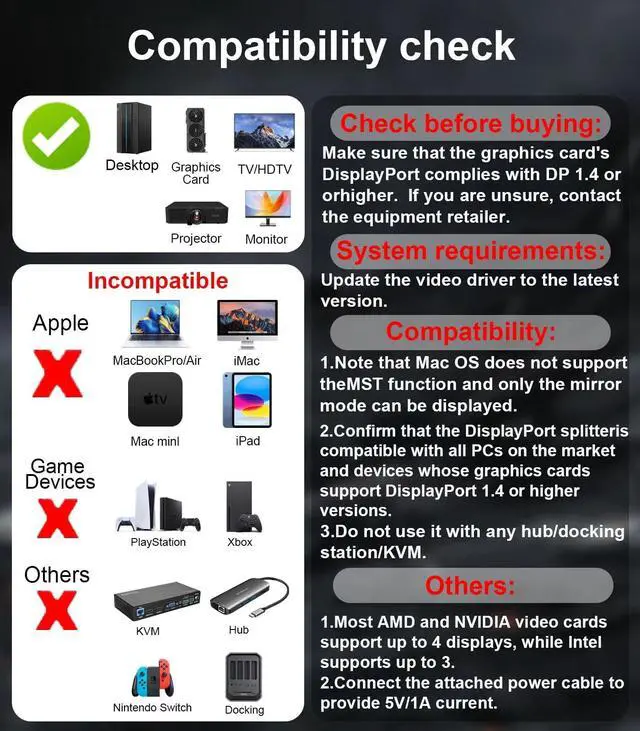
Multi-Monitor Extended Display This DisplayPort splitter transforms your DP/DP++ port into 3 HDMI outputs, creating an extended desktop for productivity or multi-screen gaming. Supports both mirror mode (SST) and extended mode (MST). *For best results, use with dedicated NVIDIA/AMD graphics cards supporting 18Gbps+ bandwidth. Not compatible with Mac OS systems.
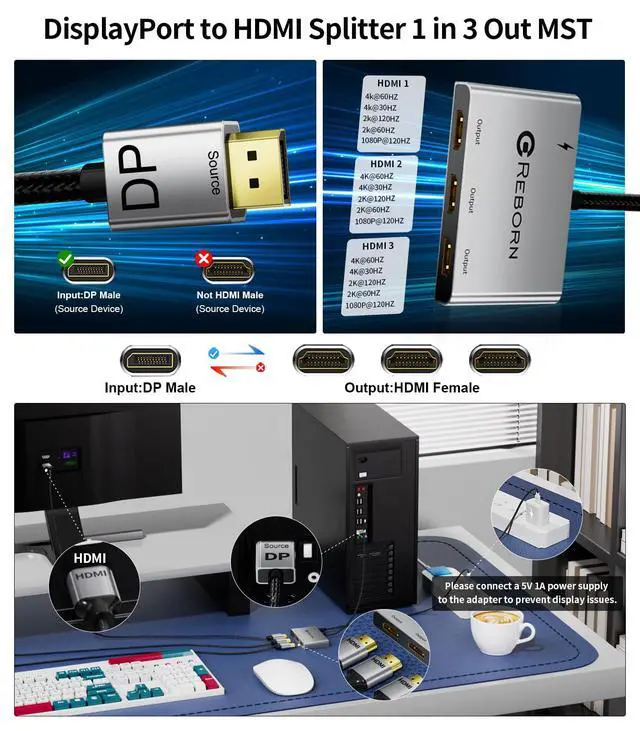
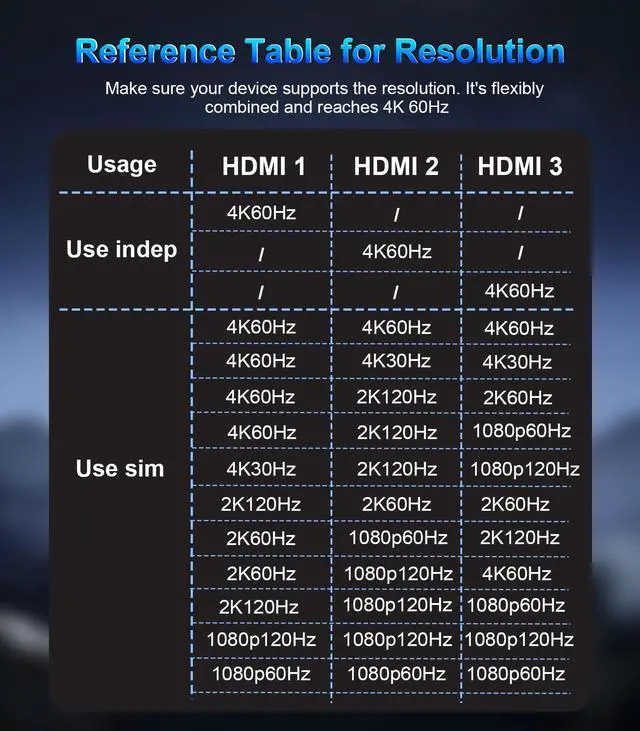
4K UHD Visual FeastExtended Display with this dp to hdmi adapter. Transfer 4K(3840x2160)@60Hz content directly to your monitor/TV/projector. Supports HDCP 2.2 and complies with DP 1.2 standard. Single DP output resolution up to 4K@60Hz, backward compatible with 2K@120Hz/60Hz, 1080P@120Hz/60Hz; 3 HDMI screen resolution up to 4K@60Hz/30Hz.(Make sure your input and output devices both support the same resolution)
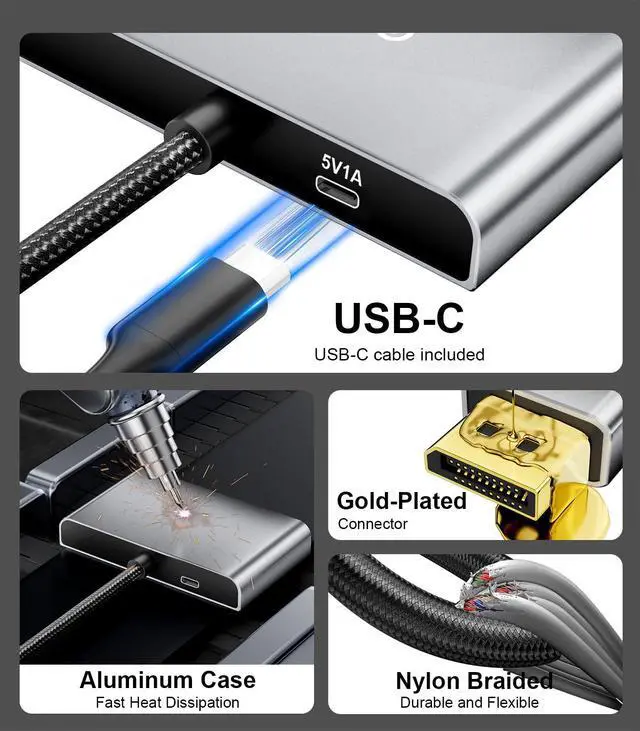
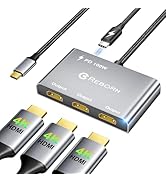
Plug and Play SolutionThe HDMI Splitter 1 in 3 out is super easy to use. It's plug-and-play, so no need to install drivers, saving you time. You can quickly expand to 1, 2, or 3 monitors. Here's how: Plug the DP connector into your signal source like a PC or graphics card. Then, connect the provided power cable to get 5V/1A current. Finally, use HDMI extension cables that support 4K@60Hz to link the 3 HDMI female connectors to your monitors. *Note: PCs with integrated GPUs usually only support mirroring mode or can only extend one monitor
DisplayPort to HDMI Splitter for Multi Monitor Adapter |4K@60Hz, HDMI Splitter Extended Display 1 in 3 Out MST Hub for Extended or Cloned Display Mode, for PC, NVIDIA/AMD Graphic Card
Learn more about the Detailed Specifications
Additional Information
First Listed on Newegg
April 04, 2026
There are no reviews yet.
Do you own this product?
Warranty & Returns
Warranty, Returns, And Additional Information
Warranty
Please contact the Seller directly for warranty information. Warranty information may also be found on the Manufacturer's website.




![Reborn USB C to HDMI 2.1 Cable [8K@60Hz,4K@144Hz,2K@240Hz] 6FT Type C to HDMI 8K Cord Support 48G...](http://c1.neweggimages.com/sellingpilot/modules/product/a-plus/dd97c112cb8839ac1fff580d3b538178687cb3a17243bf7987a4aa7c7b99fb4e.jpg)

![Reborn USB C to HDMI 2.1 Cable [8K@60Hz,4K@144Hz,2K@240Hz] 6FT Type C to HDMI 8K Cord Support 48G...](//c1.neweggimages.com/sellingpilot/modules/product/a-plus/dd97c112cb8839ac1fff580d3b538178687cb3a17243bf7987a4aa7c7b99fb4e.jpg)