


Best Sellers
 Top Rated
- $60.20
- + FREE SHIPPING
 Hot Seller
- $58.11
- + $10.99 Shipping

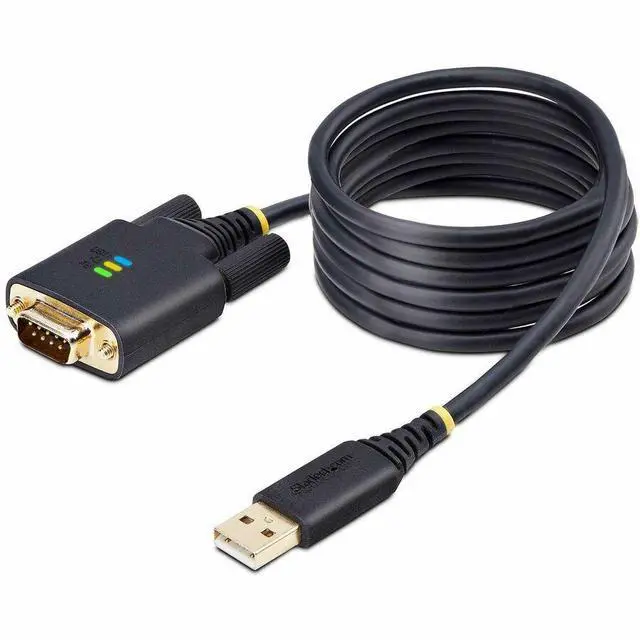
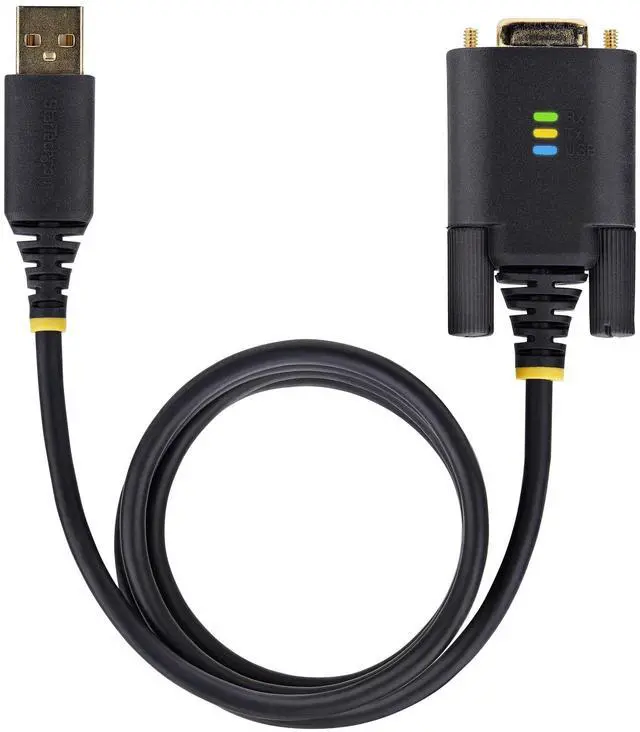
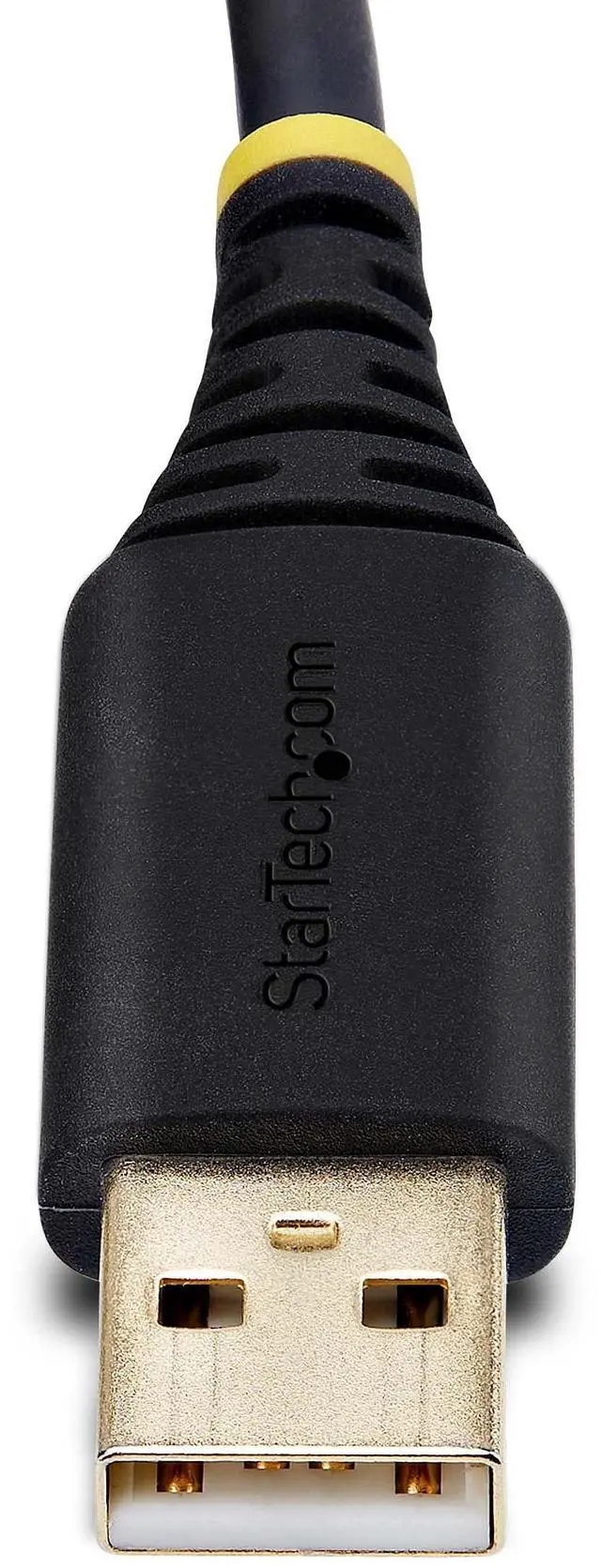
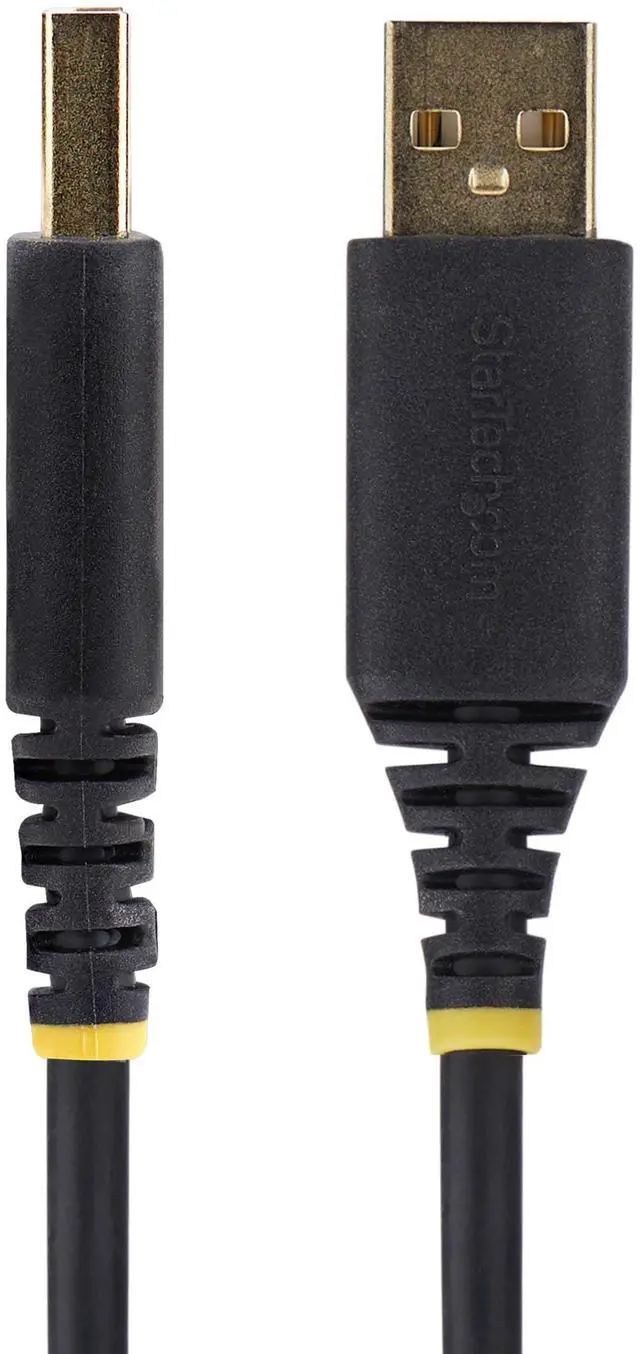
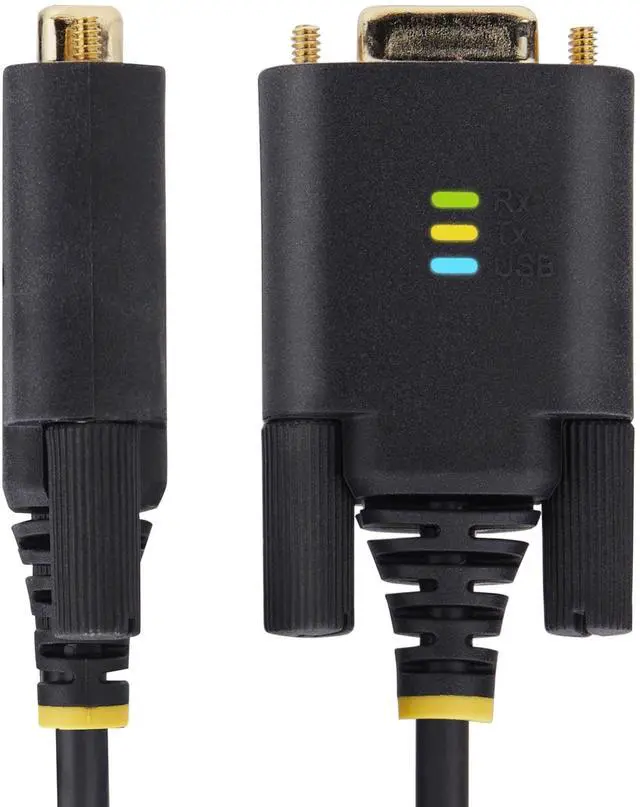
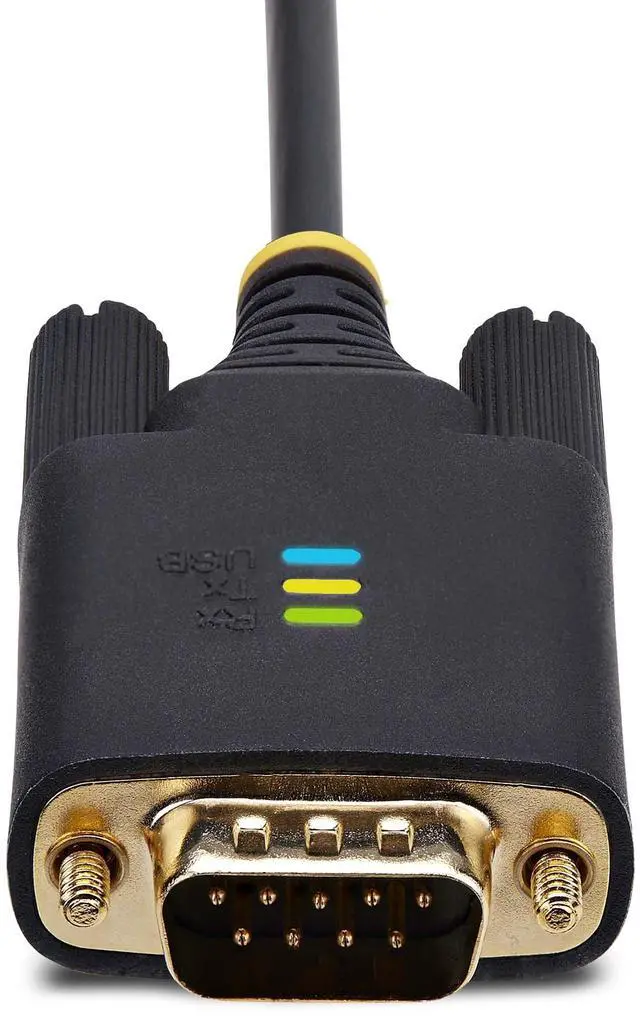
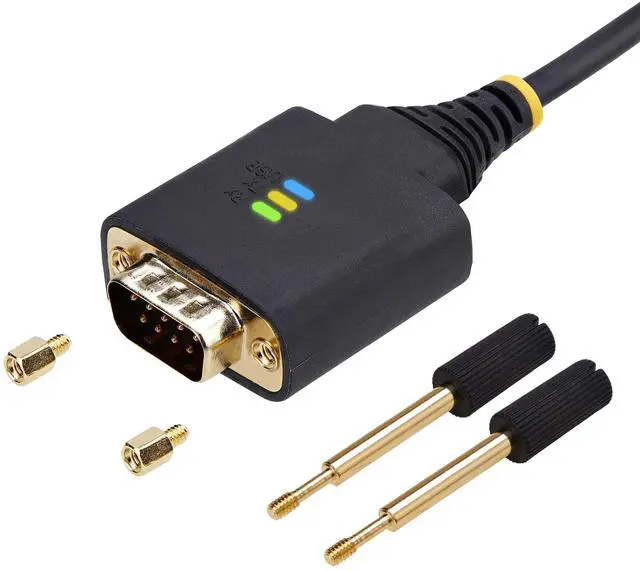


StarTech USB to Null Modem Serial Adapter Cable, 6.6ft 1P6FFCN-USB-SERIAL
- Serial/USB Data Transfer Cable
- 2 x DB9 Nuts
- 1 x Quick-Start Guide
+
+
Overview
Specs
Reviews
6.6ft (2m) USB to Null Modem Serial Adapter Cable, COM Retention, FTDI, USB-A to DB9 RS232, Interchangeable DB9 Screws/Nuts, Windows/macOS/Linux
Warranty & Returns
Warranty, Returns, And Additional Information
Return Policies
- Return for refund until: January 31, 2027
- Return for replacement until: January 31, 2027
- This item is covered by Newegg.ca's Extended Holiday Return Policy.
- Read full return policy for details.
We want to ensure your holiday shopping this year is hassle-free. That’s why we’re automatically extending our return policies on almost every product! For purchases placed between November 1st, 2026 and December 31, 2026 you will have until January 31, 2027 to return your product.
Manufacturer Contact Info
- Manufacturer Website
- Support Phone: 1-800-265-1844
- Support Email: support@startech.com
- Support Website
- View other products from STARTECH
LOADING...
LOADING...
The StarTech 1P6FFCN-USB-SERIAL is a 6.6-foot USB-A-to-DB9 null modem serial adapter cable for connecting a computer to compatible RS-232 equipment, making it suitable for technicians and users working with serial devices.
Recommended For
- IT and network technicians who need to connect a USB-A laptop to RS-232 equipment that requires null-modem wiring, such as for configuration or troubleshooting.
- Automation and industrial service technicians who work with RS-232 devices and want a single USB-to-null-modem cable instead of carrying a separate serial adapter and crossover cable.
- Technicians who need to keep a serial device a short distance from their computer; the 6.6-foot cable provides more reach than a compact adapter.
- Support staff working across Windows, macOS, ChromeOS, or Linux systems who need a USB-A connection to an RS-232 device and value COM-port retention and activity LEDs for troubleshooting.
Real-World Use Scenarios
- A network technician connects a USB-A laptop to a router or firewall’s DB9 console port for setup or recovery; when the device expects a null-modem connection, a terminal session can provide local access even if network access is unavailable.
- A technician uses a laptop without a built-in serial port to communicate with a compatible RS-232 device; the computer can send or receive serial data through terminal or device software, provided the device uses matching serial settings and null-modem wiring.
- When a serial connection needs null-modem wiring to resolve a DCE/DTE mismatch, a user can connect compatible RS-232 equipment without adding a separate cross-wired serial cable or adapter; the connection still depends on matching the device’s port type and settings.
- During serial troubleshooting, a user checks the adapter’s USB and transmit/receive indicators; the lights can help show whether the adapter is recognized and whether data activity is occurring, narrowing down where a connection problem may be.
Spec Summary
| Attribute | Value |
|---|---|
| Best For | Connecting a laptop or PC to a printer or other serial device through USB and serial connectivity |
| Connectivity And Compatibility | USB Type-A to 9-pin D-Sub connectors with male-to-male gender; listed with two ports |
| Cable Length | 79.2 inches (about 6.6 feet) |
| Cable Construction And Finish | Round black cable with a copper enclosure |
| Physical Specifications | Item weight is 0.19 pounds; listed dimensions are 78.7 × 1.3 × 0.6 inches |
| Model Identifiers | StarTech 1P6FFCN-USB-SERIAL |