


Best Sellers
 Top Rated
- $50.01
- + FREE SHIPPING
 Hot Seller
- $47.55
- + $10.99 Shipping
Top Rated- $59.84
- + FREE SHIPPING

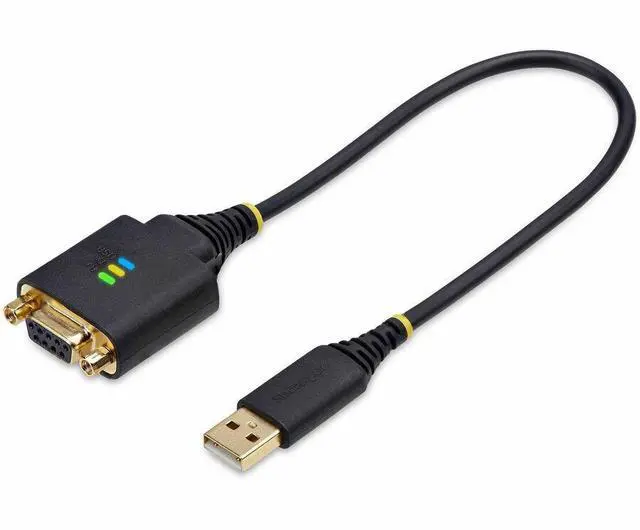
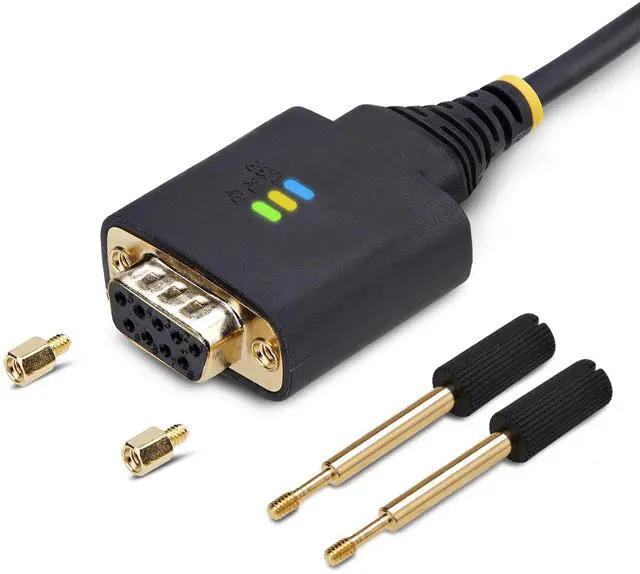
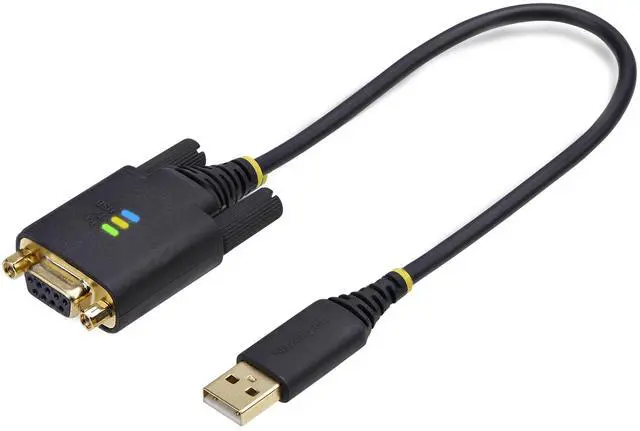
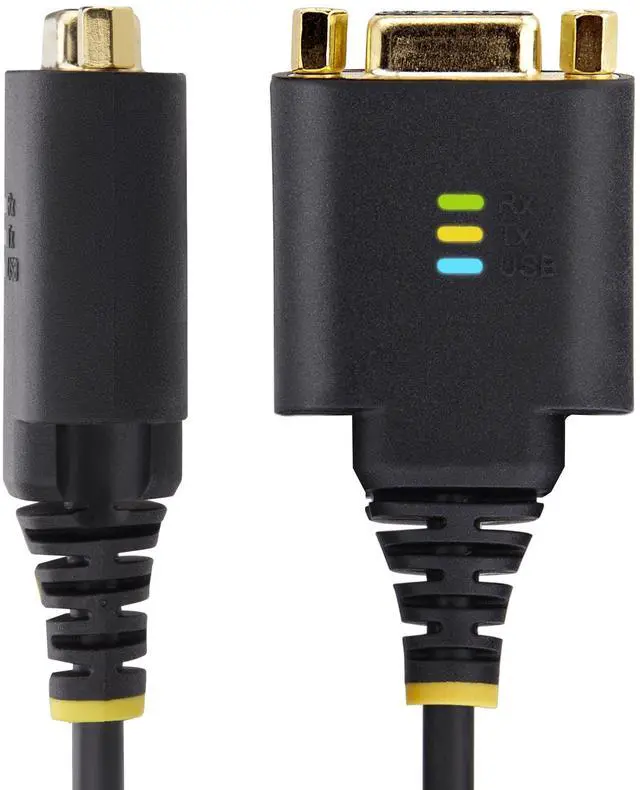
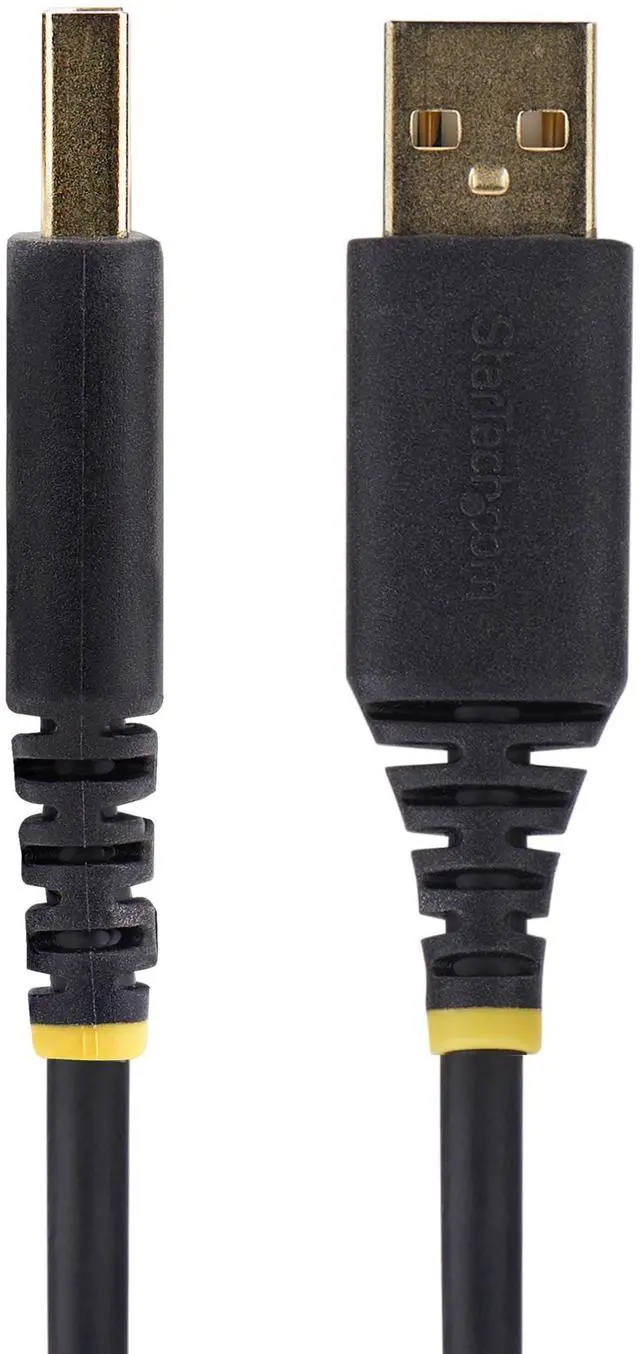
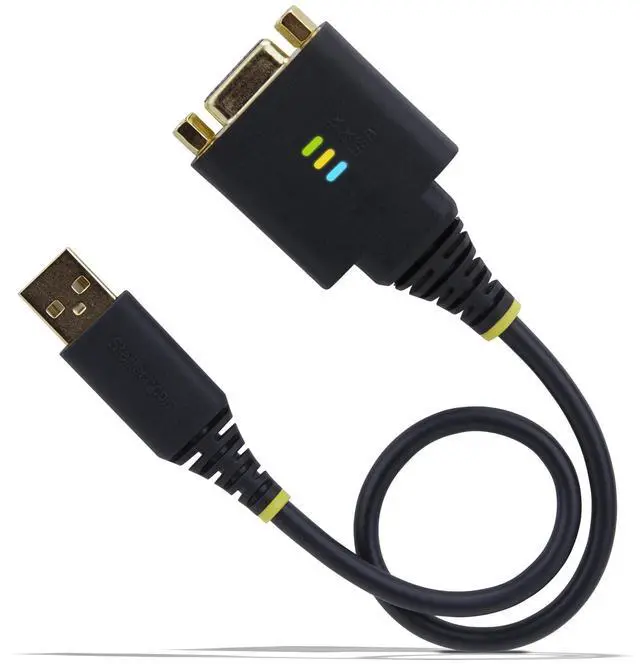
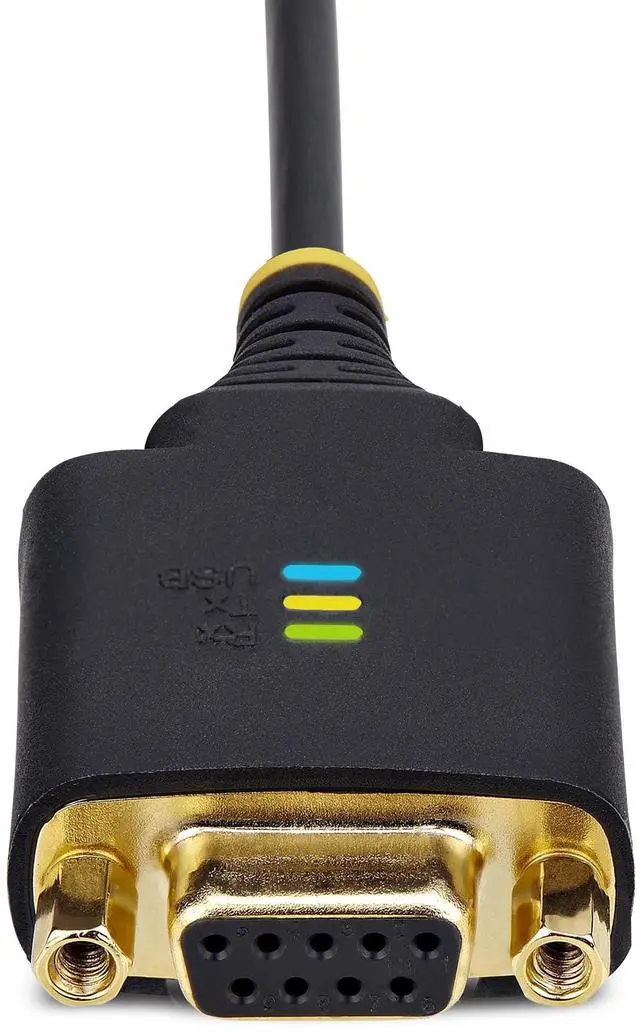
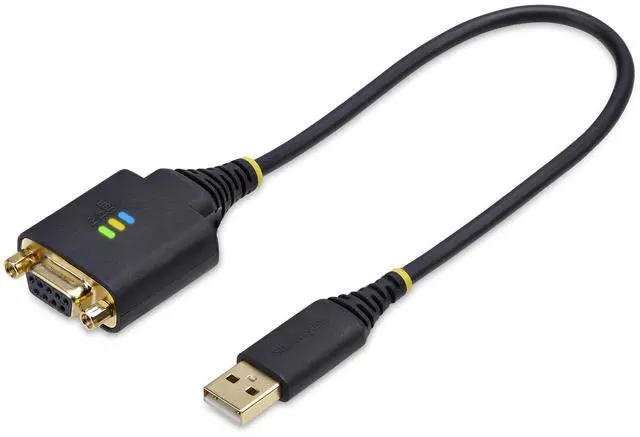
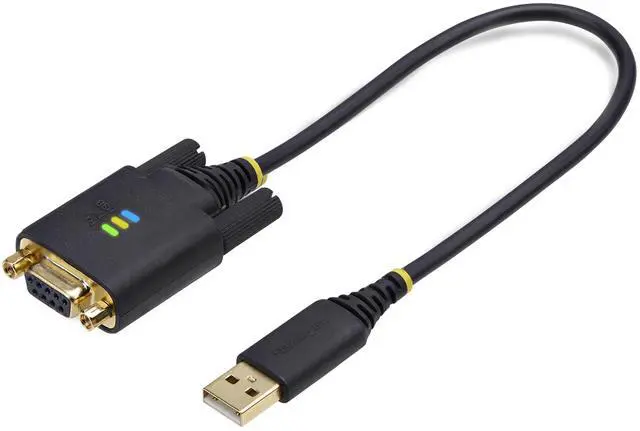
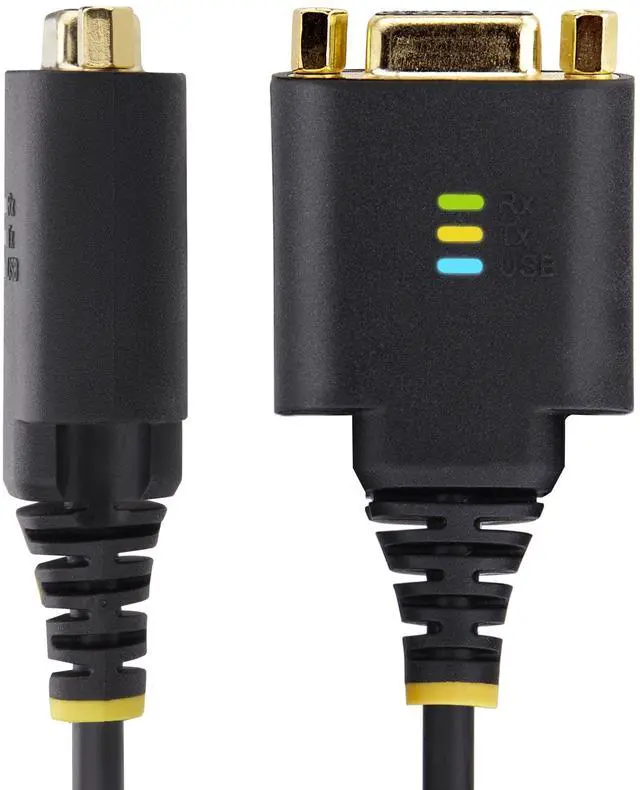

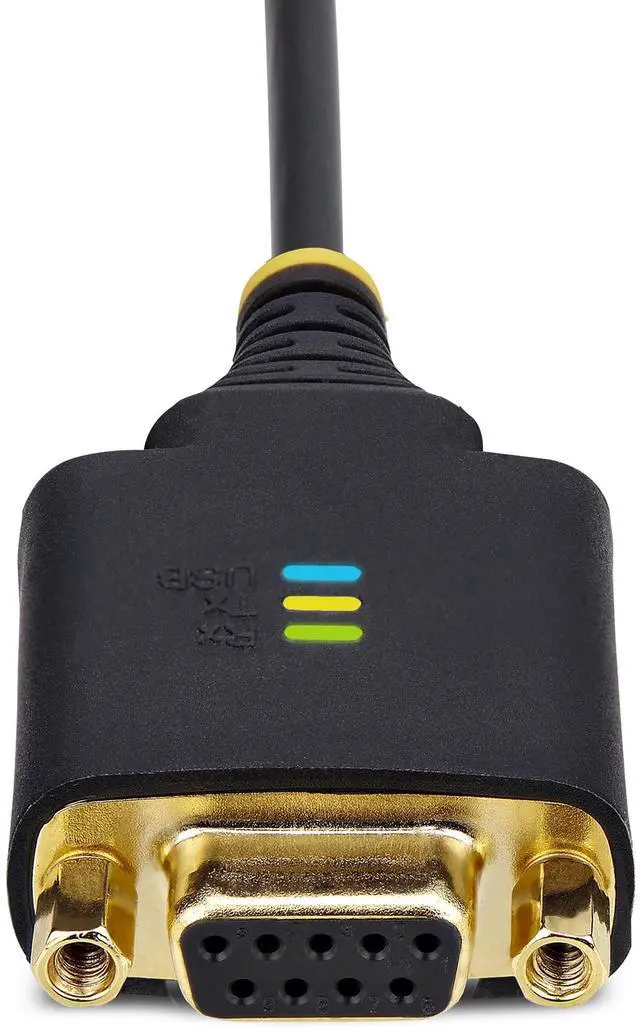
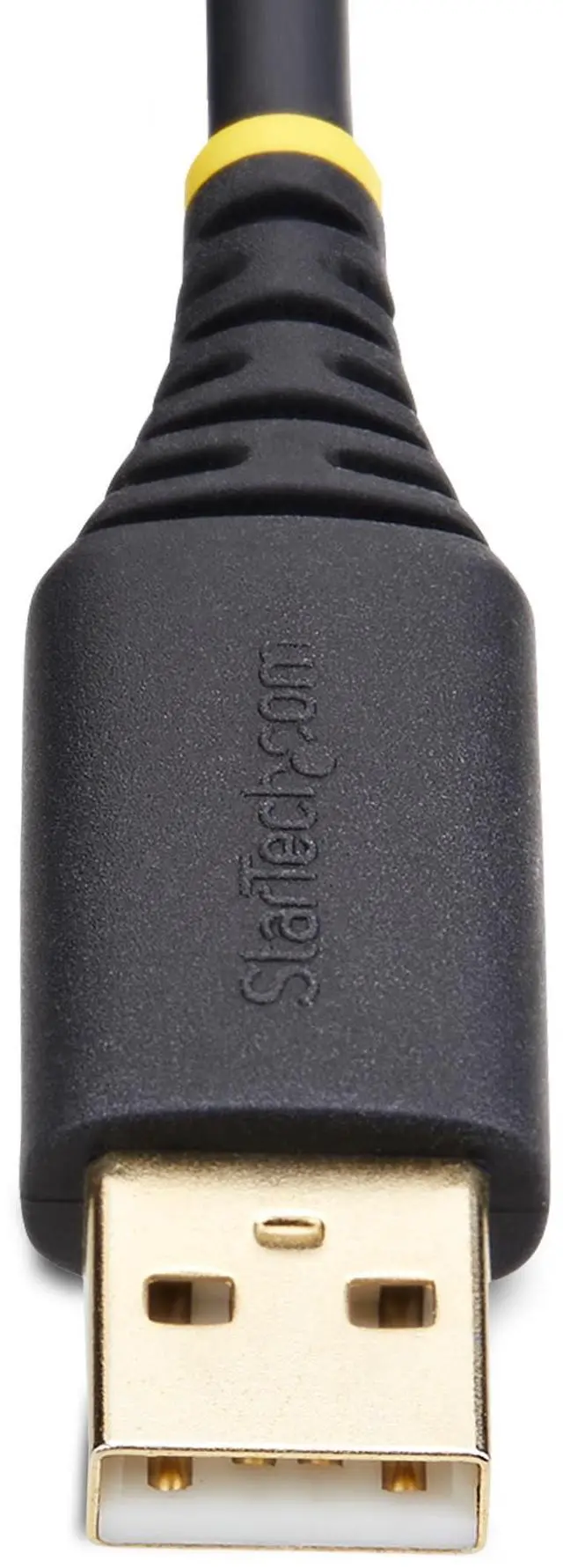


StarTech 1ft (30cm) USB to Null Modem Serial Adapter Cable 1P1FFCN-USB-SERIAL
- USB to Serial Adapter
- 2 x DB9 Screws
- 1 x Quick-Start Guide
+
+
Overview
Specs
Reviews
USB Serial DCE Adapter Cable
Warranty & Returns
Warranty, Returns, And Additional Information
Return Policies
- Return for refund until: January 31, 2027
- Return for replacement until: January 31, 2027
- This item is covered by Newegg.ca's Extended Holiday Return Policy.
- Read full return policy for details.
We want to ensure your holiday shopping this year is hassle-free. That’s why we’re automatically extending our return policies on almost every product! For purchases placed between November 1st, 2026 and December 31, 2026 you will have until January 31, 2027 to return your product.
Manufacturer Contact Info
- Manufacturer Website
- Support Phone: 1-800-265-1844
- Support Email: support@startech.com
- Support Website
- View other products from STARTECH
LOADING...
LOADING...
The StarTech 1P1FFCN-USB-SERIAL is a 1-foot USB-to-null-modem serial adapter cable for technicians and users who need a short USB connection to serial DCE equipment.
Recommended For
- PLC and industrial-automation technicians connecting a laptop to RS-232 equipment that needs null-modem wiring; the built-in null-modem function avoids carrying a separate crossover cable or adapter.
- IT and field-service staff who occasionally connect a USB-A laptop to nearby RS-232 devices, such as industrial equipment, and want the adapter’s transmit/receive LEDs to help check serial activity while troubleshooting.
- Technicians who reconnect the same serial device to the same computer and want COM-port retention to reduce port reassignment during routine disconnects or restarts.
Real-World Use Scenarios
- When a network appliance with a DB9 console port requires null-modem wiring, connect it to a laptop and use terminal software to view its console for setup or troubleshooting. Confirm the appliance’s port wiring and terminal settings first; not every console port uses a null-modem connection.
- For a serial instrument that uses DTE wiring, connect it to a computer’s USB-A port to send commands or receive measurement data through serial software. The instrument’s documentation should confirm that a null-modem connection is required.
- When diagnosing a device through its serial console because network access is unavailable, connect the laptop and open a terminal session to inspect startup messages or interact with the device locally. This depends on the device supporting a DB9 RS-232 console with null-modem wiring.
- For a direct serial link between two computers, use the cable on the computer that lacks a built-in DB9 serial port, then run compatible terminal or transfer software on both systems. The connection requires matching serial settings and null-modem wiring at the other end.
Spec Summary
| Attribute | Value |
|---|---|
| Best For | Connecting a PC or laptop to a compatible serial device through a USB Type-A to 9-pin D-Sub null modem adapter cable |
| Connectivity And Compatibility | USB Type-A to 9-pin D-Sub connection with one port; compatible with laptops, personal computers, printers, and serial devices |
| Cable Length | 1 ft (12 in) |
| Physical Details | Black; item dimensions are 12 × 1.3 × 0.6 in and item weight is 0.09 lb |
| Model Identifiers | StarTech 1P1FFCN-USB-SERIAL |