


Best Sellers
 Top Rated
- $50.12
- + FREE SHIPPING
 Hot Seller
- $47.55
- + $10.99 Shipping

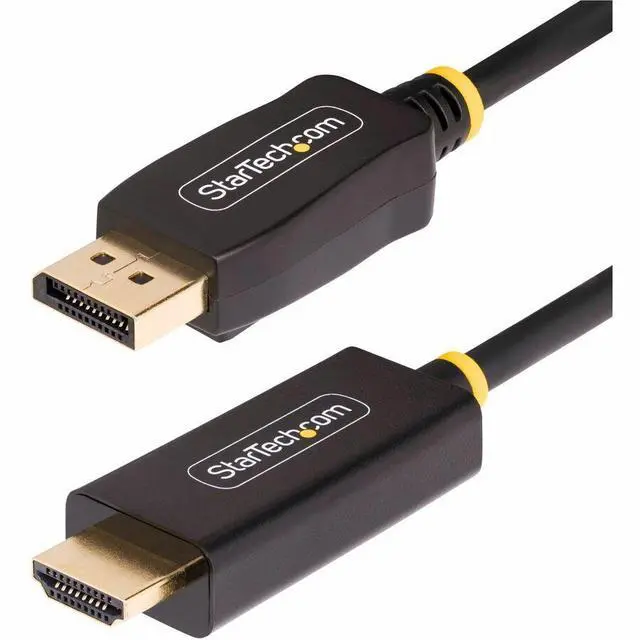
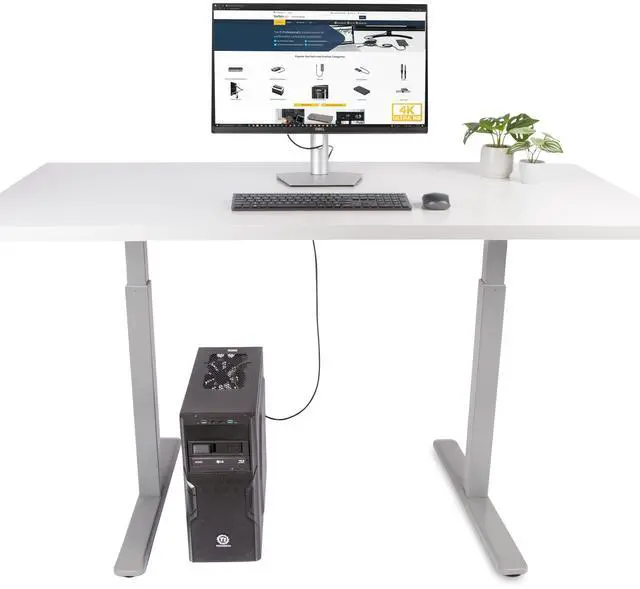
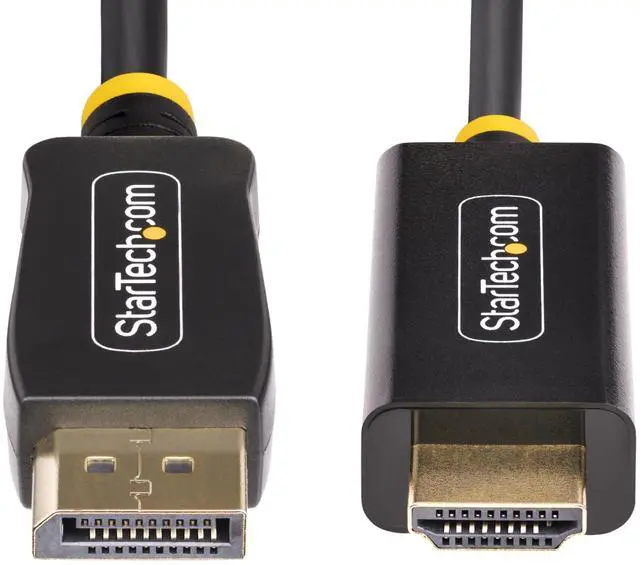
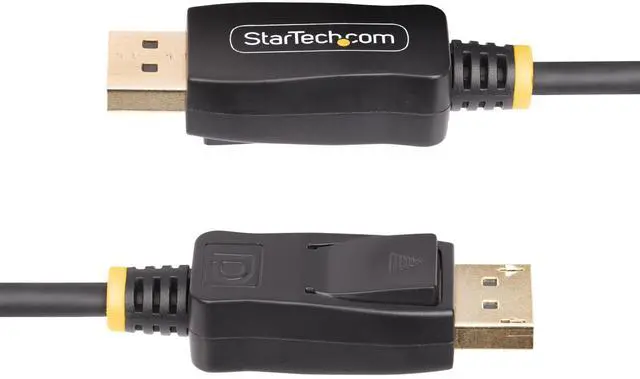
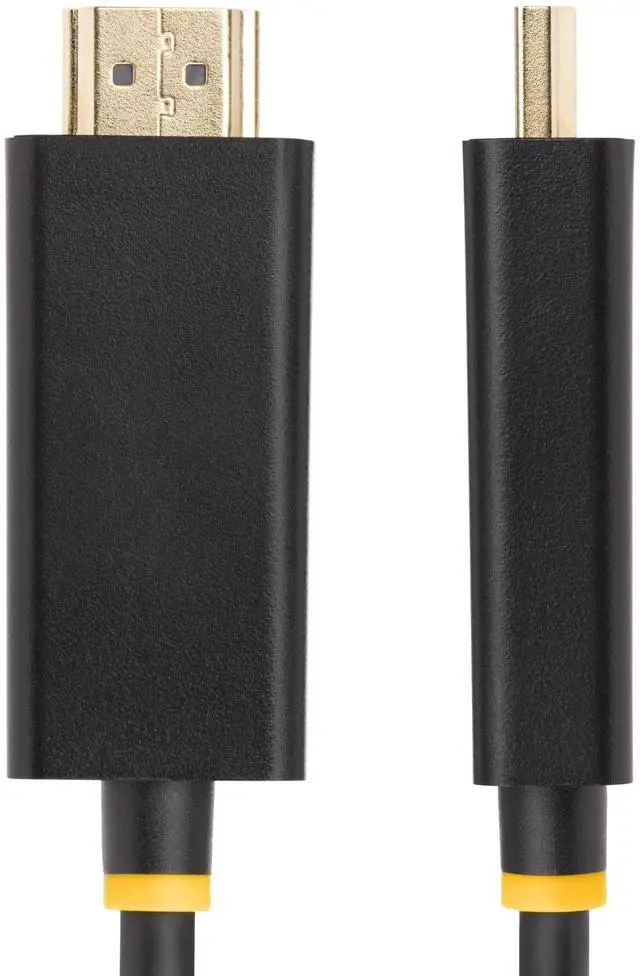
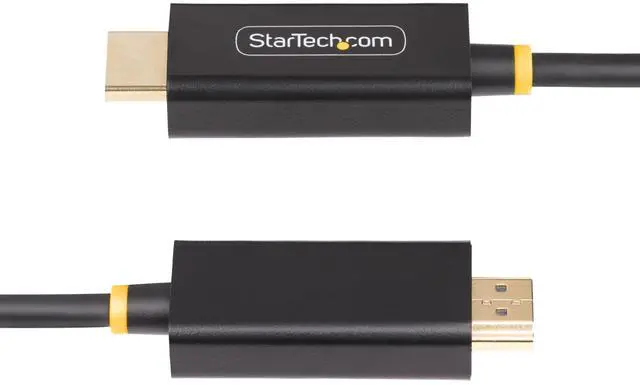
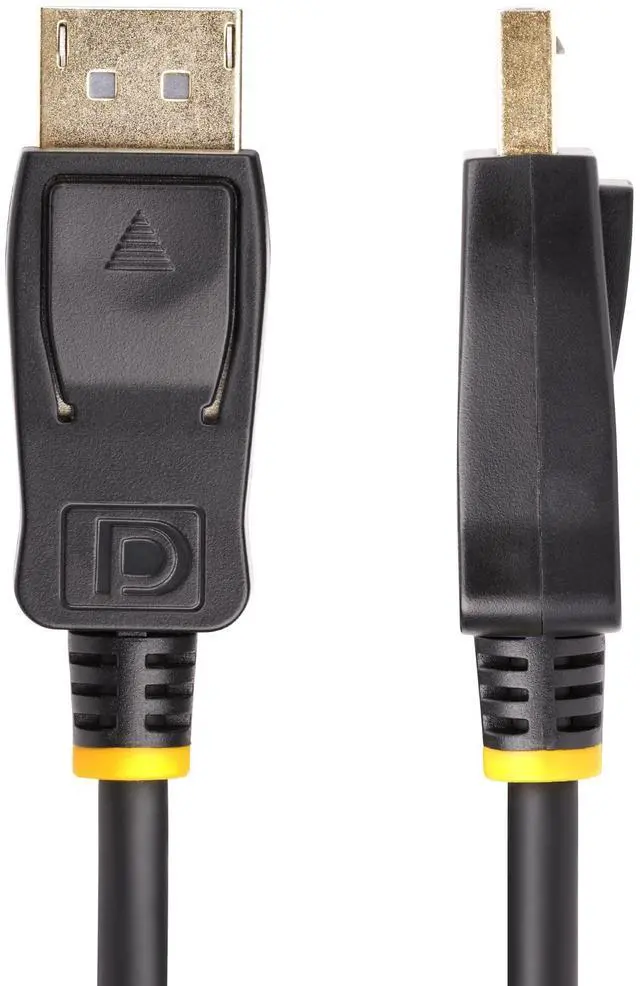


StarTech 6.6ft (2m) DisplayPort to HDMI Adapter Cable 6F-DP-HDMI-4K60-HDR
- Manufacturer: STARTECH
- Manufacturer Part Number: 6FDPHDMI4K60HDR
- UPC: 065030901857
+
+
Overview
Specs
Reviews
6.6ft (2m) DisplayPort to HDMI Adapter Cable, 4K 60Hz with HDR, DP to HDMI 2.0b, Active Video Converter, DisplayPort Desktop to HDMI Monitor
Warranty & Returns
Warranty, Returns, And Additional Information
Return Policies
- Return for refund until: January 31, 2027
- Return for replacement until: January 31, 2027
- This item is covered by Newegg.ca's Extended Holiday Return Policy.
- Read full return policy for details.
We want to ensure your holiday shopping this year is hassle-free. That’s why we’re automatically extending our return policies on almost every product! For purchases placed between November 1st, 2026 and December 31, 2026 you will have until January 31, 2027 to return your product.
Manufacturer Contact Info
- Manufacturer Website
- Support Phone: 1-800-265-1844
- Support Email: support@startech.com
- Support Website
- View other products from STARTECH
LOADING...
LOADING...
The StarTech 6F-DP-HDMI-4K60-HDR is a 2 m active DisplayPort-to-HDMI cable for connecting a DisplayPort computer to an HDMI display, making it suitable for users who want up to 4K at 60 Hz with HDR when both devices support it.
Recommended For
- Desktop users connecting a DisplayPort output to one 4K 60Hz HDMI monitor who want HDR support without a separate adapter and HDMI cable.
- Creative professionals using a DisplayPort-equipped computer with an HDR-capable HDMI display for high-resolution graphics or video work, provided 4K at 60Hz meets their display needs.
- Office or IT staff connecting a DisplayPort desktop to an HDMI monitor or projector for a straightforward single-display setup; the active cable needs no drivers or separate power.
- Users tidying a fixed workstation who prefer one 2-meter cable over a separate adapter and HDMI lead, while keeping the connection between a DisplayPort source and HDMI display.
Real-World Use Scenarios
- A desktop has DisplayPort but the available monitor has HDMI: connect the two directly with one cable, with up to 4K at 60 Hz available when both devices support it.
- A home or office workstation needs another screen: use the cable to connect a DisplayPort computer to an HDMI monitor for an expanded desktop, subject to the computer’s display-output support.
- Someone needs to present from a DisplayPort-equipped computer to an HDMI projector or room display: the cable provides a direct video connection without a separate adapter, within its 2 m reach.
- A photographer or video editor wants to view work on an HDR-capable HDMI monitor: the cable can carry HDR video when the computer’s DisplayPort output and the display support the required formats.
- A user wants to show computer content on an HDMI television: connect the computer’s DisplayPort output to the TV for viewing, with the available resolution and refresh rate determined by both devices.
Spec Summary
| Attribute | Value |
|---|---|
| Best For | Connecting a desktop or laptop DisplayPort source to an HDMI monitor |
| Video Support | Active adapter cable with 4K at 60 Hz support |
| Connectors And Ports | DisplayPort and HDMI connectors; male-to-female, with 2 ports |
| Cable Length | 6 ft / 2 m |
| Color And Construction | Black, round cable with a plastic enclosure |
| Model Identifiers | StarTech 6F-DP-HDMI-4K60-HDR |