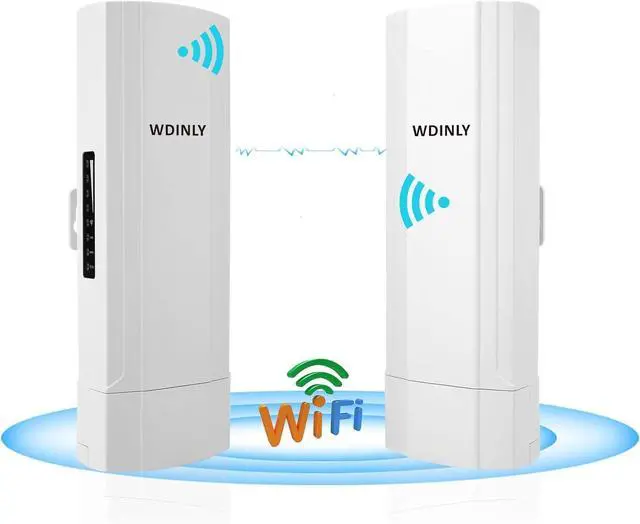
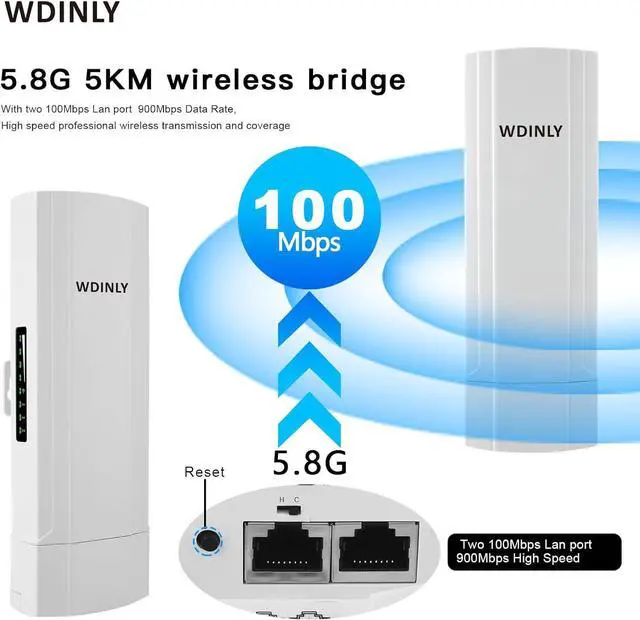
CPE450 900Mbps is a long range high performance 11ac outdoor CPE with 900Mbps data rate. The ethernet port wireless bridge comply with IEEE 802.11b/g/n/ac
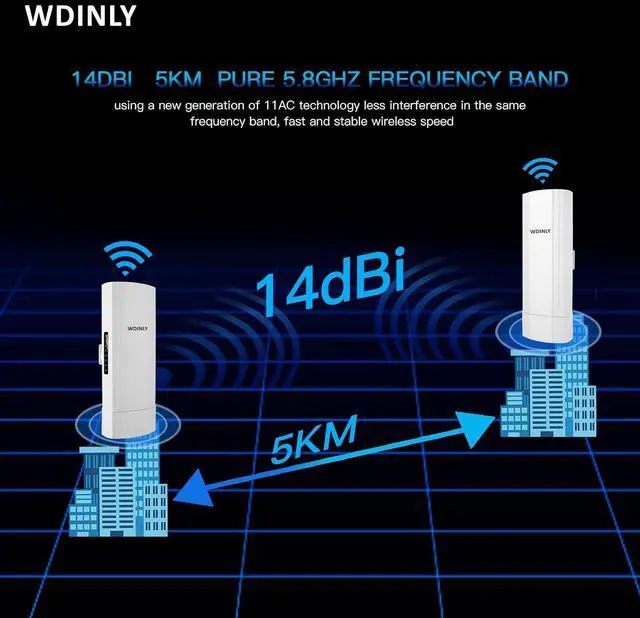
standard, 27dBm RF power, 14dBi dual polarized high gain antenna, the PTP/PTMP distance of diling wireless bridge kit is more than 5000 meters.
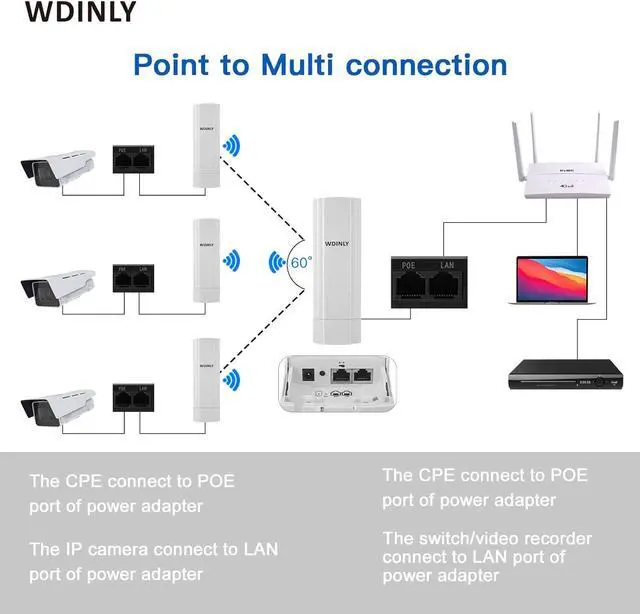
Previous pageSupport point-to-point, point-to-multipoint mode
Next page
Point to point with 5KM Disatnce Long-distance WiFi coverage, Extend the network in the house to your barn, garage, church, warehouse, even
neighbor's house through wireless bridge signal transmission. No need to install a new modem and pay for it every month, saving you money.
Previous pageNext page
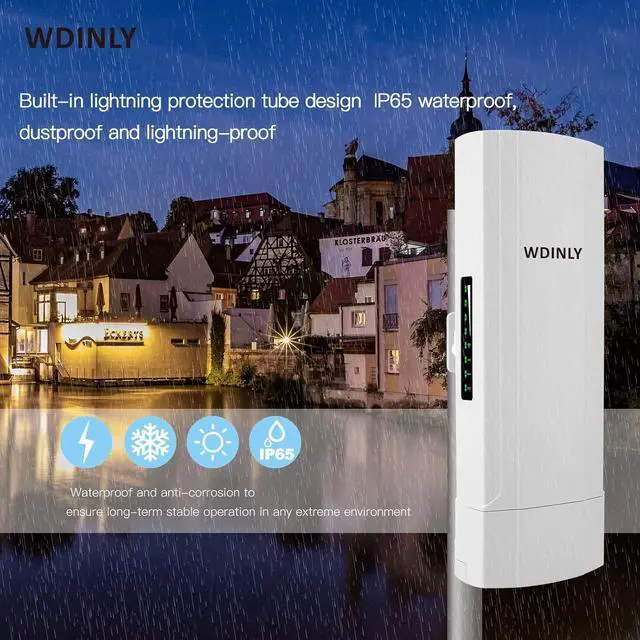
Suitable for most outdoor environments: It is used in most daily environments, such as heavy rain, lightning, wind, rain and other bad weatherit can
maintain signal stability. Support watchdog self-detection function. Besides that, it support cloud remote management and software AC controller
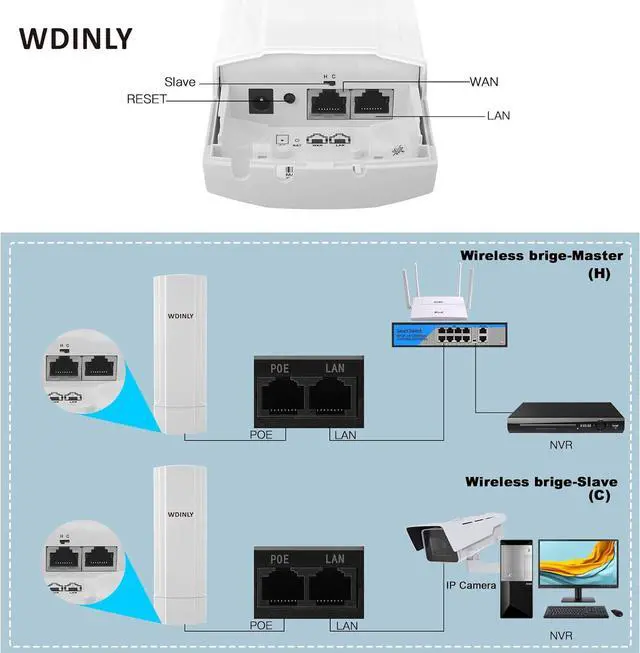
H stands for master, C stands for slave; it belongs to the parent-child relationshipAssign equipment H and C;Press the reset button for 1 seconds, the numbers on the LED lights are the same, indicating that the signal is synchronized,it mean connect of to units
It conenct to POE Adapter POE port then charger power and reducing the number of cables needed to get your network array up and running. POE adapter Lan port allows you to conenct to other router or switch or Ip camera enabling you to power a secondary PoE device such as an IP security camera.
A wireless bridge converts anywired network device with an available Ethernet port into the latestwireless technology.
Share the internet to any outhouse, shop, garage,barn, or home on your property
Step 1. Use a PoE adapter to power the wireless bridge through a network cable. conenct to the POE adapter POE port to wireelss bridge Lan port and power is supplied by POE instead of a DC power interface.
Step 2. Find the wireless bridge sticker show which one is Master bridge IP is 192.168.188.253 and which one is Slave bridge IP is 192.168.188.100
Step 3. Very important step: Modify your computer's IP address, change your computer's IP address to 192.168.188.xxx(192.168.188.xxx cannot be the same as the IP of the
CPE), make your computer's IP and the bridge's IP address be on the same network segment so that you can access them.like the photo show the fixed IP is 192.168.188.20 is ok .
Step 4. Enter the account password "admin/admin" to access, and set it after successful access. Step 5. if you want to log in web interface by WiFi SSID , the WiFi Password is 66666666
Easy to Use Switch Master (H)-slave (C)Bridge wireless bridge Powered by POE power supply How to Access and Setting the Wireless Bridge CPE Through Computer Access:



 We‘re shipping as usual! The Canada Post strike only affects certain remote deliveries and PO Boxes. Details
 Holiday Shipping Details & Extended Holiday Returns


