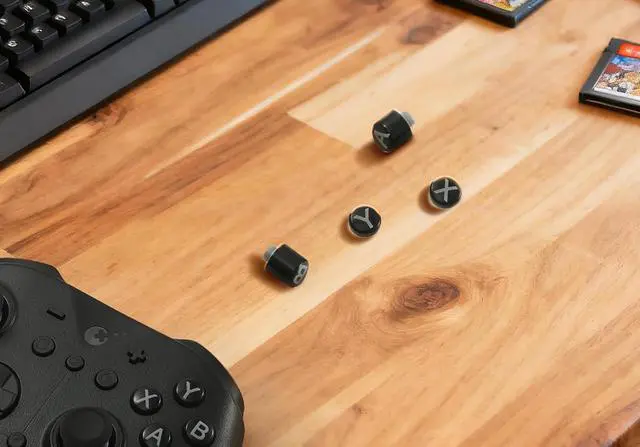
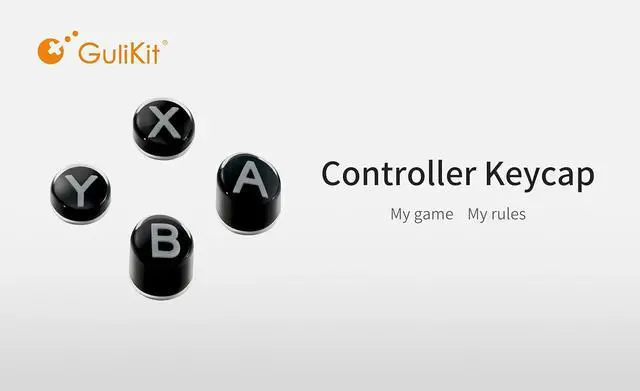
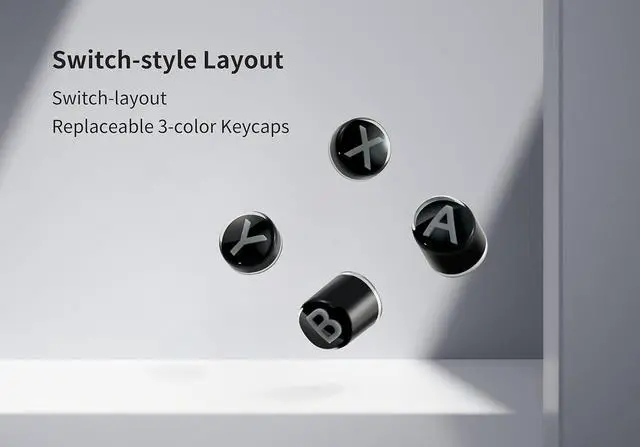
SWITCH-STYLE LAYOUT BUTTON: The GuliKit ABXY replacement keycaps feature a switch layout that enhances Switch game compatibility by allowing physical rearrangement of the button layout of PC-Style layout GuliKit controller. This adaptability optimizes your gaming experience by enabling you to customize the GuliKit controllers(not all Gulikit Controller) setup to suit your preferences without opening the controller.
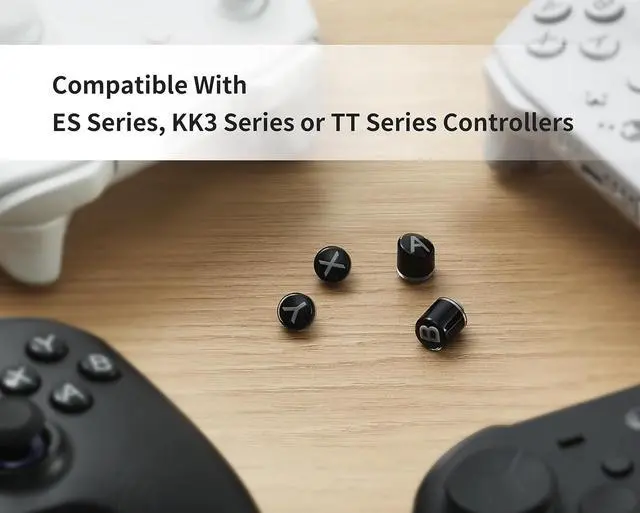
COMPATABILITY WITH GULIKIT CONTROLLERS: These keycaps are compatible with a variety of GuliKit controllers, including GuliKit ES, ES Pro, KK3/KK3 Pro/KK3 Max, and TT Max/TT Pro models controllers. For the ES and ES Pro controllers(PC-Layout), you can change the PC-Layout to the Switch-Layout for added convenience with these new Switch-Layout buttons. For the KK3 and TT controllers(Switch-Layout), you can customize the button color or replace worn buttons with these new Switch-Layout buttons.
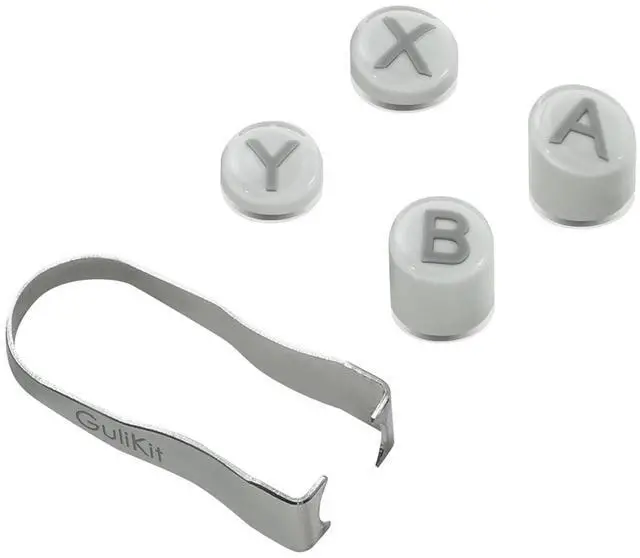
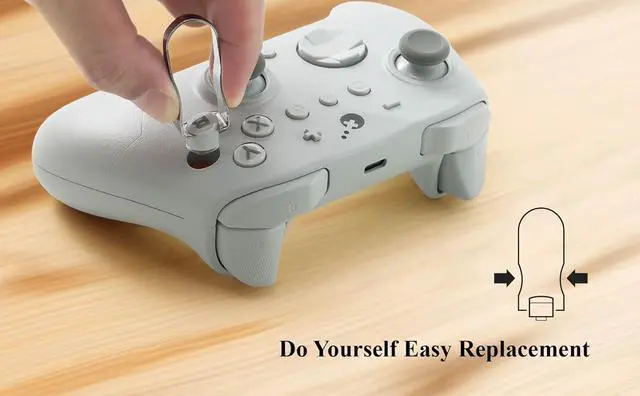
EASY TO SWITCH: The replaceable button is no need to open you controller, just use the puller to clamp the keycap and pull it out. And the puller tool is included in our product kit. For the new keycap, firstly align its letter direction vertically and press it in force to finish installation.
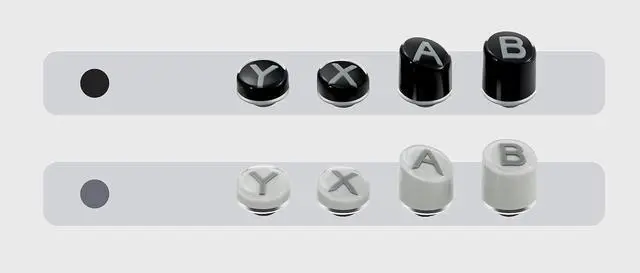
2 COLORS TO CHOOSE FROM: We offer two elegant colorsblack and greyto match your GuliKit controller. These colors allow you to personalize your controller to your preference. Whether you prefer the classic look of black or the understated elegance of grey, both are perfect for ES, ES Pro
+
+
Overview
Specs
Reviews
SWITCH-STYLE LAYOUT BUTTON: The GuliKit ABXY replacement keycaps feature a switch layout that enhances Switch game compatibility by allowing physical rearrangement of the button layout of PC-Style layout GuliKit controller. This adaptability optimizes your gaming experience by enabling you to customize the GuliKit controllers(not all Gulikit Controller) setup to suit your preferences without opening the controller.
COMPATABILITY WITH GULIKIT CONTROLLERS: These keycaps are compatible with a variety of GuliKit controllers, including GuliKit ES, ES Pro, KK3/KK3 Pro/KK3 Max, and TT Max/TT Pro models controllers. For the ES and ES Pro controllers(PC-Layout), you can change the PC-Layout to the Switch-Layout for added convenience with these new Switch-Layout buttons. For the KK3 and TT controllers(Switch-Layout), you can customize the button color or replace worn buttons with these new Switch-Layout buttons.
EASY TO SWITCH: The replaceable button is no need to open you controller, just use the puller to clamp the keycap and pull it out. And the puller tool is included in our product kit. For the new keycap, firstly align its letter direction vertically and press it in force to finish installation.
2 COLORS TO CHOOSE FROM: We offer two elegant colorsblack and greyto match your GuliKit controller. These colors allow you to personalize your controller to your preference. Whether you prefer the classic look of black or the understated elegance of grey, both are perfect for ES, ES Pro, KK3/KK3 Pro/KK3 Max, and TT Max/TT Procontroller.
NOTE: The correct installation method for the "X" button is with the lower side of the button on the right. When installing, the letters must be oriented vertically; otherwise, it may get stuck. If it does get stuck, you can pull it out along the vertical direction of the letters and reinstall it.
Learn more about the Detailed Specifications
Additional Information
First Listed on Newegg
February 06, 2026
There are no reviews yet.
Do you own this product?
Warranty & Returns
Warranty, Returns, And Additional Information
Warranty
Please contact the Seller directly for warranty information. Warranty information may also be found on the Manufacturer's website.