







• $59.99

Shipped by xiuhuishangmao

Price alert
Shop it at NeweggBusiness.

Meet Your Seller

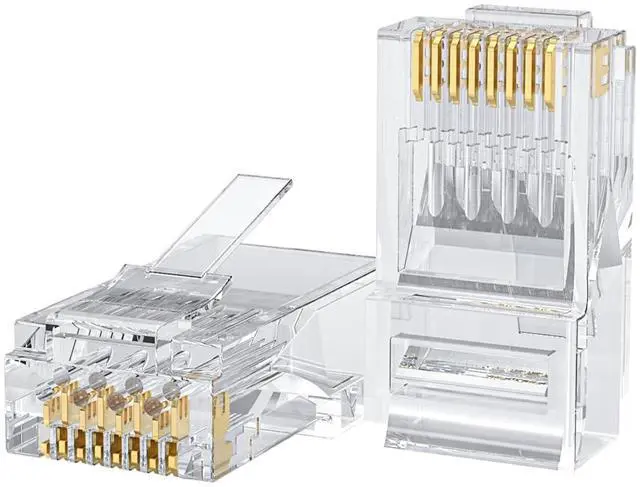
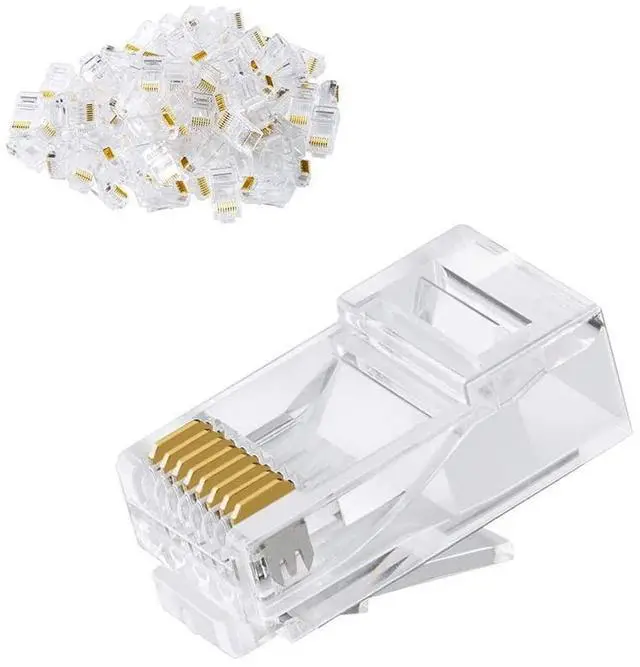
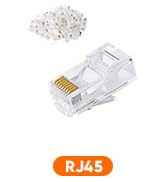
Cat6 RJ45 Connectors, 100-PACK Cat6 RJ45 Ends, Ethernet Cable Crimp Connectors UTP Network Plug for Solid Wire and Standard Cable, Transparent

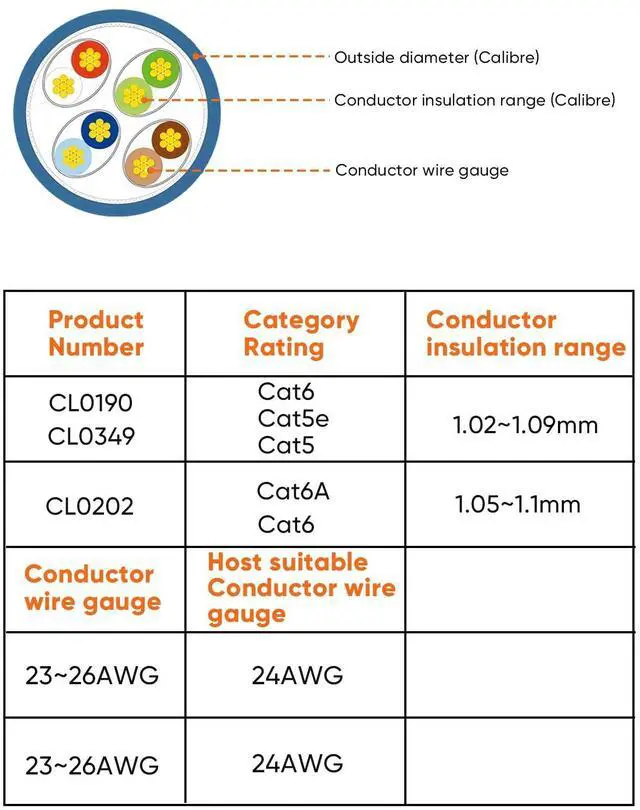
  • 100 Cat6 RJ45 Connector: These Cat 6 connectors fit to standard RJ45 port devices and are designed for solid or stranded unshielded twisted pair (UTP) cables,these Cat6 ends support round or flat stranded cables from 24 to 26 AWG gauge.
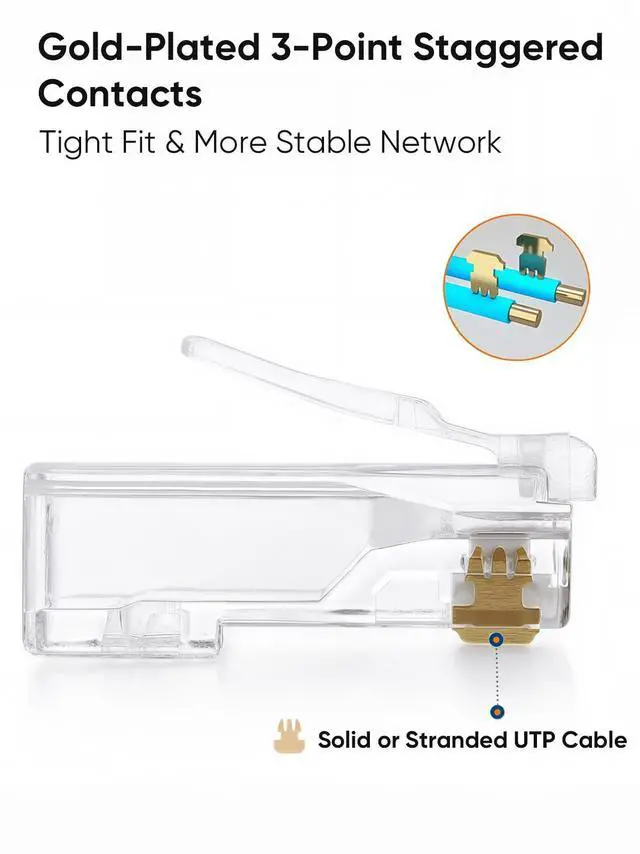
  • Efficient and Secure Cat6 Cable Connections: Ethernet connectors feature three-pin contact tabs for precise penetration of the core, ensuring reliable, high-performance connections for Gigabit Ethernet networks.
  • Gigabit Performance Category Cat6 RJ45 End: Compliant with Gigabit Ethernet standards, these Cat6 RJ45 ends are backward compatible with CAT5E cables. The gold-plated contacts enhance signal integrity and corrosion resistance for long-term reliability. The transparent housing enables intuitive visual checks of indicator status, facilitating real-time network monitoring.
  • Operation: The wire can not be directly through the RJ45 connectors, you need to cut the first flush, in order to arrange, and then push the cable into the Cat6 connector until the deepest position, use crimping pliers for crimping. Note: This interface is not RJ45 straight-through type. For straight-through interface, please check our other products (ASIN: B08HLH4RH3/B08HLJJT9D).
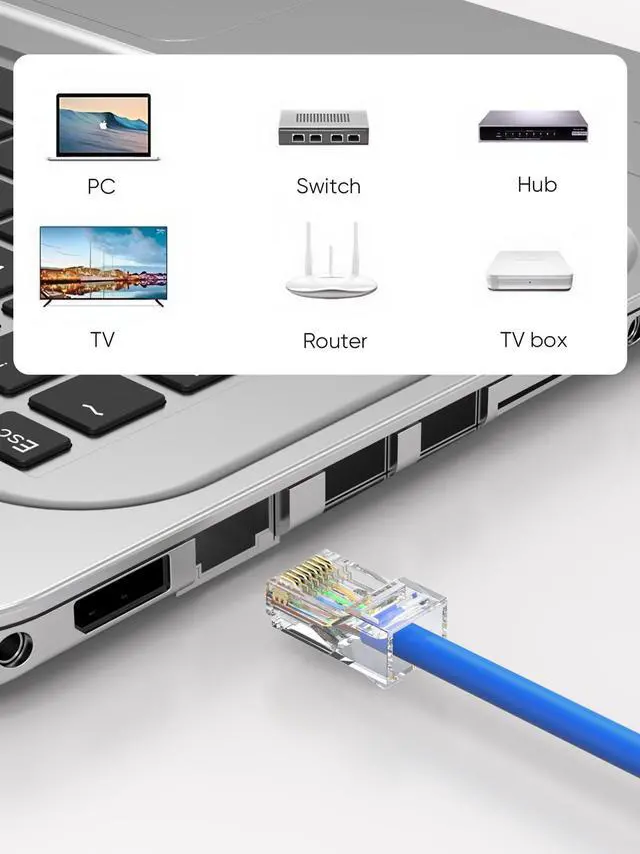
  • Portable and Reliable: 100 RJ45 Connectors is small and portable for large projects or multiple installation scenarios. Designed for computers, hubs, routers, switches.
+
+
Overview
Specs
Reviews
1
2
2-1

Put the network cable into the stripping port of the cable crimping tool and rotate it two times to pull it out.

2-2

Cut off the pvc jacket and aluminum foil so that the wires are prepared as follows.

2-3

Trim the tips of the wires with a crimping tool to make tips neat and reserve appropriate length.

2-4

  • Arrange the wire's color in the order and push the wires into the Cat6 connector to the deepest position.
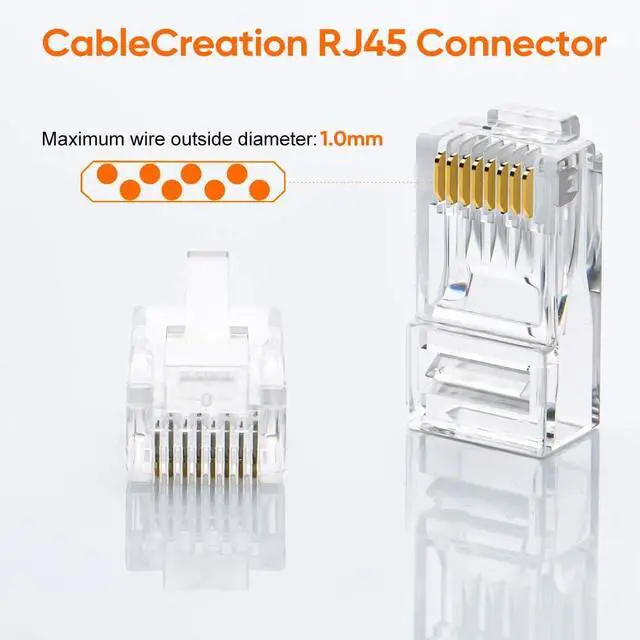
  • Note: Your wire's Outside Diameter(OD) including the plastic housing should not exceed 1.0mm to match the wire guide's OD.

4.5

Put the wired crystal RJ45 end into the cable clamp for crimping.

4-6

Align the chip position and press down.

9
10
1
2
2-1

Put the network cable into the stripping port of the cable crimping tool and rotate it two times to pull it out.

2-2

Cut off the pvc jacket and aluminum foil so that the wires are prepared as follows.

2-3

Trim the tips of the wires with a crimping tool to make tips neat and reserve appropriate length.

2-4

  • Arrange the wire's color in the order and push the wires into the Cat6 connector to the deepest position.
  • Note: Your wire's Outside Diameter(OD) including the plastic housing should not exceed 1.0mm to match the wire guide's OD.

4.5

Put the wired crystal RJ45 end into the cable clamp for crimping.

4-6

Align the chip position and press down.

9
10
Cat6 RJ45 Connectors, 100-PACK Cat6 RJ45 Ends, Ethernet Cable Crimp Connectors UTP Network Plug for Solid Wire and Standard Cable, Transparent

Warranty & Returns

Warranty, Returns, And Additional Information

Warranty

  • Please contact the Seller directly for warranty information. Warranty information may also be found on the Manufacturer's website.
  • CONTACT

Return Policies

Manufacturer Contact Info

LOADING...