
Your Browsing History
- Free 30-day Returns
$106.79


Meet Your Seller

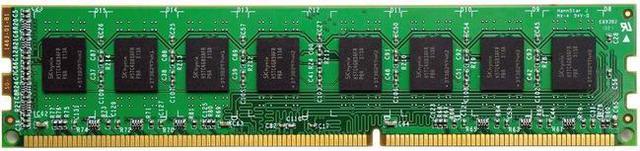
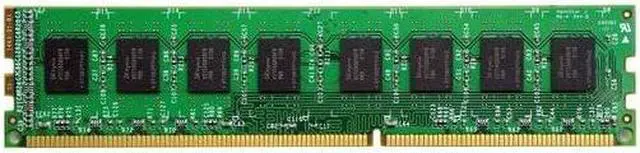
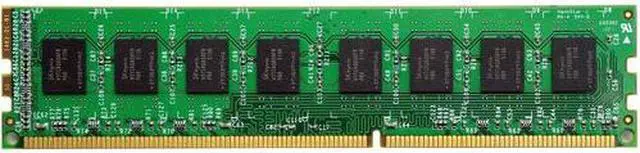
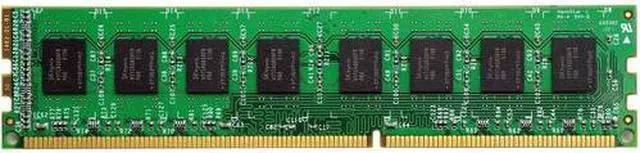
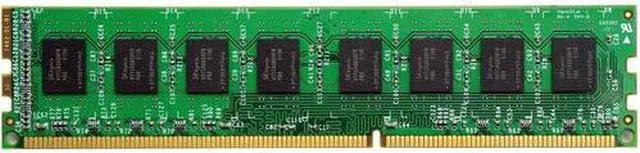
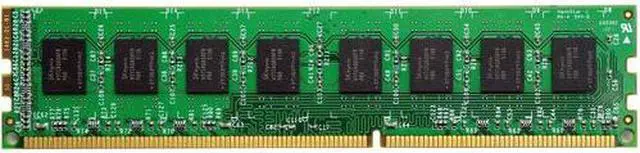
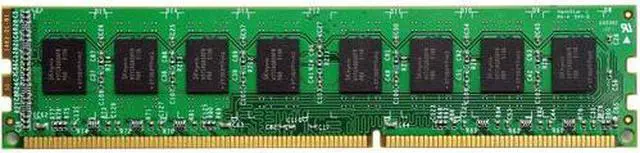
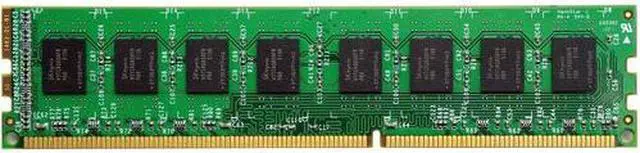
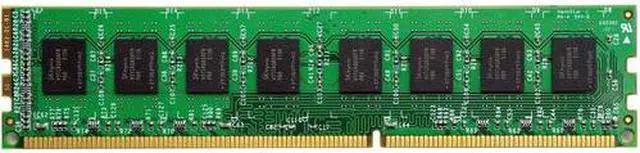
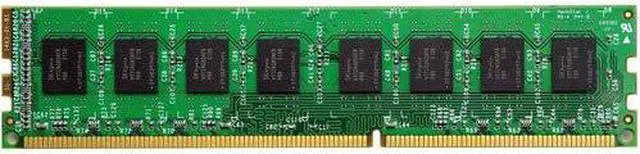
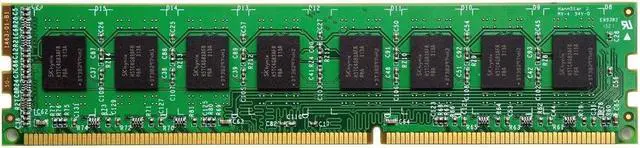


VisionTek 8GB DDR3 SDRAM Memory Module - For Desktop PC - 8 GB - DDR3-1600/PC3L-12800 DDR3 SDRAM - 1600 MHz - CL11 - 1.35 V - Non-ECC - Unbuffered - 240-pin - DIMMLifetime
- For Desktop PC
- 8 GB
- DDR3-1600/PC3L-12800 DDR3 SDRAM
- 1600 MHz
- CL11
- 1.35 V
- Non-ECC
- Unbuffered
- 240-pin
- DIMMLifetime
+
+
Overview
Specs
Reviews
- Desktop Memory DDR3 DIMM
Details:- Capacity - 8GB
- Speed - DDR3L 1600 - PC-12800
- Low Voltage - 1.35 Volt
- Type - 240-pin DIMM
- CAS Latency - 11
The VisionTek DDR3L RAM Module is the ideal performance upgrade for desktop computers. VisionTek RAM has been tested extensively in Dell, Lenovo, HP, Mac, ASUS and MSI sytems. If you have compatibility questions, please contact our support staff and they can confirm compatibility.
Maximizing your system memory is the most cost-effective and easy DIY installation solution. Dramatically improve application and system responsiveness, gaming and specific memory intensive usages such as video streaming over wireless networks. Avoid system slowdowns or bottlenecks by giving programs more memory to use.
Every VisionTek memory module is built and tested to the JEDEC Standard to deliver assured speed and reliability. For peace of mind ownership, our memory comes backed by our Limited Lifetime Warranty.
Productivity / Multi-Tasking
More memory means more programs can be run at one time. Systems may slow when running a large amount of programs at once. By upgrading, you can eliminate slowdowns and bottlenecking, meaning your system can do more for you.
Speed / Performance
Every app and program you run uses memory, all of them competing for space. By upgrading your system memory, you provide more space for those programs and apps to run, creating a better performing system.
Easy To Install
Memory modules are easy to install, by following your system owners manual, in just a few minutes time, you can install memory. No need to pay someone else, the installation of memory is quick and easy!
Warranty & Returns
Warranty, Returns, And Additional Information
Warranty
- Please contact the Seller directly for warranty information. Warranty information may also be found on the Manufacturer's website.
- Read full details
- CONTACT
Return Policies
- Return for refund within: 30 days
- Return for replacement within: 30 days
- This item is covered by OneDealOutlet Canada Return Policy
Manufacturer Contact Info
- For a directory of all our manufacturers, please click below.
- Manufacturers Directory
LOADING...
LOADING...