
Your Browsing History
- Free 30-day Returns
$29.99
Ships from Hong Kong.


Meet Your Seller

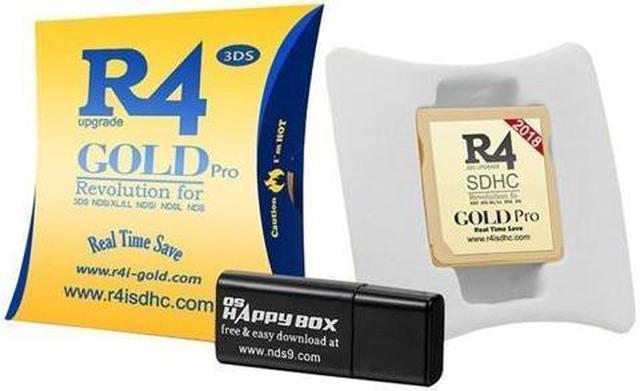
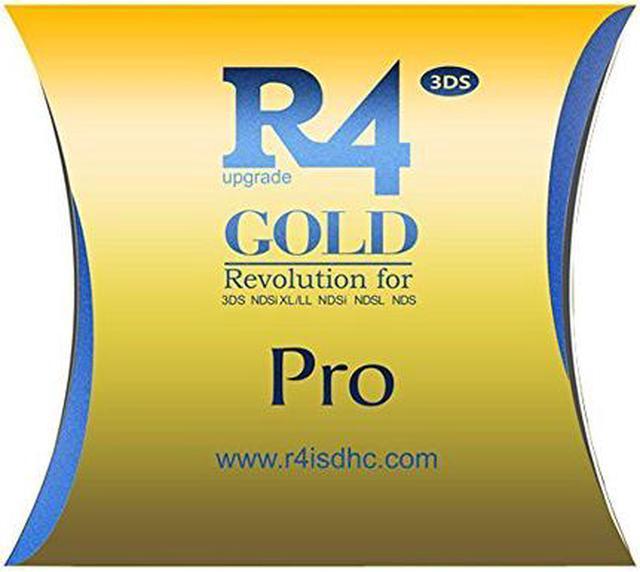
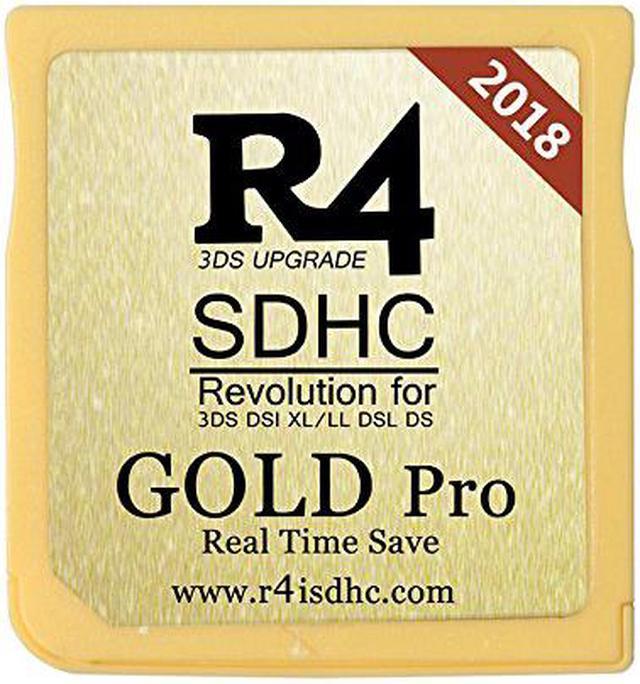
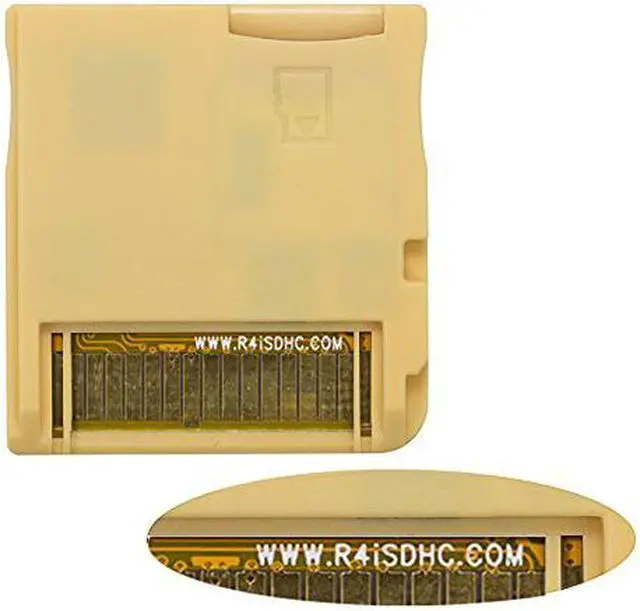
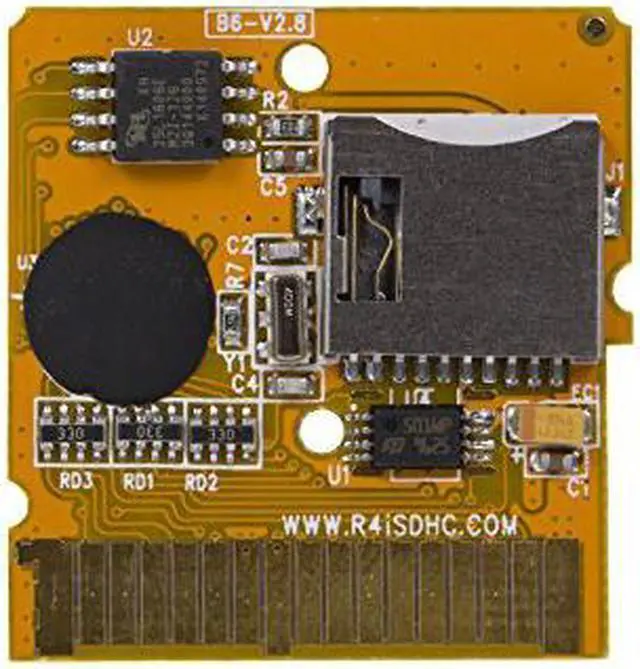


New R4I Version SD SDHC Dual Core Card - Memory Adapter Card for 3DS, NDSiXL/LL, NDSi ,NDSL, NDS, DSI, 2DS,N3DS XL,N2DS XL (The Gold)
- Function: only nds roms, can not 3ds roms
- Support version: 3DS console version 1.0-11.6
- Kernel download: r4isdhc.com
+
+
Overview
Specs
Reviews (6)
R4I 2018 SDHC Dual Core Gold Pro Flash Card Adapter for DS DSI 2DS 3DS & All DS Consoles
Instructions: 1. Prepare one micro sd card which capacity does not exceed 32GB(Recommend 8-32GB C4-C10 speed), FAT32 format; 2. Download corresponding
R4i kernel from official website: r4isdhc. com/2014-r4isdhc-gold-pro/ 3. Extract the inside 4 files of kernel to the micro sd card root directory(Reference to the item display pictures show, don't put them in a folder, just in the root of micro sd card), copy games to micro sd card root directory, plug and play.
Note: 1. Make sure you have download the correct kernel and extract the kernel files correctly. (Don't put the 4 kernel files in another folder, just put them in the micro sd card root directory, reference to the item display pictures show). 2. Make sure your Micro sd card is FAT32 format, capacity does not exceed 32GB(Recommend Class 4-10 speed 8-32GB); Name your micro sd card by English, don't use other languages. 3. This R4i card only work with nds roms, can not work with 3ds roms. The latest 2018 version support all NDS series 3DS series consoles, support all versions, also support the latest 11 systems! In addition to support the official kernel, also support the third party revision YS integration core.
Support version: All DS Consoles, 3DS console version 1.0 - 11.6
Package include: 1 x R4I SDHC Card 1 X Card Reader
Instructions: 1. Prepare one micro sd card which capacity does not exceed 32GB(Recommend 8-32GB C4-C10 speed), FAT32 format; 2. Download corresponding
R4i kernel from official website: r4isdhc. com/2014-r4isdhc-gold-pro/ 3. Extract the inside 4 files of kernel to the micro sd card root directory(Reference to the item display pictures show, don't put them in a folder, just in the root of micro sd card), copy games to micro sd card root directory, plug and play.
Note: 1. Make sure you have download the correct kernel and extract the kernel files correctly. (Don't put the 4 kernel files in another folder, just put them in the micro sd card root directory, reference to the item display pictures show). 2. Make sure your Micro sd card is FAT32 format, capacity does not exceed 32GB(Recommend Class 4-10 speed 8-32GB); Name your micro sd card by English, don't use other languages. 3. This R4i card only work with nds roms, can not work with 3ds roms. The latest 2018 version support all NDS series 3DS series consoles, support all versions, also support the latest 11 systems! In addition to support the official kernel, also support the third party revision YS integration core.
Support version: All DS Consoles, 3DS console version 1.0 - 11.6
Package include: 1 x R4I SDHC Card 1 X Card Reader
Warranty & Returns
Warranty, Returns, And Additional Information
Warranty
- Please contact the Seller directly for warranty information. Warranty information may also be found on the Manufacturer's website.
- CONTACT
Return Policies
- Return for refund within: 30 days
- Return for replacement within: 90 days
- This item is covered by Corn Electronics Return Policy
Manufacturer Contact Info
- For a directory of all our manufacturers, please click below.
- Manufacturers Directory
LOADING...