




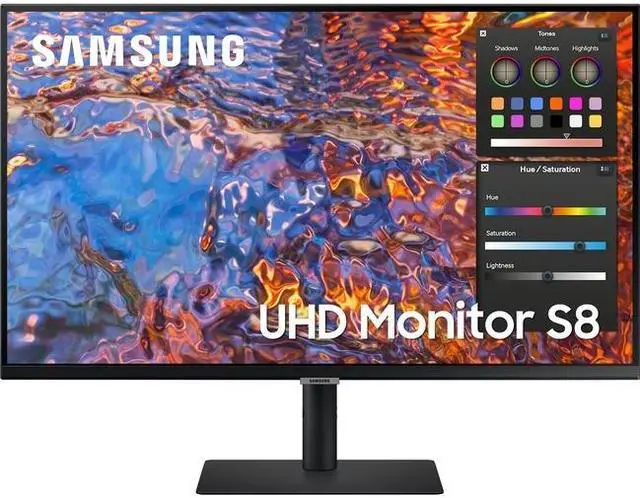
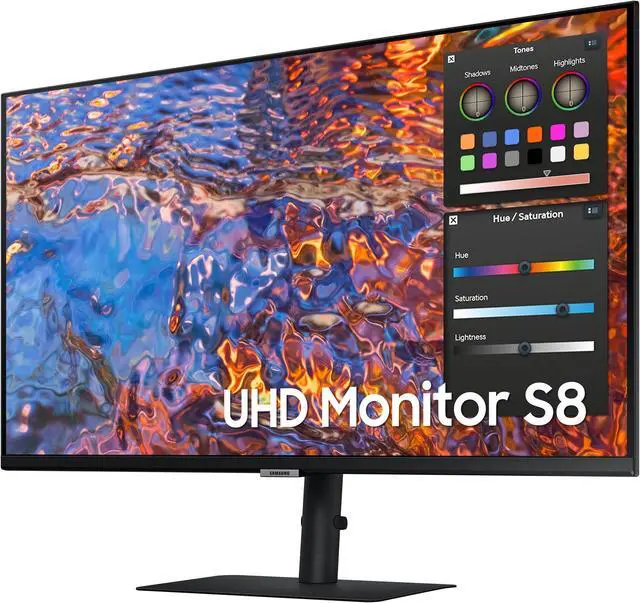
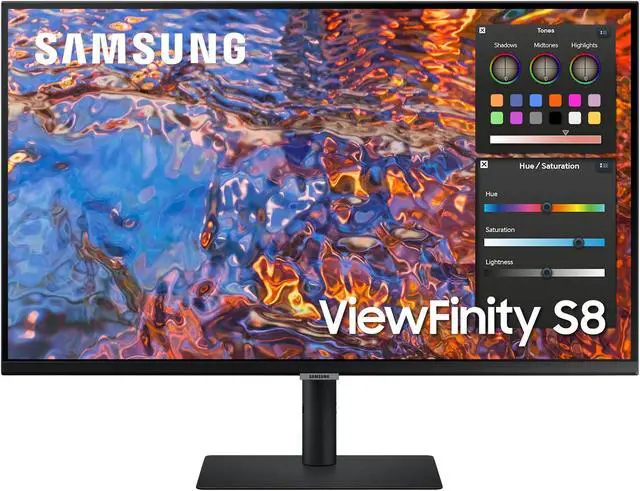


Samsung ViewFinity S32B804PXN 32" 4K UHD LCD Monitor - 16:9 - Black - 32" Class - In-plane Switching (IPS) Technology - 3840 x 2160 - 1.07 Billion Colors - 400 Nit - 5 ms - 60 Hz Refresh Rat
- 16:9
- Black
- 32" Class
- In-plane Switching (IPS) Technology
- 3840 x 2160
- 1.07 Billion Colors
- 400 Nit
- 5 ms
- 60 Hz Refresh Rate
- HDMI
- DisplayPort
- USB Hub
+
+
Overview
Specs
Reviews
32IN 4K/UHD 3840X2160 TILT IPS PANEL USB-C DP CABLE 3YR
Warranty & Returns
Warranty, Returns, And Additional Information
Warranty
- Limited Warranty period (parts): 1 year
- Limited Warranty period (labor): 1 year
- Read full details
Return Policies
- Return for refund until: January 31, 2027
- Return for replacement until: January 31, 2027
- This item is covered by Newegg.ca's Extended Holiday Return Policy.
- Read full return policy for details.
We want to ensure your holiday shopping this year is hassle-free. That’s why we’re automatically extending our return policies on almost every product! For purchases placed between November 1st, 2026 and December 31, 2026 you will have until January 31, 2027 to return your product.
Manufacturer Contact Info
- Manufacturer Website
- Support Phone: 1-800-726-7864
- Support Website
- View other products from SAMSUNG
LOADING...
The Samsung ViewFinity S32B804PXN is a 32-inch 4K UHD IPS monitor with a 60Hz refresh rate, suited to professionals and home users who want a large, detailed screen for productivity, multitasking, and general viewing.
Recommended For
- Laptop-first desk workers who want a 32-inch 4K screen, USB-C laptop charging, a USB hub, and Ethernet for a tidier fixed workspace.
- People working across spreadsheets, documents, code, or multiple windows who want a large 4K desktop workspace and an adjustable stand.
- Photo and video creators who want a 32-inch 4K IPS display with 98% DCI-P3 coverage for editing and previewing wide-gamut content.
- People using a fixed desk who want to adjust screen height, tilt, swivel, or rotate the display between landscape and portrait.
Real-World Use Scenarios
- For office work involving spreadsheets, documents, and multiple browser windows, the 32-inch 4K screen gives you room to keep more work visible at once, reducing the need to switch between windows.
- When connecting a compatible laptop at a desk, USB-C can carry the display signal, charge the laptop, and connect it to the monitor’s USB hub, helping reduce cable clutter.
- For reviewing a presentation or comparing content from two devices, Picture-by-Picture and Picture-in-Picture let you show multiple input sources on screen instead of switching between them.
- For photo or video projects, the 4K display is useful for inspecting fine image details and keeping editing tools alongside the preview; treat it as a general review screen rather than assuming it is calibrated for color-critical grading.
- For casual gaming or watching video at a desk, it provides a large, detailed 4K picture; its 60 Hz refresh rate makes it a less suitable choice for users prioritizing high-refresh competitive gaming.
Spec Summary
| Attribute | Value |
|---|---|
| Best For | Business and desktop use, including photo/video editing, on a 32-inch 4K display |
| Panel And Resolution | 32-inch flat LCD LED display with 4K UHD resolution (3840 × 2160), 16:9 aspect ratio, matte finish, 99% sRGB color gamut, 1,000:1 contrast ratio, and 178° viewing angle |
| Refresh Rate And Response | 60 Hz refresh rate with a 5 ms response time; supports FreeSync adaptive sync |
| Ports And Connectivity | 1 HDMI port, DisplayPort, and a USB hub with 3 USB 3.0 ports |
| Stand And Ergonomics | Height, swivel, and tilt adjustments; supports wall mounting with a 100 × 100 mm VESA hole pattern |
| Physical Specifications | Black cabinet; 31.49 in wide, 20.12 in high, and 6.73 in deep; weighs 11.46 lb |
| Included Cables | HDMI, DisplayPort, USB Type-C, and power cables |
| Model Identifiers | Samsung ViewFinity S32B804PXN; model LS32B804PXNXGO |
Reference Q&A
Q: Samsung ViewFinity S32B804PXN vs. 32-inch ViewFinity S8 S80UD: which should I choose?
A: Choose the S32B804PXN (S80PB) for its 32-inch 4K IPS display, DCI-P3 coverage up to 98%, and DisplayHDR 600 positioning. Choose the newer S80UD if a built-in KVM switch and Easy Setup Stand are priorities; it also offers 32-inch 4K IPS, USB-C charging up to 90W, and a USB hub.
Q: Should I get the 32-inch S32B804PXN or the 27-inch ViewFinity S8 S80PB?
A: Choose the 32-inch S32B804PXN for a larger 4K workspace and the S80PB 32-inch model’s DisplayHDR 600 rating. The 27-inch S80PB keeps the 4K IPS format in a smaller screen size and is specified with DisplayHDR 400.
Q: Samsung ViewFinity S32B804PXN vs. 32-inch ViewFinity S7 S70D: what’s the difference?
A: Both are 32-inch Samsung ViewFinity 4K monitors. Choose the S32B804PXN when its S80PB specifications—IPS, up to 98% DCI-P3 coverage, DisplayHDR 600, and USB-C docking with up to 90W charging—match your work setup. The S70D is another 32-inch 4K ViewFinity option in Samsung’s S7 series.
Q: Is this monitor suitable for office work and multitasking?
A: Yes. Its 32-inch 4K IPS display provides a large, detailed workspace for office tasks and multiple windows. Its 60 Hz refresh rate is suited to typical productivity use, but it is not a high-refresh display.
Q: Is the stand height adjustable?
A: Yes. The monitor’s stand can be adjusted in height.
Q: Does it have built-in speakers?
A: No. Plan to use separate speakers, headphones, or audio equipment connected to your computer.
Q: Is this monitor suitable for high-refresh-rate gaming?
A: It supports up to 60 Hz, so it is not designed for high-refresh-rate gaming. It may suit casual gaming where 4K resolution matters more than a faster refresh rate.
Q: Can it be wall-mounted?
A: Yes. It supports wall mounting; check the mount’s compatibility with the monitor before installation.
Q: Is the Samsung S32B804PXN a good choice for coding and productivity?
A: It is a reasonable fit if you want a 32-inch 4K IPS screen for text and office work. A Reddit user who identified this exact model praised its text clarity and brightness consistency, while noting some off-angle color shift. Its 60 Hz refresh rate is aimed more at general work than high-refresh gaming.
Q: Does the S32B804PXN handle reflections well in a bright room?
A: Owner comments describe its reflection handling favorably compared with some other 32-inch 4K IPS options. One owner also reported slight off-angle color shift, so the screen’s appearance may vary with viewing position and brightness. The product data lists 400-nit brightness but does not specify a reflectivity measurement.
Q: What should I weigh when comparing the S32B804PXN with the BenQ RD320U for productivity?
A: A Reddit comparison describes the Samsung as sharp, with favorable reflection handling, but notes off-angle color shift. The same discussion describes the RD320U as having better off-angle color consistency at low brightness and more convenient on-screen controls. Compare those trade-offs alongside price and your lighting conditions; the thread does not establish one monitor as best for everyone.