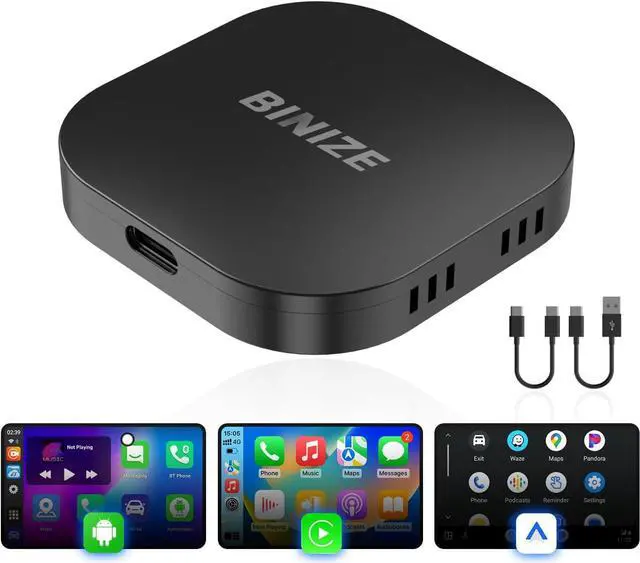
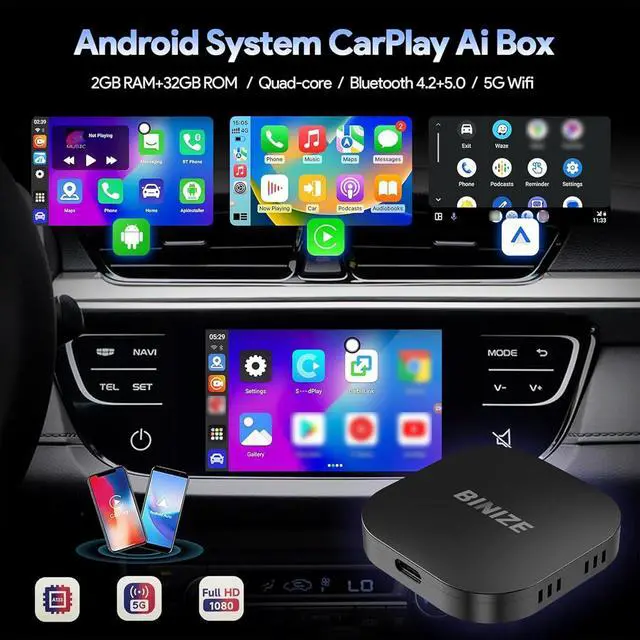
Binize CarPlay AI Box for Cars with OEM Wired CarPlay/Android Auto
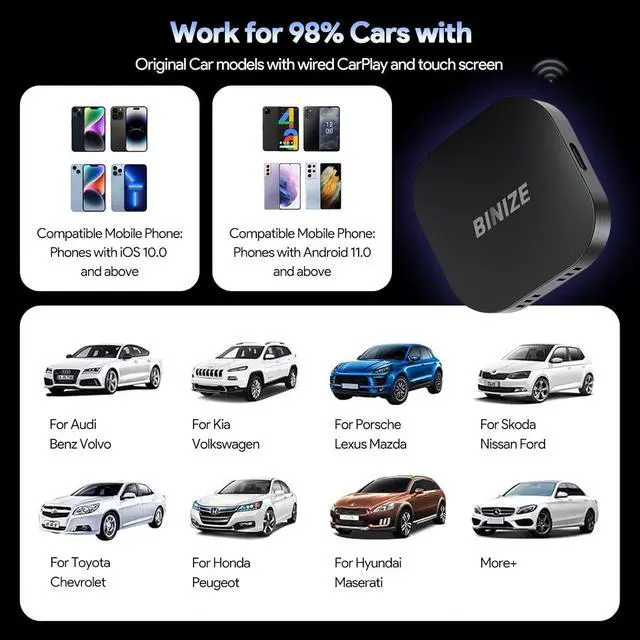
NOTE: NOT for BMW/Audi/Mazda
The models above require another Y spliter cable to connect properly
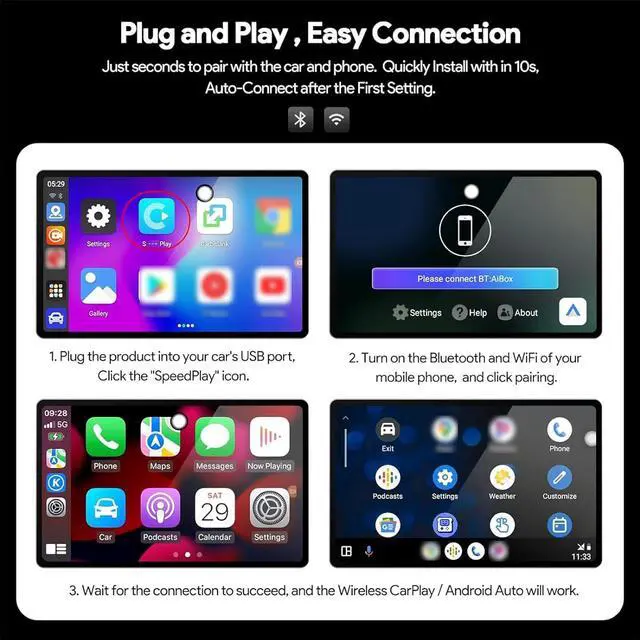
1. If the screen of the connected box does not move, it is necessary to delete the car connection record or restore the factory Settings. 2. If a single app cannot be clicked, you need to delete the application cache.
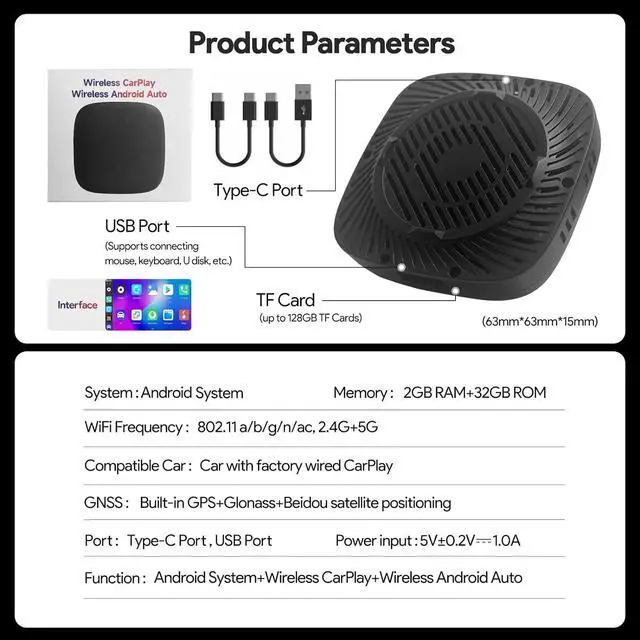
2. If your car originally supports wireless CarPlay & wired Android Auto, and you're experiencing power or USB display issues, don't worryit's normal. To resolve this, switch the CarPlay AI box to use the wired Android Auto channel via TF card conversion for normal operation.
3.
Please note: Due to insufficient power supply to the USB port, these models are unable to open the box properly and require wiring to be used.