
Your Browsing History
- Free 30-day Returns
$32.99
Ships from China.

Meet Your Seller



Visit AUTENS Store
FOLLOW
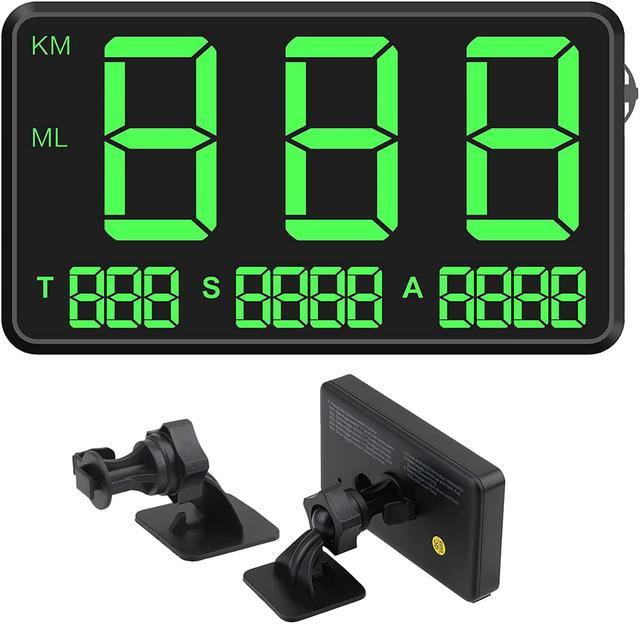
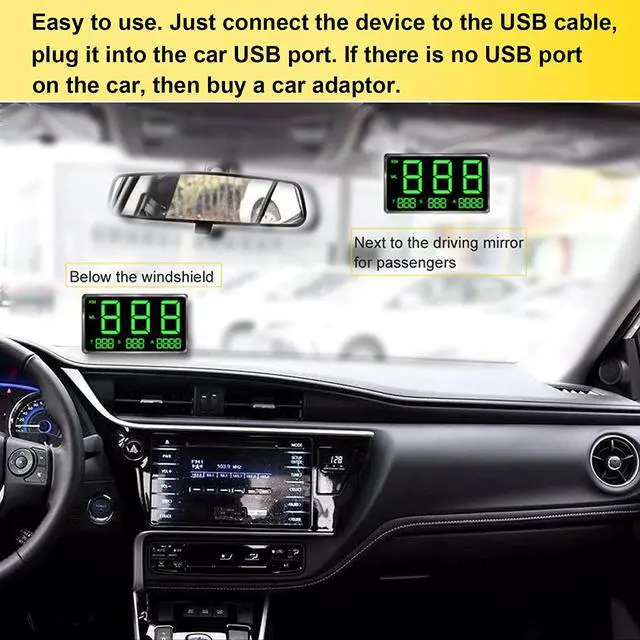
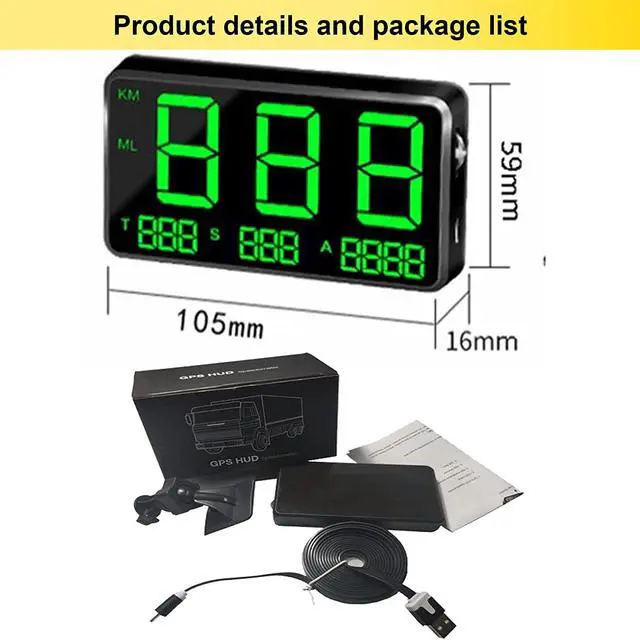
Universal HUD GPS Head-up Display Digital Speedometer Driving Speed Alert Fatigue Alarm for Cars with KM/H and MPH,4.5 inch Large Screen for Car & Other Vehicle (C80)
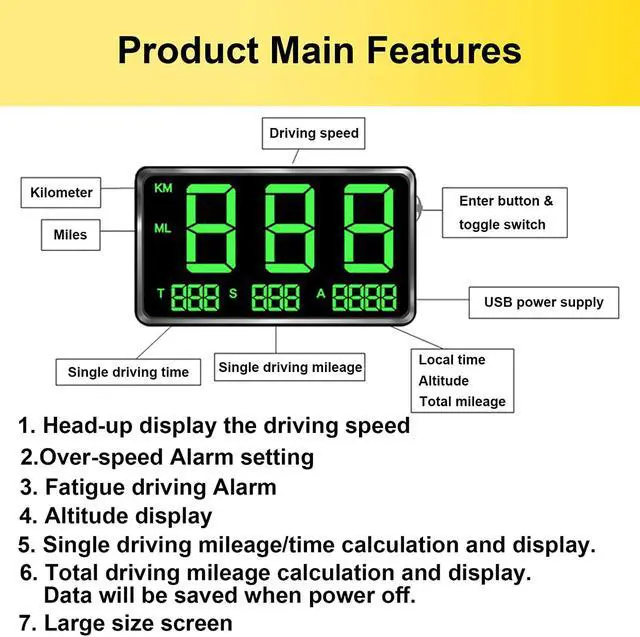
- [Driving Safety Ensure] Overspeed Alarm & Fatigue Driving Alarm to ensure your safe in long distance driving. Speeding alarm: when the vehicle speed exceeds the preset maximum driving speed; anti-fatigue alarm: automatically alarm every hour when driving, and the screen will display the driving time.
- [Key Information Display] Head-up display the speed, MPH or KM/h, Driving Time and Distance Calculate and Display,let you know the key information for your trip. Quickly collect speedometers from GPS satellites to show real-time speed, driving time and driving distance, etc.
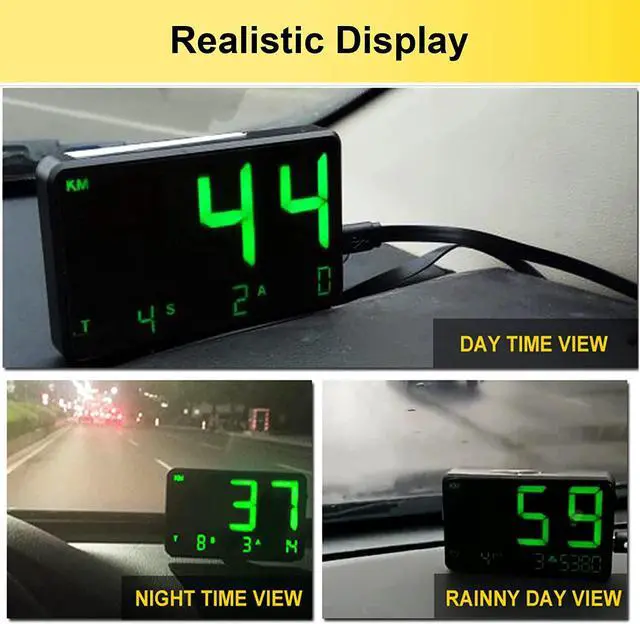
- [Considerate Design] Auto adjust brightness through sensor for Day & Night driving. Green light display can protect the driver's eyes ,let driver feel more comfortable. Speed unit can be switched: km/mile; adjustable time zone: suitable for different countries; real-time display of altitude: manually adjustable.
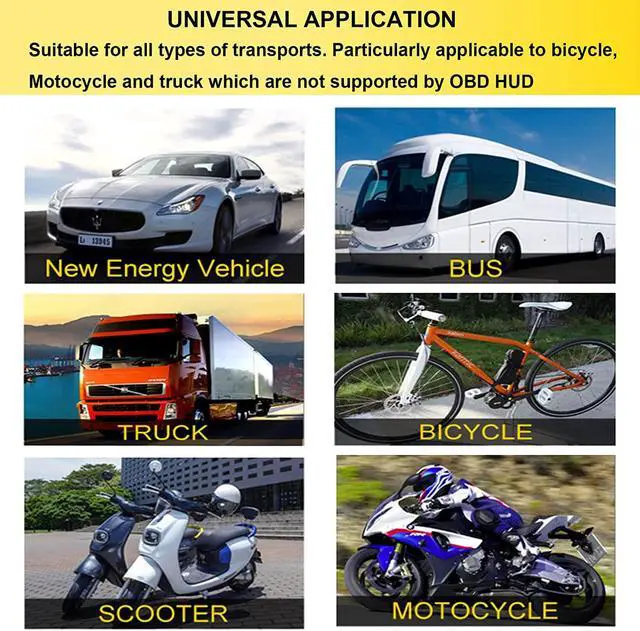
- [UNIVERSAL APPLICATION] Universal for pickup trucks, off-road vehicles, trucks, trains, scooters, motorcycle
+
+
Overview
Specs
Reviews
Main Function:
1.Set/On/Off over-speed alarm
A. Press Enter button once, show 001.
B. Adjust the alarm speed rate with the toggle switch.
C. The default alarm speed rate is 120 km /H, a impossible high value which you can't drive means off.
2.Driving speed calibration
A. Press Enter button twice, show 002.
B. Adjust the speed rate with toggle switch, default rate is 005, the range is -20 to 20. if you want to
increase the display speed by 1KM/H, adjust rate to 006, if you want to decrease it by 1KM/H, adjust rate to 004, and so on.
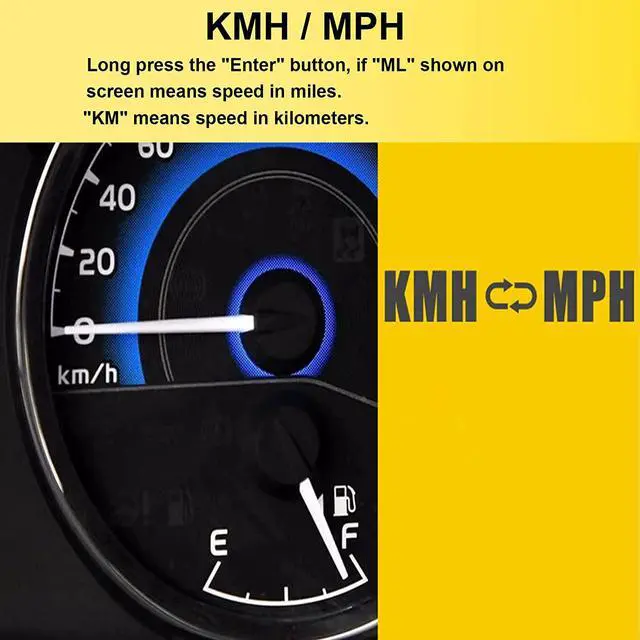
3.Set the GPS Speedometer unit (KM or Mile):
A. Long press the Enter button, when the left side of the screen lights up ML means the speed is displayed in miles.
B. Long press the Enter button, when the left side of the screen lights up, KM means the speed is displayed in kilometers.
Attention:
The digital GPS speedometer need to receive satellite signals to work, so they can't work in the room, inside tunnel, under garage and the place that can't receive satellite signals.
At the first time of using the GPS speedometer, it will take 3-5 minutes to receive the satellite signals.S
ometimes there may be an measurement error of 3-5KM/H, Just calibrate it manually.T
here is a protective film on the new screen, please remove it, Then you will see a very clear display screen.T
here are two mileage - single travel mileage and total mileage(odometer), the total mileage will only show the mileage since you install the GPS speedometer, then add up via its memory.
Warranty & Returns
Warranty, Returns, And Additional Information
Warranty
- Please contact the Seller directly for warranty information. Warranty information may also be found on the Manufacturer's website.
- CONTACT
Return Policies
- Return for refund within: 30 days
- Return for replacement within: 60 days
- This item is covered by AUTENS Return Policy
Manufacturer Contact Info
- For a directory of all our manufacturers, please click below.
- Manufacturers Directory
LOADING...