


- Free 30-day Returns
$50.74

Meet Your Seller



Visit OWC Canada Store
FOLLOW
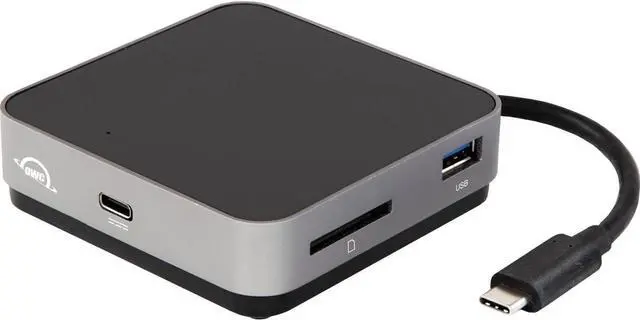
OWC TCDK5P2SG USB-C Travel Dock
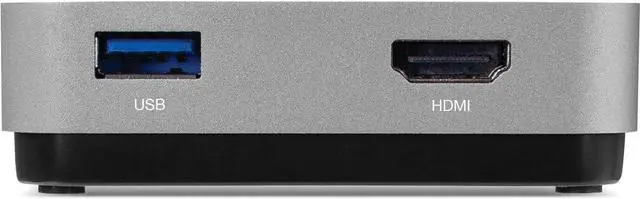
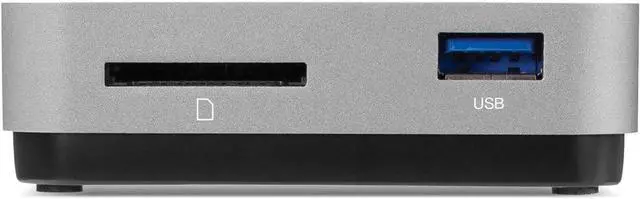
- 2 x USB 3.1 Gen 1 (Type-A)
- 1 x HDMI
- 1 x SD card
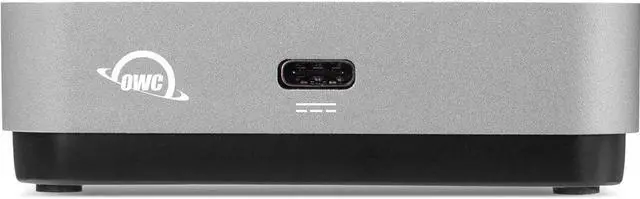
- 1 x USB-C power pass through
+
+
Overview
Specs
Reviews


















Warranty & Returns
Warranty, Returns, And Additional Information
Warranty
- Please contact the Seller directly for warranty information. Warranty information may also be found on the Manufacturer's website.
- Read full details
- CONTACT
Return Policies
- Return for refund within: 30 days
- Return for replacement within: 90 days
- This item is covered by OWC Canada Return Policy
Manufacturer Contact Info
- For a directory of all our manufacturers, please click below.
- Manufacturers Directory
LOADING...
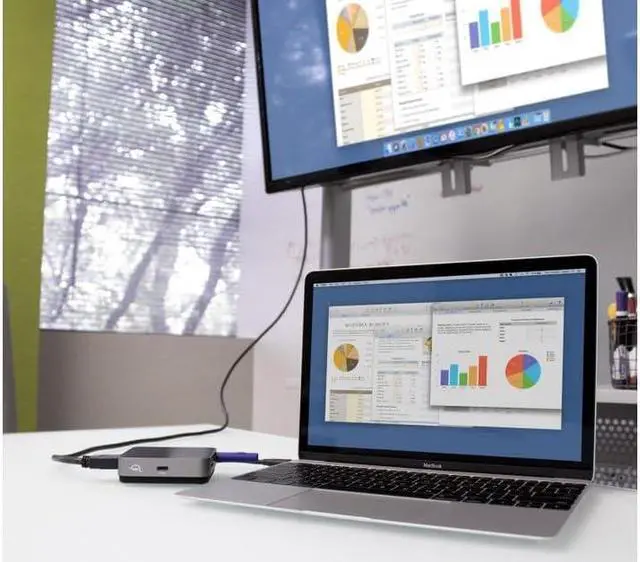
The OWC TCDK5P2SG is a USB-C travel dock that adds two USB-A ports, HDMI, an SD card reader, and USB-C power pass-through to compatible devices. It suits USB-C or Thunderbolt 3 laptop and tablet users who want everyday connections in a travel-friendly dock, with up to 100W pass-through when using a USB-C power adapter.
Recommended For
- Traveling photographers who need to import SD-card photos, connect a USB-A accessory, and keep a laptop charged between shoots.
- Mobile workers and presenters who move between locations and want to connect a laptop or tablet to one HDMI display, with USB-A ports and optional pass-through charging.
- Laptop and tablet users with limited ports who need a compact way to connect basics such as a USB-A drive, keyboard, mouse, SD card, or external display.
- People who work away from outlets and need a bus-powered travel hub for occasional peripherals, with the option to add a USB-C charger for pass-through laptop power.
Real-World Use Scenarios
- At a hotel or shared desk, connect a USB-C laptop to an HDMI display and USB-A accessories with one dock, making a compact work setup without carrying several separate adapters.
- After a photo shoot, insert an SD card to review or import images on a laptop without bringing a separate card reader; the dock can also connect a USB-A drive for file access.
- At a desk where an outlet is available, connect the laptop’s USB-C charger through the dock while using a display or peripherals, so the laptop can stay powered without giving up the dock’s connections.
- When working away from an outlet, use the dock’s bus-powered connections for light tasks such as connecting a mouse, keyboard, or flash drive; power-hungry accessories may work less reliably without a separate USB-C charger.
- On a laptop or tablet with few built-in ports, connect common USB-A accessories—such as a mouse, keyboard, or thumb drive—while keeping the host connected through its USB-C port.